Tinkercad
A free browser-based Autodesk app for 3D design, electronics, and coding with hands-on projects and classroom curriculum. It is listed under Technology, Coding, and Engineering for ages 8–18. Children and families can use it through a website.
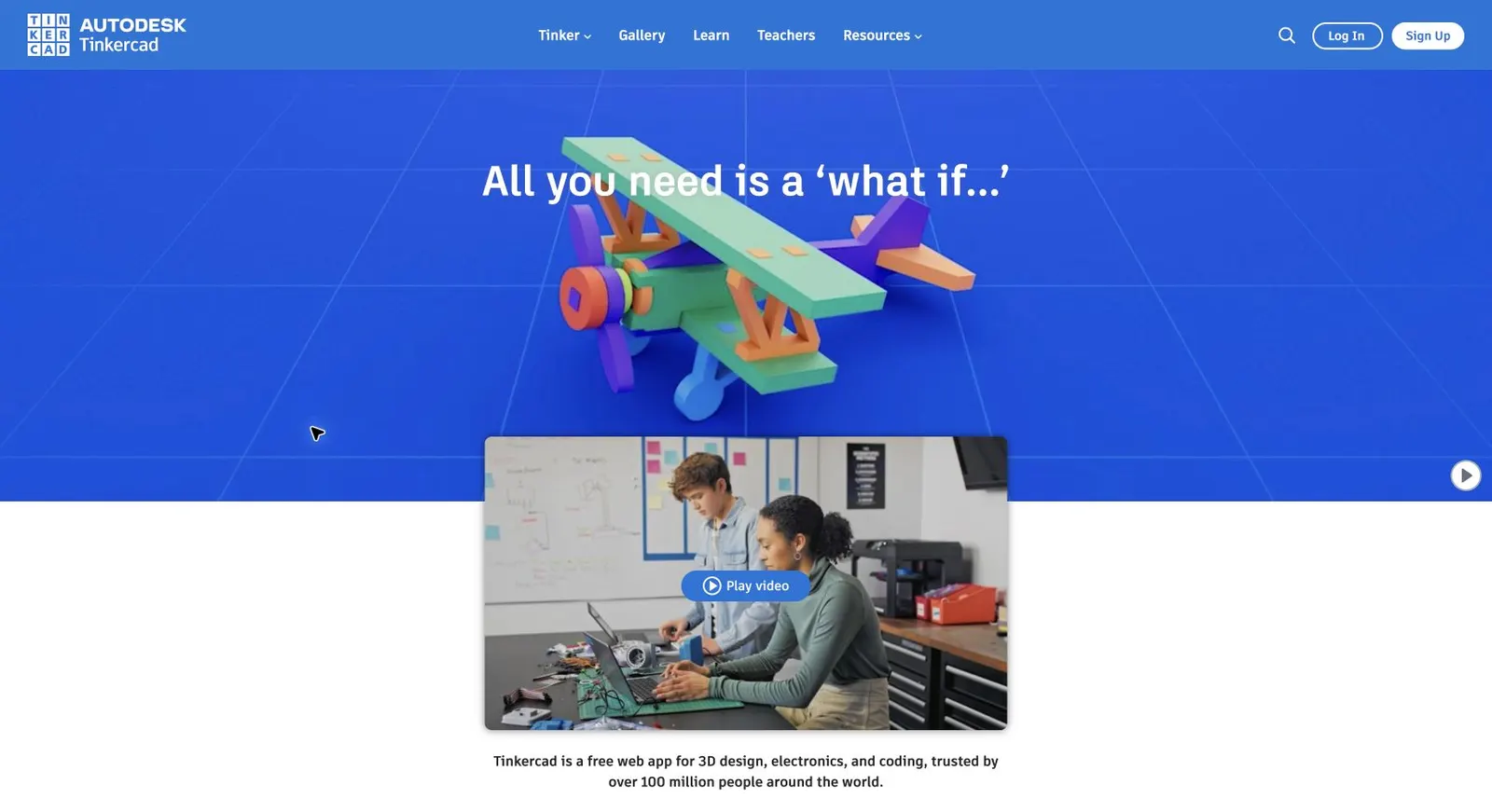 Website preview
About Tinkercad
A free browser-based Autodesk app for 3D design, electronics, and coding with hands-on projects and classroom curriculum. It is listed under Technology, Coding, and Engineering for ages 8–18. Children and families can use it through a website.
Age and access
This resource is listed for ages 8–18. It is available as Website and is listed as free. The listed language coverage is English.
What stands out
- Introduces 3D design and digital making
- Connects circuits and code with visible projects
- Offers classroom curriculum and project ideas
Editorial review
A free browser-based Autodesk app for 3D design, electronics, and coding with hands-on projects and classroom curriculum. It is listed under Technology, Coding, and Engineering for ages 8–18. Children and families can use it through a website. In the directory, it is best approached as a creative technology website for 8–18, with technology and coding as the main learning context and coding, family learning, science as useful starting signals.
Families and educators who want introduces 3d design and digital making, especially for ages 8–18.
- The official Autodesk page describes Tinkercad as a free, browser-based tool for 3D design, electronics, and coding, with hands-on projects and curriculum resources.
- The listing covers technology and coding and includes coding, family learning, science; choose the specific activity or section that matches the child's age and goal.
Review basis: Catalog context based on the provider URL, recorded description, age, format, language, access, tags, and available source links. · The thekidspick catalog team
Check the details at the source
This page separates our editorial context from provider evidence. Access, pricing, language, privacy, and content can change.
Evidence date not recorded for this listing; confirm current details with the provider.
How the score is built
The official site combines design, electronics, and coding.
The official page states kidSAFE certification and an ad-free experience.
Children can move from simple shapes to circuits and codeblocks.
Parent notes
- The official Autodesk page describes Tinkercad as a free, browser-based tool for 3D design, electronics, and coding, with hands-on projects and curriculum resources.
- The official page states that Tinkercad is ad-free and kidSAFE-certified. Creating and saving work may require an account; this was not fully tested in the preview.
- The stored preview is the official homepage with no popup, ad overlay, broken rendering, or placeholder imagery.

Recognized by
TheKidsPick
This resource has been independently reviewed by our team for its learning value, age fit, access, and trust signals, so parents can discover high-quality, kid-friendly resources with confidence.
Manage this resource?
Add this recognition to your website or share your TheKidsPick profile. It helps parents find your resource and shows your commitment to quality.
Find Tinkercad in related listings
A few useful subject and format shortlists for this resource.
Questions parents ask
See something wrong?
Report an outdated link, image, language, platform, tag, or other detail.
Other technology resources to consider
Use these nearby options to compare age fit, format, access, and the kind of adult support each resource asks for. The scores are editorial signals, not a substitute for checking the provider page.
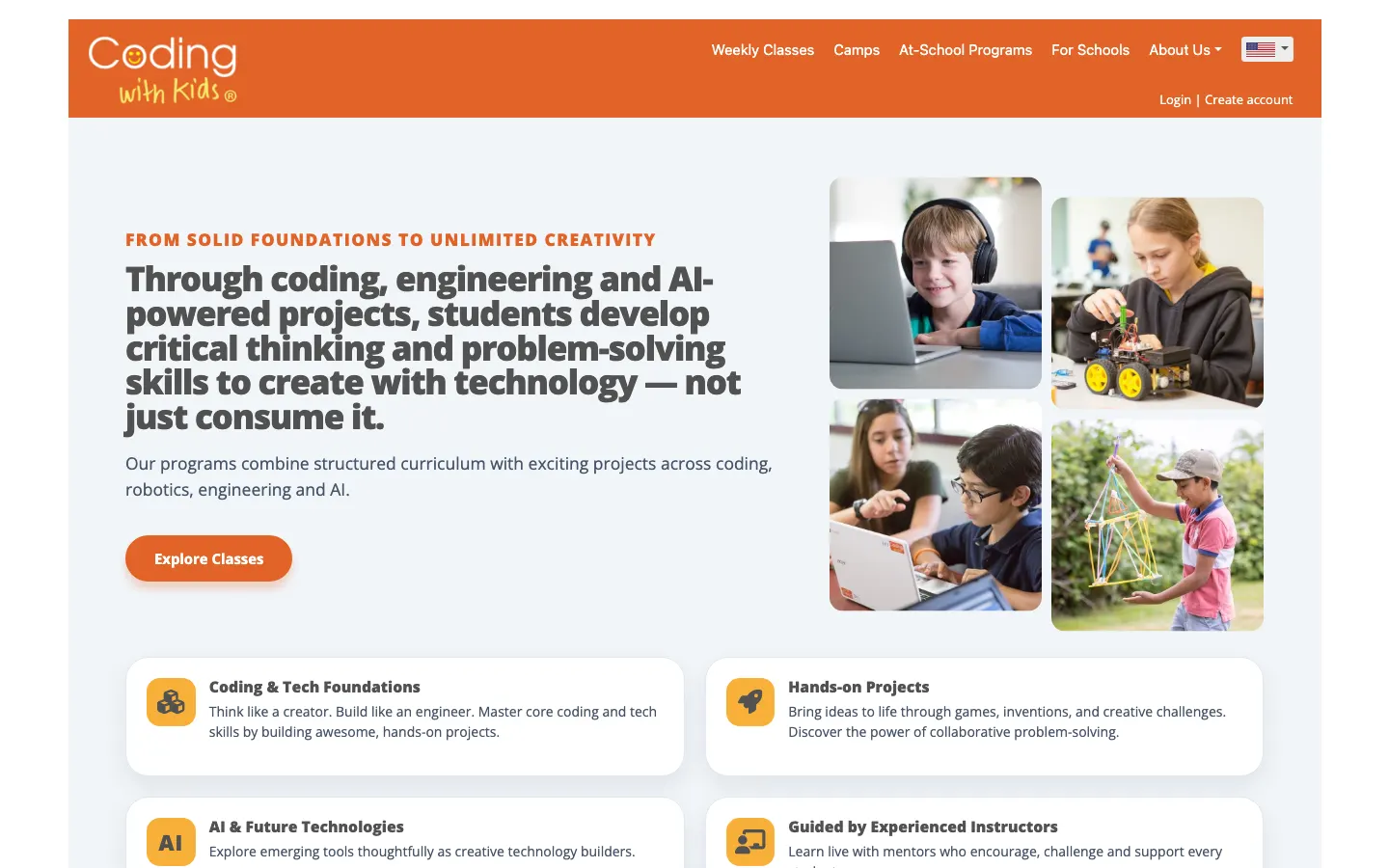
Coding with Kids
Coding with Kids provides live online and in-person classes, camps, school programmes, robotics, engineering, game design, Python, Minecraft modding, and age-progressive coding and AI projects for children and teens. It is listed under Technology and Coding for ages 5–18; K–12 school programmes.

NSF Technology Educational Resources
Technology lessons, activities, videos, and web resources for classroom teachers, students, and families from the U.S. National Science Foundation. It is listed under Technology, Coding, and Engineering for ages 7–18. Children and families can use it through a website and downloadable resources.
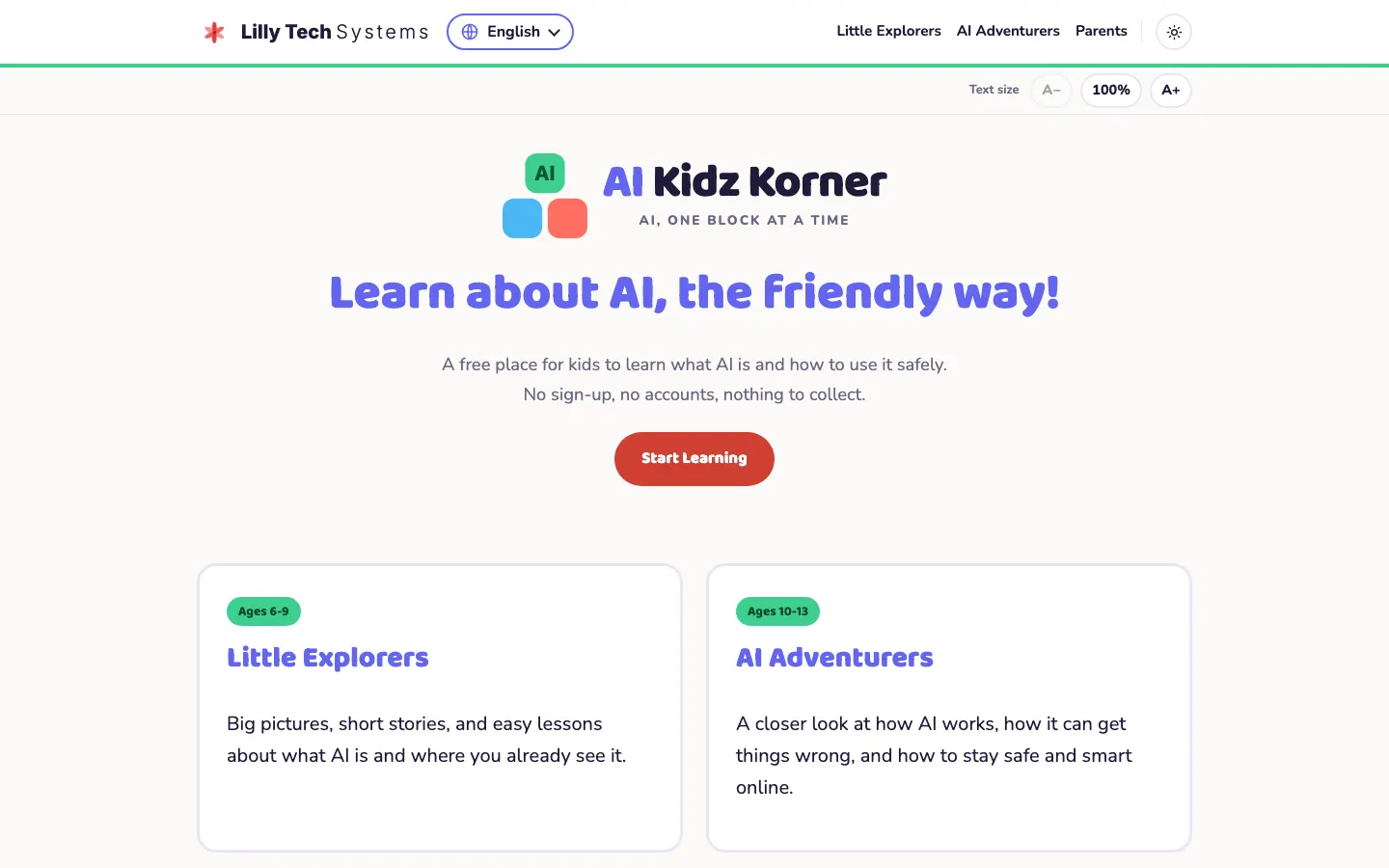
AI Kidz Korner
AI Kidz Korner is a free, child-focused introduction to artificial intelligence and online safety, with separate learning paths for younger children and older kids. It is listed under Technology and Digital literacy for ages 6–13.
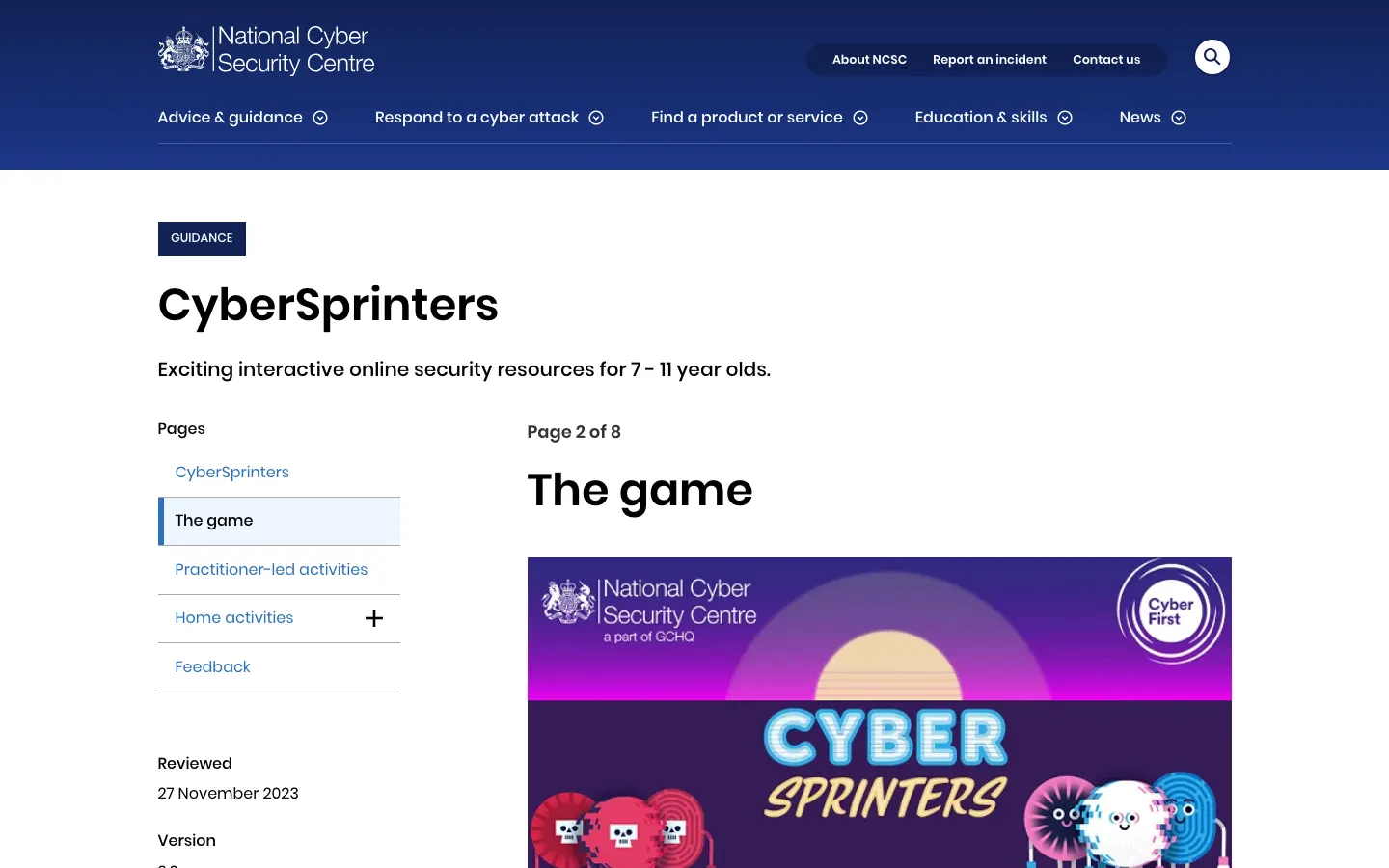
CyberSprinters
A UK National Cyber Security Centre interactive game and activity resource that introduces online safety and cybersecurity concepts to children through missions and scenarios. It is listed under Technology and Coding for ages 7–11.