Technology Coding
for kids
Explore 20 trusted technology coding resources selected for curious kids, with clear ages, access details, and parent context.
Two useful ways to narrow the directory
This page brings together technology resources that also match coding. Each listing keeps its own age range, platform details, languages, links, and parent notes, so you can compare options without losing context.
Explore all technology resources →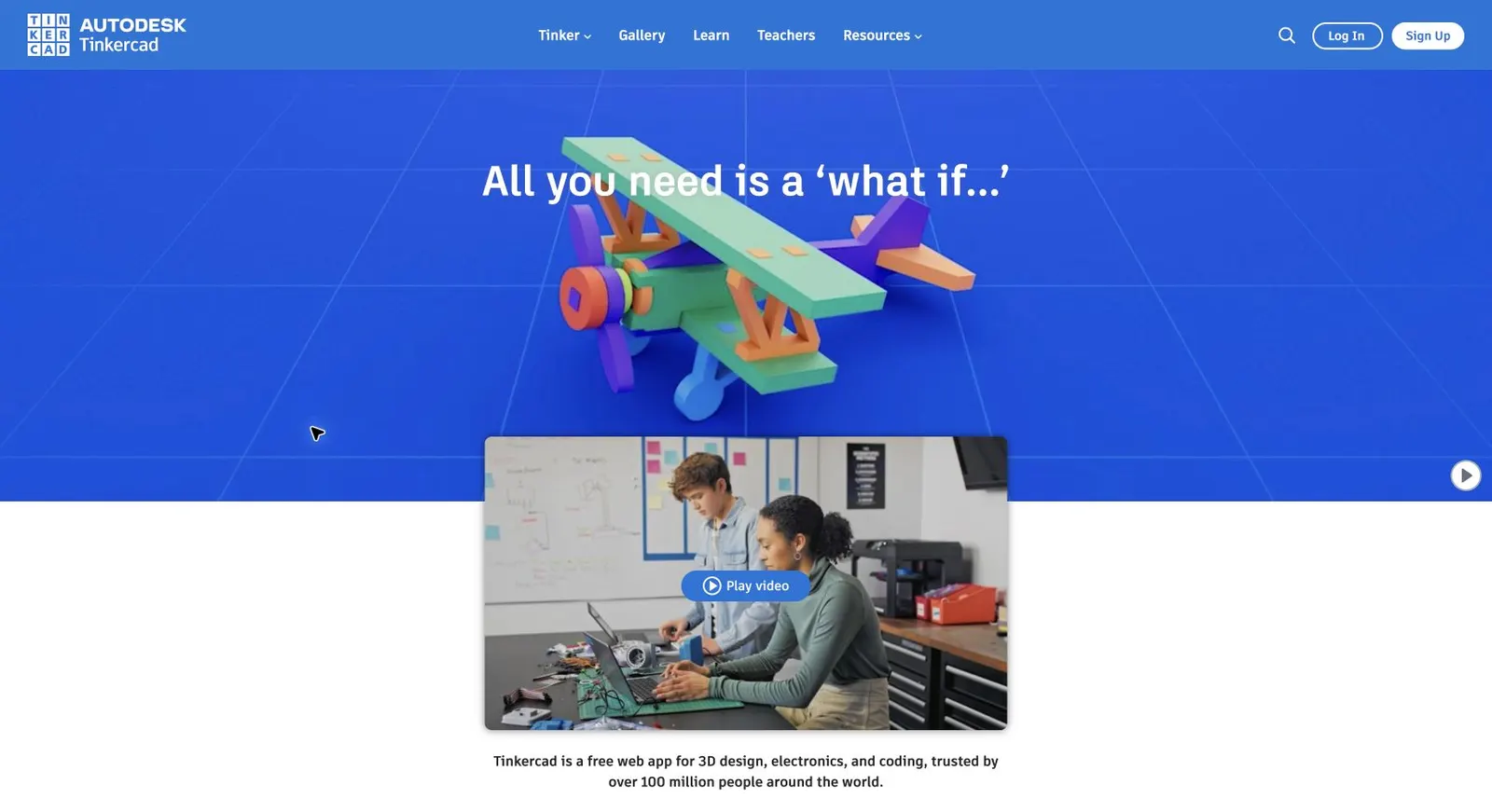
Tinkercad
A free browser-based Autodesk app for 3D design, electronics, and coding with hands-on projects and classroom curriculum. It is listed under Technology, Coding, and Engineering for ages 8–18. Children and families can use it through a website.
Read the full resource review →More technology picks
SparkDen
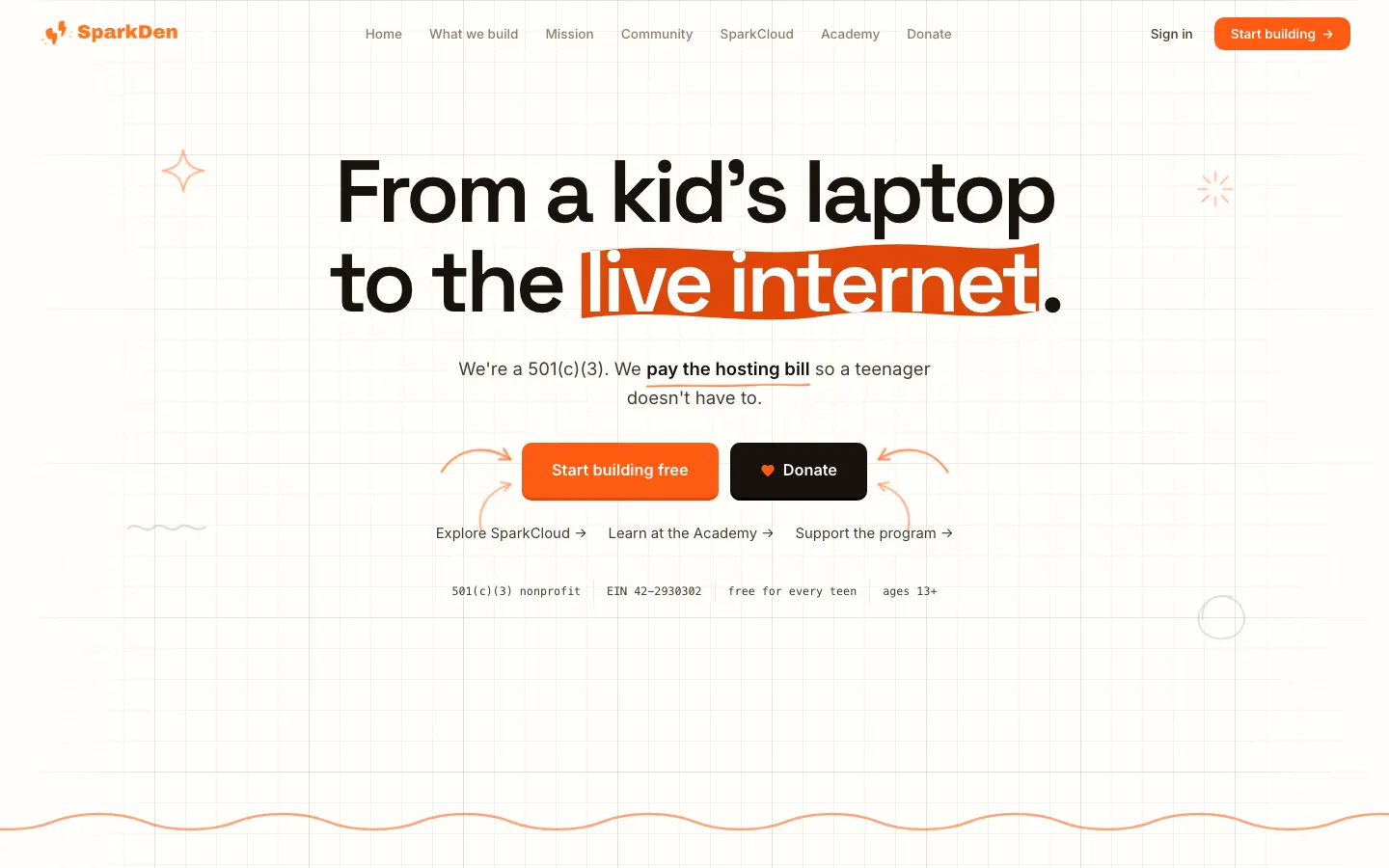
A nonprofit teen coding program providing free cloud hosting, mentorship, and a monitored community for young people shipping their own projects. It is listed under Coding, Technology, and Parent & educator for ages 13–18.
CodingToAll
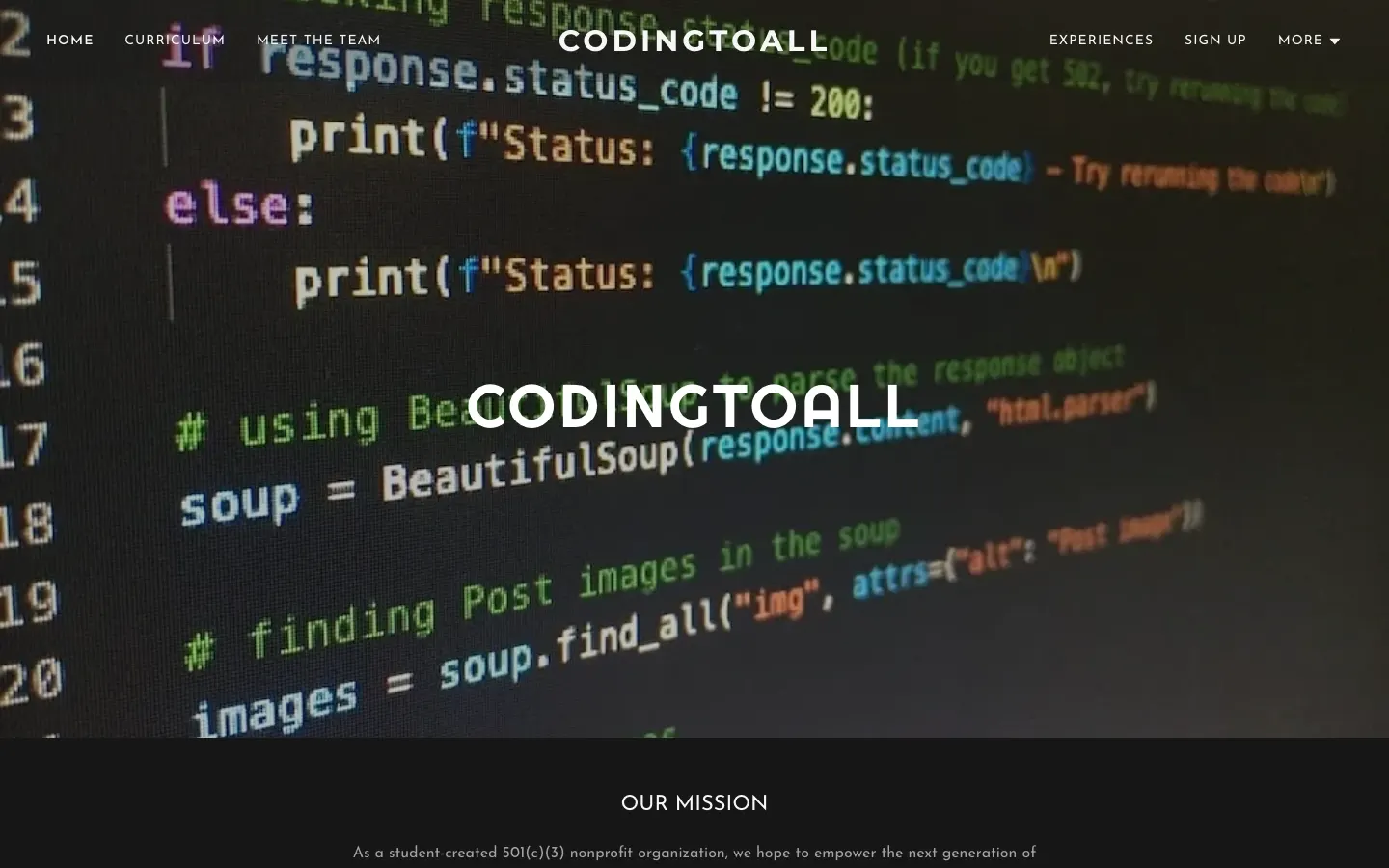
CodingToAll is a student-created nonprofit offering free coding education, personalized curriculum, and online sessions in partnership with libraries and community organizations. It is listed under Coding and Technology for ages School-age; session-specific. Children and families can use it through a website.
Codeoko
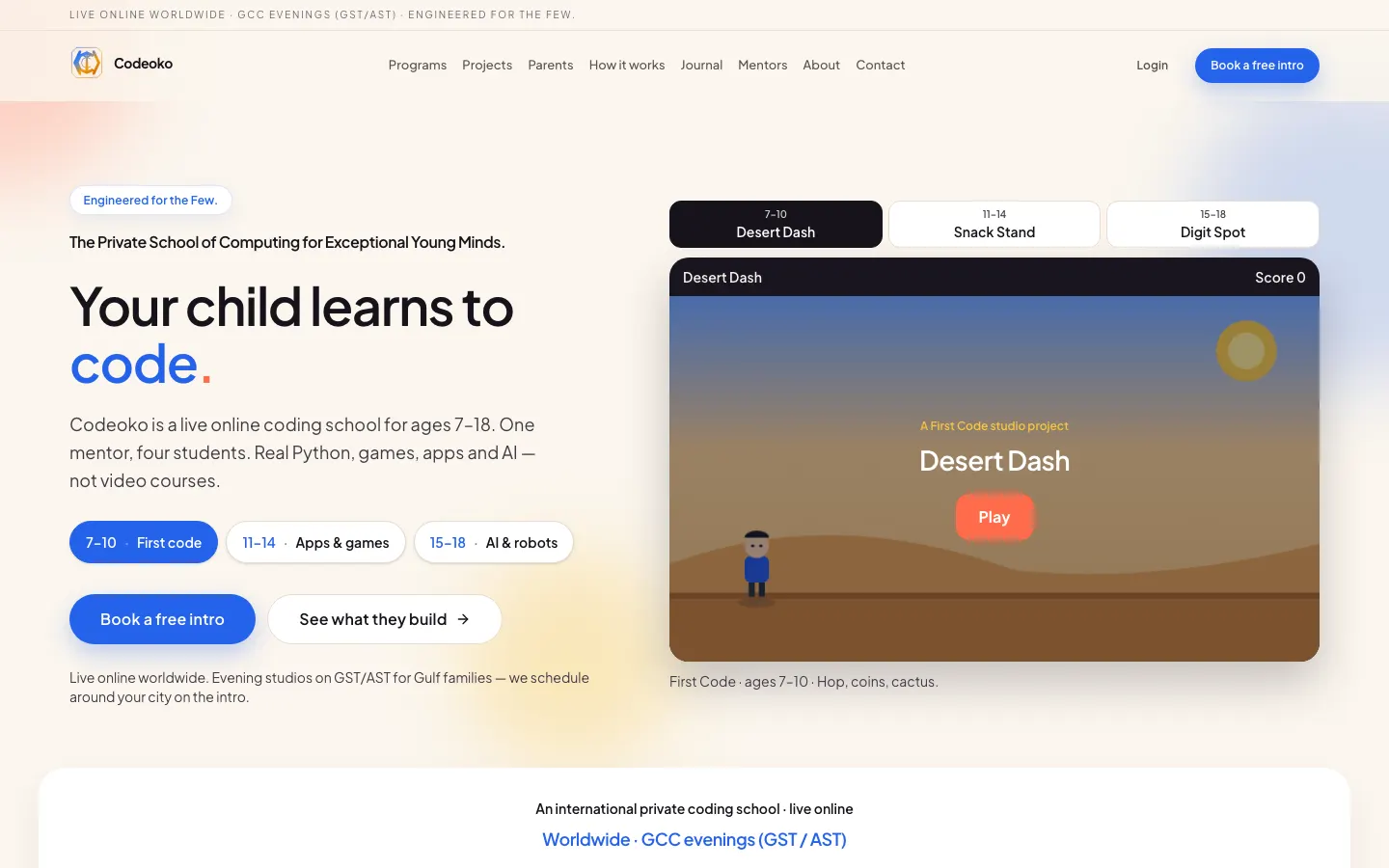
Codeoko is a child-focused coding platform with interactive projects and beginner-friendly web development activities for young learners. It is listed under Coding and Games for ages Children and beginners; exact range not stated. Children and families can use it through a website.
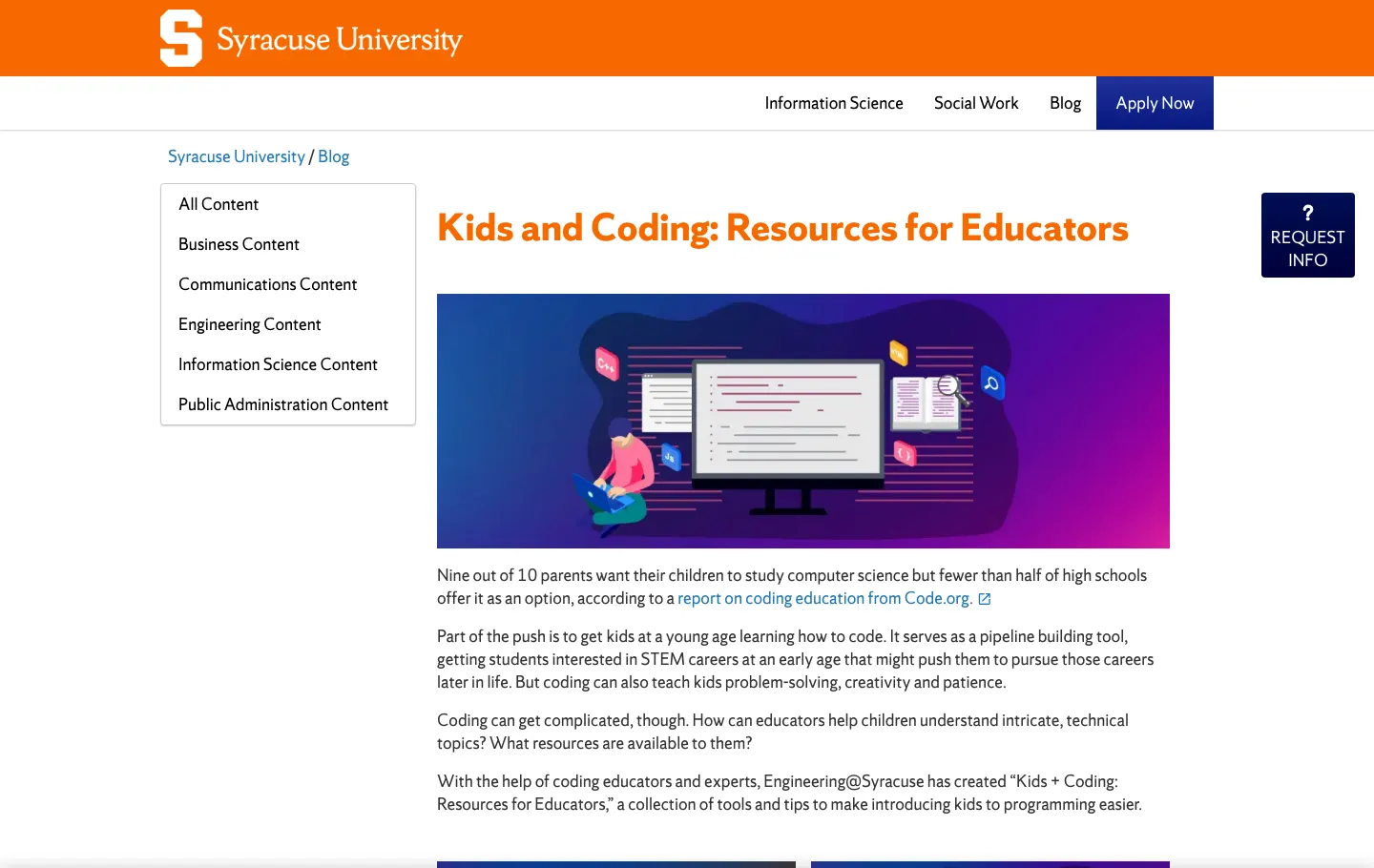
Syracuse University Kids + Coding Resources
Syracuse University Engineering@Syracuse presents a collection of coding tools and educator tips for introducing children to programming, with linked explainers on coding terms, teaching approaches, languages, and learning tools. It is listed under Coding and Technology for ages 6–14.
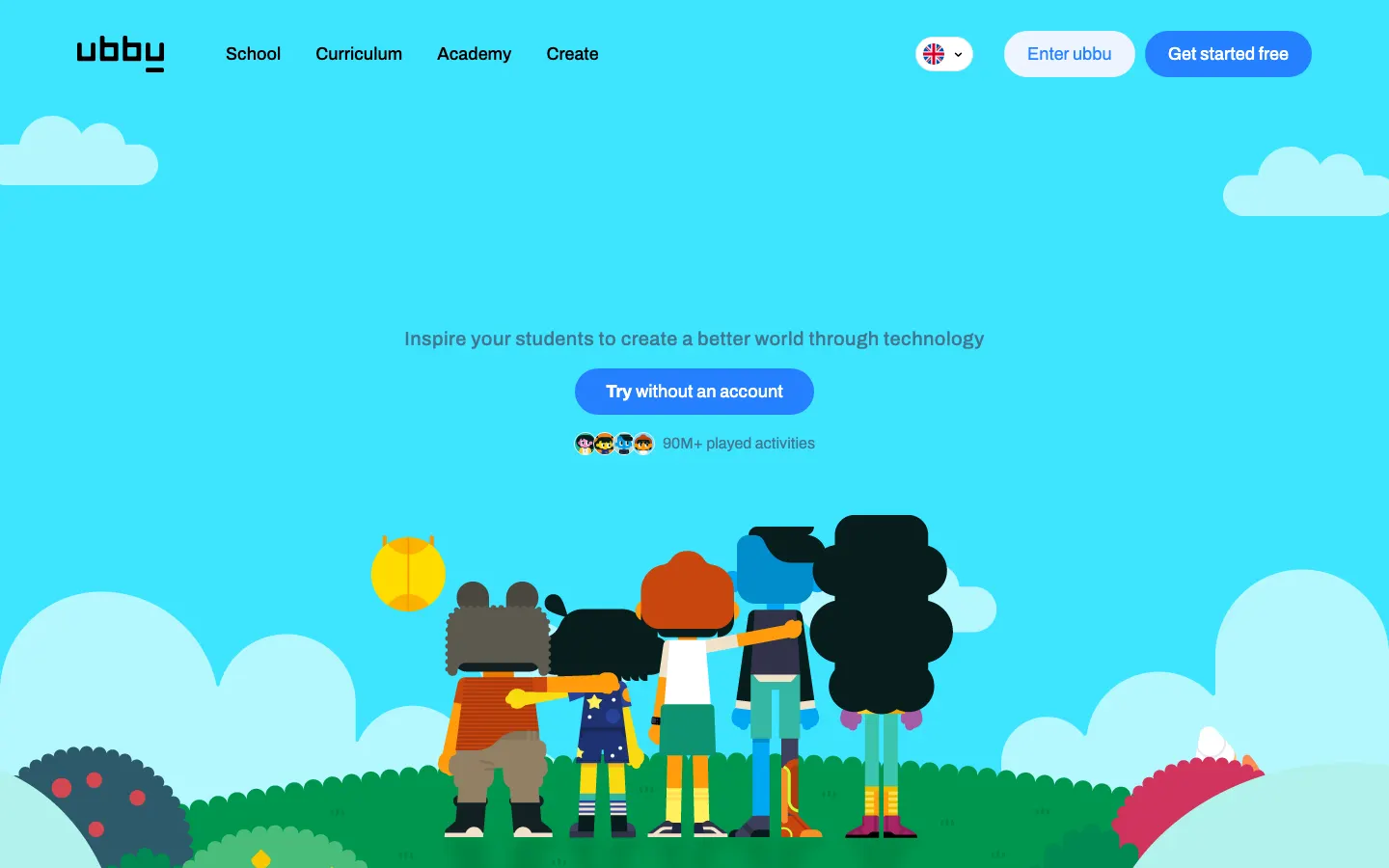
ubbu – Code to Create
ubbu is an age-adapted coding and creative technology platform with educational games, STEAM activities, projects, and digital-safety learning for children. It is listed under Coding and Technology for ages 6–13. Children and families can use it through a website.
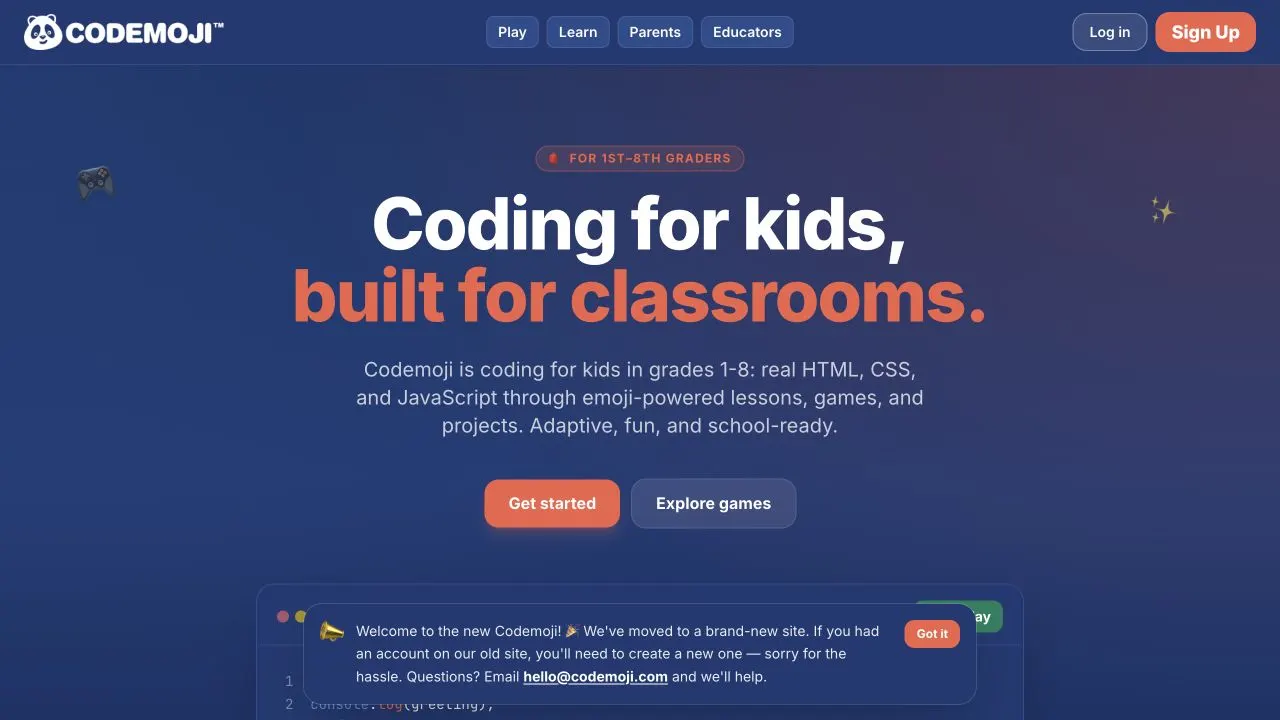
Codemoji Coding for Kids
Codemoji teaches real HTML, CSS, and JavaScript through emoji-powered lessons, games, and projects for students in grades 1–8, with educator tools and a 500-plus lesson library. It is listed under Coding and Technology for ages 6–14.
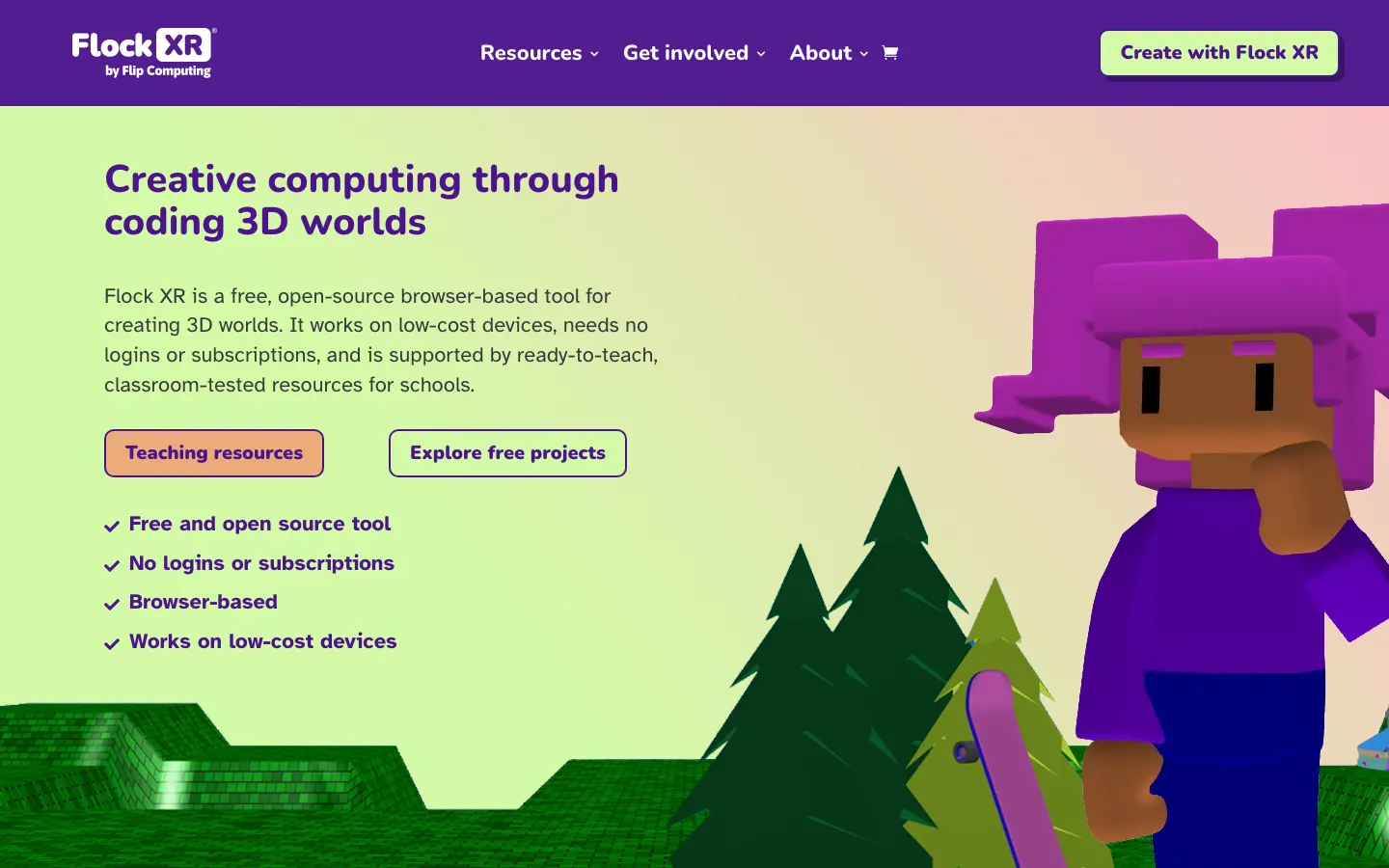
Flock XR
Flock XR is a free, open-source browser tool for creating 3D worlds with block coding and classroom-tested creative-computing resources. It is listed under Coding and Technology for ages 8–16; classroom-dependent. Children and families can use it through a website.
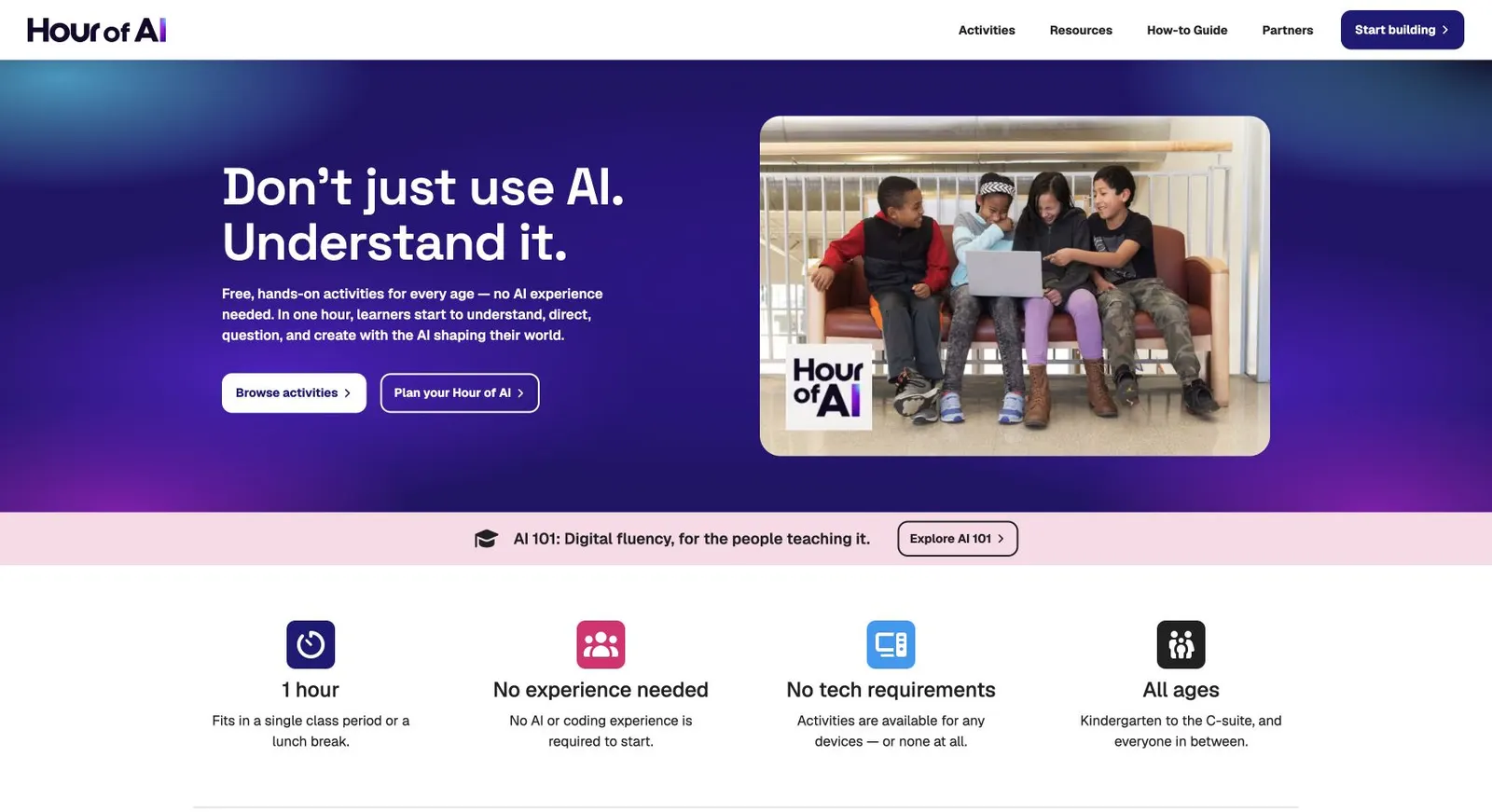
Hour of AI
Free one-hour AI literacy activities for learners of all ages, helping students understand, question, and create with AI without prior AI or coding experience. It is listed under Coding and Technology for ages 5–18+.
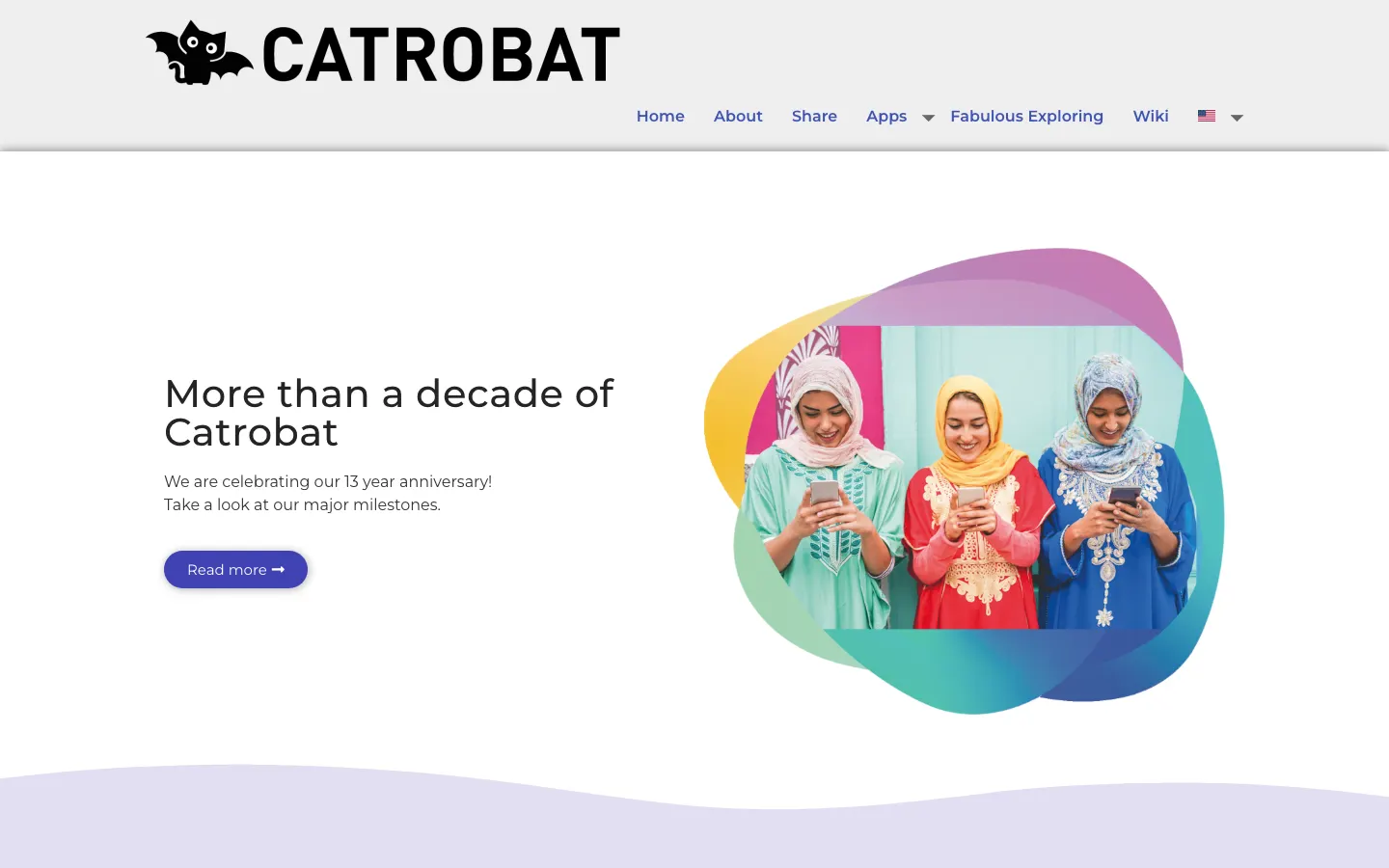
Catrobat
Catrobat is a nonprofit open-source project with free educational apps that help young people create games and apps through a constructionist coding approach. It is listed under Coding and Apps for ages 10–18. Children and families can use it through a website.
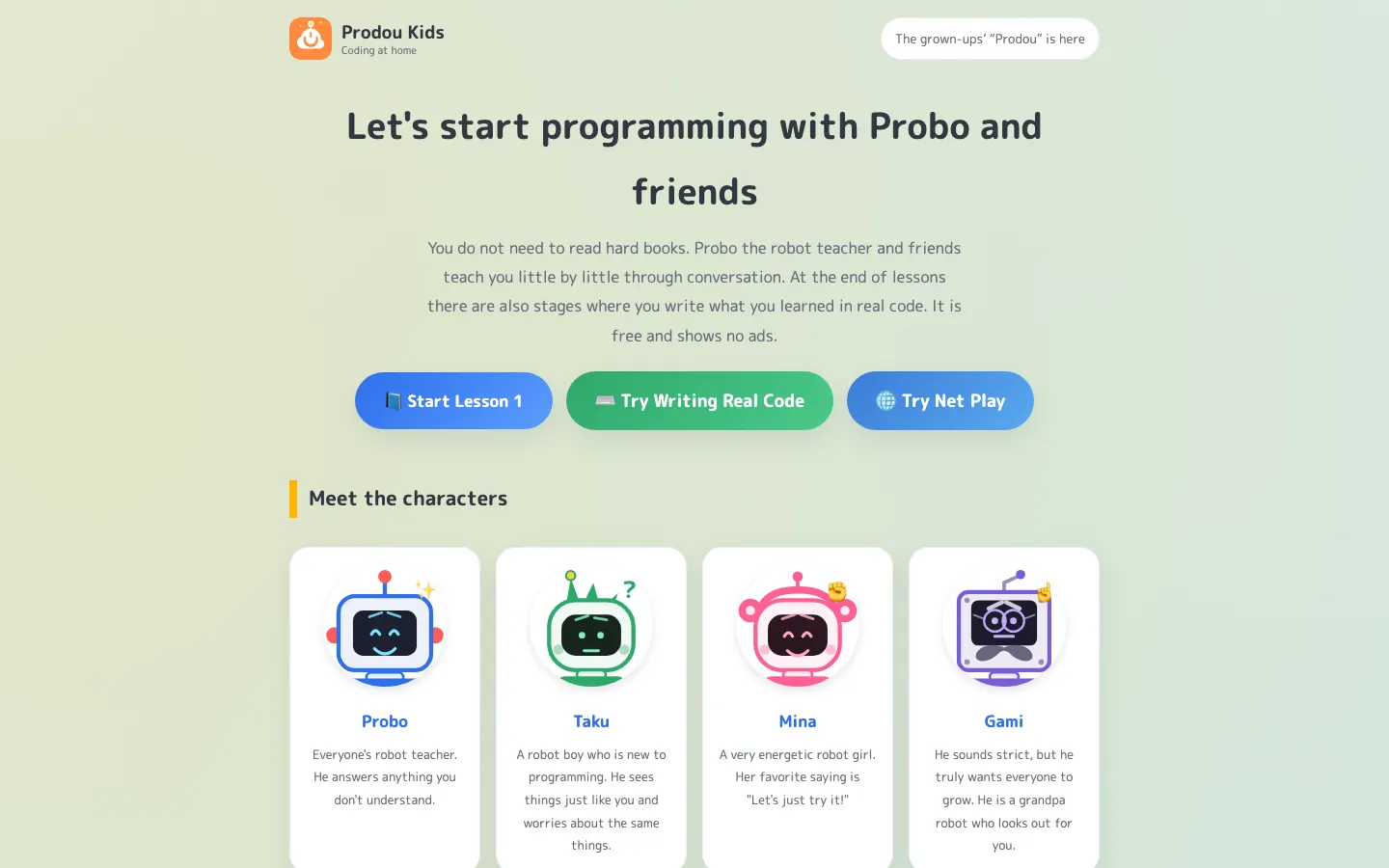
Prodou Kids
Prodou Kids is a free browser coding course that explains programming through conversations and lets children write HTML, CSS, Python, and JavaScript without installing an app. It is listed under Coding and Technology for ages Children; parent-guided.
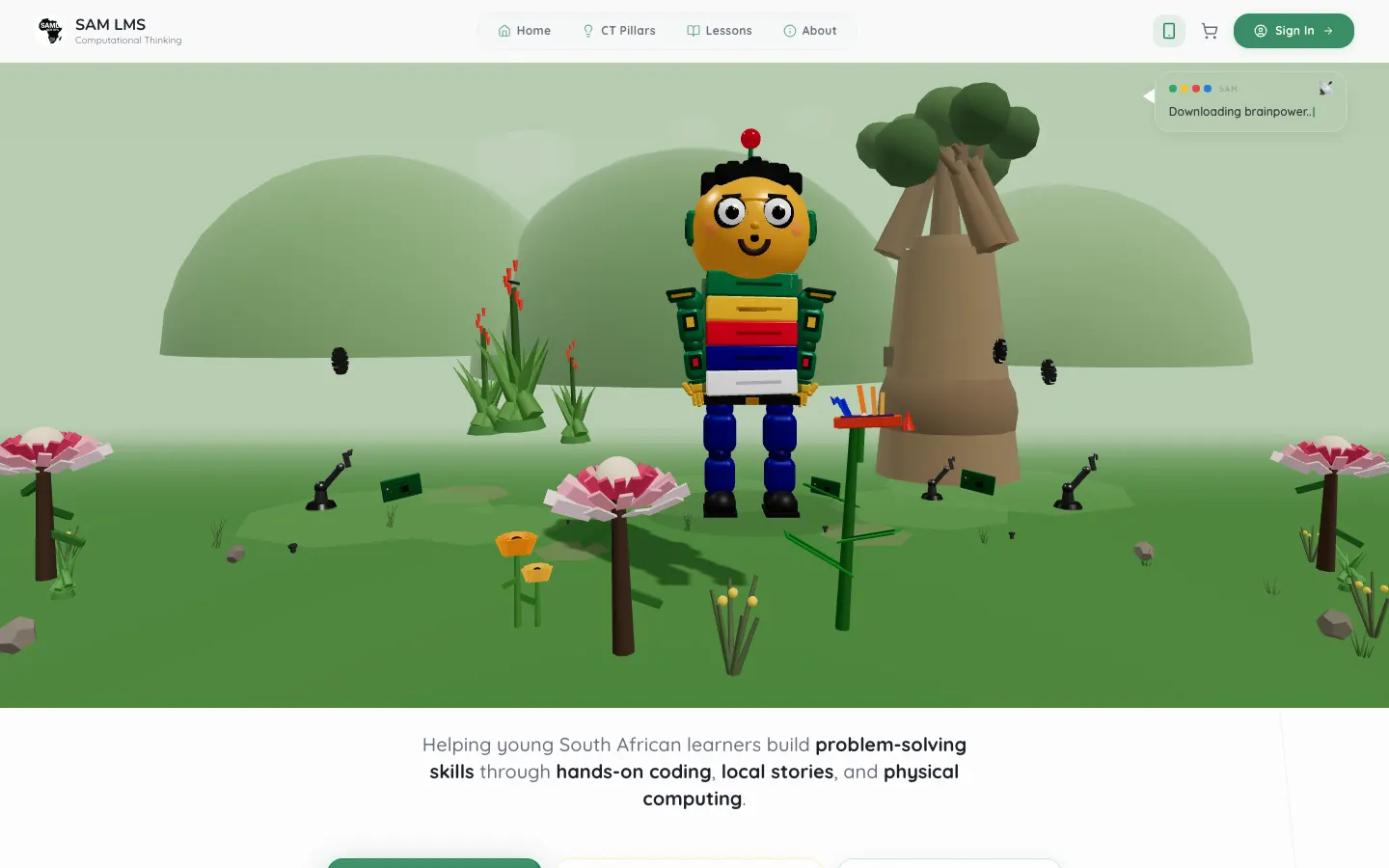
SAM LMS
SAM LMS is a South African early-years coding and physical-computing platform using local stories, hands-on projects, and multilingual support for young learners. It is listed under Coding and Engineering for ages Grades R–3. Children and families can use it through a website.
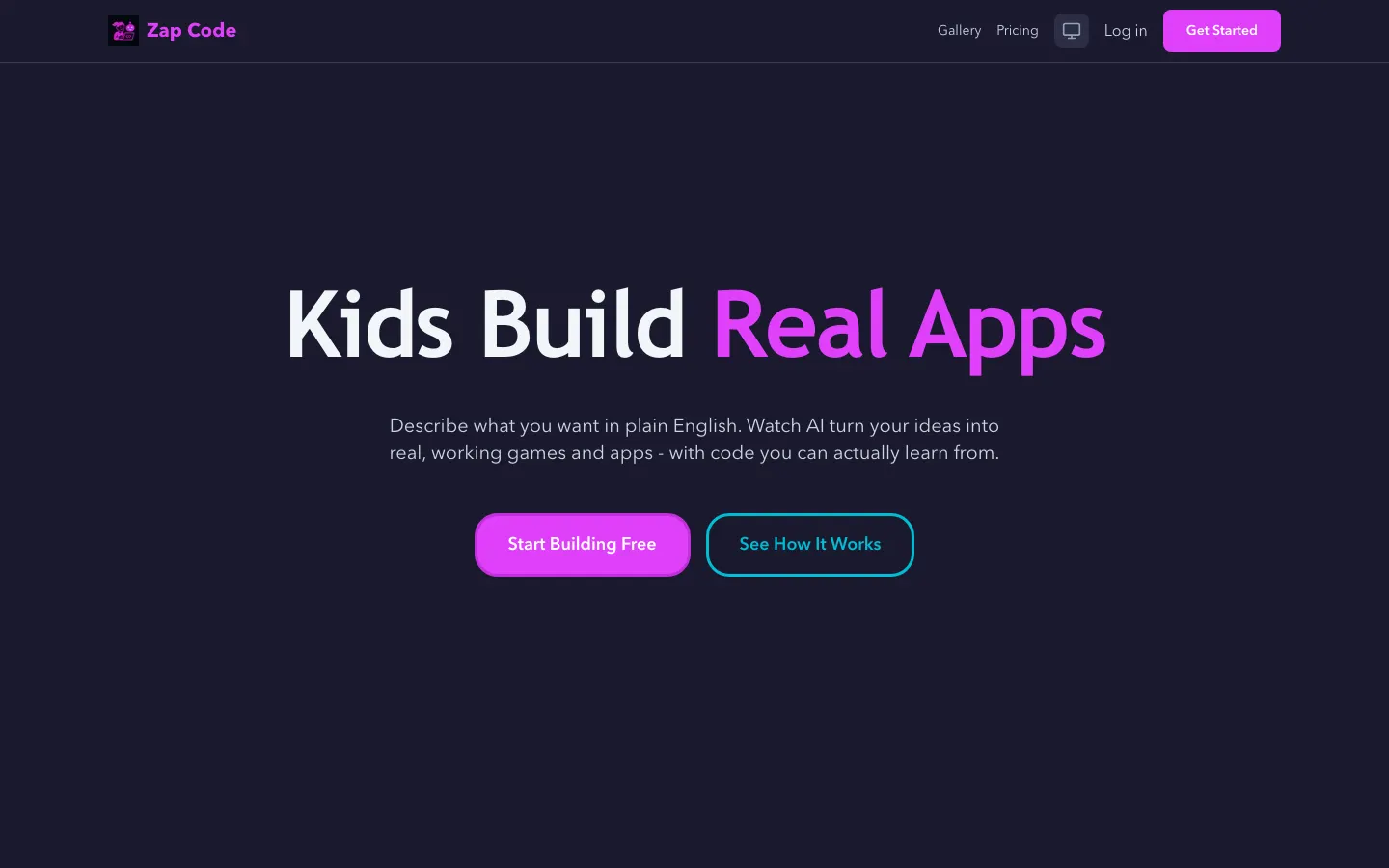
Zap Code
A progressive coding environment for children that turns plain-language ideas into real HTML, CSS, and JavaScript apps, games, and stories. It is listed under Coding, Games, and Technology for ages 8–16. Children and families can use it through a website.
Compare with context
Use this collection to find a direction, then open each resource page before sharing it with a child. The individual review shows languages, access formats, tags, age guidance, source links, and notes for grown-ups.
Search the full directory →