Maker & DIY Coding
for kids
Explore 20 trusted maker & diy coding resources selected for curious kids, with clear ages, access details, and parent context.
Two useful ways to narrow the directory
This page brings together maker & diy resources that also match coding. Each listing keeps its own age range, platform details, languages, links, and parent notes, so you can compare options without losing context.
Explore all maker & diy resources →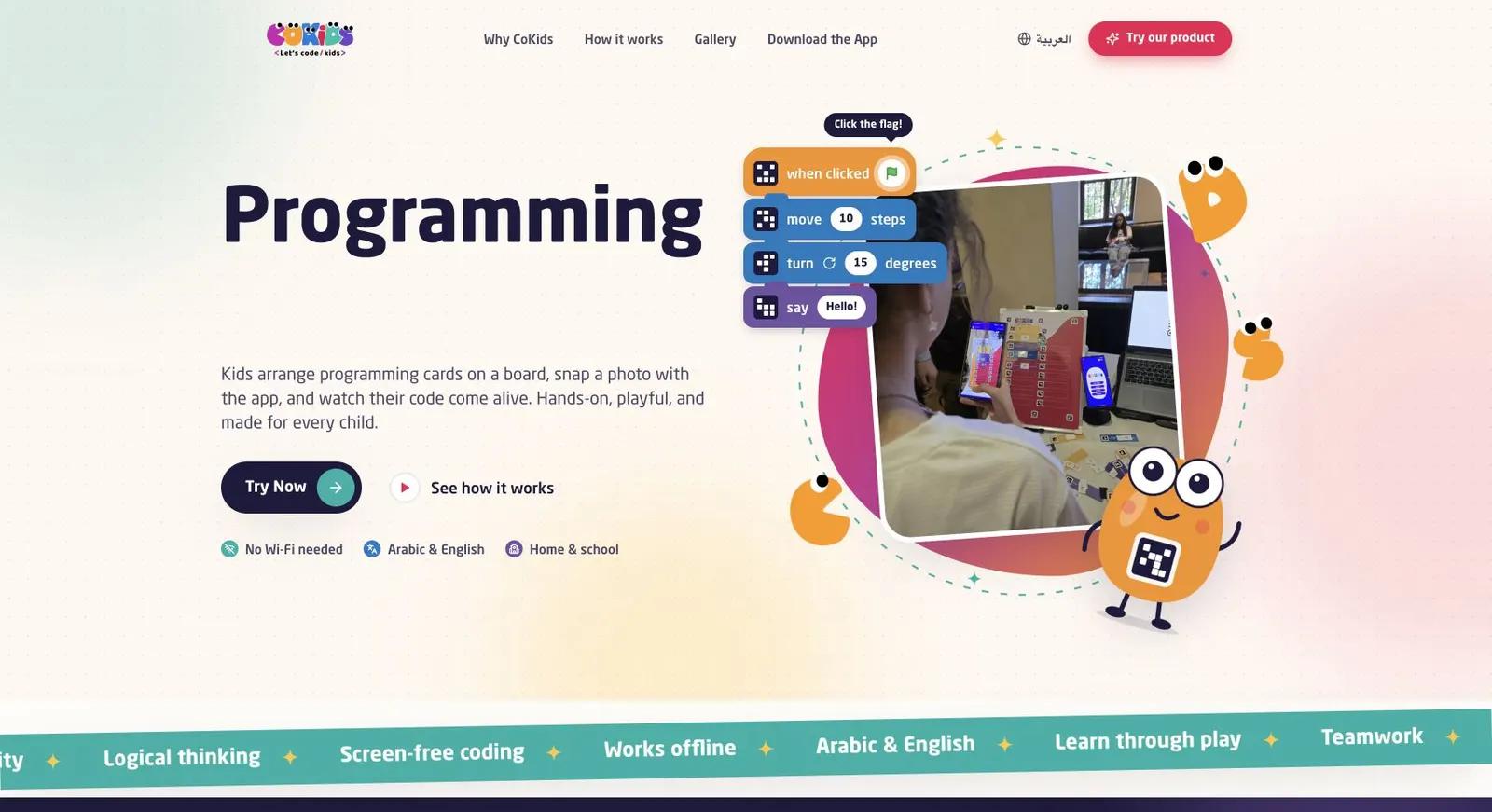
CoKids Screen-Free Coding Kit & App
A bilingual screen-free coding kit using board and card play, with an offline companion app for computational thinking at home or school. It is listed under Coding and Maker & DIY for ages 7–10.
Read the full resource review →More maker & diy picks
Kids Coding School
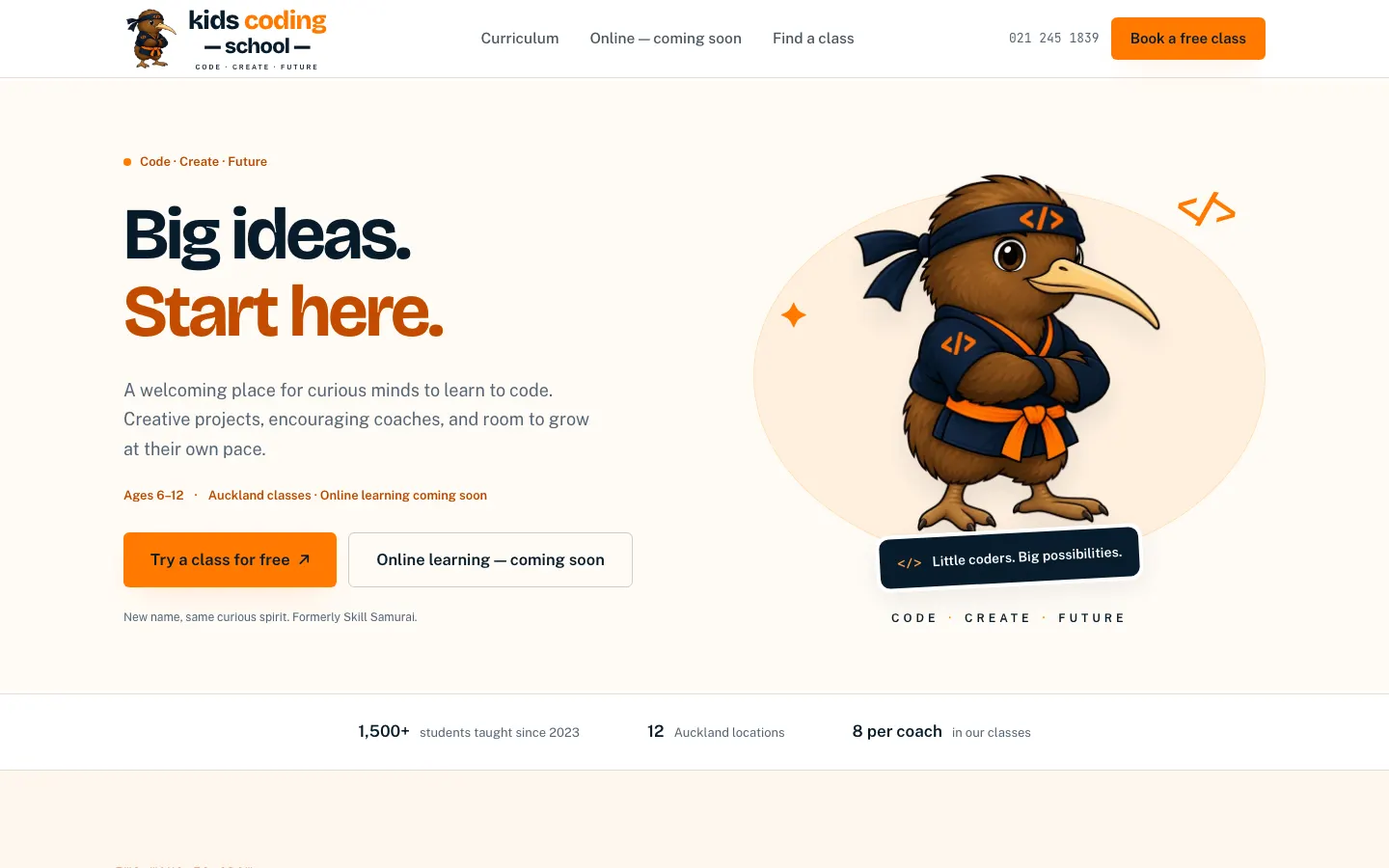
Kids Coding School offers encouraging, project-based coding classes in Auckland for children who learn at their own pace with coaches and supplied equipment. It is listed under Coding and Games for ages 6–12. Children and families can use it through a website.
MIT App Inventor
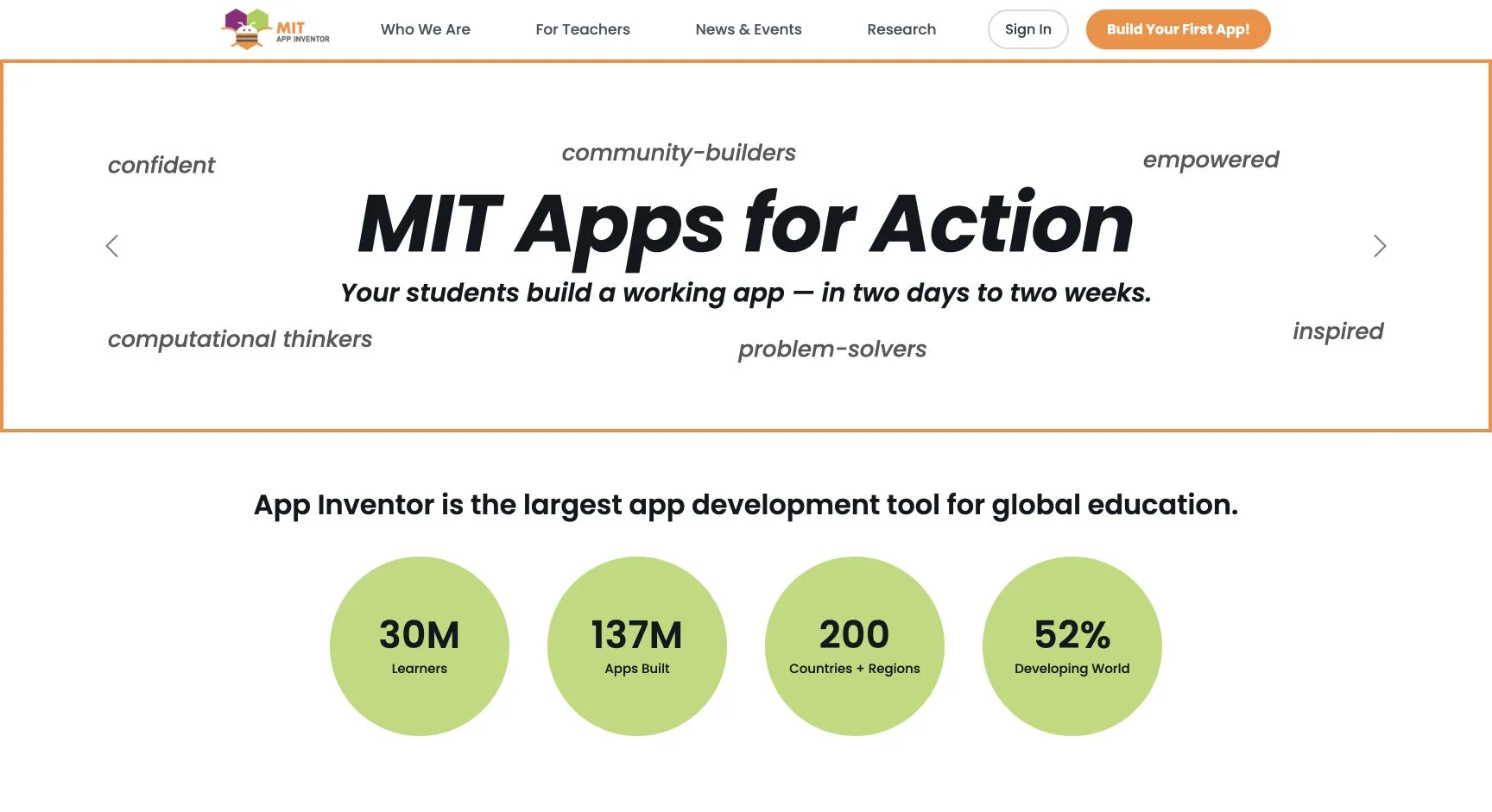
A block-based platform for building and testing Android apps while learning programming concepts. It is listed under Coding and Maker & DIY for ages 10–18. Children and families can use it through a website.
Koding With Kids
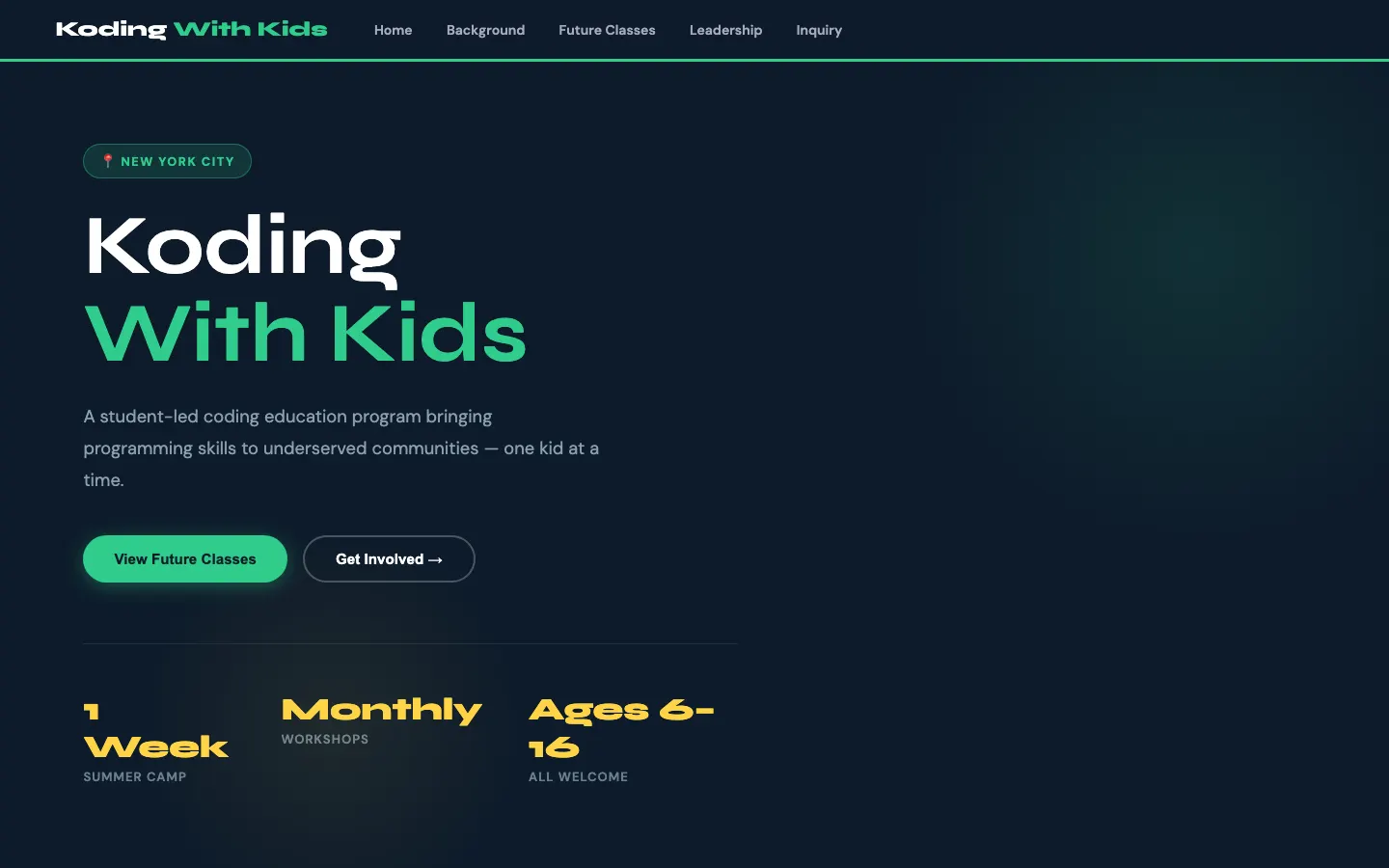
A student-led New York City coding program offering project-based summer camp and monthly workshops for ages 6–16. It is listed under Coding and Maker & DIY for ages 6–16. Children and families can use it through a website.
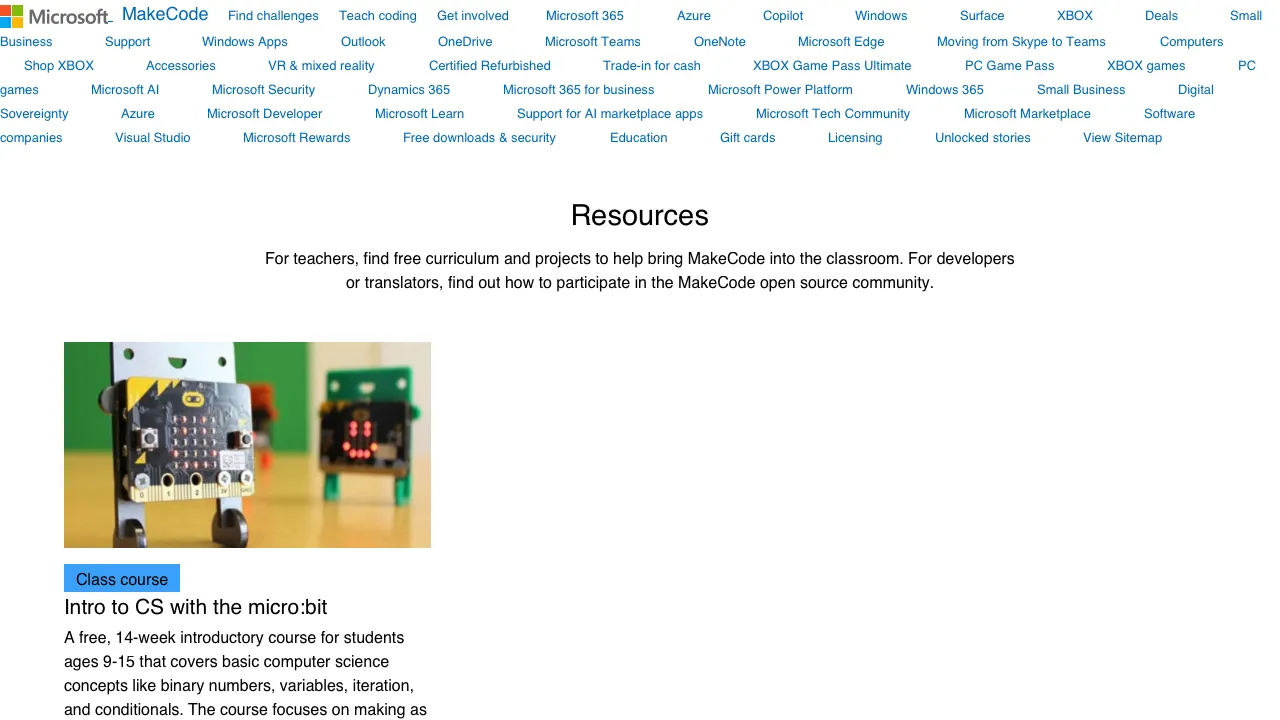
Microsoft MakeCode Classroom Resources
A Microsoft MakeCode resource hub for educators and learners, including free project-based courses for micro:bit, Minecraft, and Circuit Playground Express with coding, physical computing, and maker activities. It is listed under Coding and Maker & DIY for ages 9–15.
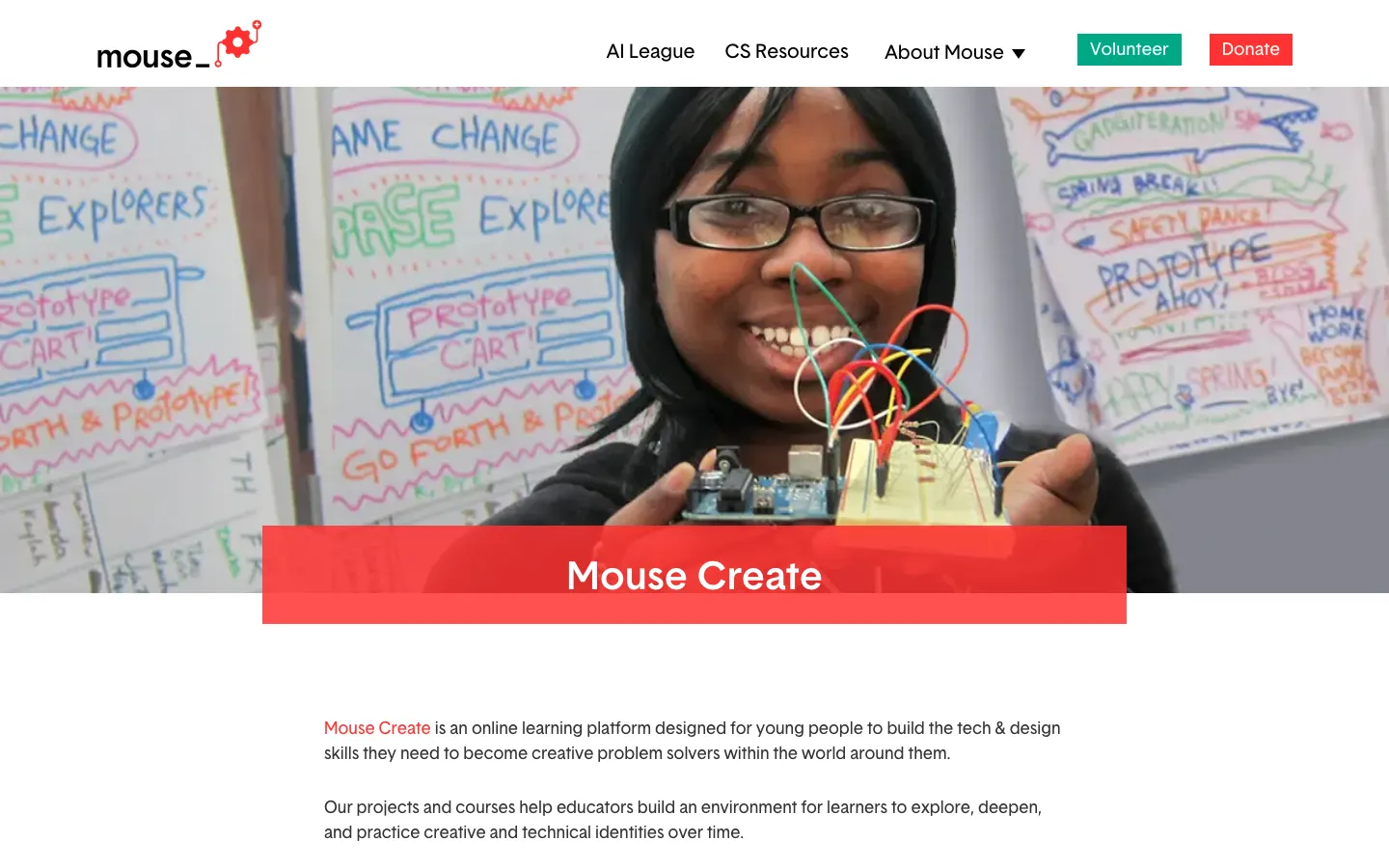
Mouse Create
Mouse Create is an online learning platform where young people build coding, design, circuitry, green technology, game design, and media skills through hands-on projects. It is listed under Coding and Science for ages Youth; course-specific.
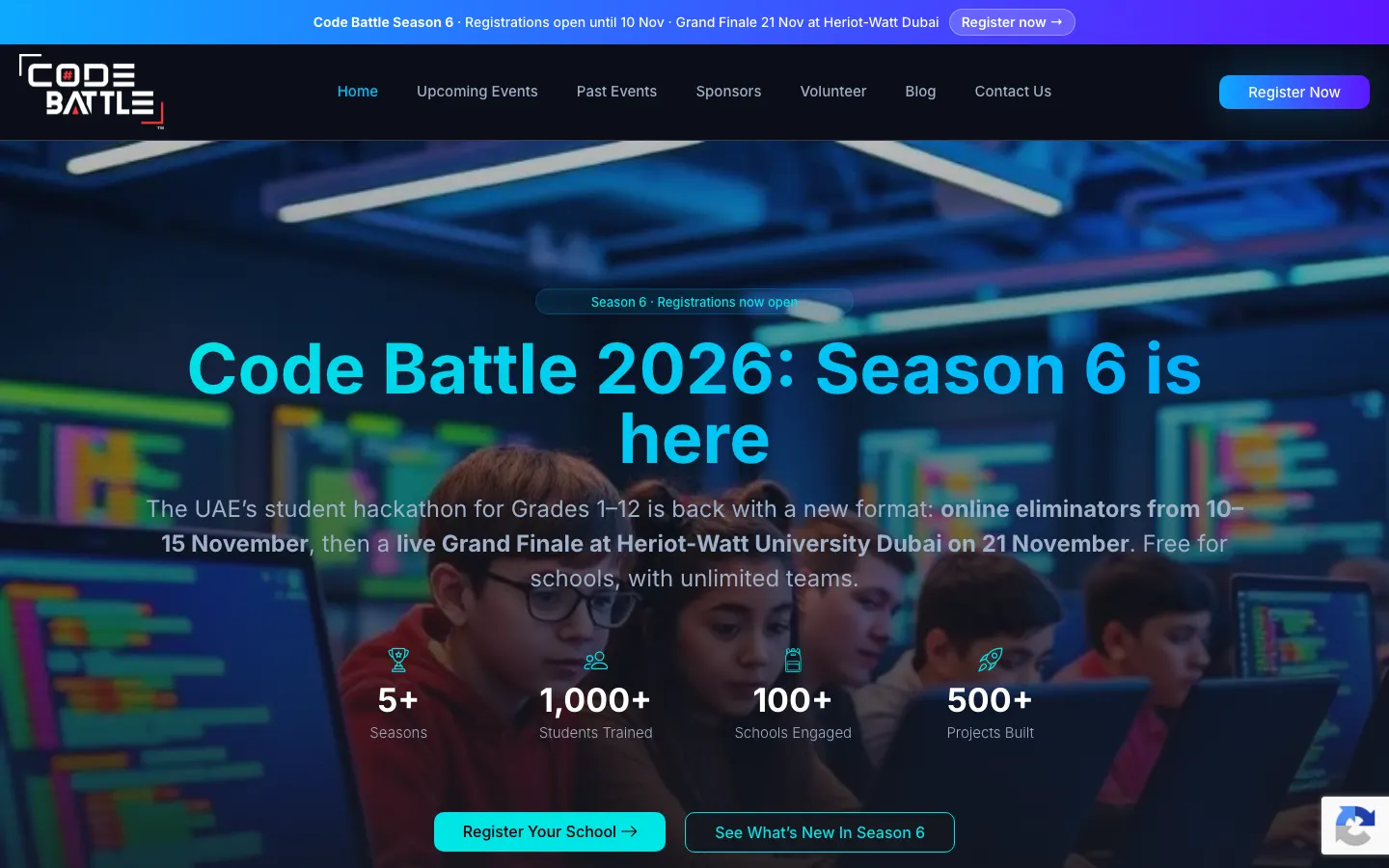
iCodejr Code Battle 2026
Code Battle is an UAE student hackathon and inter-school coding competition where teams build projects with block or text coding after an online qualifier. It is listed under Coding and Programs & challenges for ages Students; official page states 7–12+ participation.
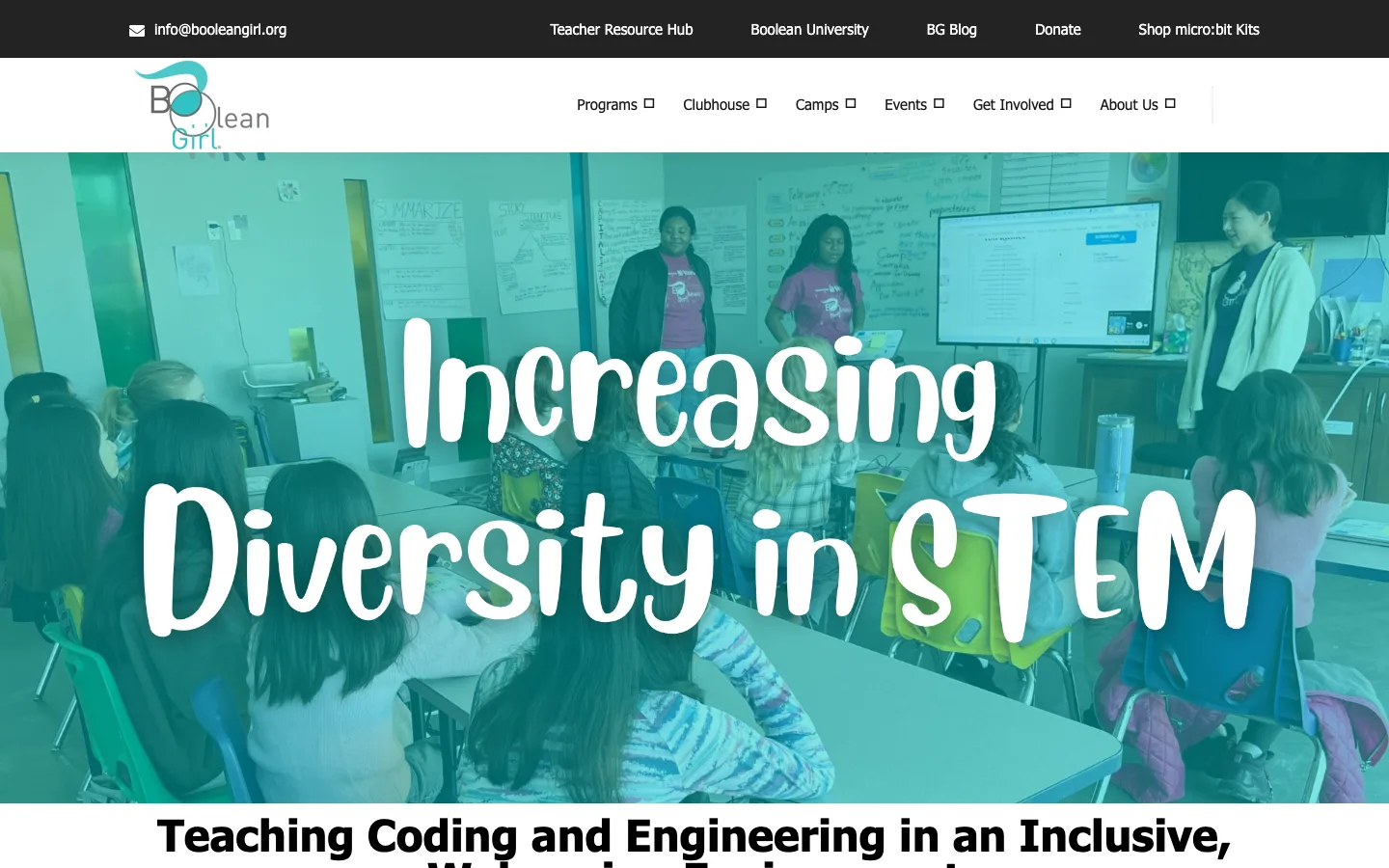
Boolean Girl
A nonprofit offering inclusive coding, engineering, invention, and animation classes, camps, and online learning for underrepresented youth. It is listed under Coding & technology and Engineering for ages Grades 3–8. Children and families can use it through a website.
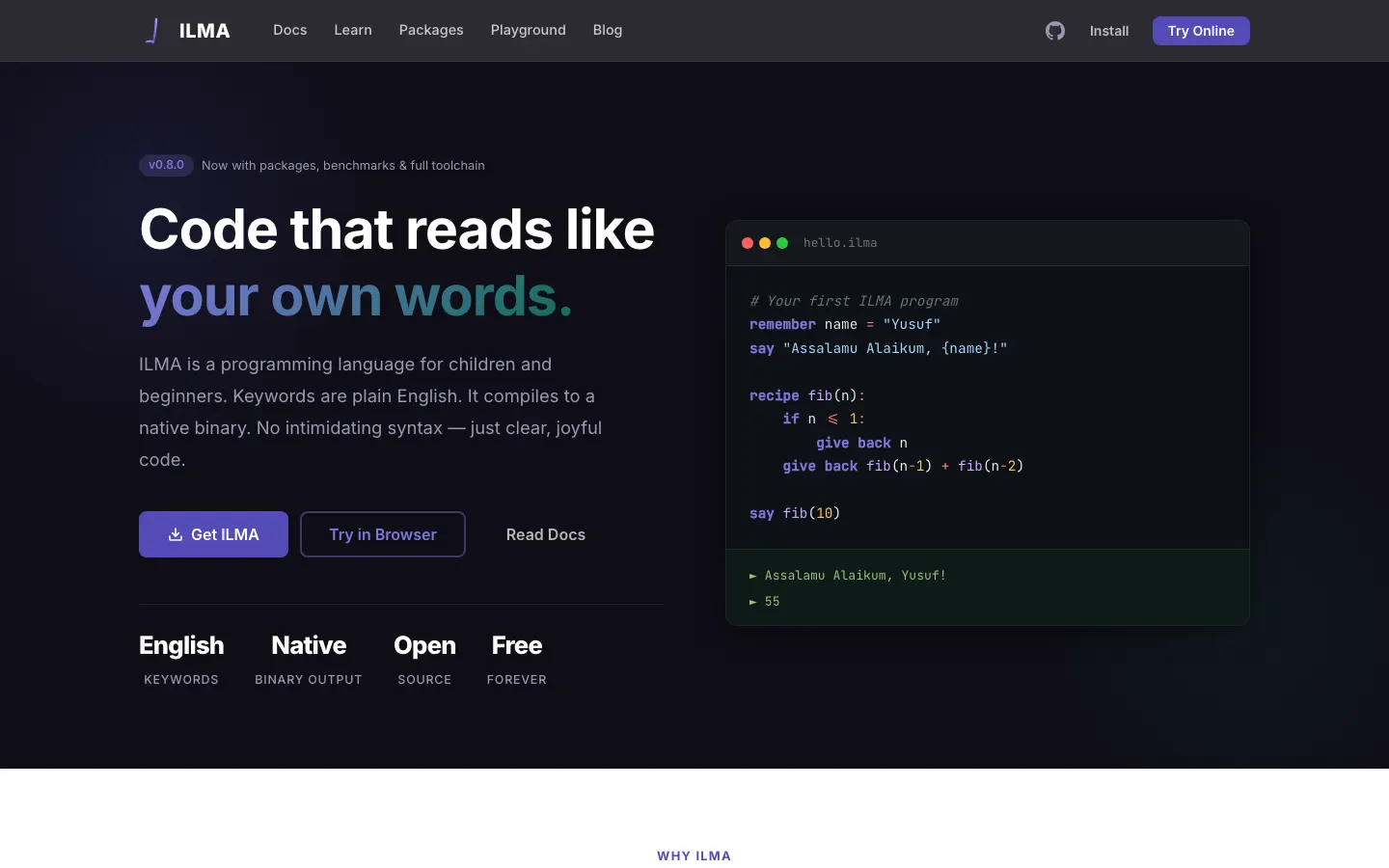
ILMA
ILMA is an English-like programming language and browser playground designed to make first coding steps readable, visual, and approachable for children and beginners. It is listed under Coding and Mathematics for ages 8+. Children and families can use it through a website.
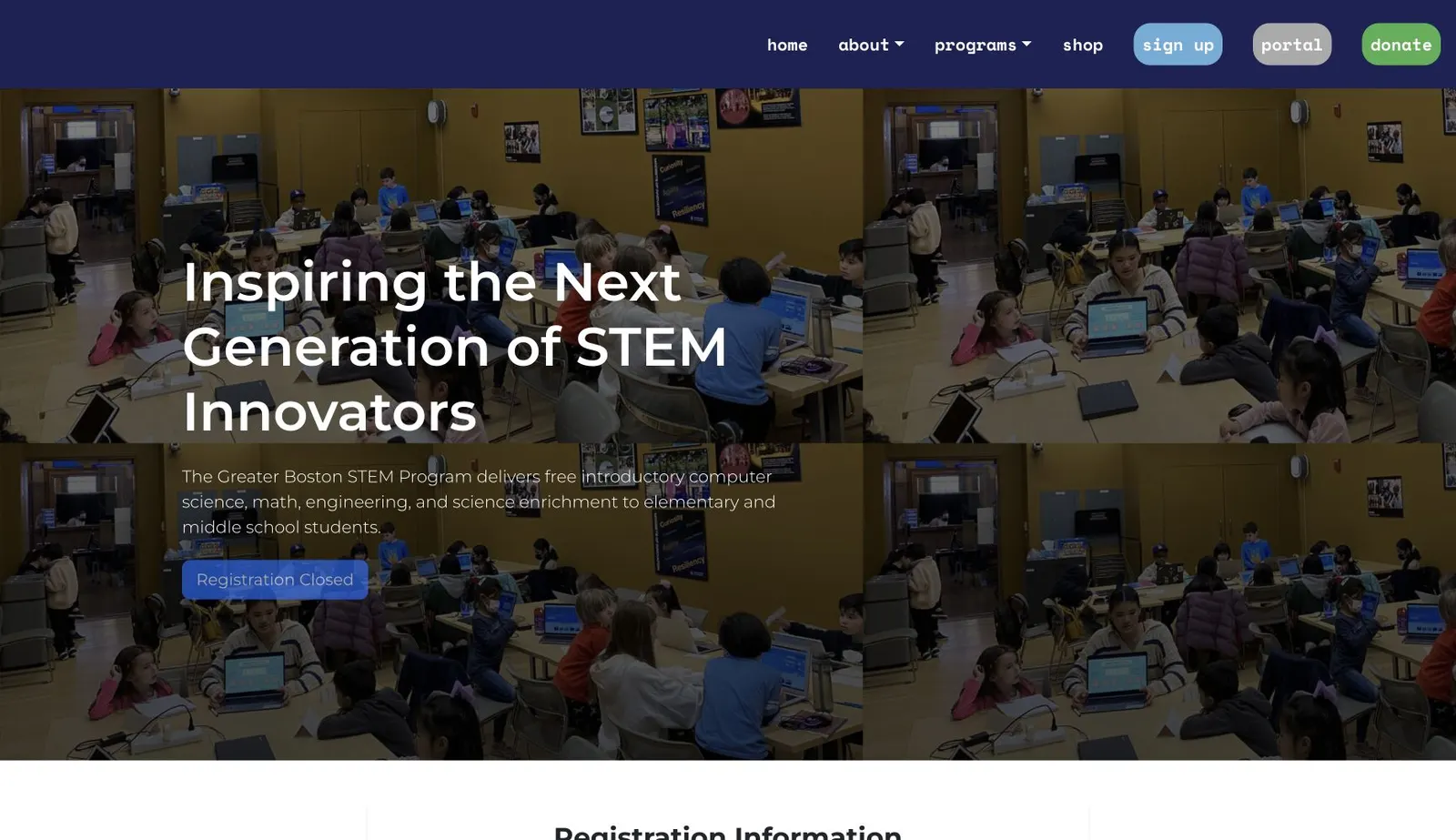
Greater Boston STEM Program
The Greater Boston STEM Program provides free introductory computer science, math, engineering, and science enrichment for elementary and middle-school students through remote or in-person small-group classes. It is listed under Science and Coding for ages 7–14.
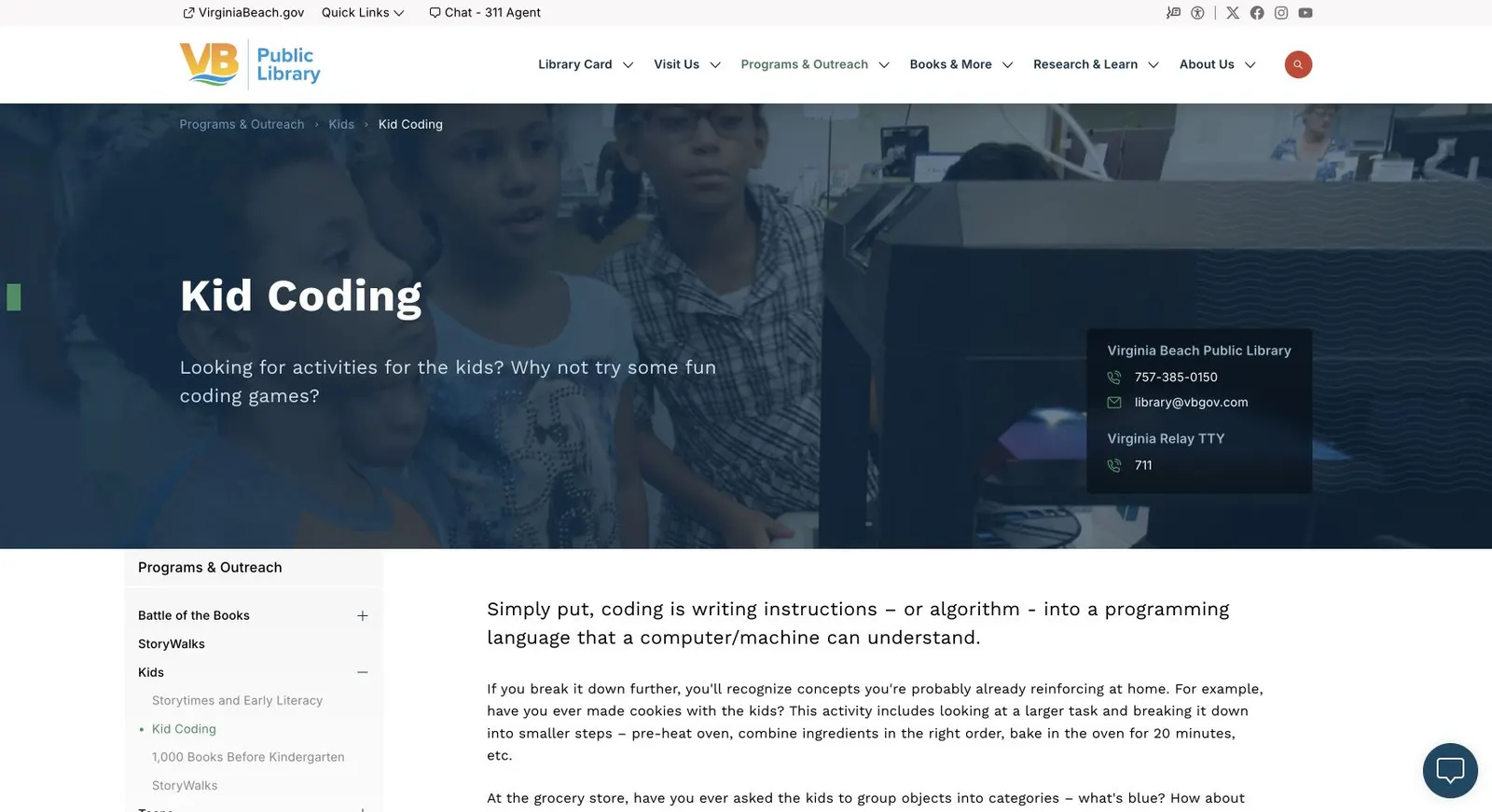
Virginia Beach Public Library Kid Coding
Virginia Beach Public Library’s Kid Coding page introduces children to unplugged coding activities such as sequencing, maps, algorithms, binary bracelets, and creative coding links. It is listed under Coding and Maths & logic for ages 5–12.
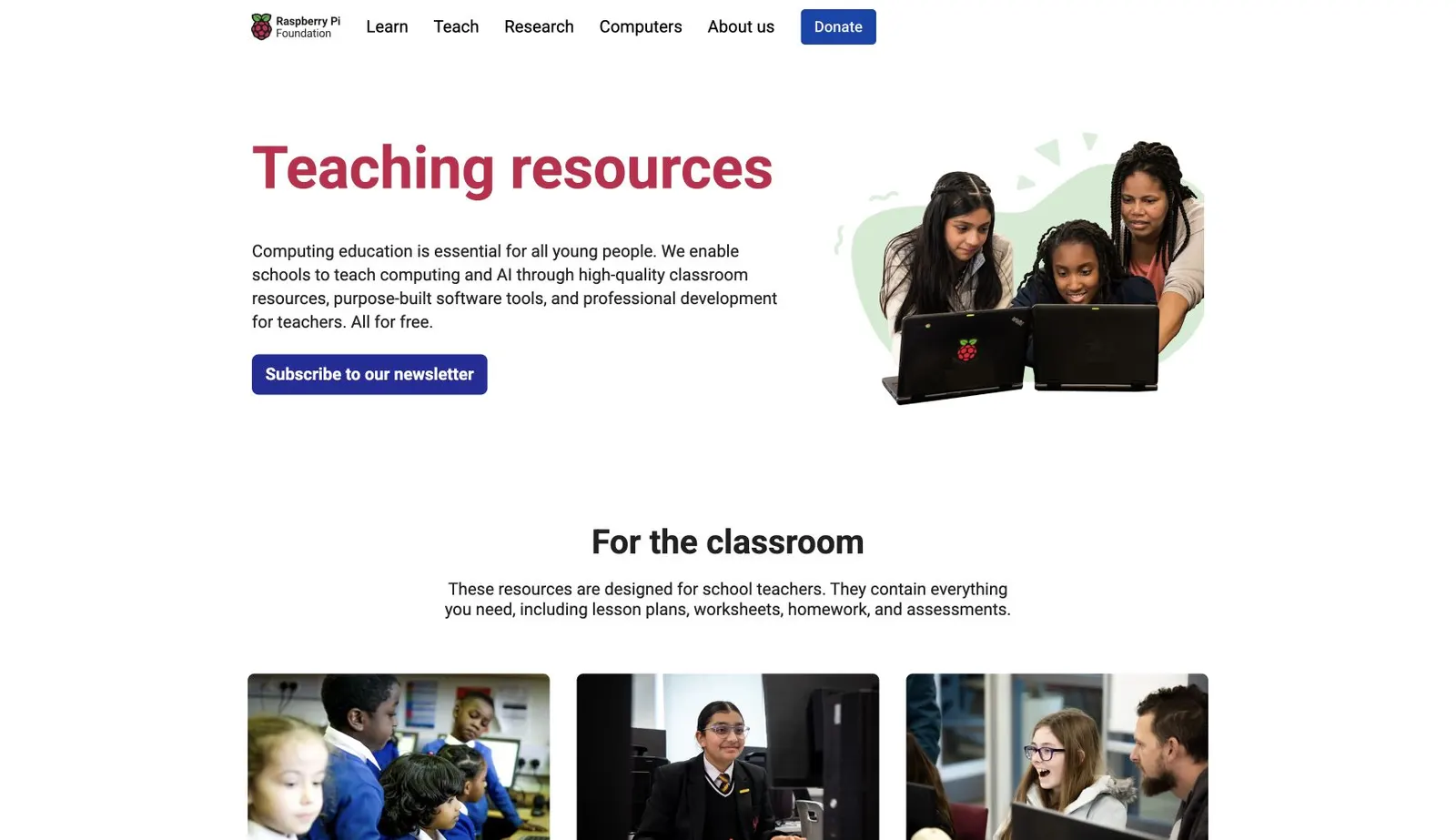
Raspberry Pi Foundation Teaching Resources
Free classroom resources for computing and AI, including curriculum materials, lesson plans, worksheets, assessments, Code Club support, Experience AI, and projects for school-age learners. It is listed under Coding and Parent & educator for ages 5–16.
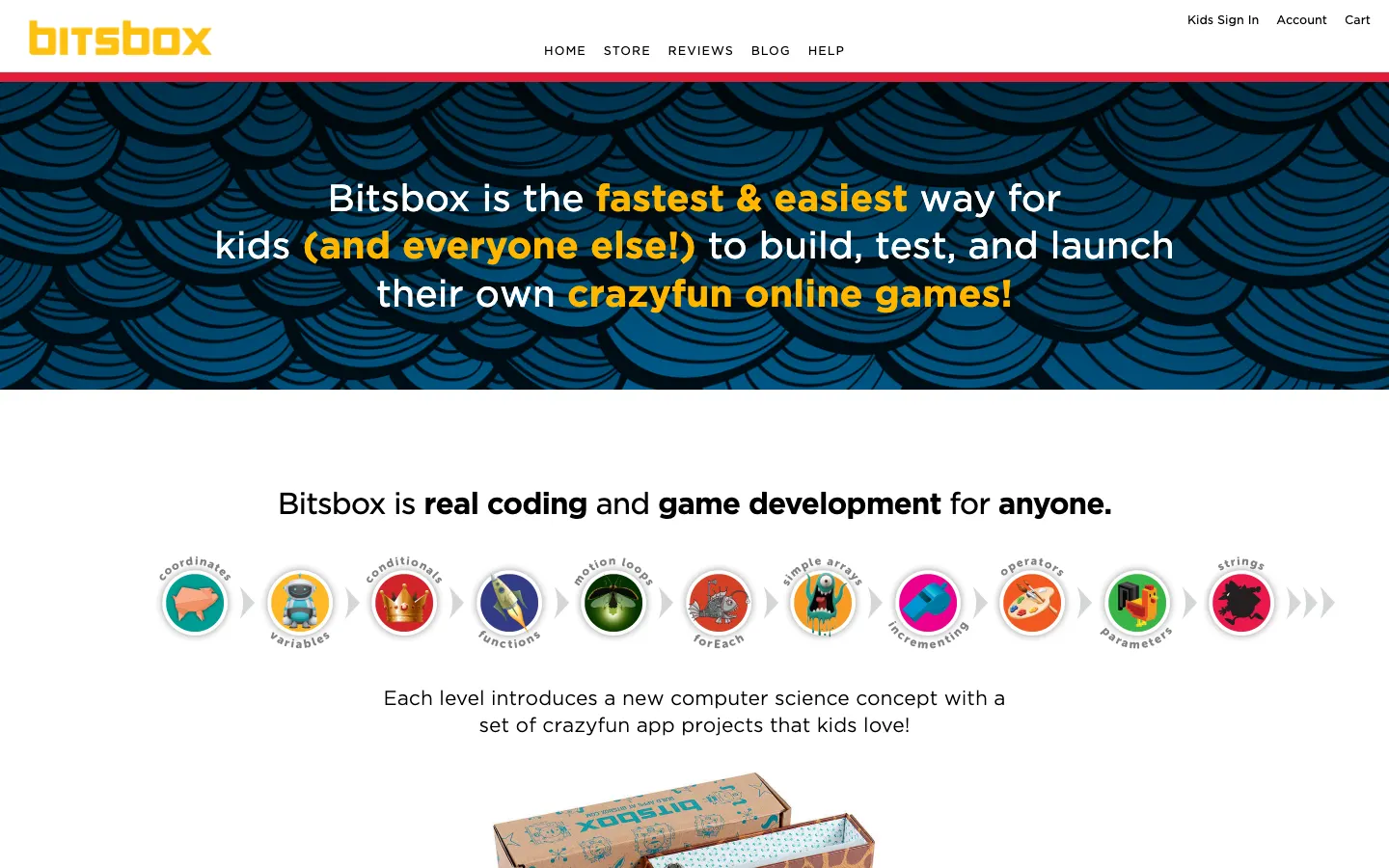
Bitsbox
Bitsbox gives children ages 6–12 real coding and game-development projects that introduce computer-science concepts such as coordinates, variables, conditionals, functions, loops, and parameters. It is listed under Coding & technology and Games for ages 6–12.
Compare with context
Use this collection to find a direction, then open each resource page before sharing it with a child. The individual review shows languages, access formats, tags, age guidance, source links, and notes for grown-ups.
Search the full directory →