Technology Free
for kids
Explore 20 trusted free technology resources selected for curious kids, with clear ages, access details, and parent context.
Two useful ways to narrow the directory
This page brings together technology resources that also match free. Each listing keeps its own age range, platform details, languages, links, and parent notes, so you can compare options without losing context.
Explore all technology resources →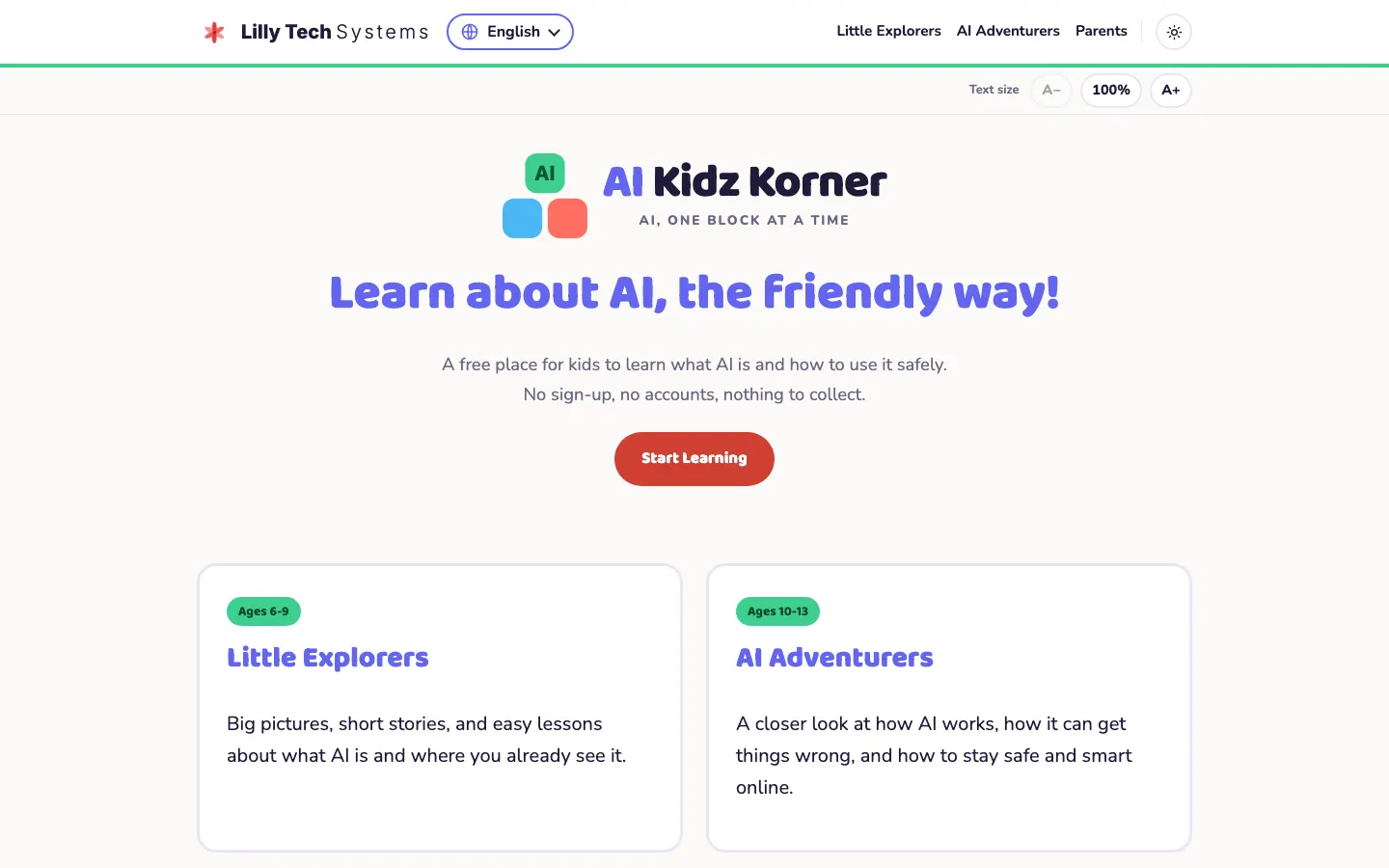
AI Kidz Korner
AI Kidz Korner is a free, child-focused introduction to artificial intelligence and online safety, with separate learning paths for younger children and older kids. It is listed under Technology and Digital literacy for ages 6–13.
Read the full resource review →More technology picks
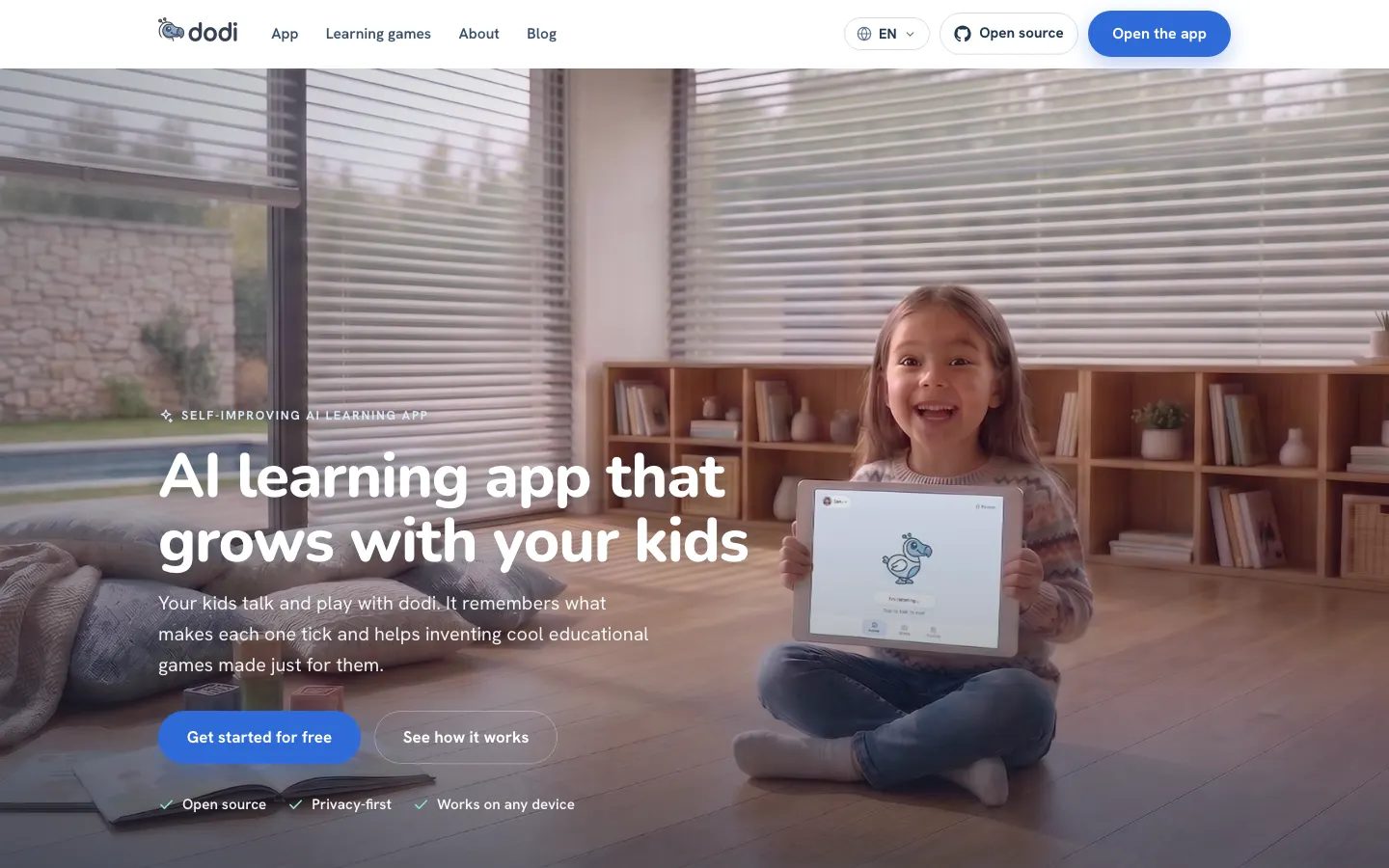
dodi
An open-source, privacy-first AI learning app where children talk and play with a character, explore educational games, and learn through personalised activities. It is listed under Technology and Early learning for ages Children; activity-specific.
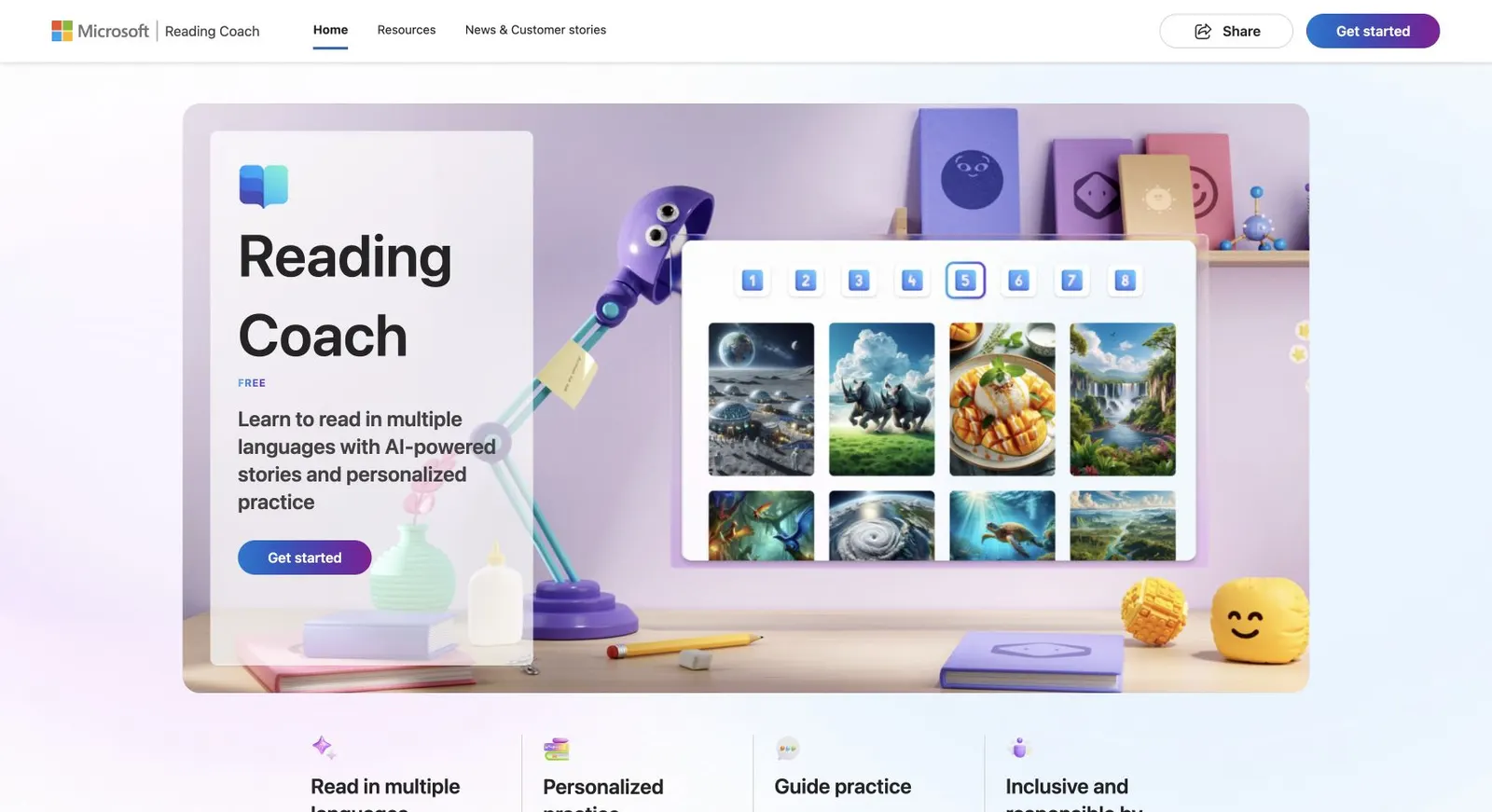
Microsoft Reading Coach
A free reading practice tool with AI-powered stories, personalized word practice, educator guidance, and multilingual reading support. It is listed under Reading, Language, and Parent & educator for ages 6-18. Children and families can use it through a website and a desktop app.
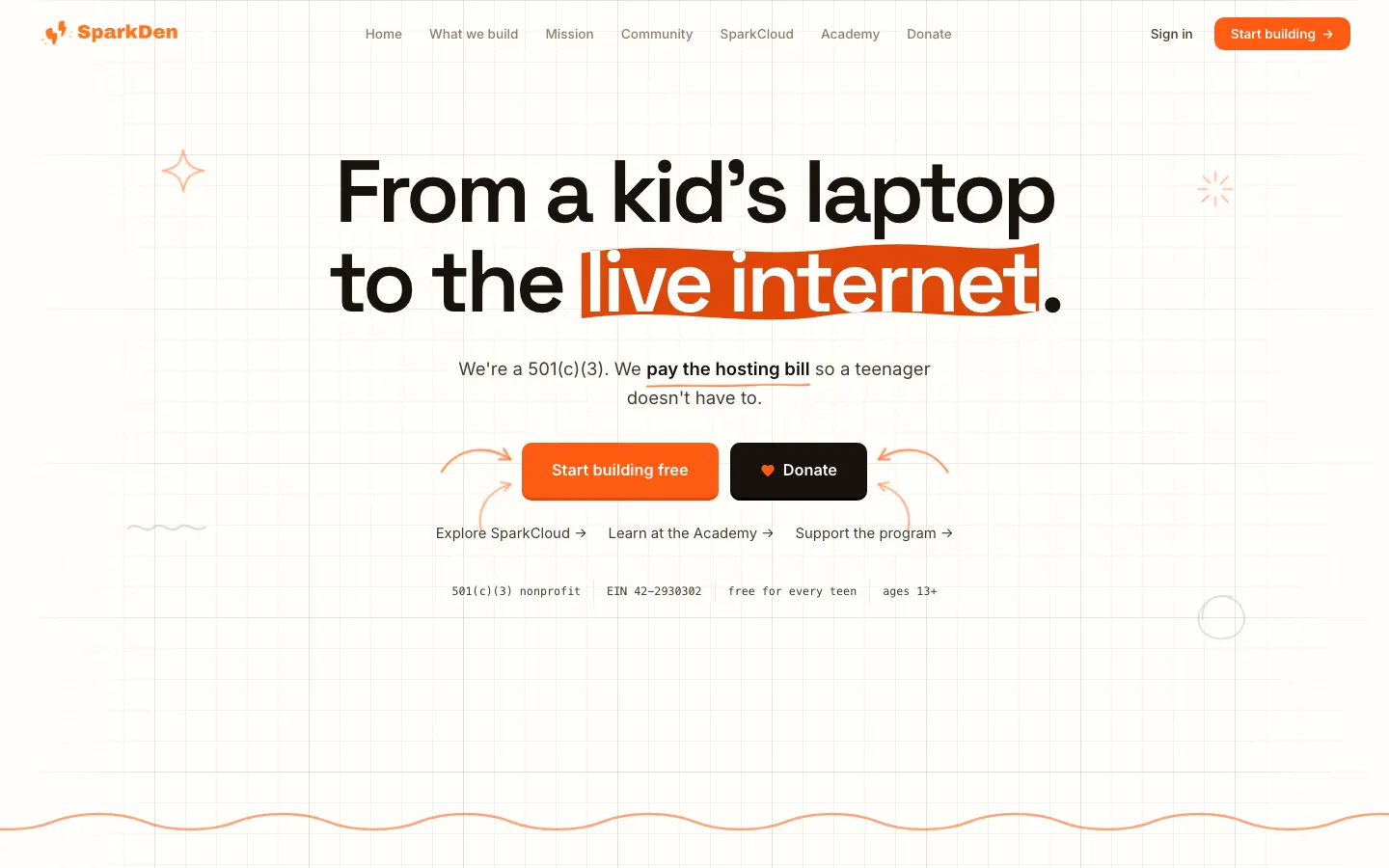
SparkDen
A nonprofit teen coding program providing free cloud hosting, mentorship, and a monitored community for young people shipping their own projects. It is listed under Coding, Technology, and Parent & educator for ages 13–18.
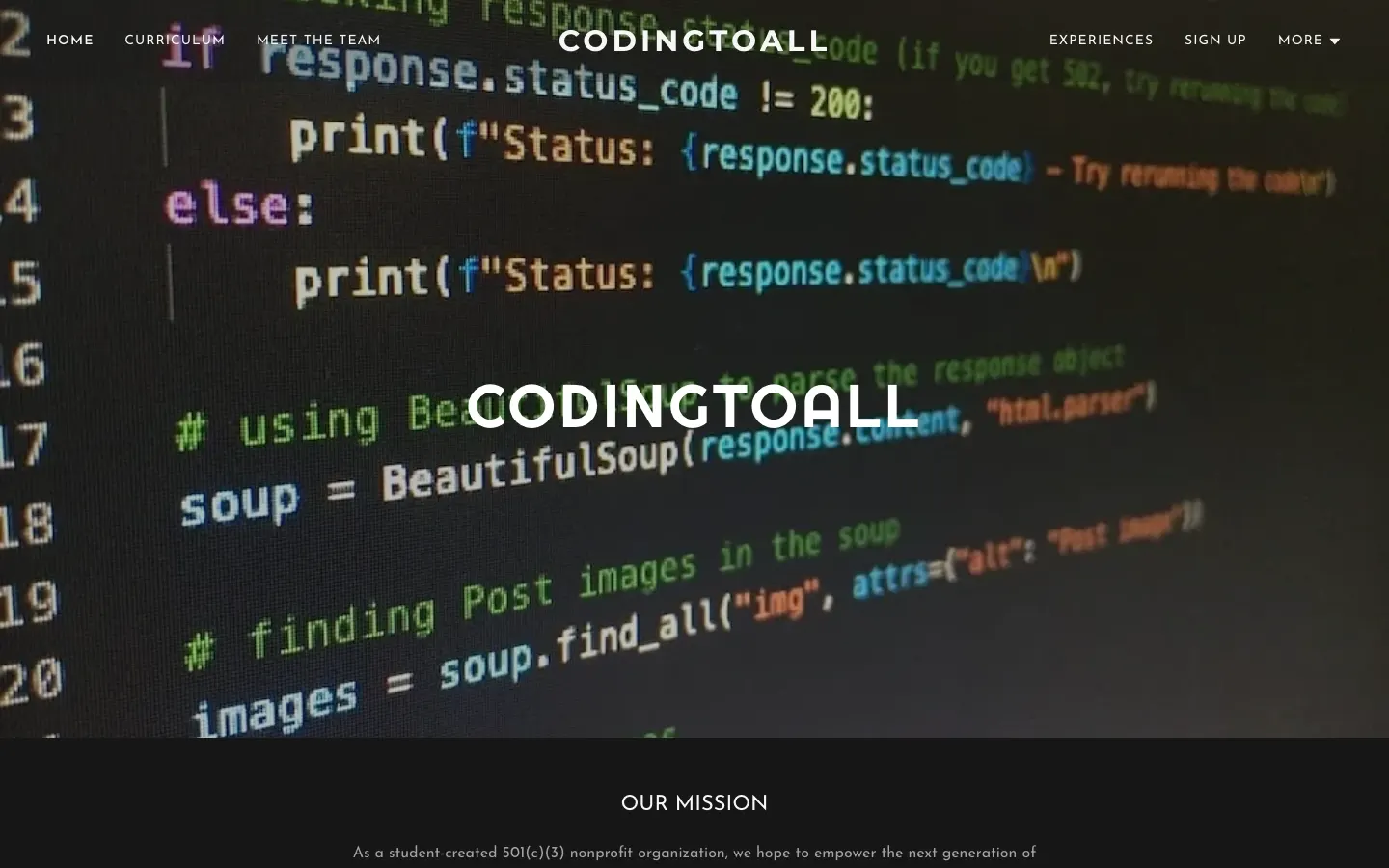
CodingToAll
CodingToAll is a student-created nonprofit offering free coding education, personalized curriculum, and online sessions in partnership with libraries and community organizations. It is listed under Coding and Technology for ages School-age; session-specific. Children and families can use it through a website.
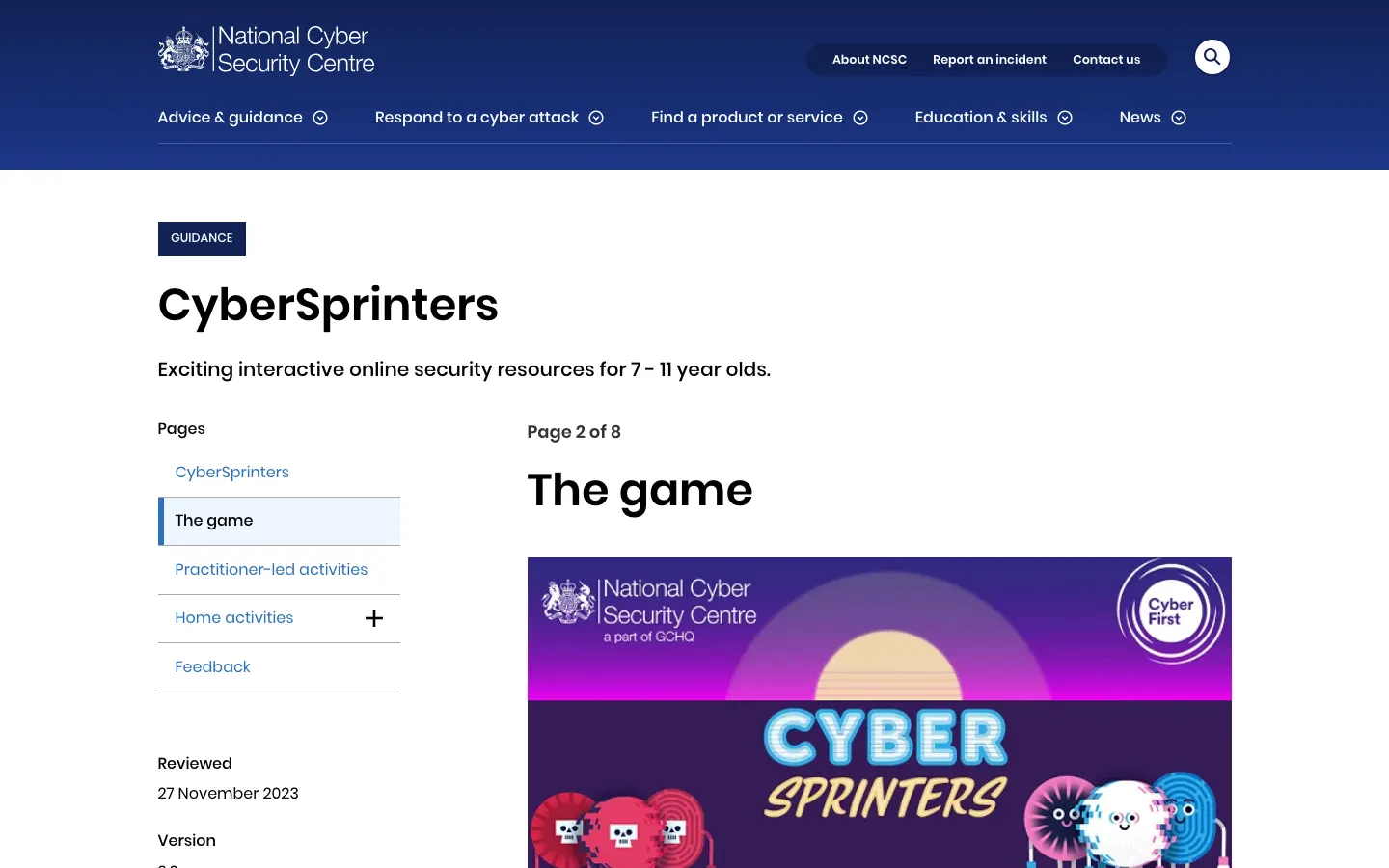
CyberSprinters
A UK National Cyber Security Centre interactive game and activity resource that introduces online safety and cybersecurity concepts to children through missions and scenarios. It is listed under Technology and Coding for ages 7–11.
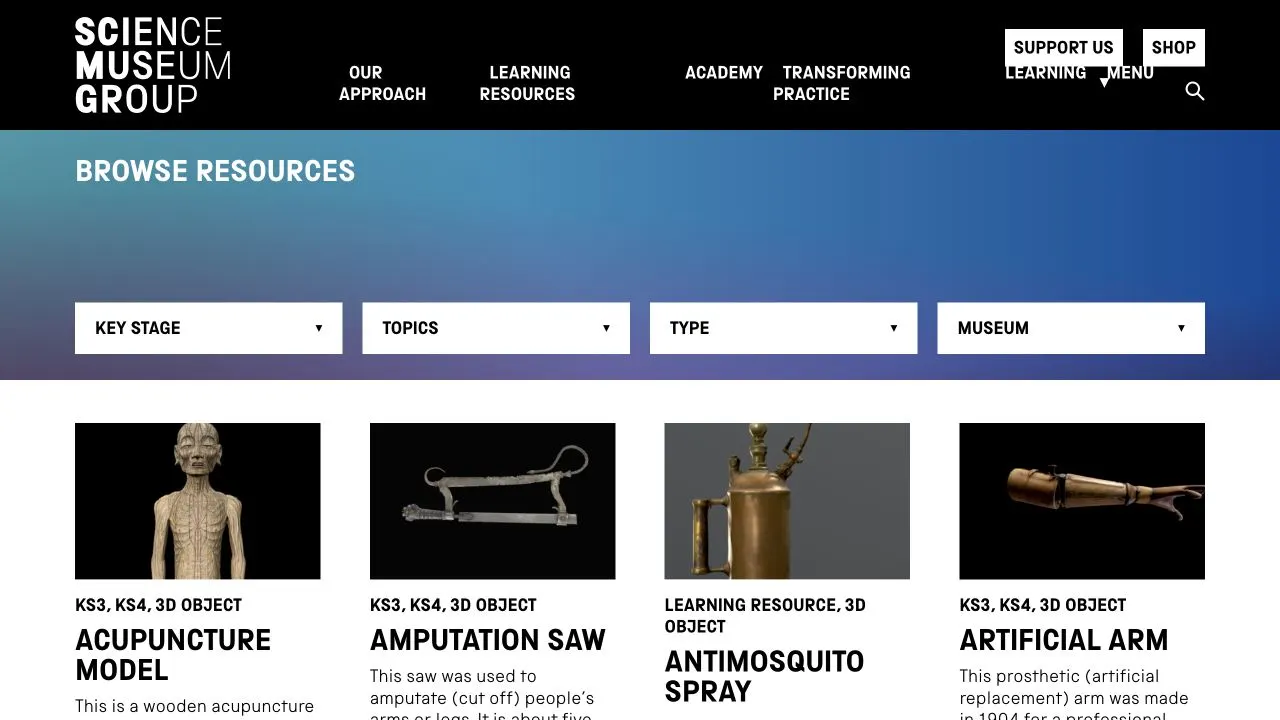
Science Museum Group Learning Resources
A searchable collection of Science Museum Group learning resources, 3D objects, teaching materials, and topic filters for classroom and independent exploration. It is listed under Science, Technology, and History & culture for ages 7–18.
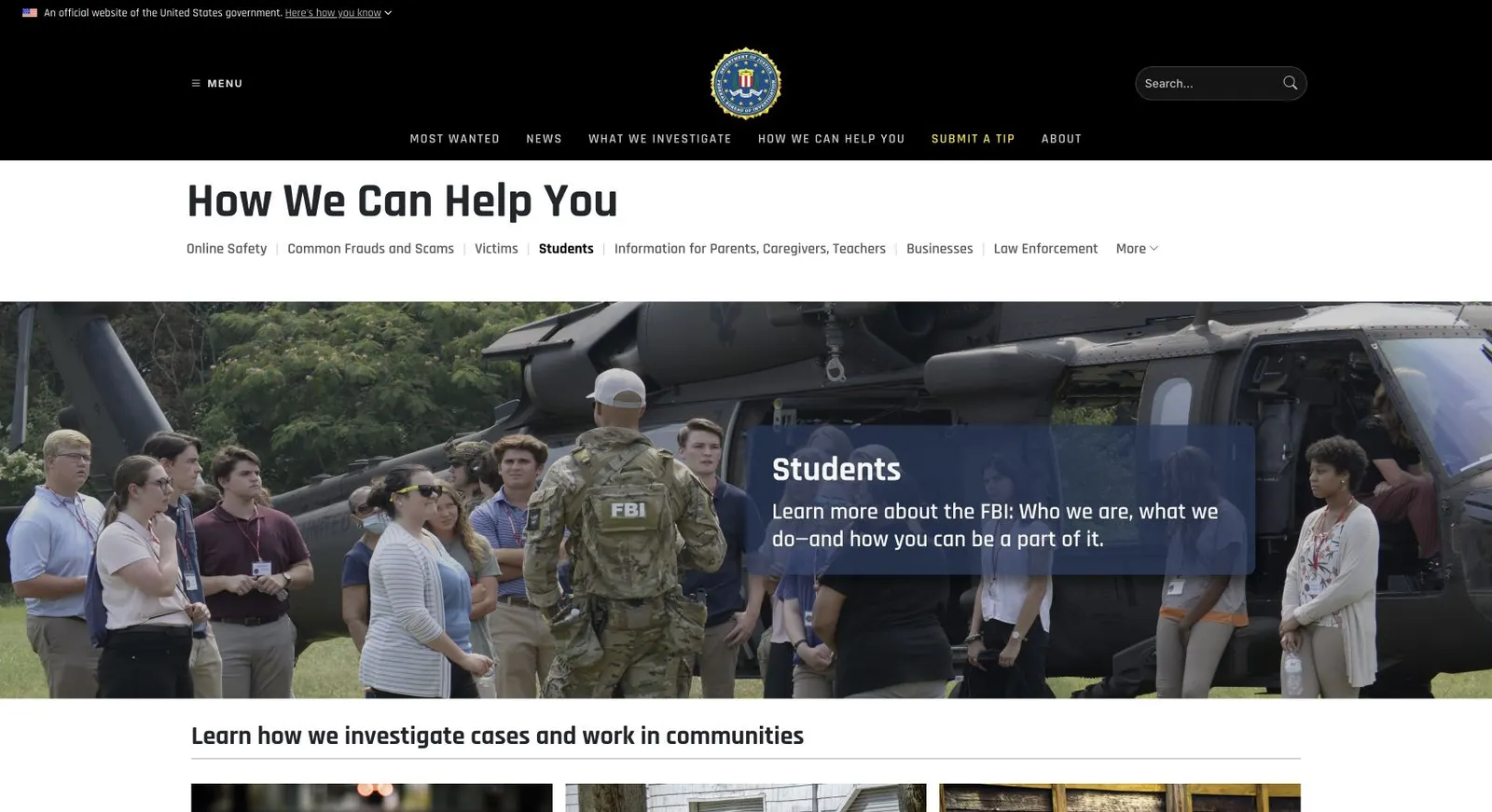
FBI Students
Student-focused resources about online safety, civic awareness, careers, history, and youth programs from the FBI. It is listed under History & culture, Technology, and Parent & educator for ages 14-18. Children and families can use it through a website.
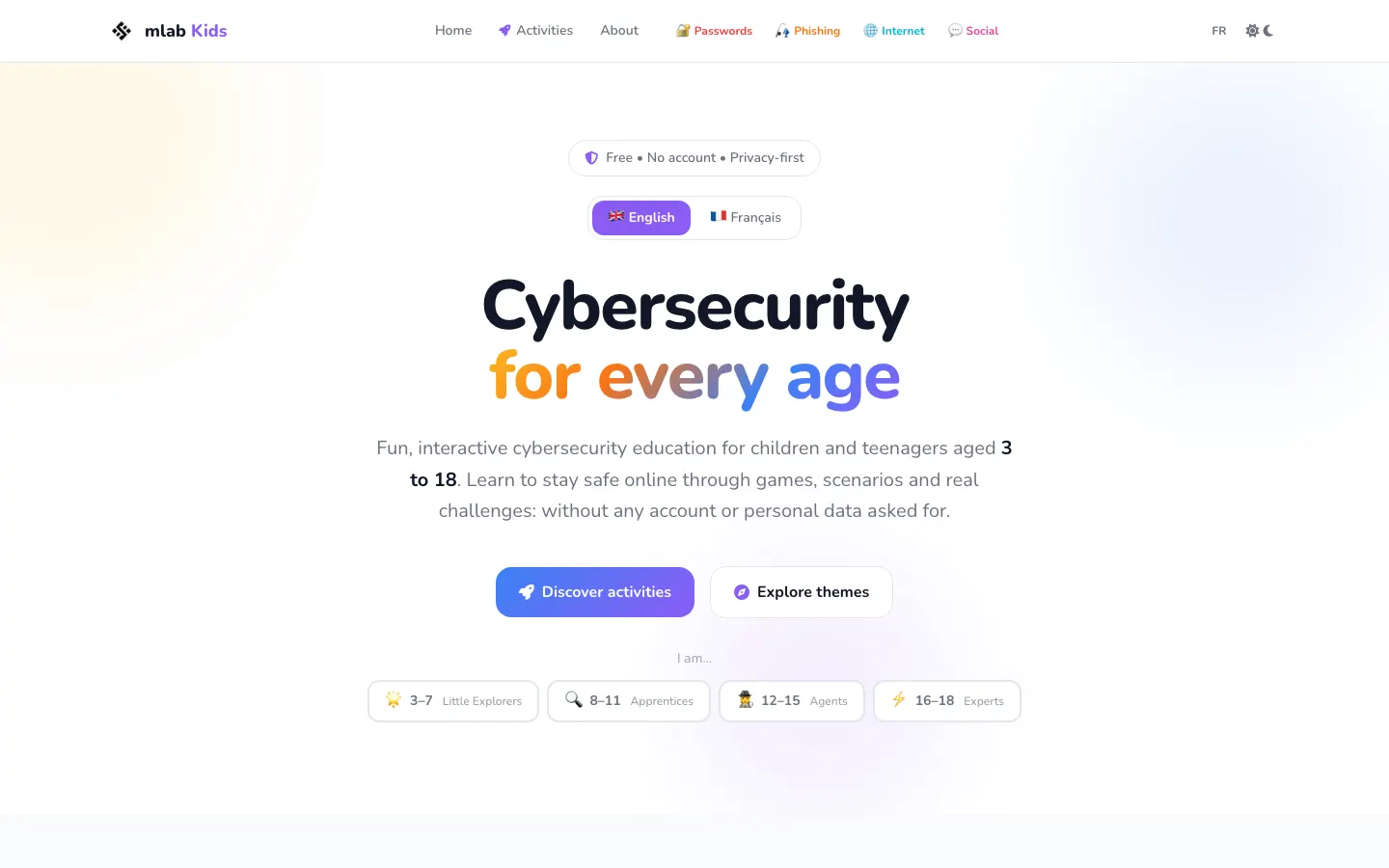
mlab Kids Cybersecurity
A free, privacy-first cybersecurity learning site for children and teenagers ages 3–18, using games, scenarios, and activities about passwords, phishing, internet use, and social topics. It is listed under Technology and Coding for ages 3–18; activity-specific.
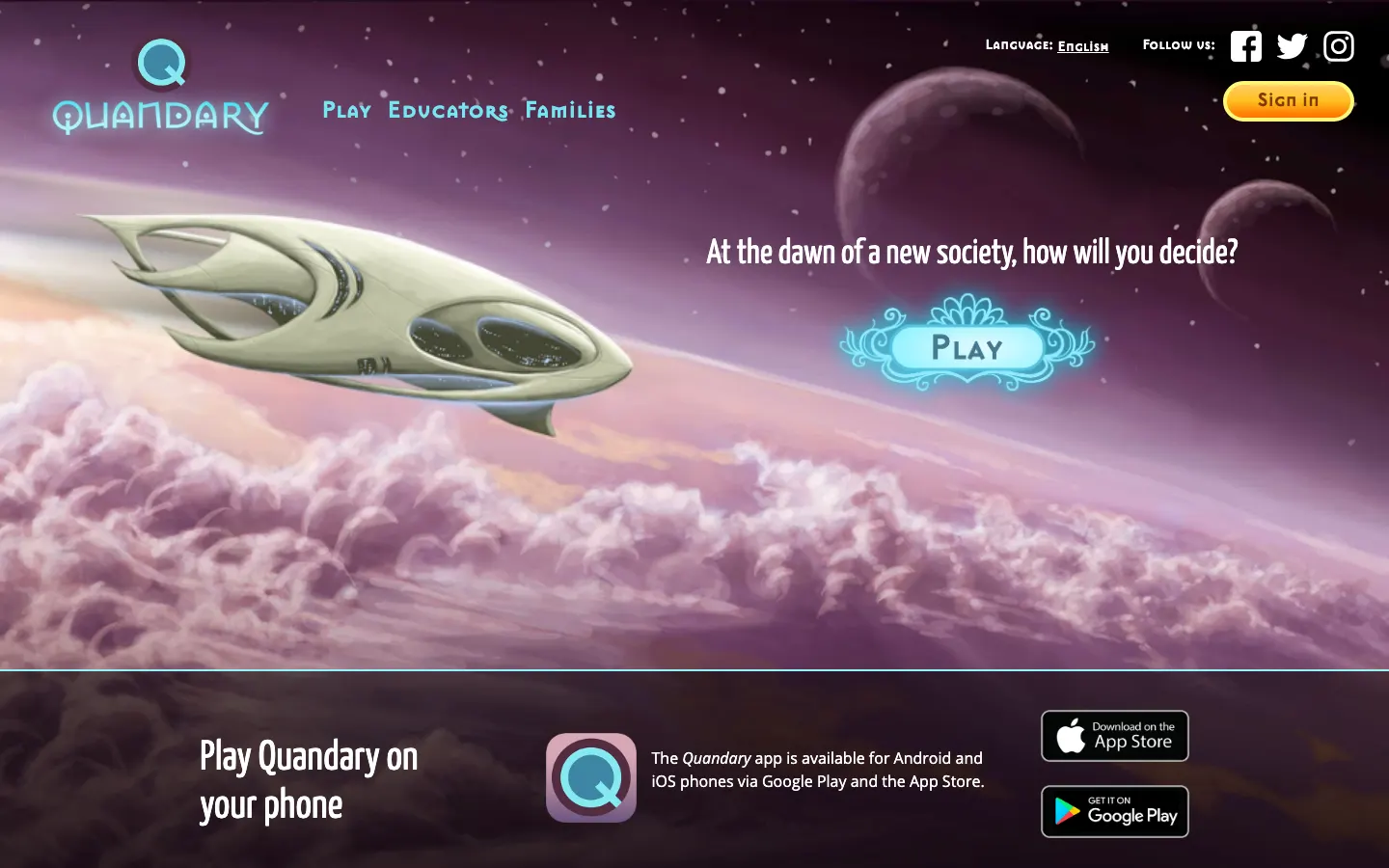
Quandary
A free nonprofit interactive game in ethical decision-making where children consider community dilemmas, weigh consequences, and practice citizenship through play. It is listed under Games & interactives and Social studies for ages 8–14; activity-specific.
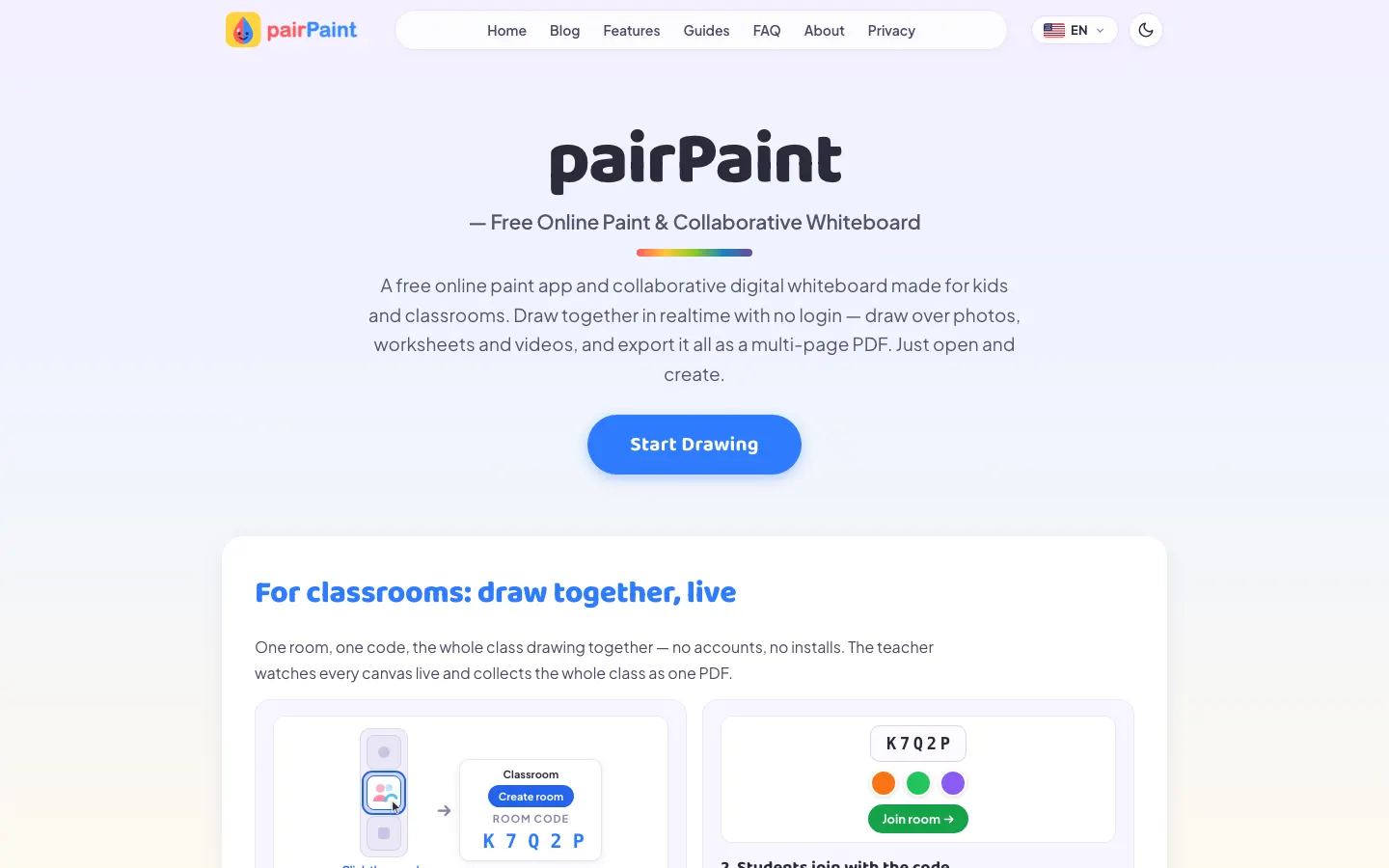
pairPaint
A free online paint app and collaborative whiteboard for children and classrooms, with realtime shared drawing, worksheet and photo annotation, and PDF export. It is listed under Art & creativity and Technology for ages 5–14; classroom use varies.
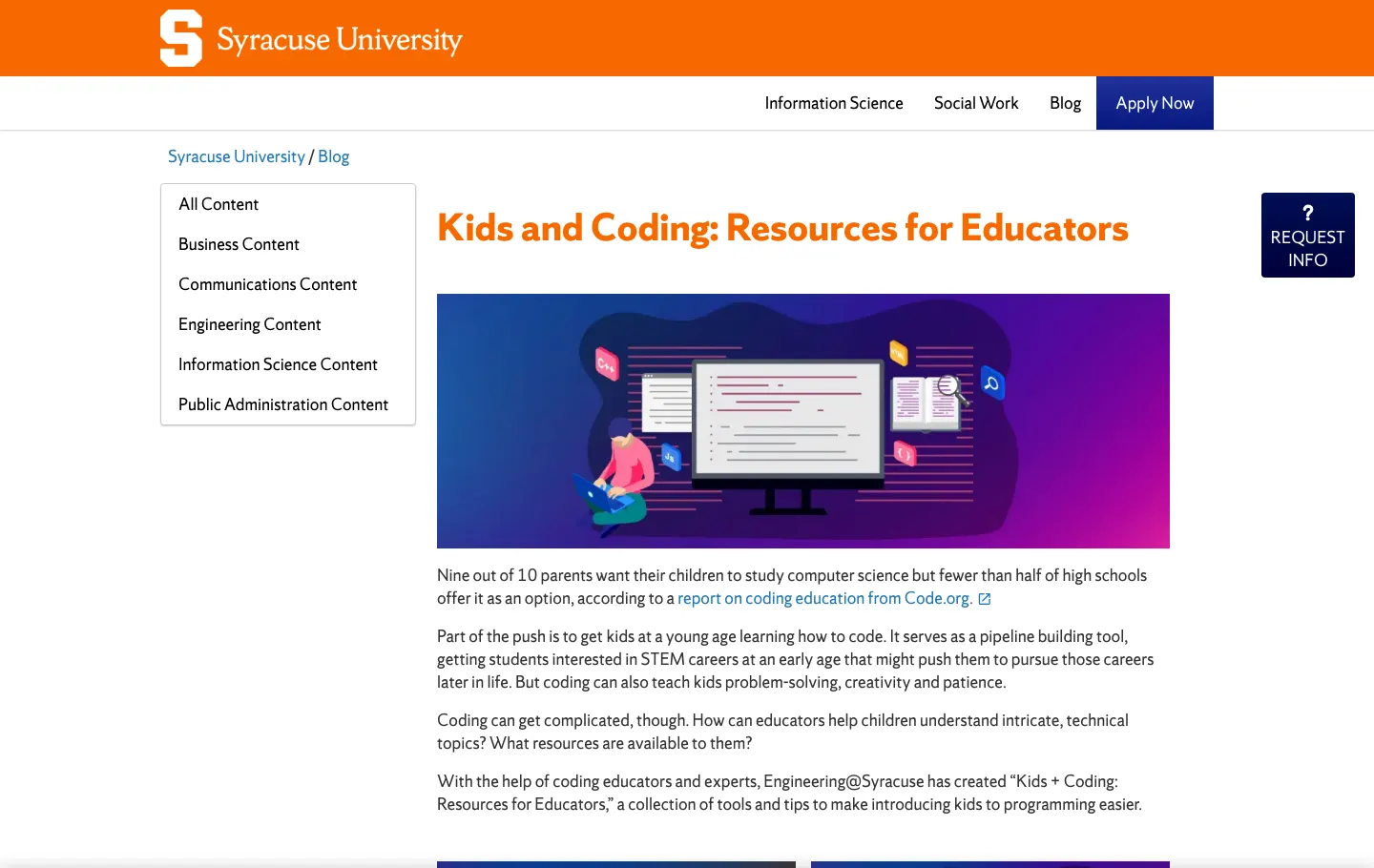
Syracuse University Kids + Coding Resources
Syracuse University Engineering@Syracuse presents a collection of coding tools and educator tips for introducing children to programming, with linked explainers on coding terms, teaching approaches, languages, and learning tools. It is listed under Coding and Technology for ages 6–14.
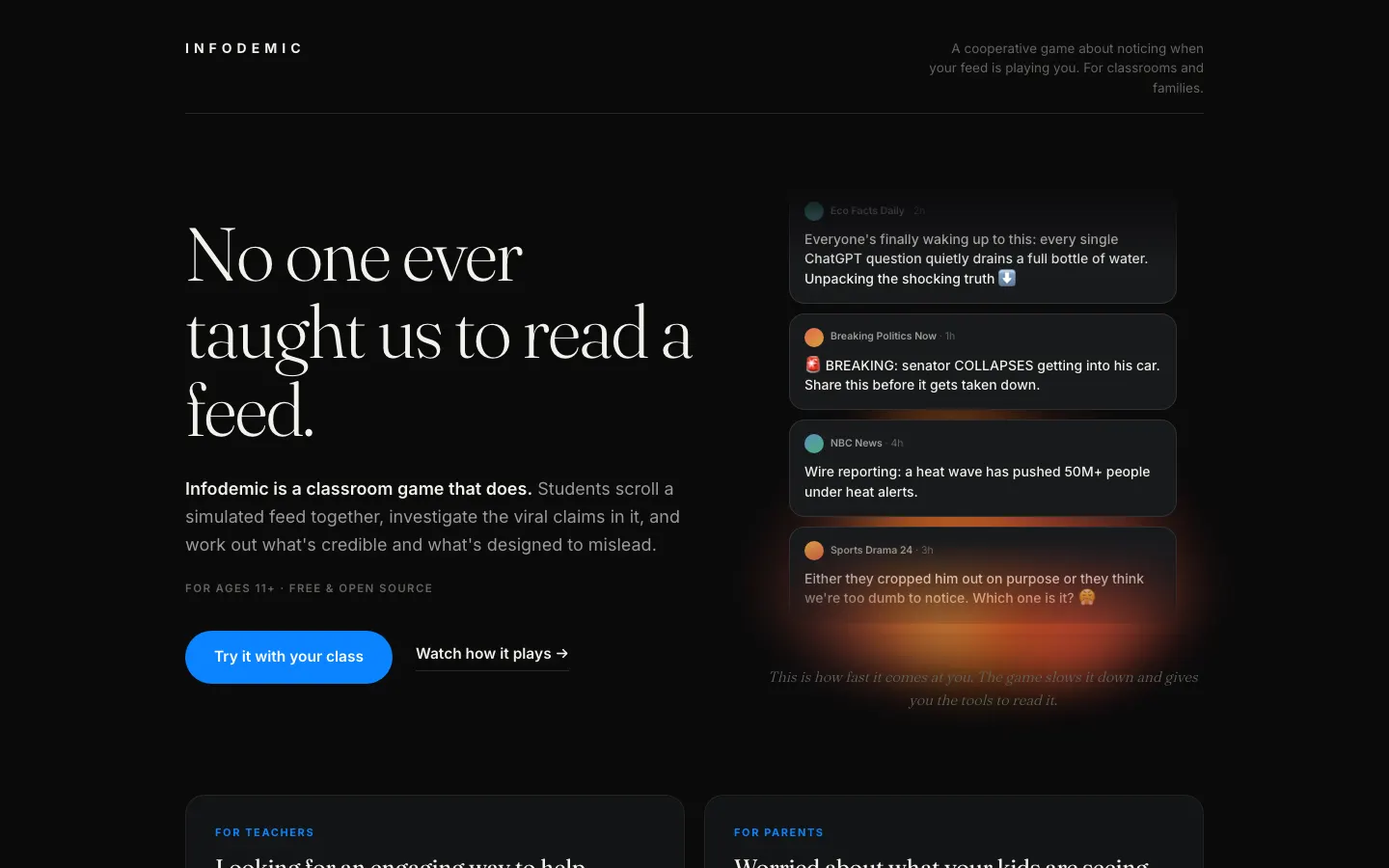
Infodemic
A free cooperative classroom game that helps students practice reading news feeds, checking sources, and discussing how information spreads online. It is listed under Technology and Reading for ages Grades 6–12; classroom activity. Children and families can use it through a website.
Compare with context
Use this collection to find a direction, then open each resource page before sharing it with a child. The individual review shows languages, access formats, tags, age guidance, source links, and notes for grown-ups.
Search the full directory →