Choose first touch-typing lessons for kids
If your child can find letters by looking at the keyboard, try a short lesson that introduces just a few keys. Watch whether they can repeat the same pattern after a mistake. That tells you more about the fit of a first lesson than its speed score.
Why these resources fit
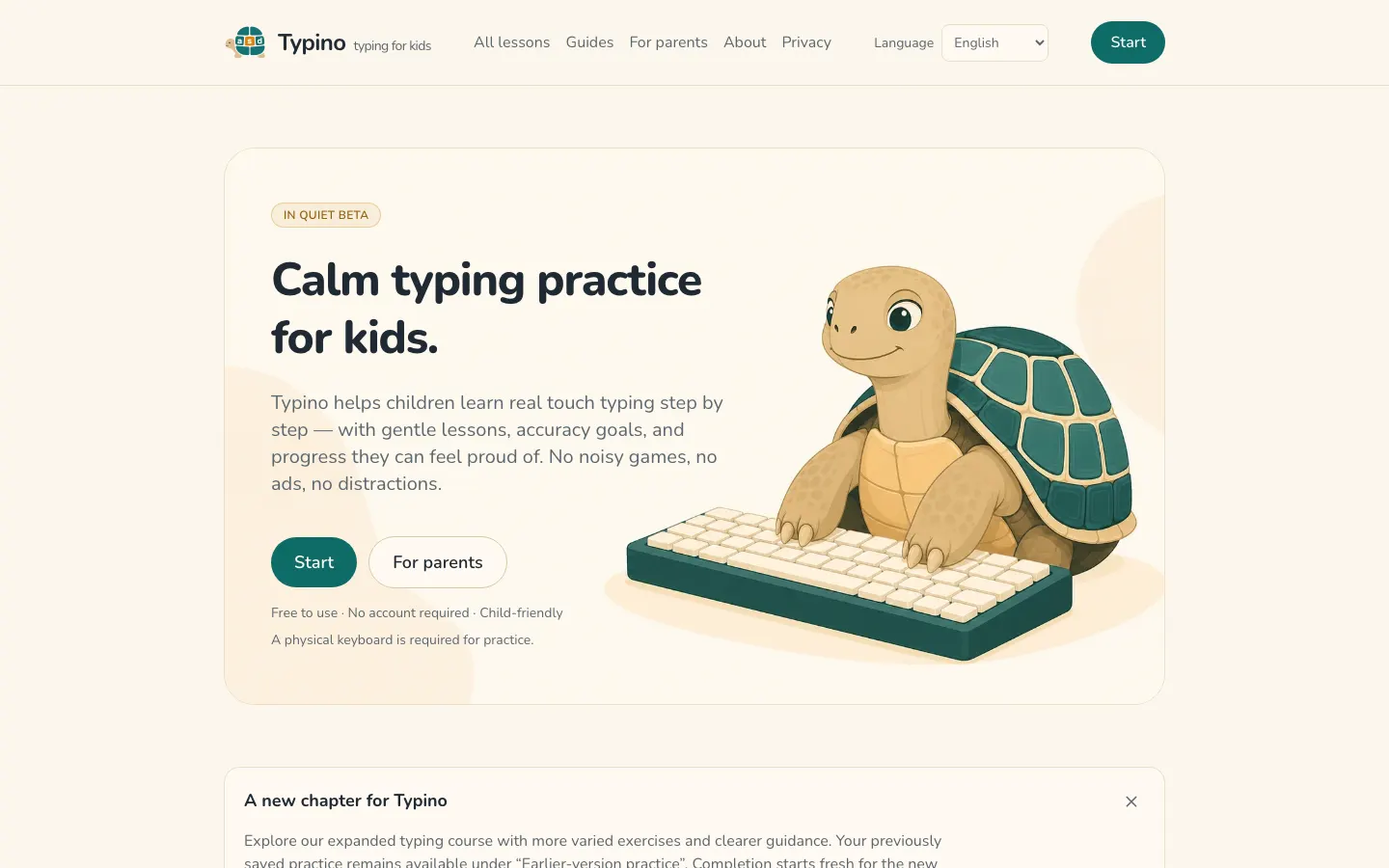
Typino gives you short touch-typing lessons to sample. TypingClub offers a structured sequence when you want a clear lesson to return to next time. TypePets combines finger-placement guidance with a game and virtual pet, which gives a child who likes games a reason to practice the same keys again.
Resources worth comparing
Typino
Sample a short touch-typing lesson when you want to see how your child responds to a small practice task.
TypingClub
Try the structured lesson sequence when you want a planned progression and a clear place to resume.
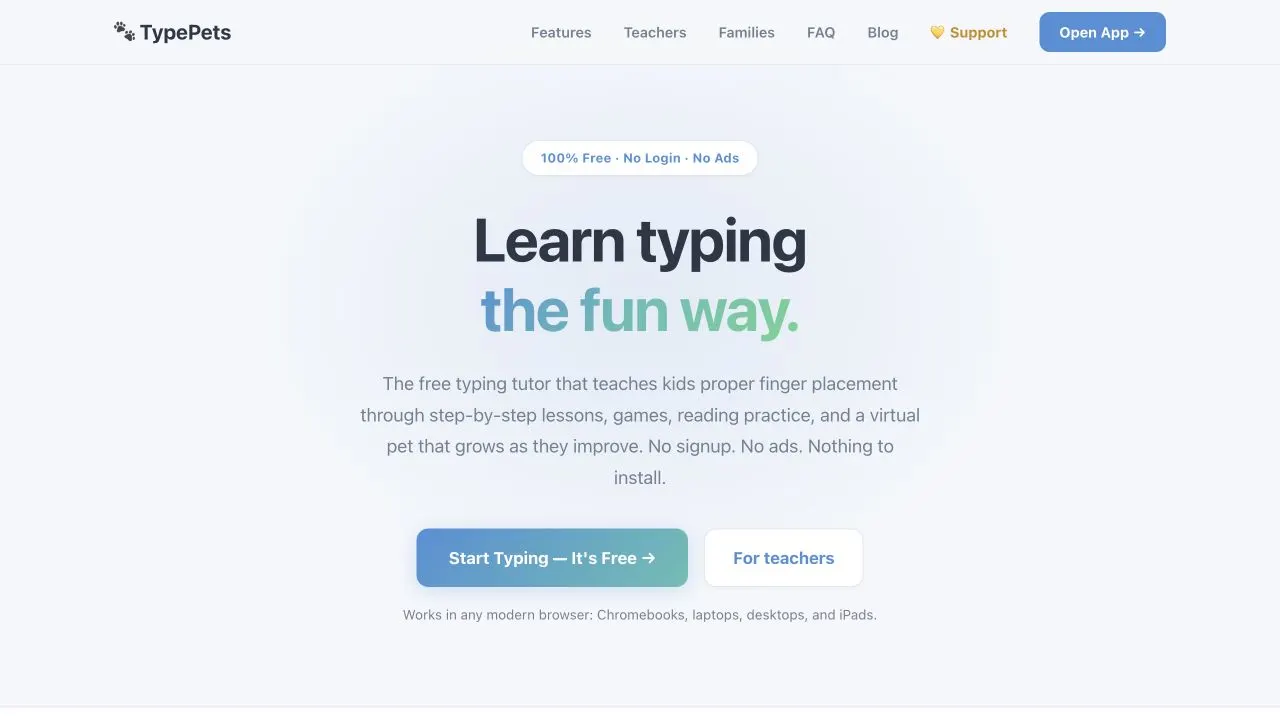
TypePets
Compare the finger-placement cues and the game format if your child enjoys returning to a virtual pet.
Make the shortlist fit your family.
This guide draws on directory reviews. Age fit, costs, sign-in, advertising, privacy, and accessibility are unconfirmed for individual activities. Check the provider’s current information and preview the activity with your child’s device.