Best beginner coding resources for ages 8-10
Find friendly ways for children to learn sequencing, patterns, debugging, and creative problem-solving through code.
Choose for the child, not just the label.
Beginners need quick feedback and permission to experiment. We favor tools that let children make a story, animation, game, or interactive project before demanding lots of theory.
Resources worth comparing
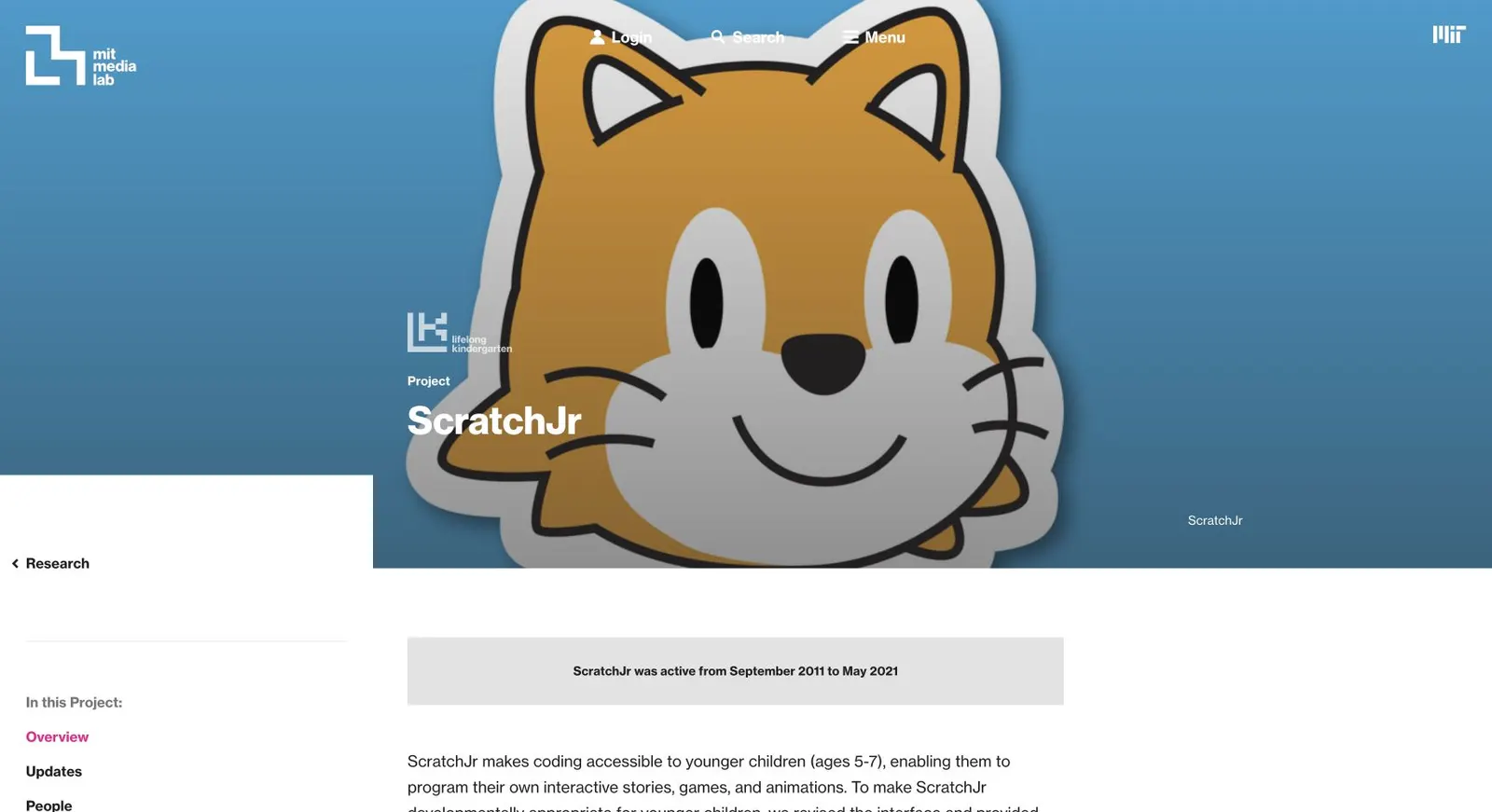
ScratchJr
ScratchJr is a free introductory programming environment for young children. The official MIT project page describes a block-based app for ages 5–7 that lets children create interactive stories and games.
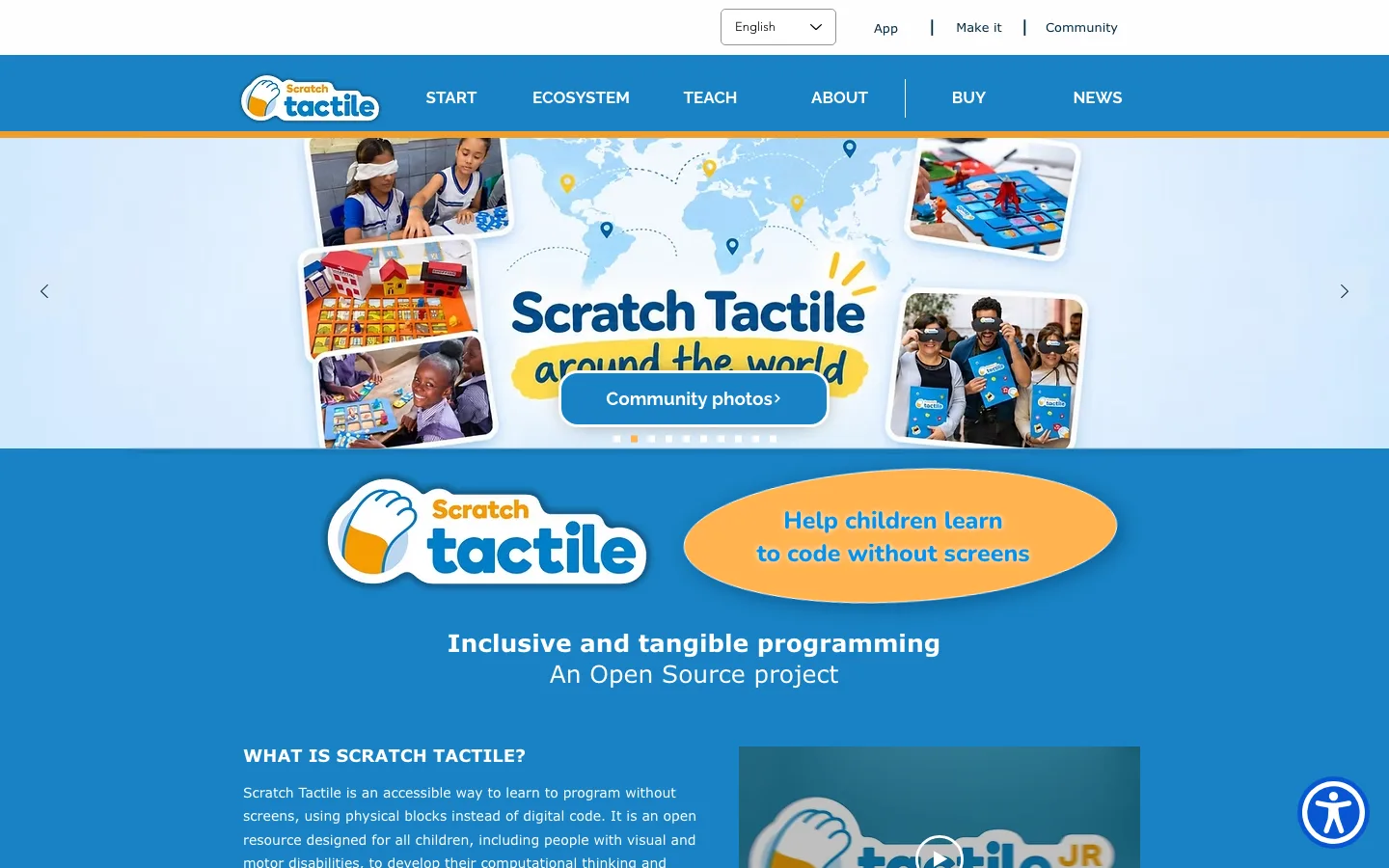
Scratch Tactile
An open, inclusive, hands-on way for children ages 4–10 and learners with diverse needs to explore programming without screens using tactile blocks and companion activities. It is listed under Coding & technology and Maker & DIY for ages 4–10; diverse needs any age.
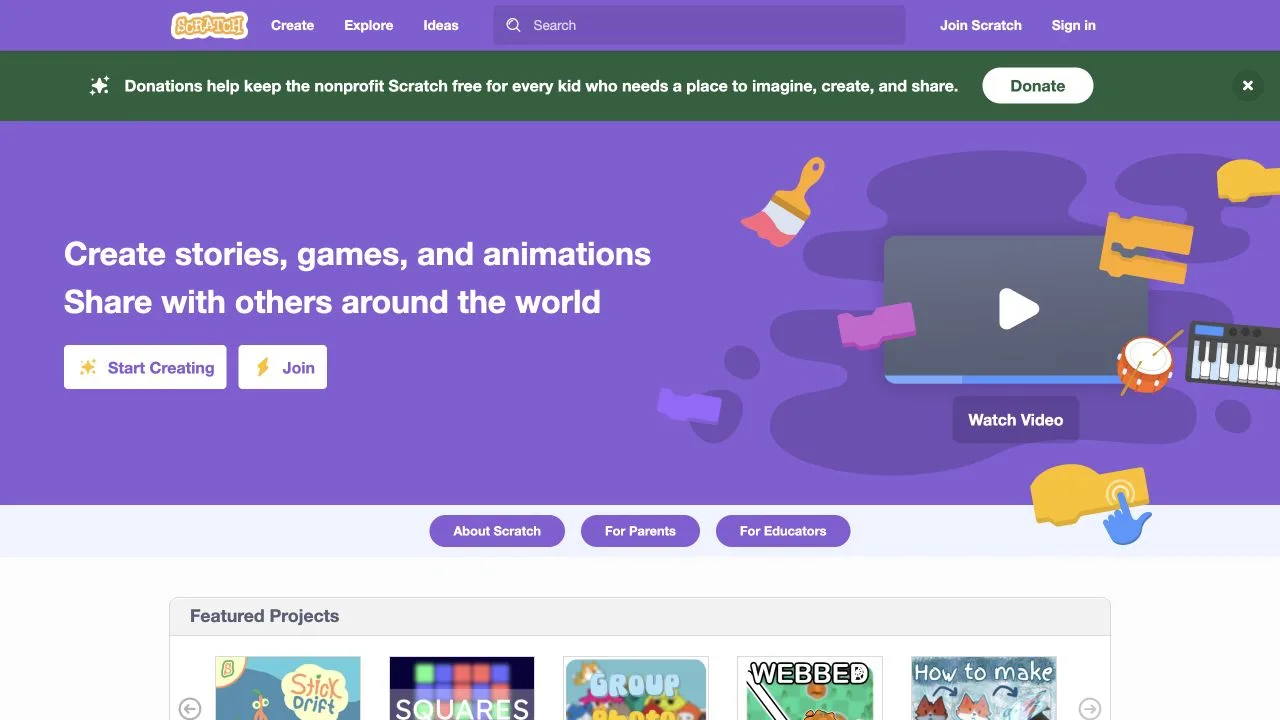
Scratch
Scratch is an open-ended coding community where children build stories, games, animations, and music with block-based programming. The project gallery lets learners inspect and remix examples, while the editor supports experimentation rather than a fixed lesson sequence. It suits ages 8–16; adults should preview public projects and review sharing settings.
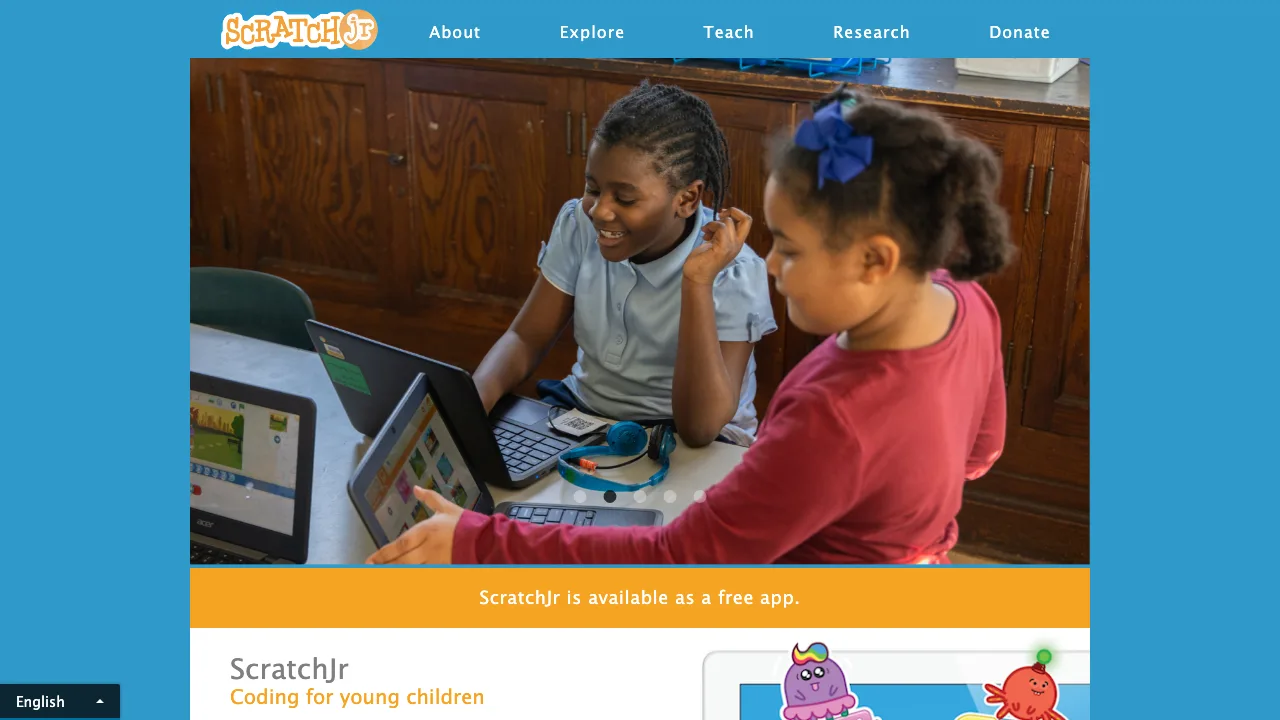
ScratchJr
A playful first coding app where young children create interactive stories and games with picture-based programming blocks. It is listed under Coding, Art & creativity, and Games for ages 5–7. Children and families can use it through a website, an Android app, and an iOS app.
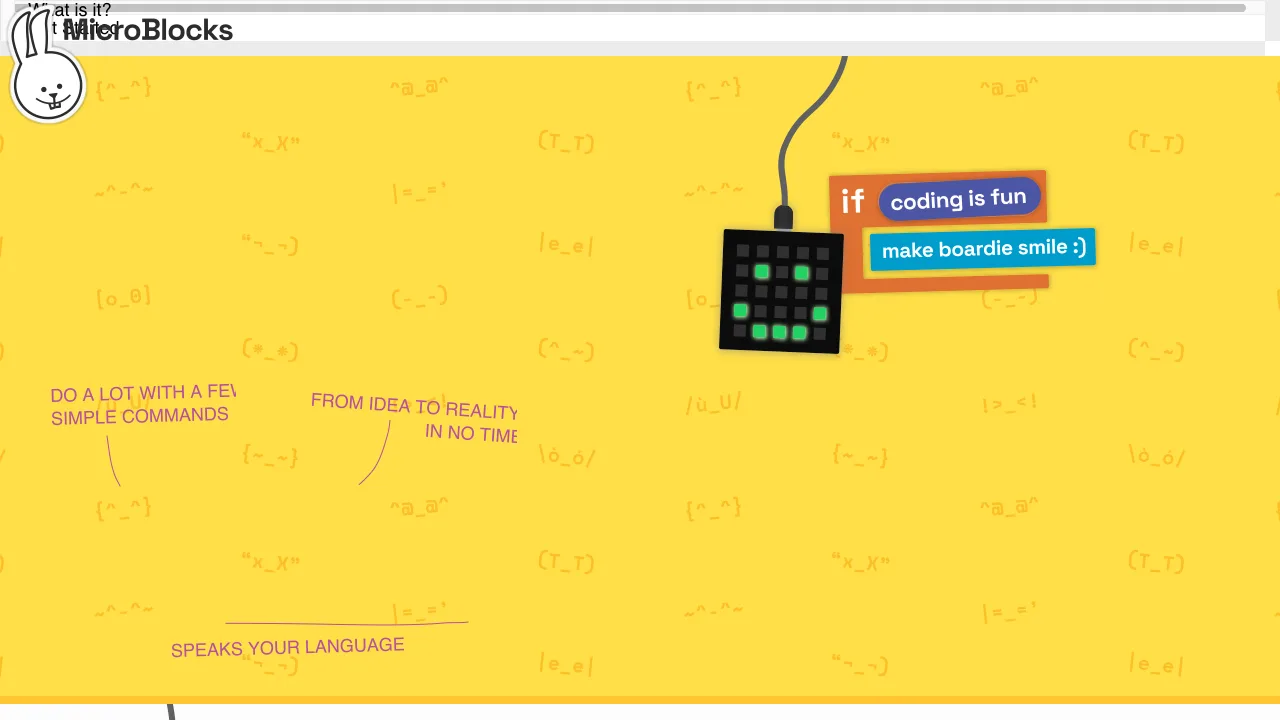
MicroBlocks
A free, live block-programming environment for making interactive projects with microcontrollers, sensors, lights, and motors. It is listed under Coding, Maker & DIY, and Science for ages 8–16. Children and families can use it through a website.
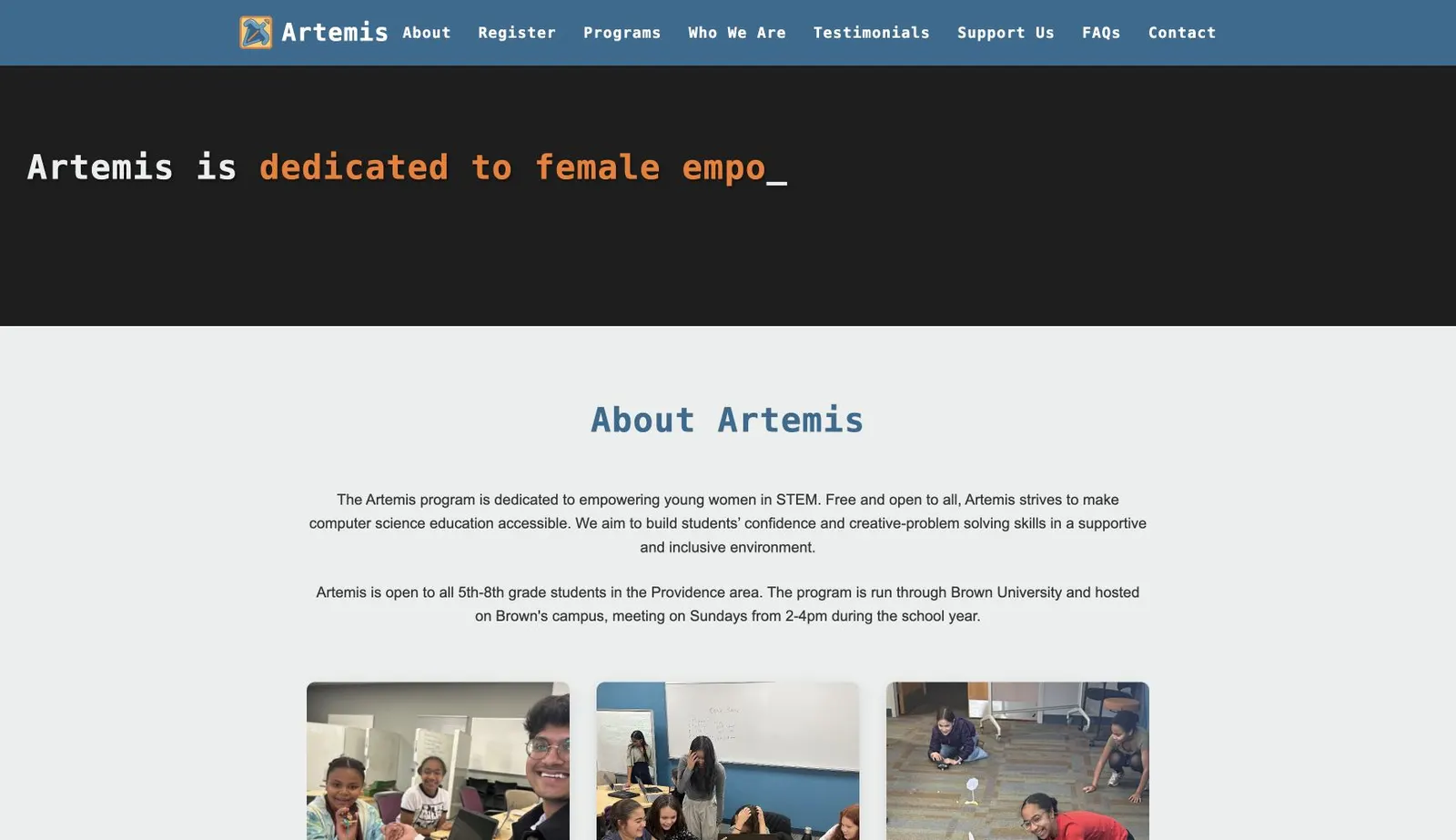
Brown University Artemis Coding Program
Brown University’s Artemis program offers free, supportive computer-science learning for Providence-area students in grades 5–8 through Microbits, Scratch, and Python tracks. It is listed under Coding and Science for ages 10–14. Children and families can use it through a website.
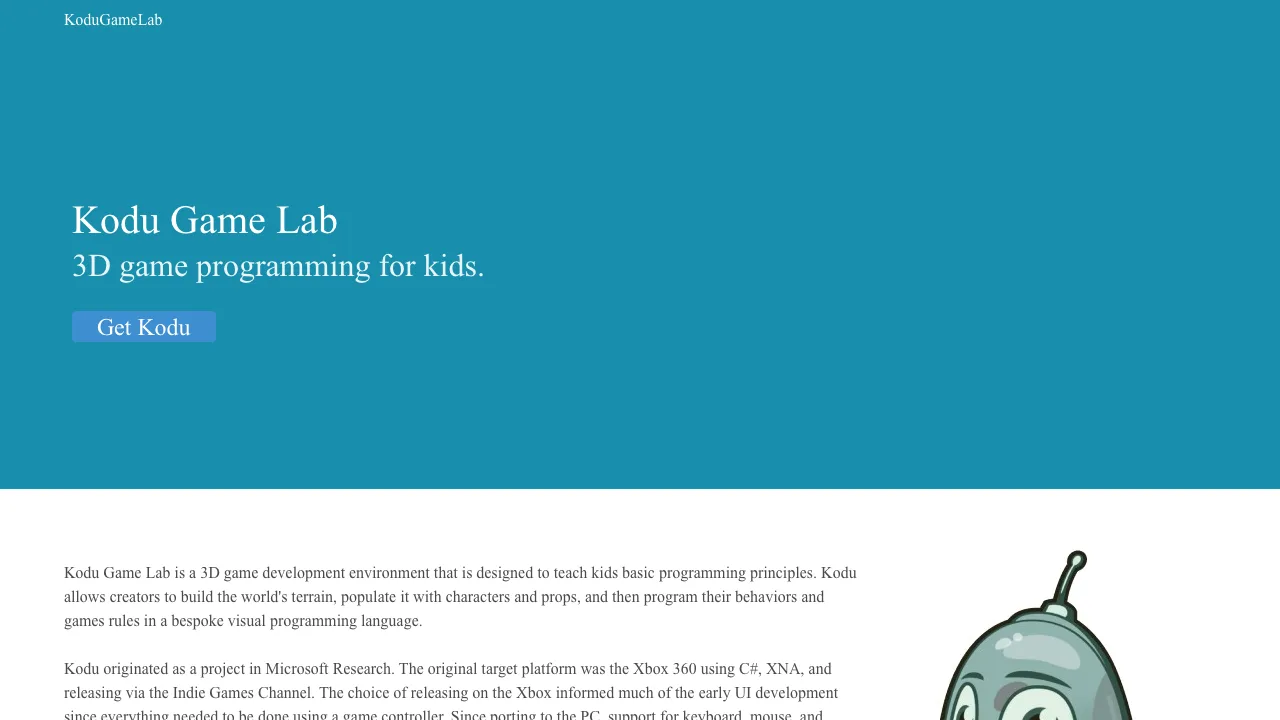
Kodu Game Lab
A visual game-making environment for children to build 3D worlds, stories, and games with simple programming tiles. It is listed under Coding, Games, and Math for ages 8–16. Children and families can use it through a website and a desktop app.
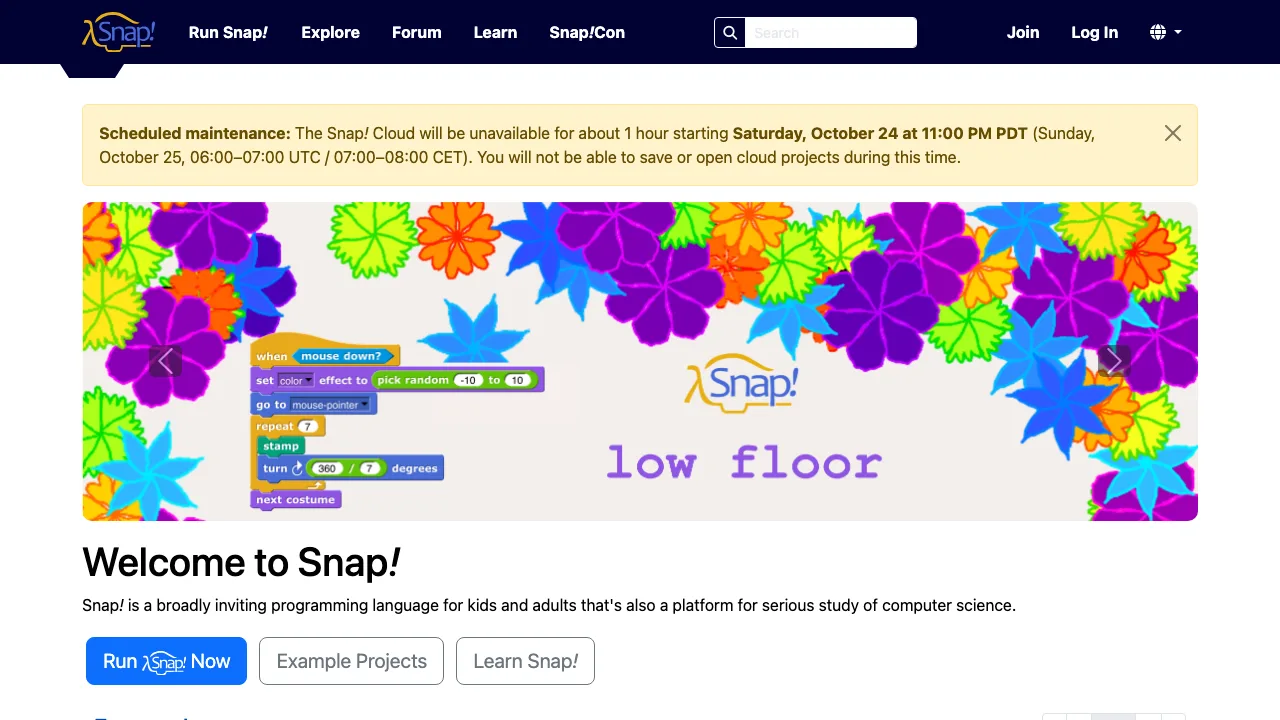
Snap!
A browser-based visual programming language that extends Scratch with custom blocks and deeper computer-science ideas. It is listed under Coding, Math, and Games for ages 12–18. Children and families can use it through a website.
Make the shortlist fit your family.
Start with the age range, then check the activity format and the time you actually have. Before a child begins, open the provider page and review current account, advertising, privacy, accessibility, and pricing details. These details can change.