
MicroBlocks
A free, live block-programming environment for making interactive projects with microcontrollers, sensors, lights, and motors. It is listed under Coding, Maker & DIY, and Science for ages 8–16. Children and families can use it through a website.
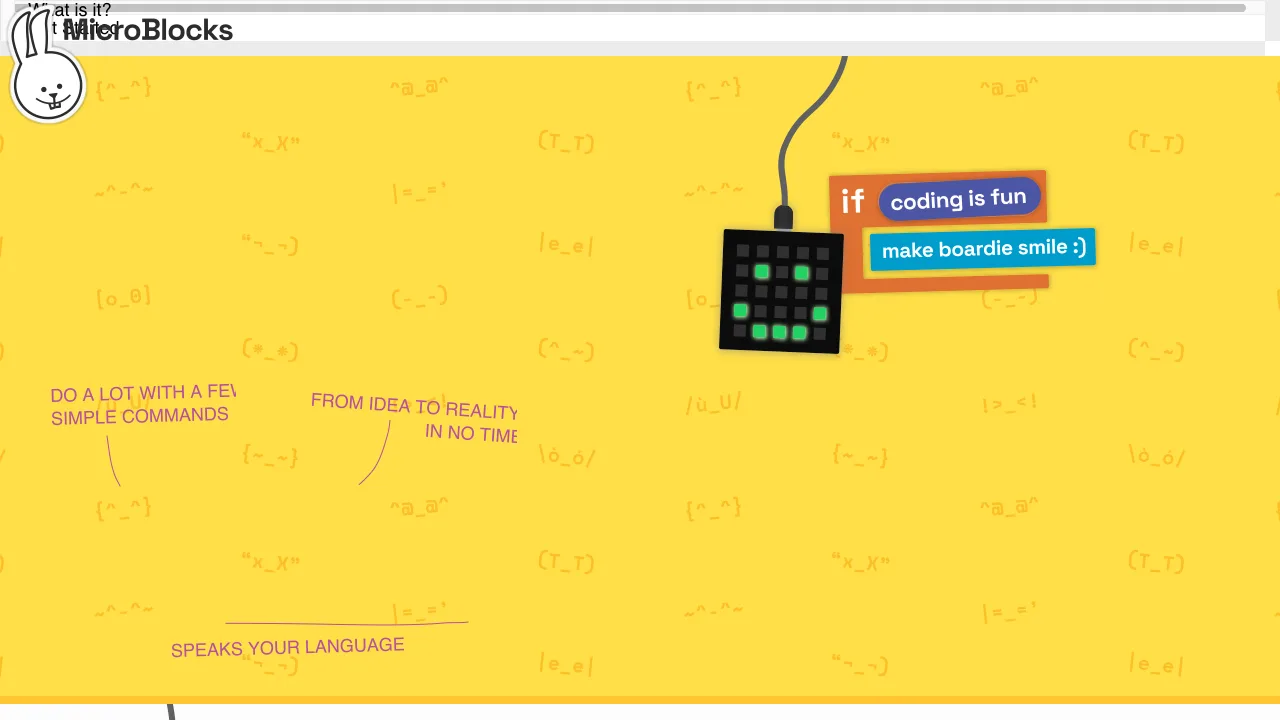 Website preview
About MicroBlocks
MicroBlocks is a free and open-source block programming language for physical computing. The official site describes live code that runs immediately on boards such as micro:bit, Calliope mini, and Circuit Playground Express, along with activity cards and a browser-based way to run the environment.
Age and access
This resource is listed for ages 8–16. It is available as Website and is listed as free. The listed language coverage is English.
What stands out
- Immediate feedback helps children connect code with physical behavior
- Projects combine coding, electronics, sensors, animation, and design
- The live environment reduces the wait between an idea and a test
Editorial review
MicroBlocks is a free and open-source block programming language for physical computing. The official site describes live code that runs immediately on boards such as micro:bit, Calliope mini, and Circuit Playground Express, along with activity cards and a browser-based way to run the environment. In the directory, it is best approached as a creative tool for 8–16, with coding and maker & diy as the main learning context and coding, family learning, games as useful starting signals.
Families and educators who want immediate feedback helps children connect code with physical behavior, especially for ages 8–16.
- Most projects need compatible hardware, and adults should supervise batteries, motors, wires, and small parts.
- The listing covers coding and maker & diy and includes coding, family learning, games; choose the specific activity or section that matches the child's age and goal.
Review basis: Catalog context based on the provider URL, recorded description, age, format, language, access, tags, and available source links. · The thekidspick catalog team
Check the details at the source
This page separates our editorial context from provider evidence. Access, pricing, language, privacy, and content can change.
Evidence date not recorded for this listing; confirm current details with the provider.
How the score is built
Children can write code and observe sensor or actuator behavior in real time.
Block coding is approachable, while hardware projects add technical depth.
The site documents its open-source license and anonymous statistics cookies.
The official site describes MicroBlocks as free software and offers browser access.
Parent notes
- Most projects need compatible hardware, and adults should supervise batteries, motors, wires, and small parts.
- The official site says it uses anonymous cookies for short-term internal statistics; it also says it does not store personal information.
- The stored preview shows the official homepage without a cookie popup or third-party ad overlay.
Recognized by
TheKidsPick
This resource has been independently reviewed by our team for its learning value, age fit, access, and trust signals, so parents can discover high-quality, kid-friendly resources with confidence.
Manage this resource?
Add this recognition to your website or share your TheKidsPick profile. It helps parents find your resource and shows your commitment to quality.
Find MicroBlocks in related listings
A few useful subject and format shortlists for this resource.
Questions parents ask
See something wrong?
Report an outdated link, image, language, platform, tag, or other detail.
Other coding resources to consider
Use these nearby options to compare age fit, format, access, and the kind of adult support each resource asks for. The scores are editorial signals, not a substitute for checking the provider page.
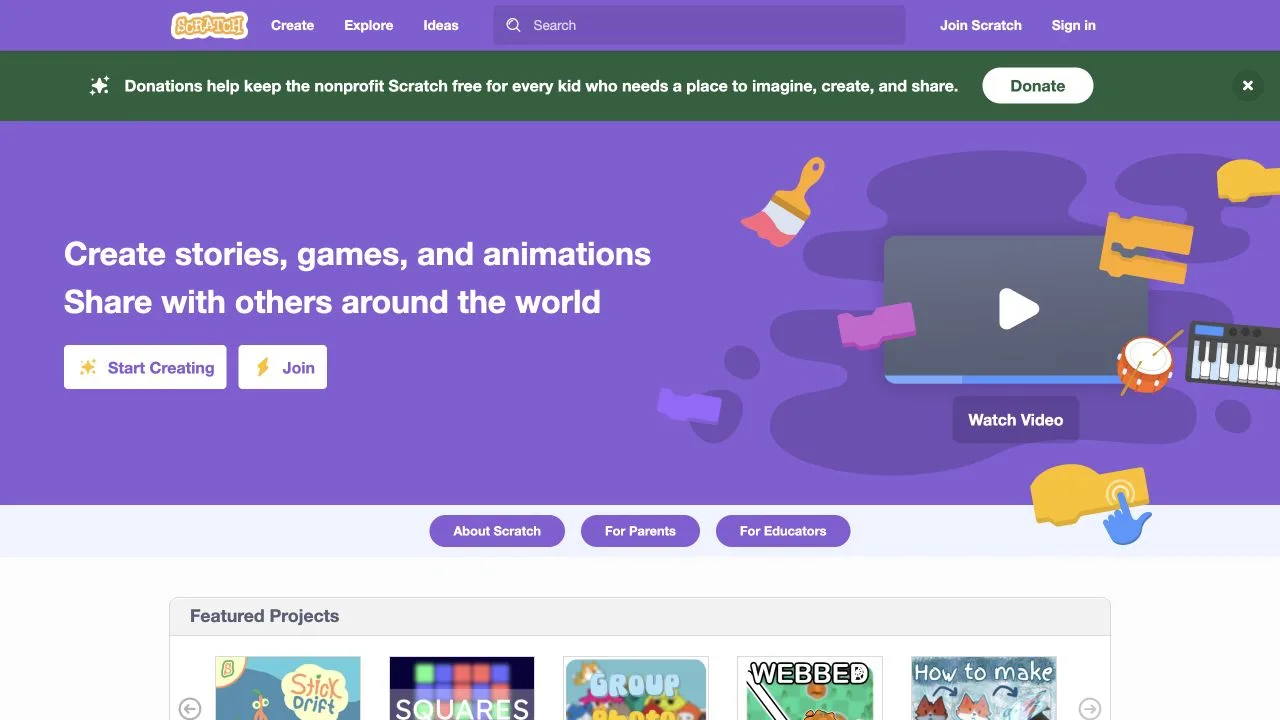
Scratch
Scratch is an open-ended coding community where children build stories, games, animations, and music with block-based programming. The project gallery lets learners inspect and remix examples, while the editor supports experimentation rather than a fixed lesson sequence. It suits ages 8–16; adults should preview public projects and review sharing settings.
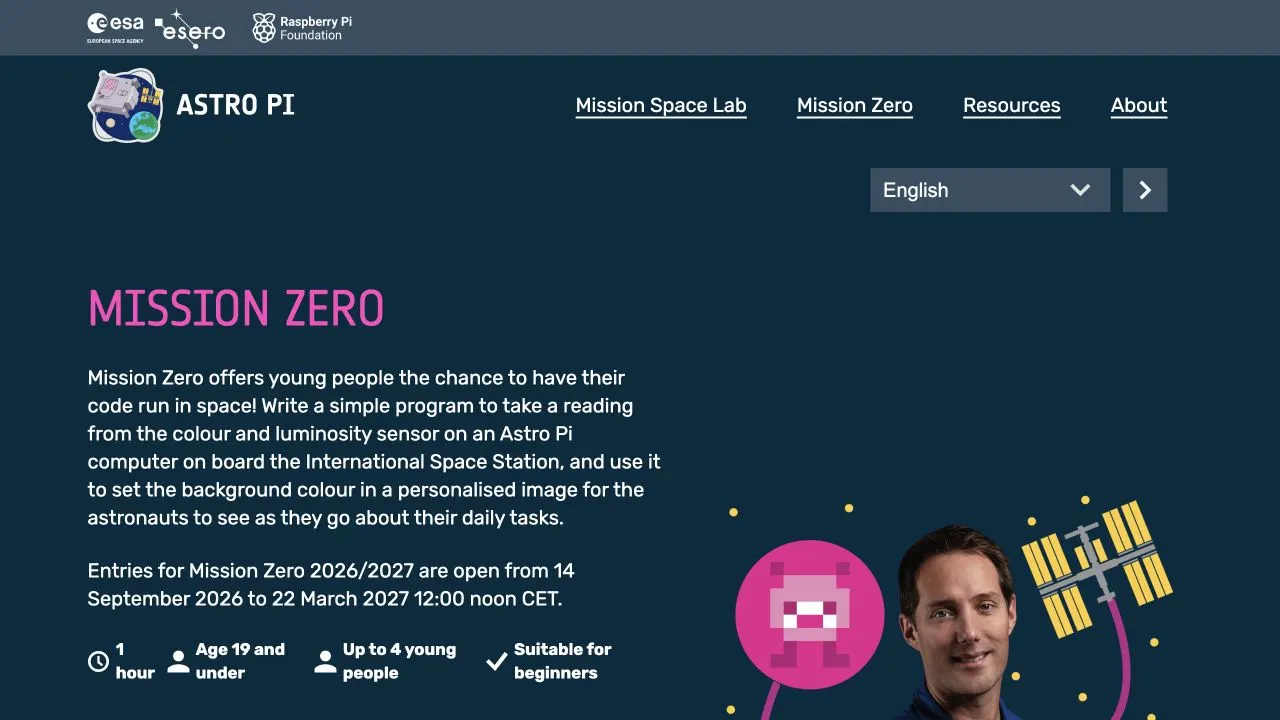
Astro Pi Mission Zero
ESA and the Raspberry Pi Foundation invite young people to write beginner Python programs that run on Astro Pi computers aboard the International Space Station. It is listed under Coding and Space for ages Age 19 and under; suitable for beginners.
ScratchJr
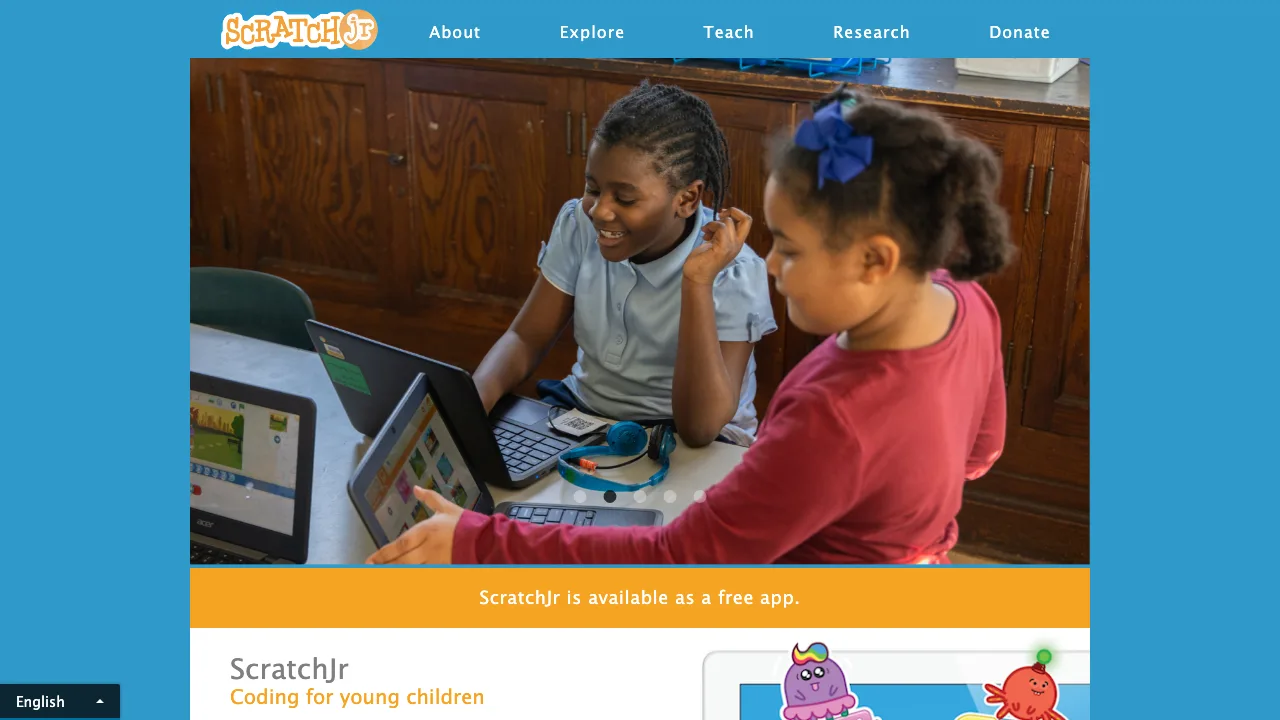
A playful first coding app where young children create interactive stories and games with picture-based programming blocks. It is listed under Coding, Art & creativity, and Games for ages 5–7. Children and families can use it through a website, an Android app, and an iOS app.
CS Unplugged
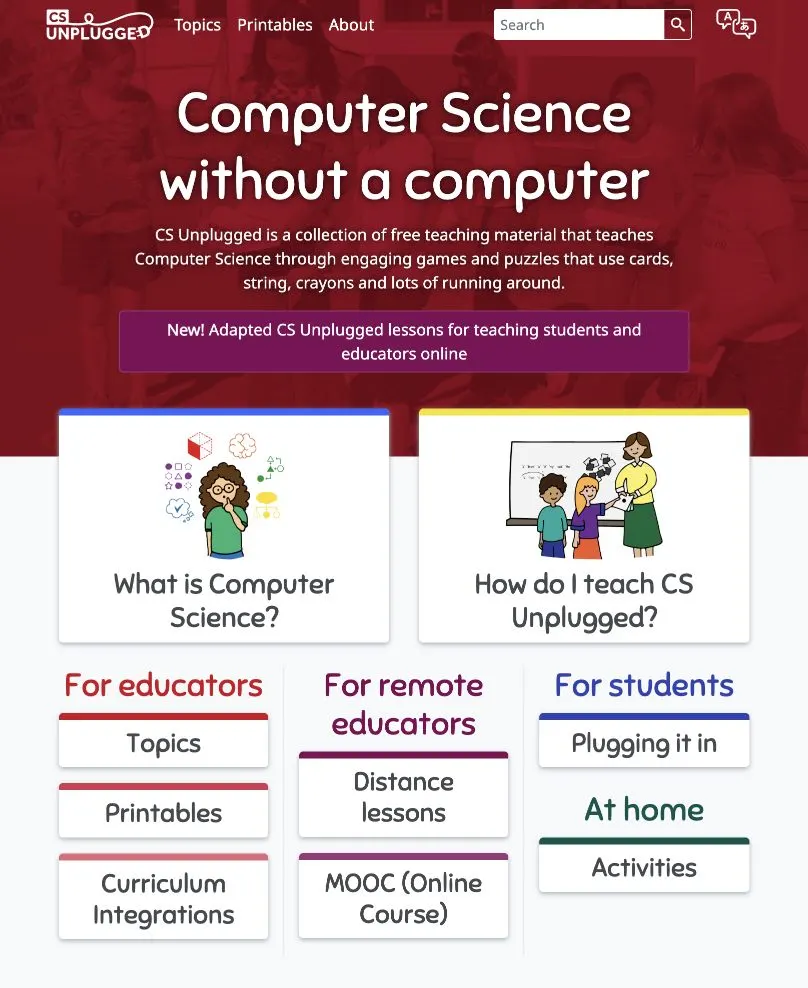
Free computer science activities, games, puzzles, and printables that teach computing concepts without requiring a computer. It is listed under Coding, Games, and Math for ages 5–14. Children and families can use it through a website and downloadable resources.