Coding Open source
for kids
Explore 17 trusted coding open source resources selected for curious kids, with clear ages, access details, and parent context.
Two useful ways to narrow the directory
This page brings together coding resources that also match open source. Each listing keeps its own age range, platform details, languages, links, and parent notes, so you can compare options without losing context.
Explore all coding resources →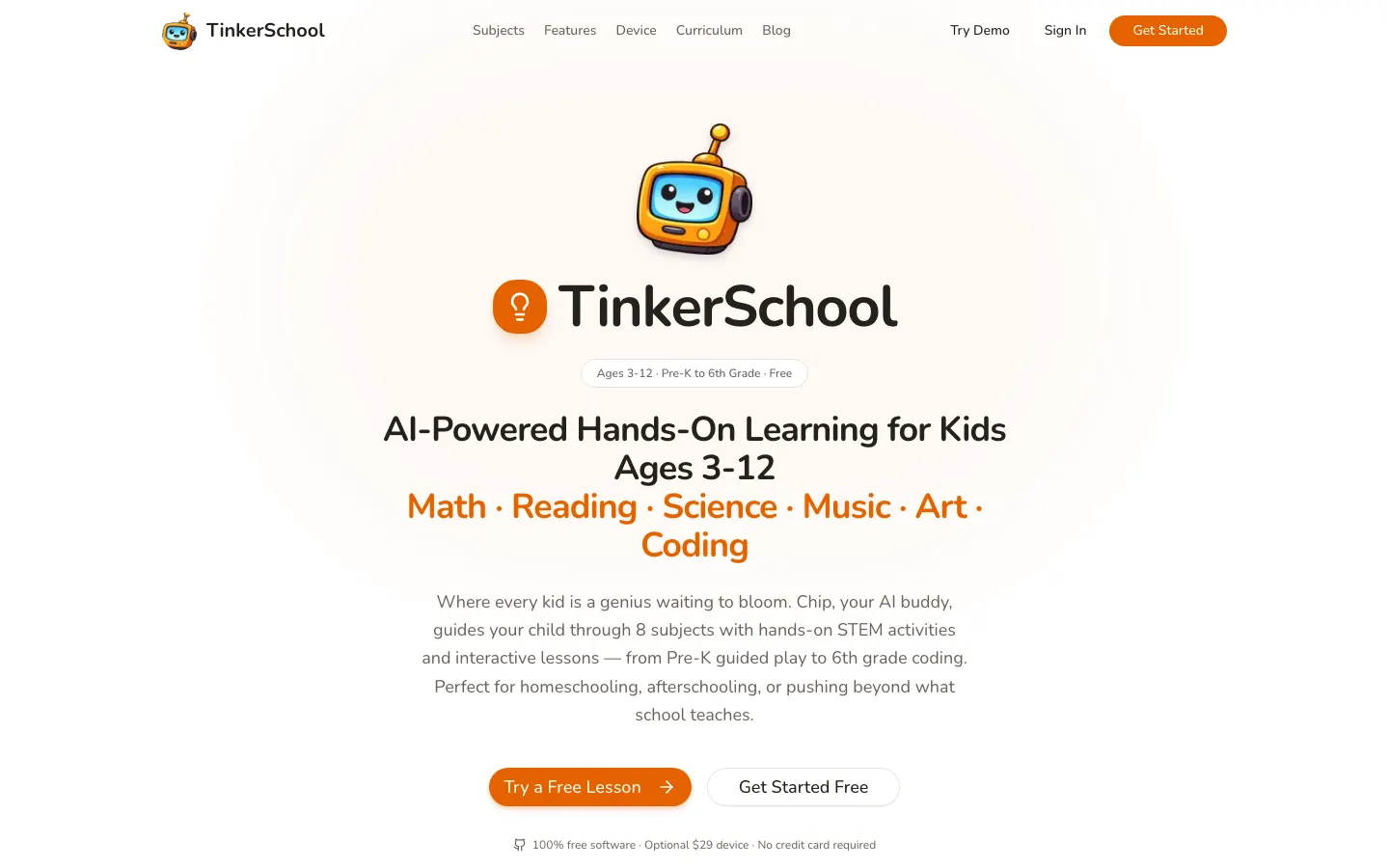
TinkerSchool
TinkerSchool is a free open-source learning platform for ages 3–12 combining guided play, math, reading, science, music, art, coding, and optional hands-on hardware. It is listed under Science and Mathematics for ages 3–12. Children and families can use it through a website.
Read the full resource review →More coding picks
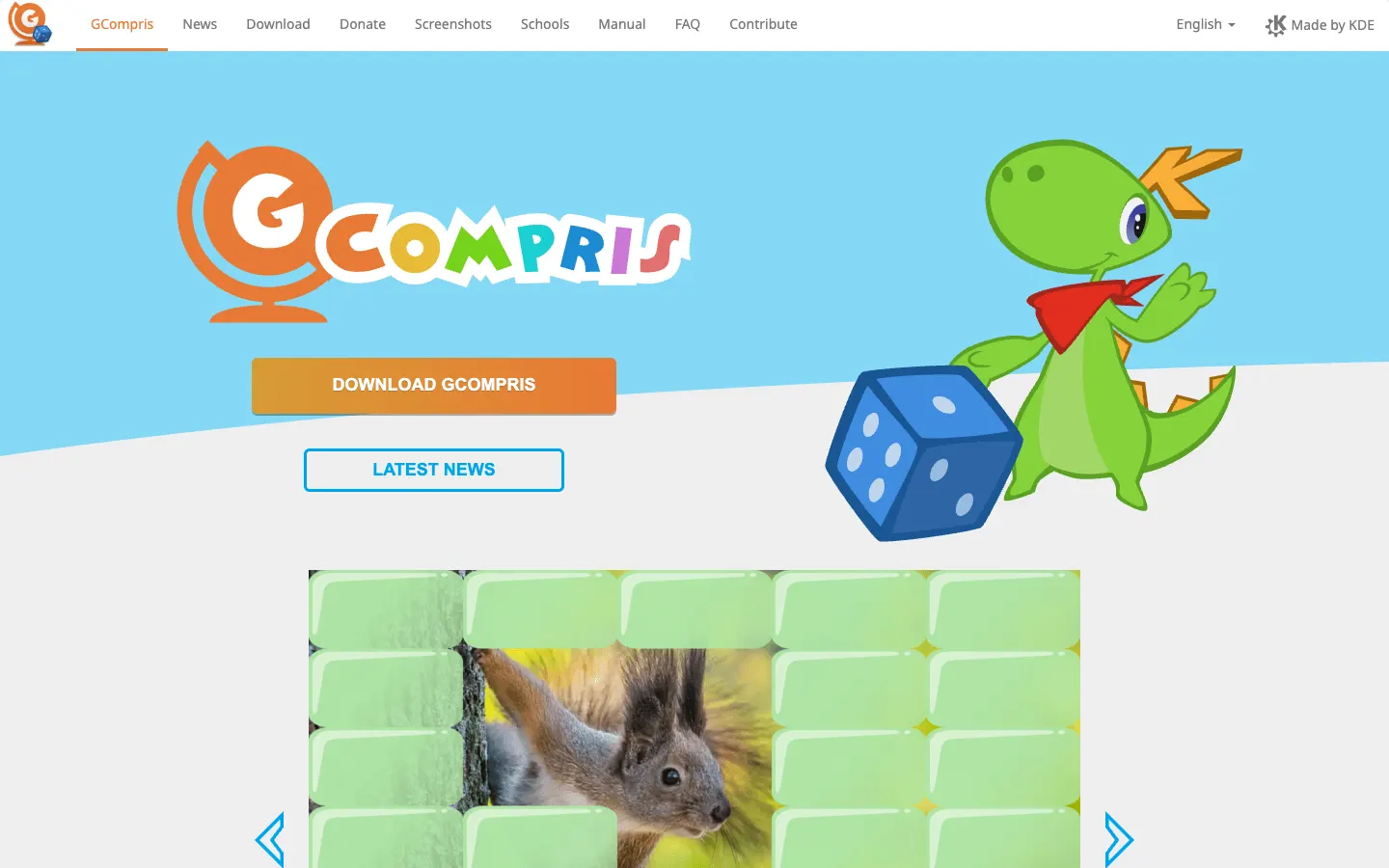
GCompris
A free educational software suite with more than 100 activities for young children, including computer discovery, reading, arithmetic, science, geography, and games. It is listed under Games and Reading for ages 2–10. Children and families can use it through a website and a desktop app.
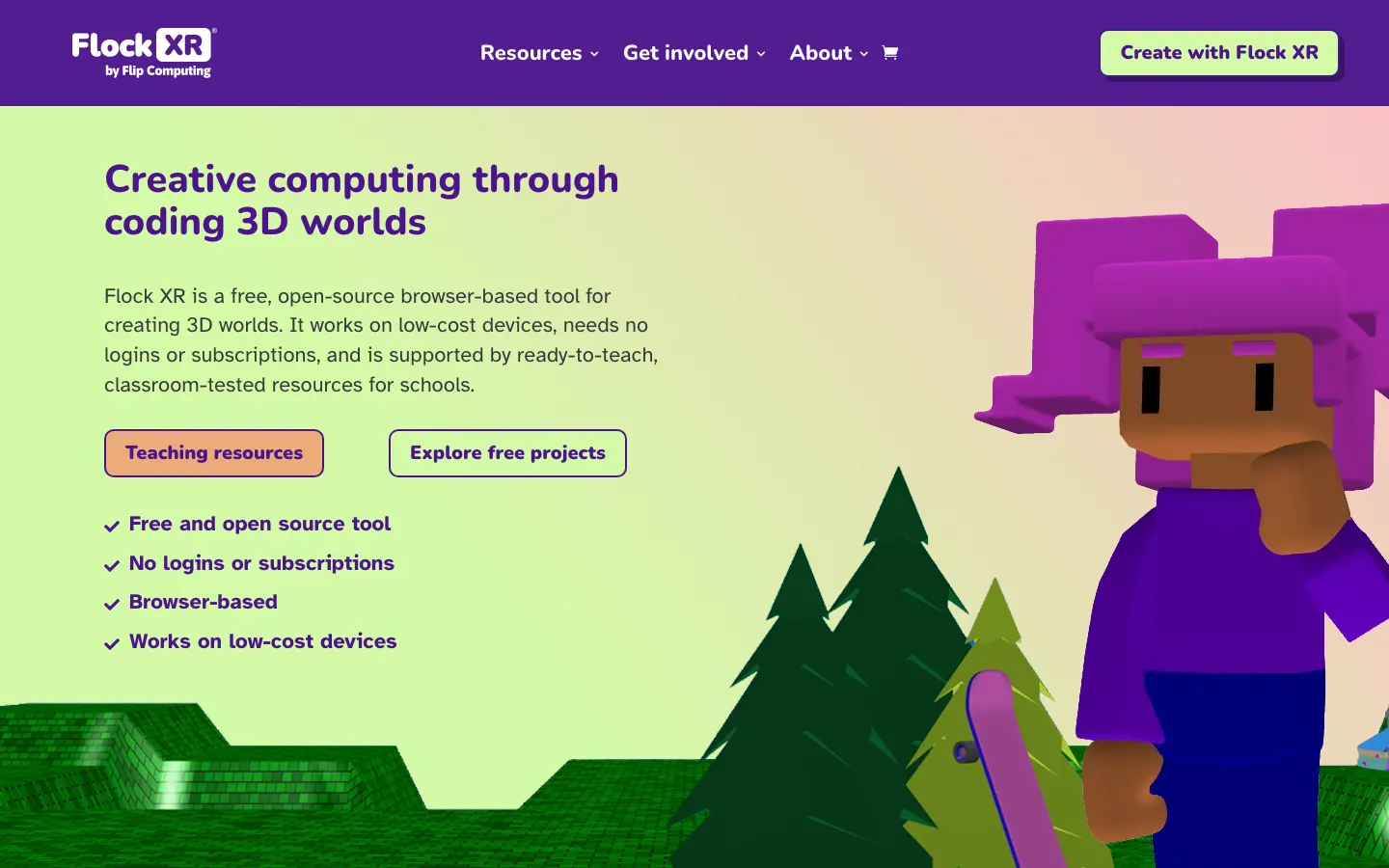
Flock XR
Flock XR is a free, open-source browser tool for creating 3D worlds with block coding and classroom-tested creative-computing resources. It is listed under Coding and Technology for ages 8–16; classroom-dependent. Children and families can use it through a website.
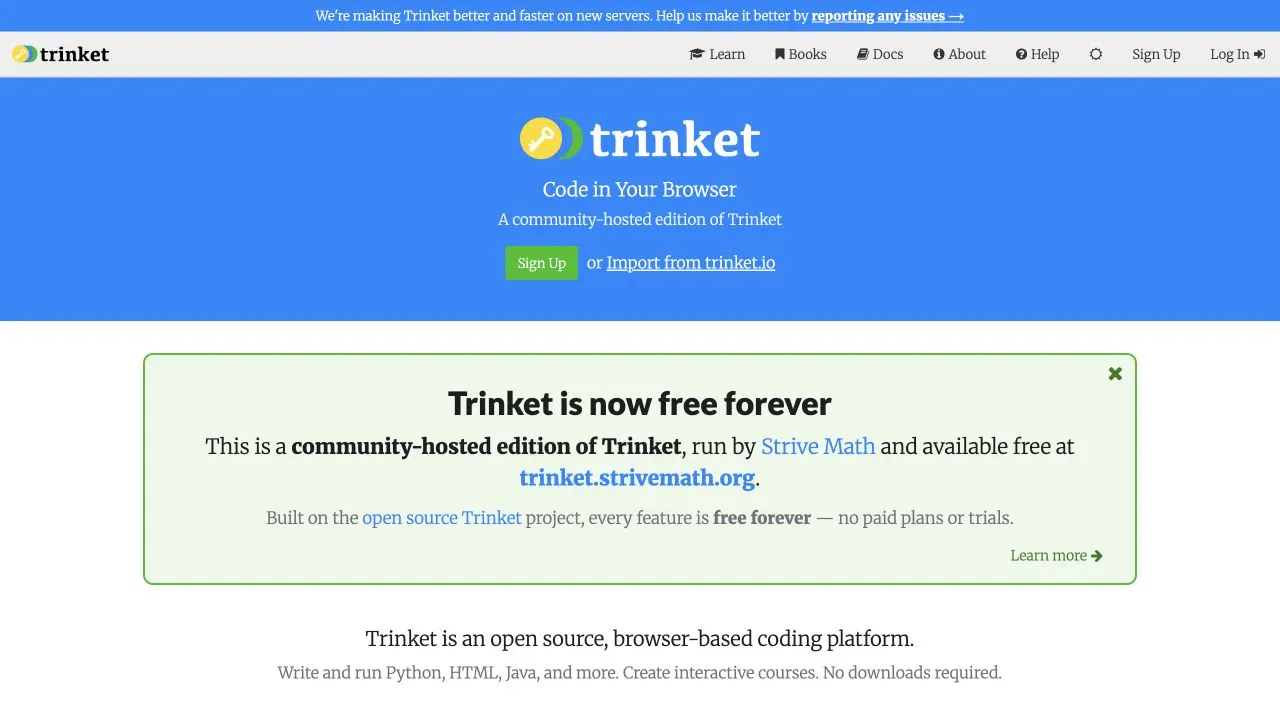
Trinket by Strive Math
A free, community-hosted, open-source browser coding platform for writing and running Python, HTML, Java, and interactive courses without downloads. It is listed under Coding and Maths & logic for ages 9+. Children and families can use it through a website.
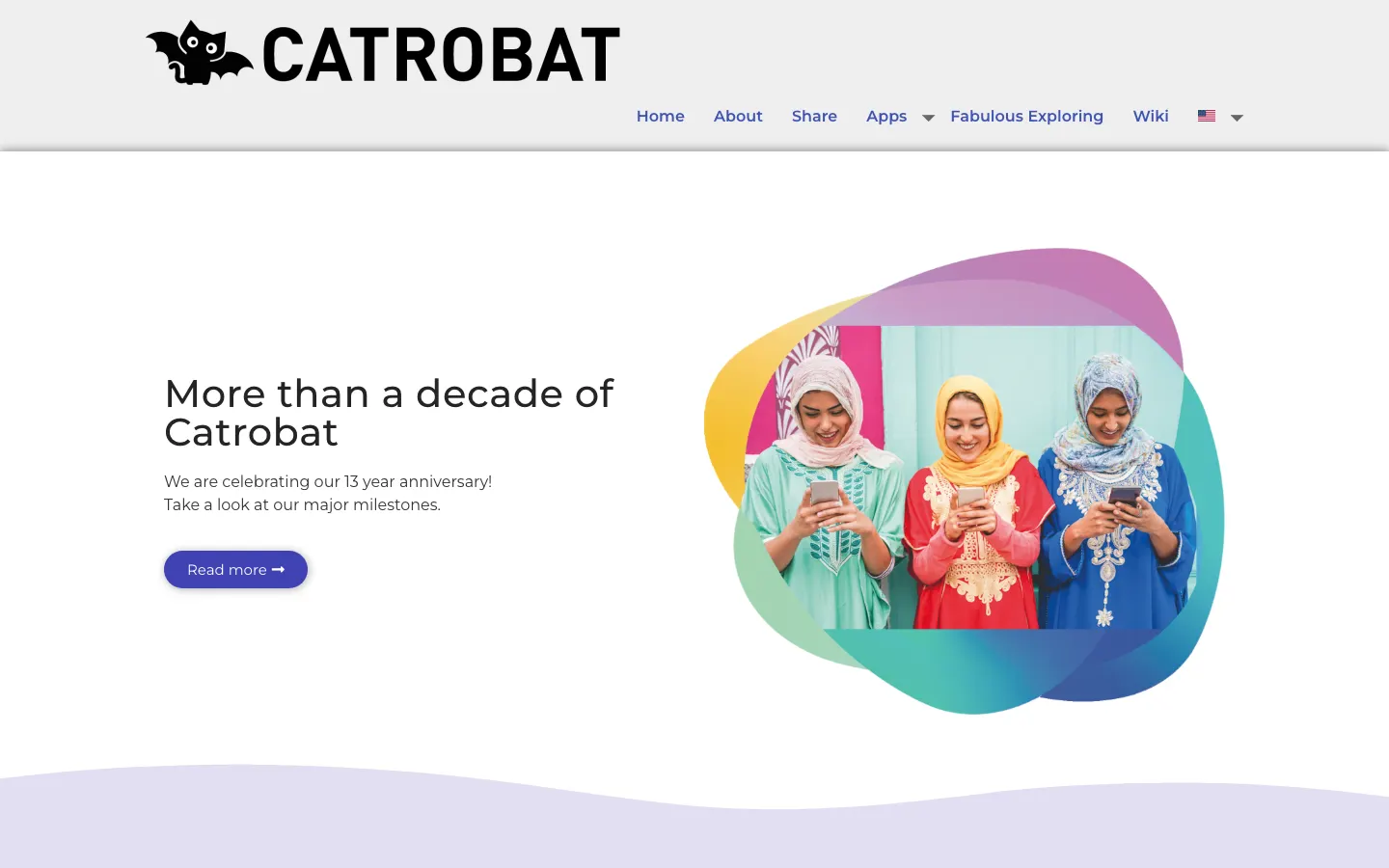
Catrobat
Catrobat is a nonprofit open-source project with free educational apps that help young people create games and apps through a constructionist coding approach. It is listed under Coding and Apps for ages 10–18. Children and families can use it through a website.
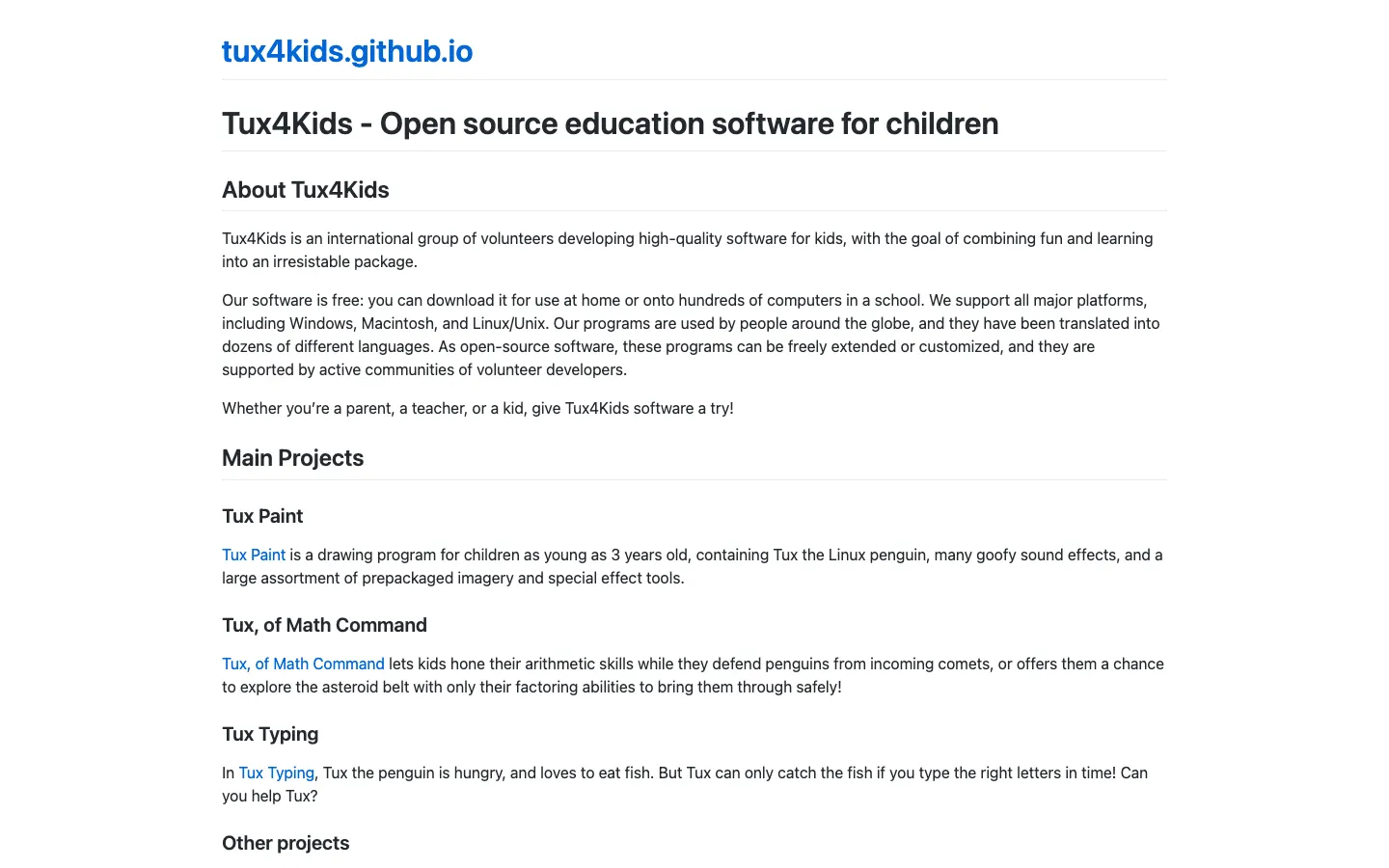
Tux4Kids
Tux4Kids is an open-source project offering free educational software for children, including Tux Paint and other learning-focused desktop activities for home and school use. It suits families and educators who want downloadable creative tools and are comfortable with desktop installation. Adults should check current operating-system support, download sources, accessibility, and setup requirements before use.
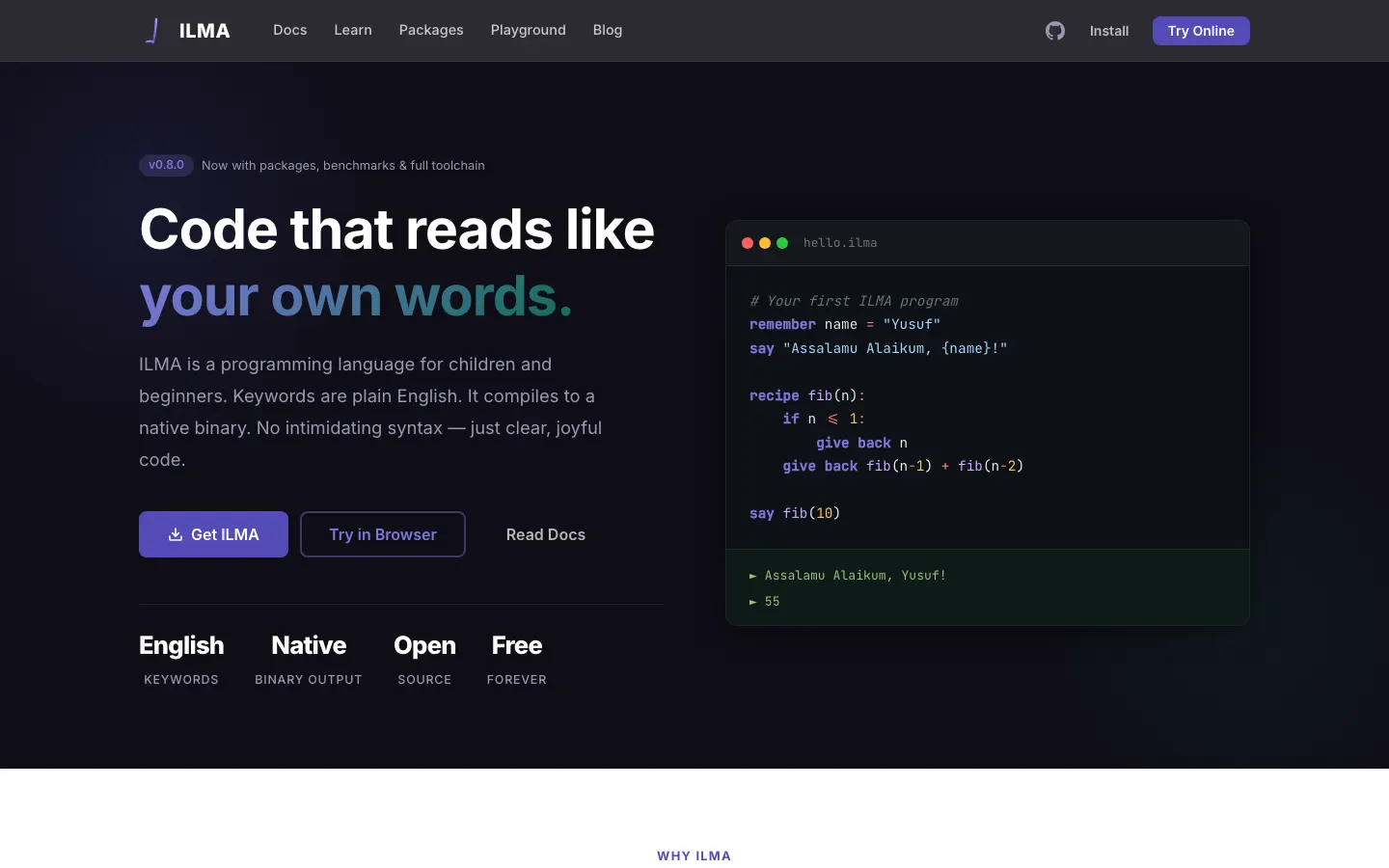
ILMA
ILMA is an English-like programming language and browser playground designed to make first coding steps readable, visual, and approachable for children and beginners. It is listed under Coding and Mathematics for ages 8+. Children and families can use it through a website.
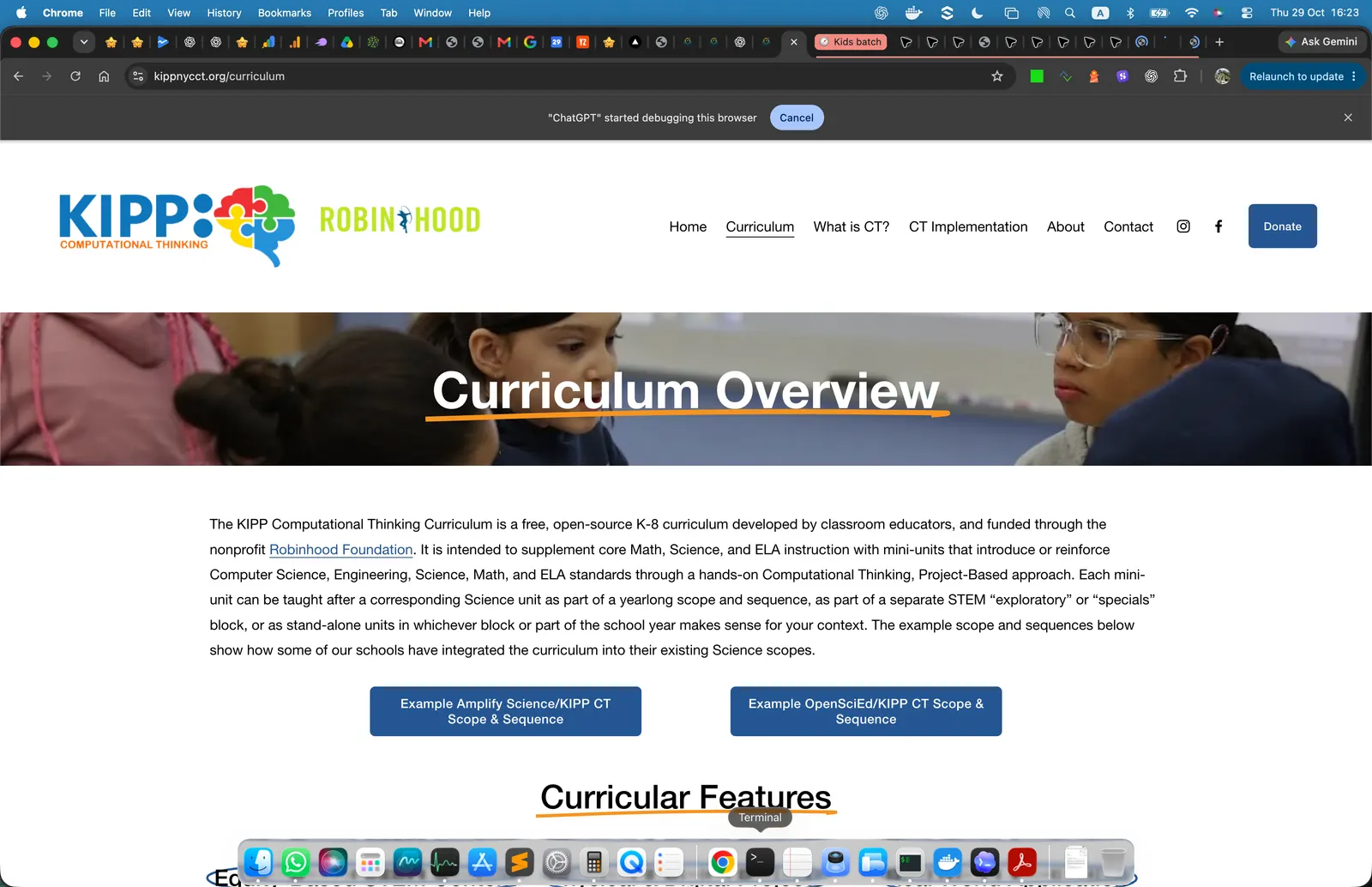
KIPP NYC Computational Thinking Curriculum
KIPP NYC’s free open-source K–8 curriculum integrates computational thinking, coding, engineering, science, maths, and ELA through hands-on project-based mini-units. It is listed under Coding and Science for ages 5–14. Children and families can use it through a website.
MicroBlocks
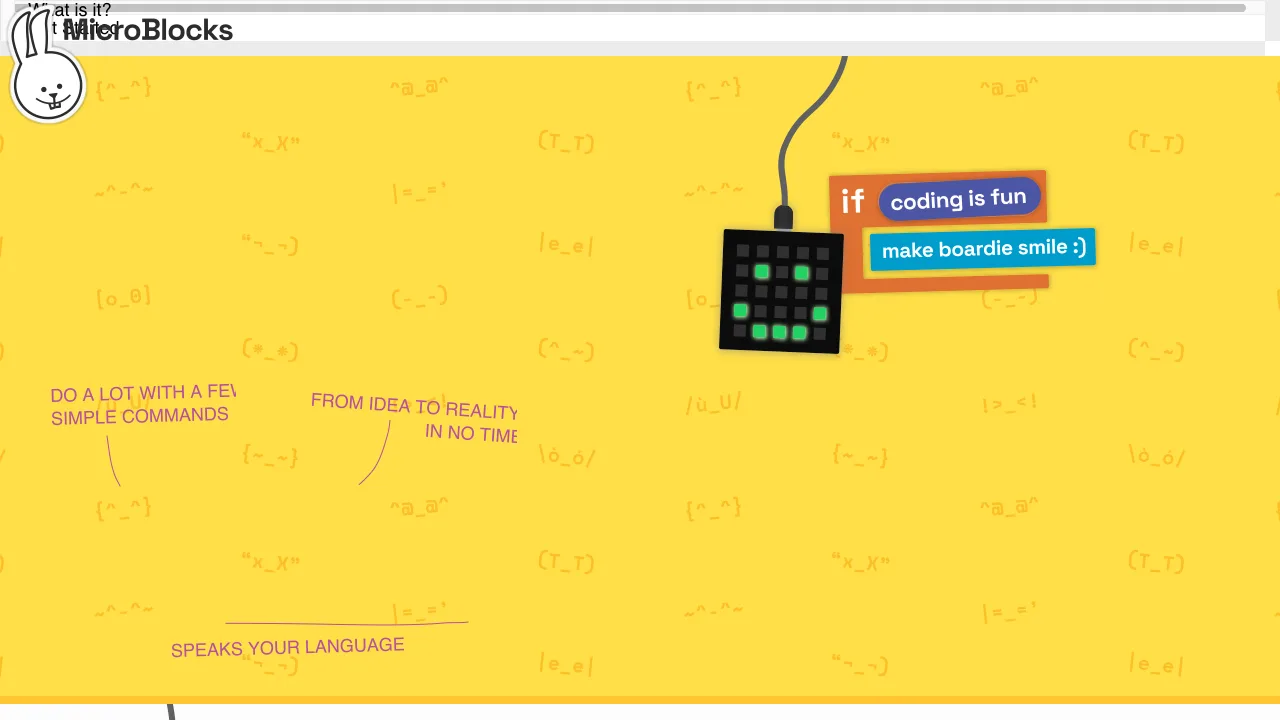
A free, live block-programming environment for making interactive projects with microcontrollers, sensors, lights, and motors. It is listed under Coding, Maker & DIY, and Science for ages 8–16. Children and families can use it through a website.
mysimulator.uk
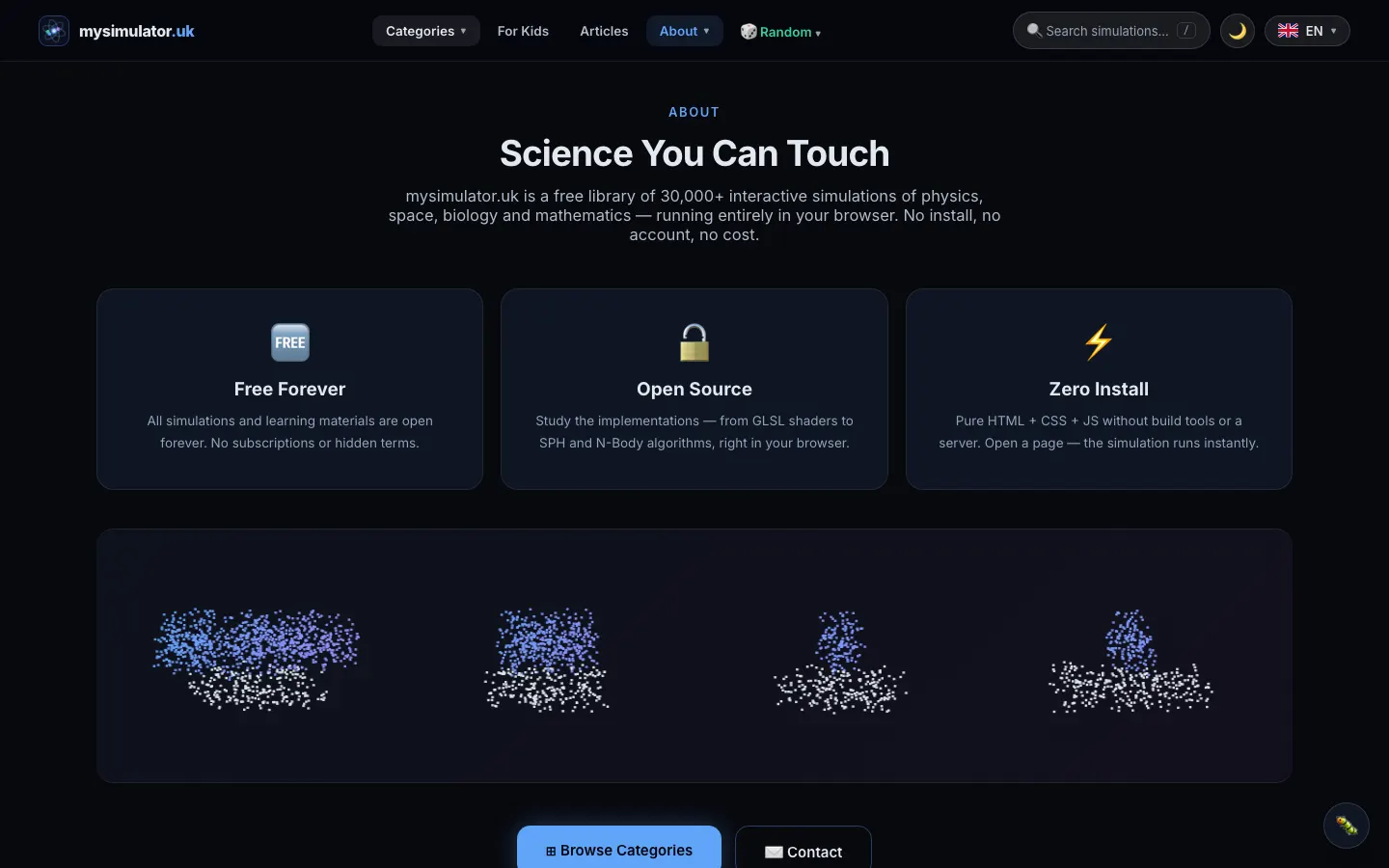
mysimulator.uk is a free browser library of interactive simulations in physics, space, biology, chemistry, mathematics, and computer science, released with open classroom-friendly licensing. It is listed under Science and Mathematics for ages Older children and teens; topic-specific.
RightMindMath
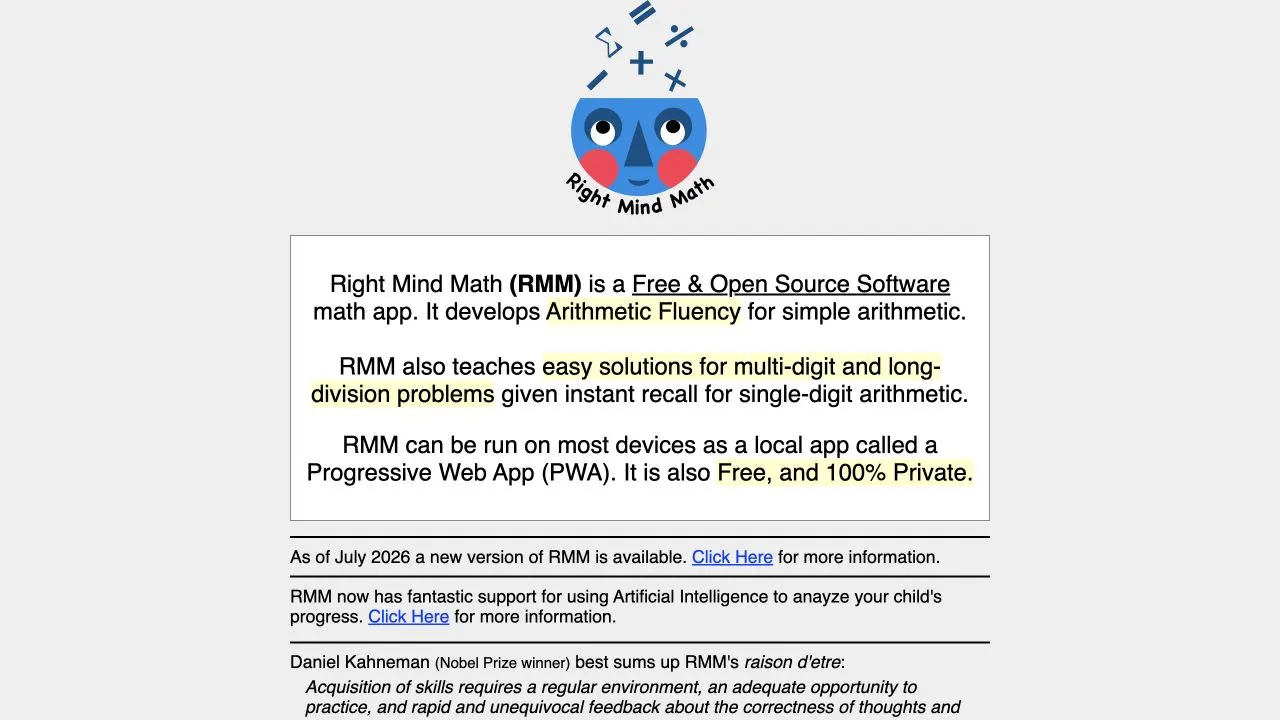
RightMindMath is a free open-source progressive web app for arithmetic fluency, including number facts, multi-digit operations, and long division practice. It is listed under Maths & logic and Coding for ages 8–14. Children and families can use it through a website and a desktop app.
Hedy
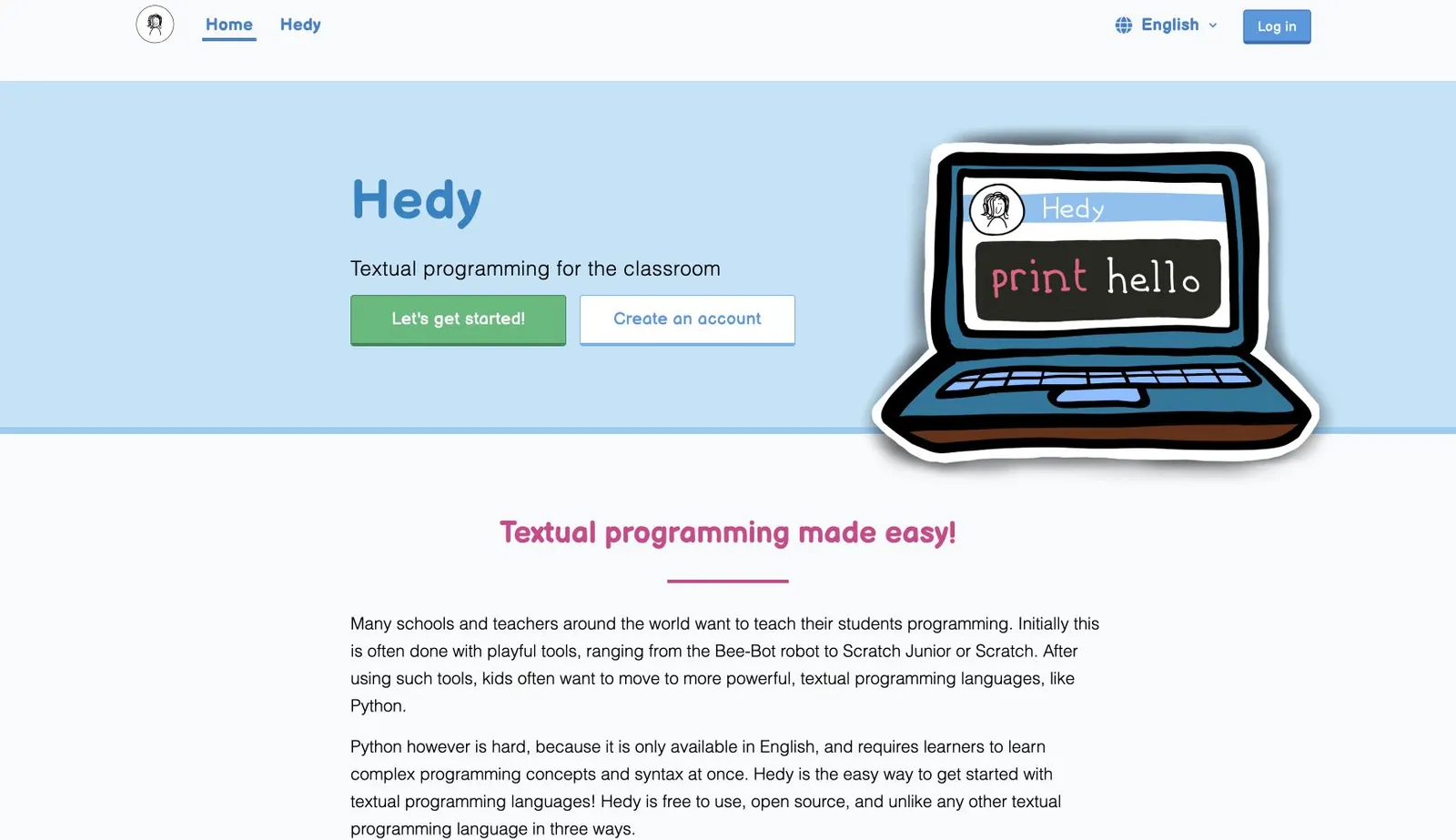
A free, open-source, multilingual gradual text-programming environment for classroom learners aged 10+; browser lessons support stories, drawings, games, and apps. It is listed under Coding and Maths & logic for ages 10–16. Children and families can use it through a website.
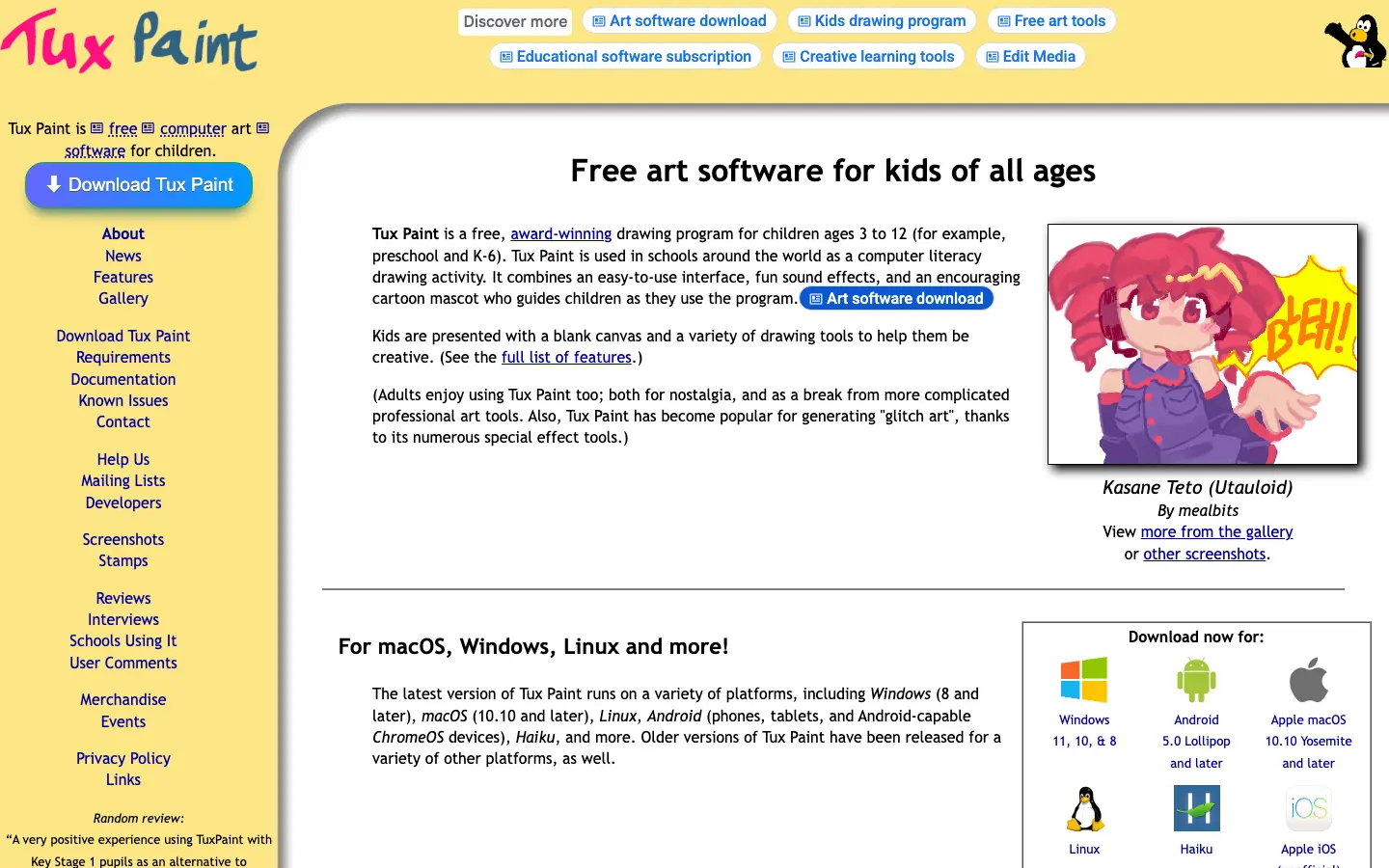
Tux Paint
Tux Paint is free open-source drawing software made for children, combining simple creative tools, sound effects, stamps, and a friendly mascot. It is listed under Art & creativity and Coding for ages 3–12. Children and families can use it through a website.
Compare with context
Use this collection to find a direction, then open each resource page before sharing it with a child. The individual review shows languages, access formats, tags, age guidance, source links, and notes for grown-ups.
Search the full directory →