Compare instrument sounds with the same melody
The same notes can sound very different on a piano and a bowed string instrument. Help your child investigate that difference by keeping a short melody unchanged while switching the sound that plays it. Instead of naming a favorite immediately, listen for how each sound begins, continues, and fades. You are exploring timbre: the sound quality that helps distinguish instruments even when pitch and rhythm are similar.
Why these resources fit
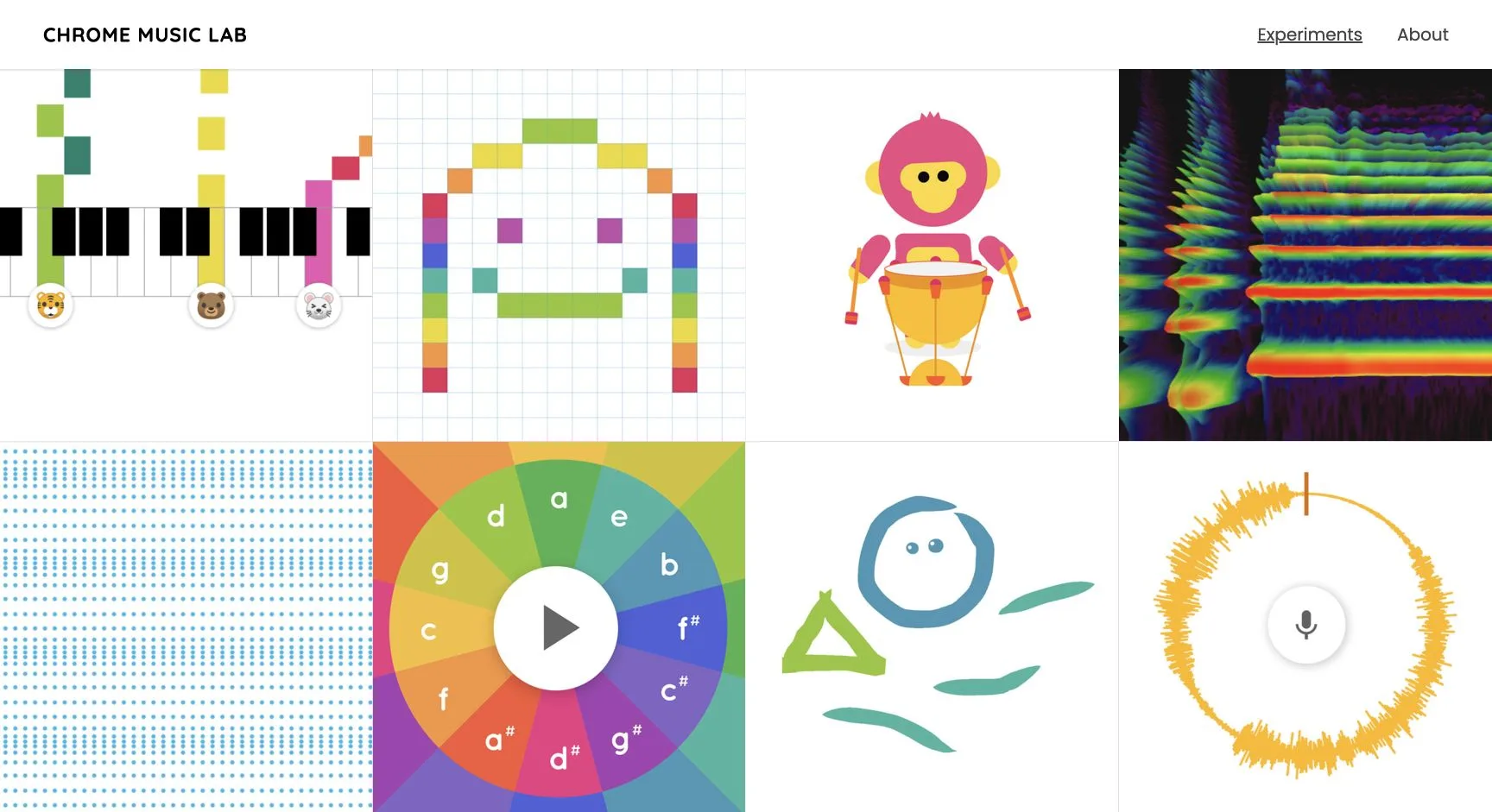
Chrome Music Lab’s Song Maker is useful for holding notes and timing steady while selecting a different melody sound. That makes a clearer comparison than playing two unrelated songs. Classics for Kids’ instrument pages organize examples into families and explain instruments beyond the digital labels. Use Song Maker for the controlled comparison, then use the instrument reference to ask how an actual instrument produces its sound. A sampled browser sound is a starting model, not a complete representation of a performer.
Resources worth comparing
Make the shortlist fit your family.
This guide draws on directory reviews. Age fit, costs, sign-in, advertising, privacy, and accessibility are unconfirmed for individual activities. Check the provider’s current information and preview the activity with your child’s device.