Code a two-ending story in Scratch
Give a character a choice between following a path and opening a gate. Draw a box for the opening scene and two more boxes for the endings. Your child can connect the opening to each ending with an arrow, then make the corresponding scene appear in Scratch with a different key. The reader’s choice decides which ending runs.
Why these resources fit
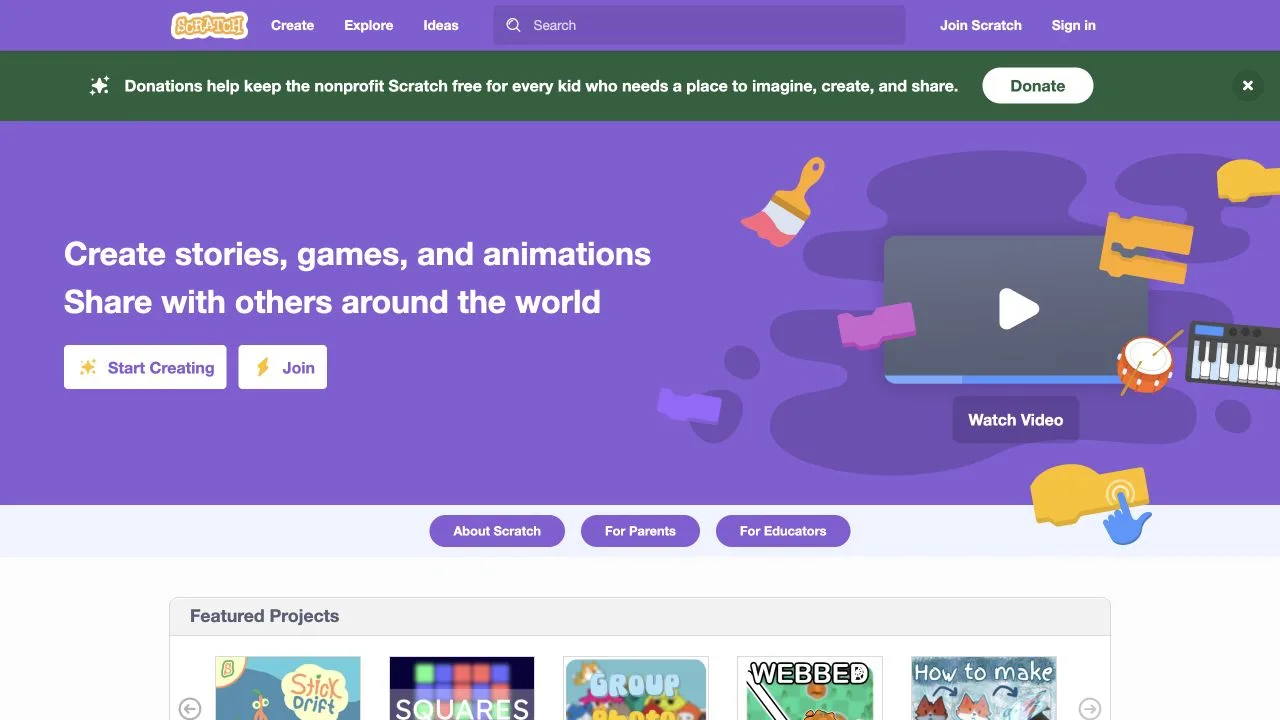
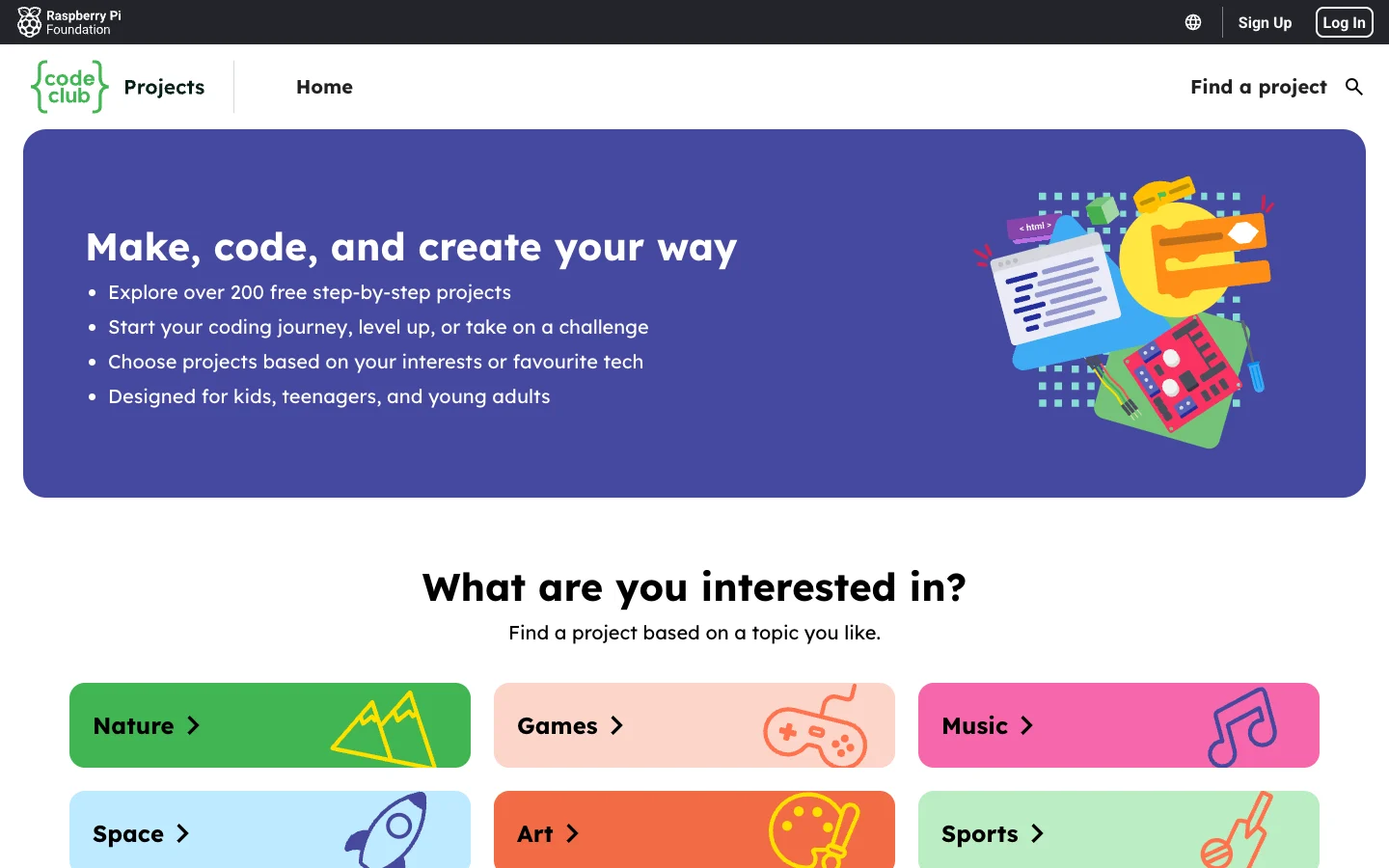
Scratch gives your child an editable stage, named backdrops, and key events to connect a choice to a scene. The Raspberry Pi Foundation’s I Made You a Book project is a useful example of showing different pages in Scratch. Use its page setup when your child needs to practice changing backdrops before writing their own two-choice story.
Resources worth comparing
Make the shortlist fit your family.
This guide draws on directory reviews. Age fit, costs, sign-in, advertising, privacy, and accessibility are unconfirmed for individual activities. Check the provider’s current information and preview the activity with your child’s device.