Science Python
for kids
Explore 15 trusted science python resources selected for curious kids, with clear ages, access details, and parent context.
Two useful ways to narrow the directory
This page brings together science resources that also match python. Each listing keeps its own age range, platform details, languages, links, and parent notes, so you can compare options without losing context.
Explore all science resources →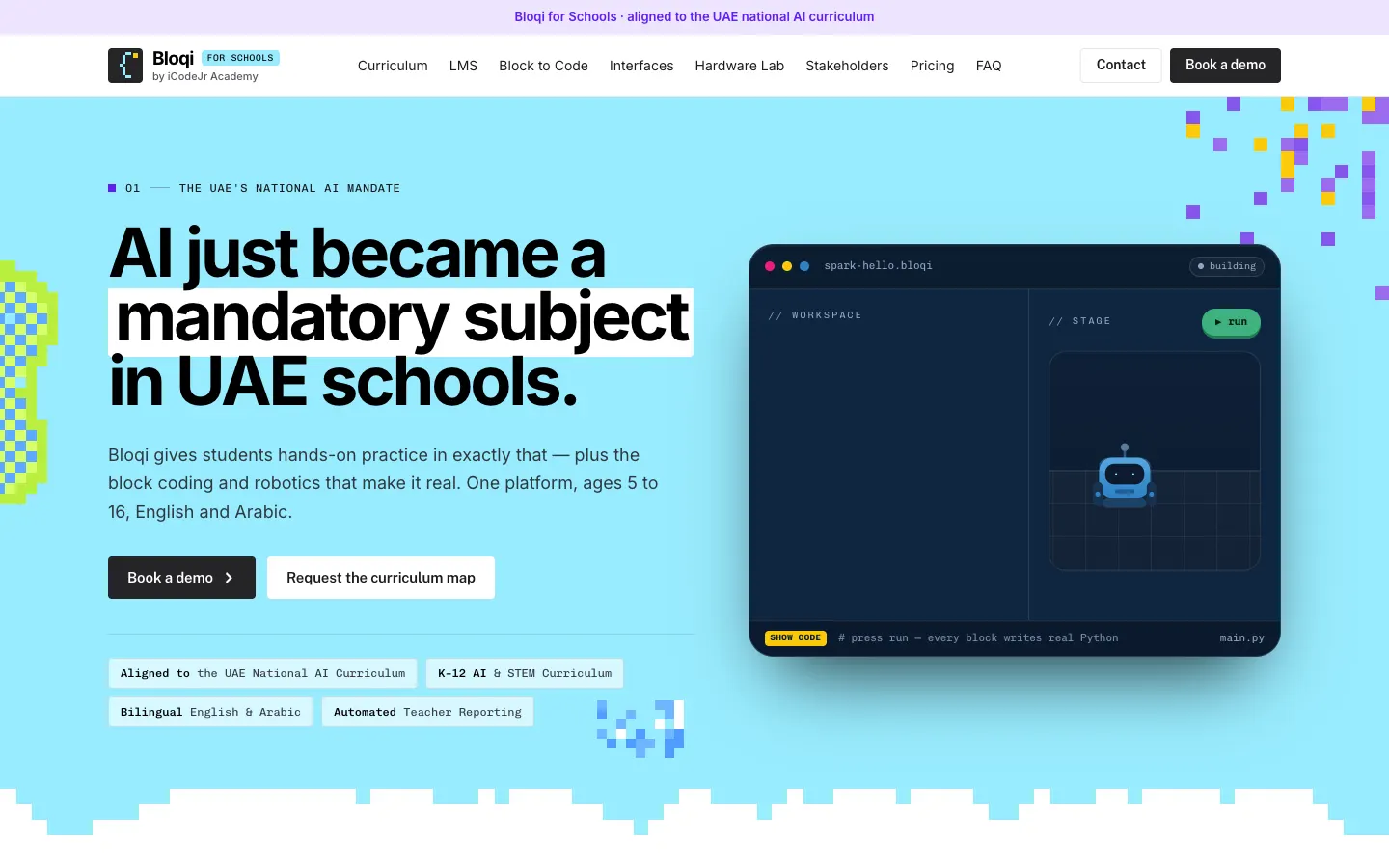
Bloqi
Bloqi is an iCodeJr school platform for ages 5–16 that combines block coding, real Python, AI, robotics, teacher reporting, and bilingual English–Arabic curriculum support. It is listed under Coding and Science for ages 5–16.
Read the full resource review →More science picks
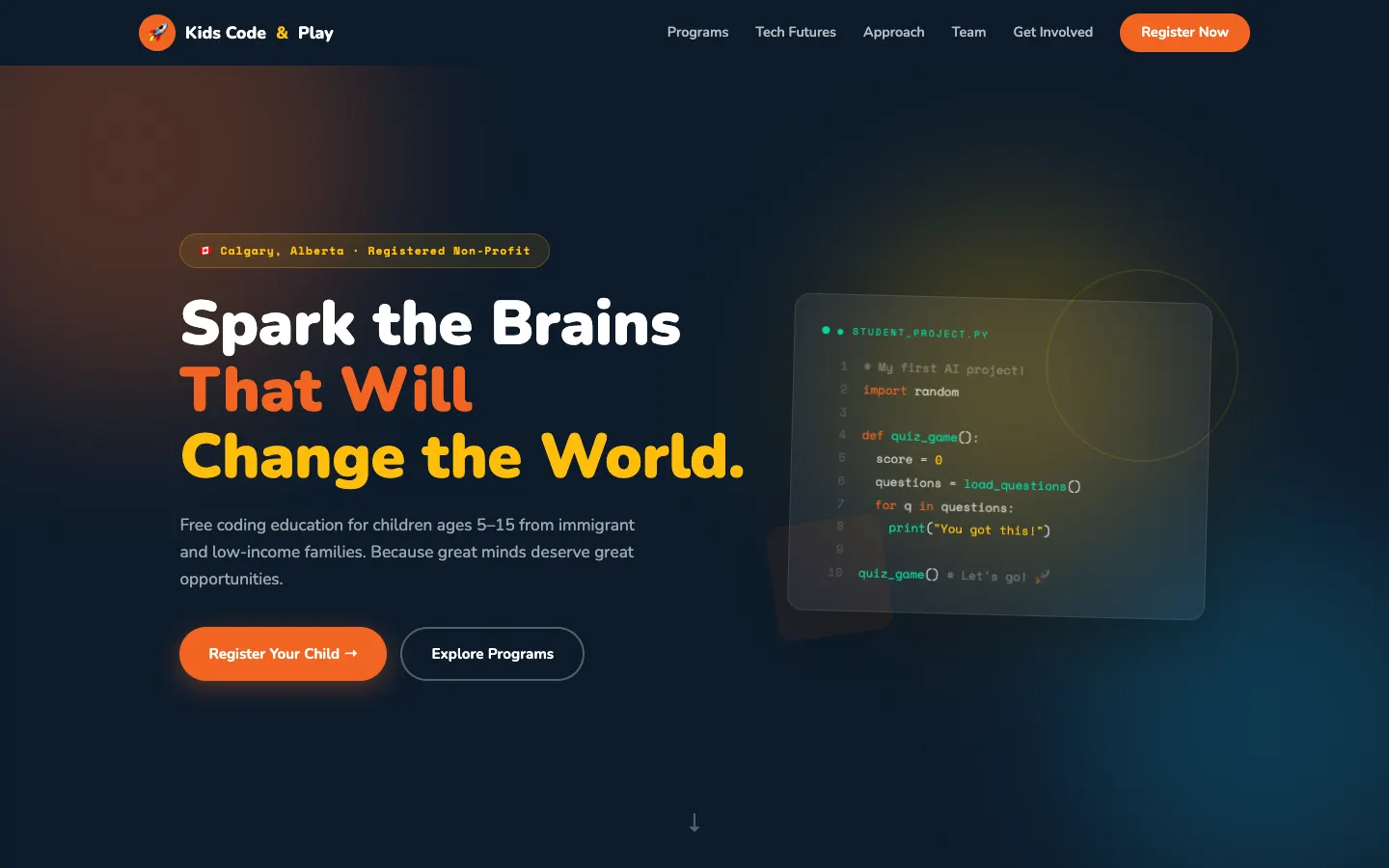
Kids Code and Play
Kids Code and Play is a Calgary nonprofit providing free coding education for children ages 5–15, including programming, AI, algorithms, and creative app-building projects. It is listed under Coding and Science for ages 5–15.
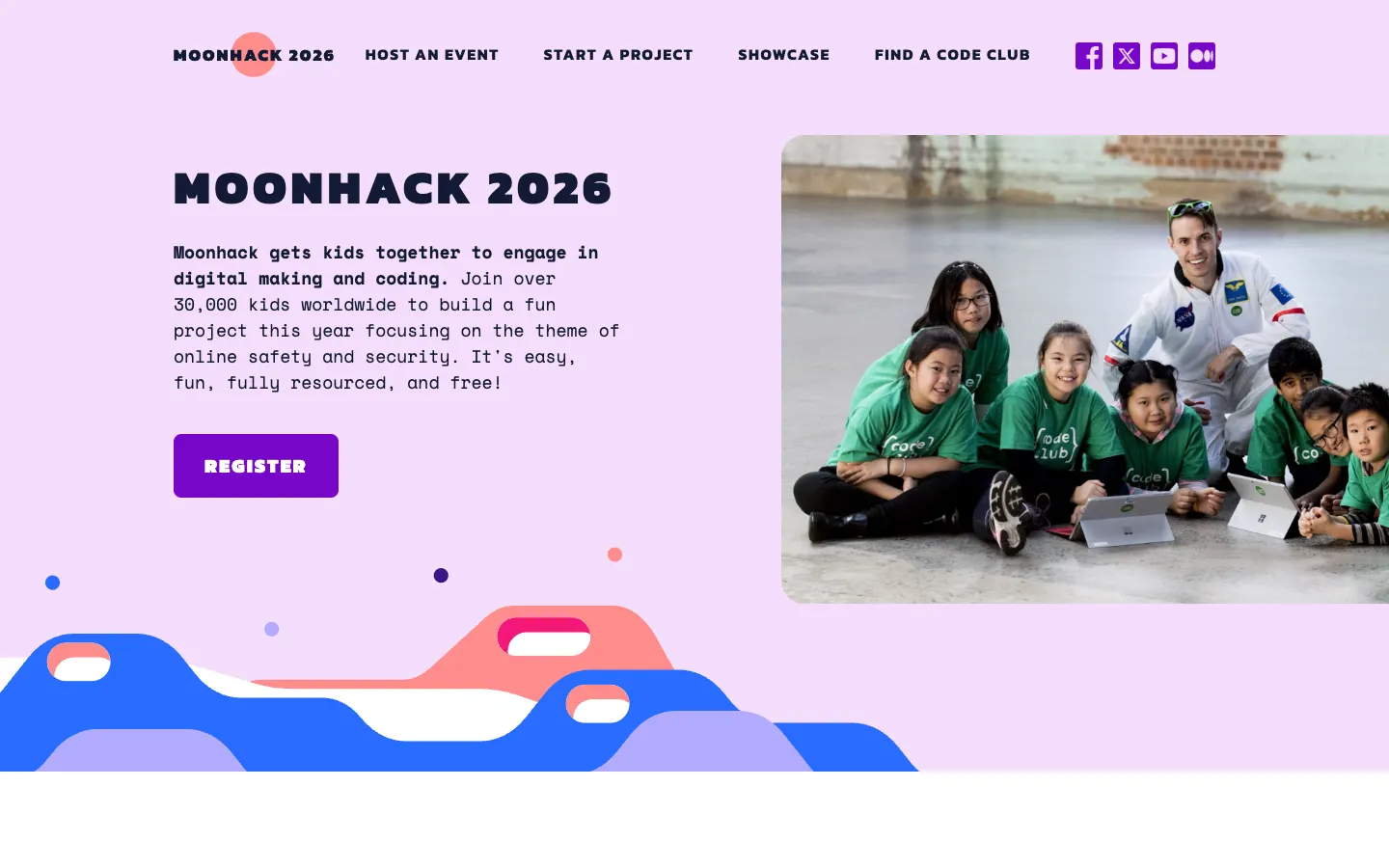
Moonhack 2026
Moonhack is a free, fully resourced global coding challenge where children build projects around online safety and security using Scratch, AI, and Python briefs. It is listed under Coding and Science for ages Children and young people; project levels vary.
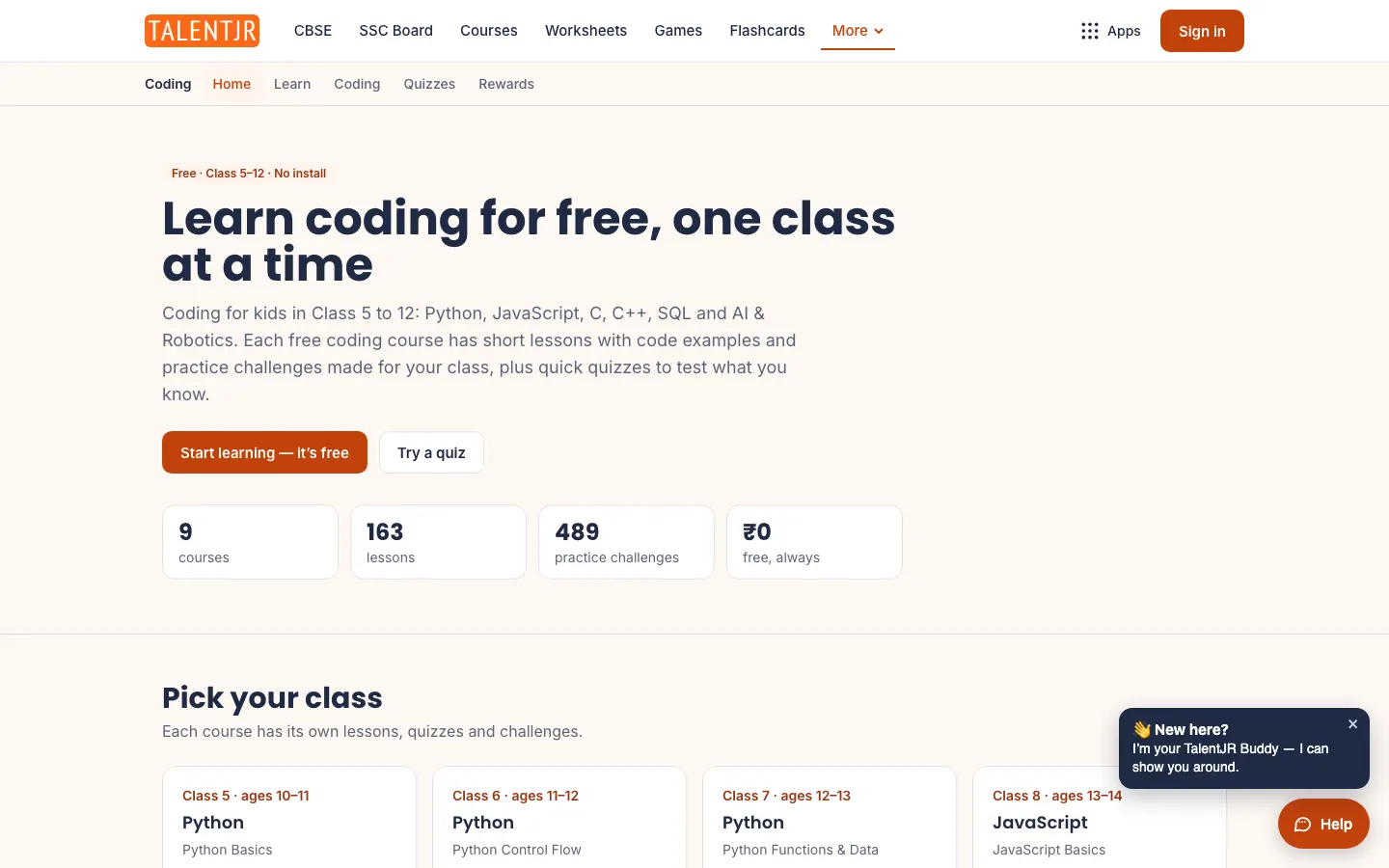
TalentJR Coding
TalentJR Coding is a browser curriculum for school-age learners with short lessons, quizzes, coding challenges, badges, and courses from Python through AI and robotics. It is listed under Coding and Mathematics for ages 10–18.
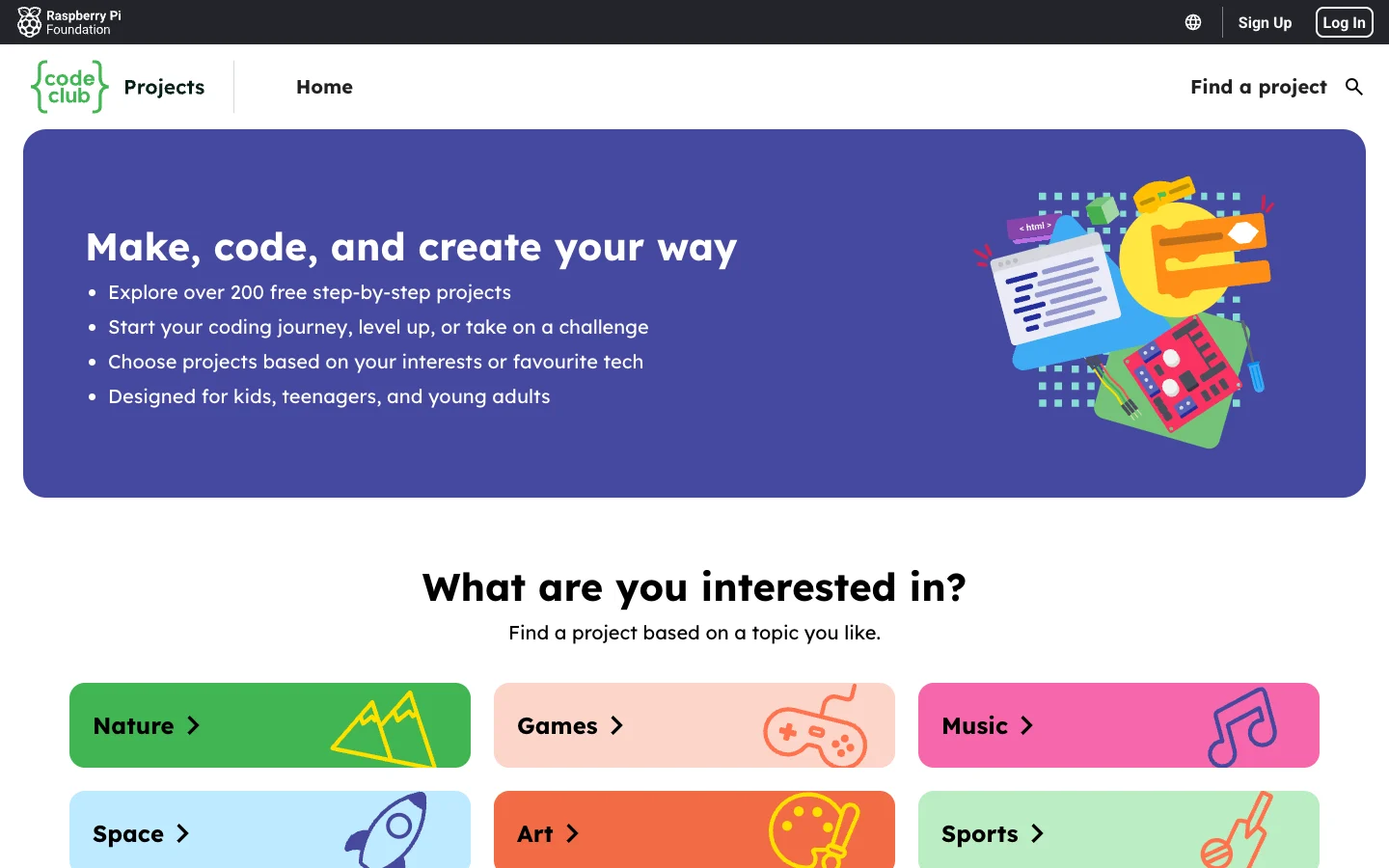
Raspberry Pi Code Club Projects
More than 200 free step-by-step coding and creative-technology projects covering Scratch, Python, web development, AI, physical computing, nature, music, art, and science. It is listed under Coding and Science for ages 7–18. Children and families can use it through a website.
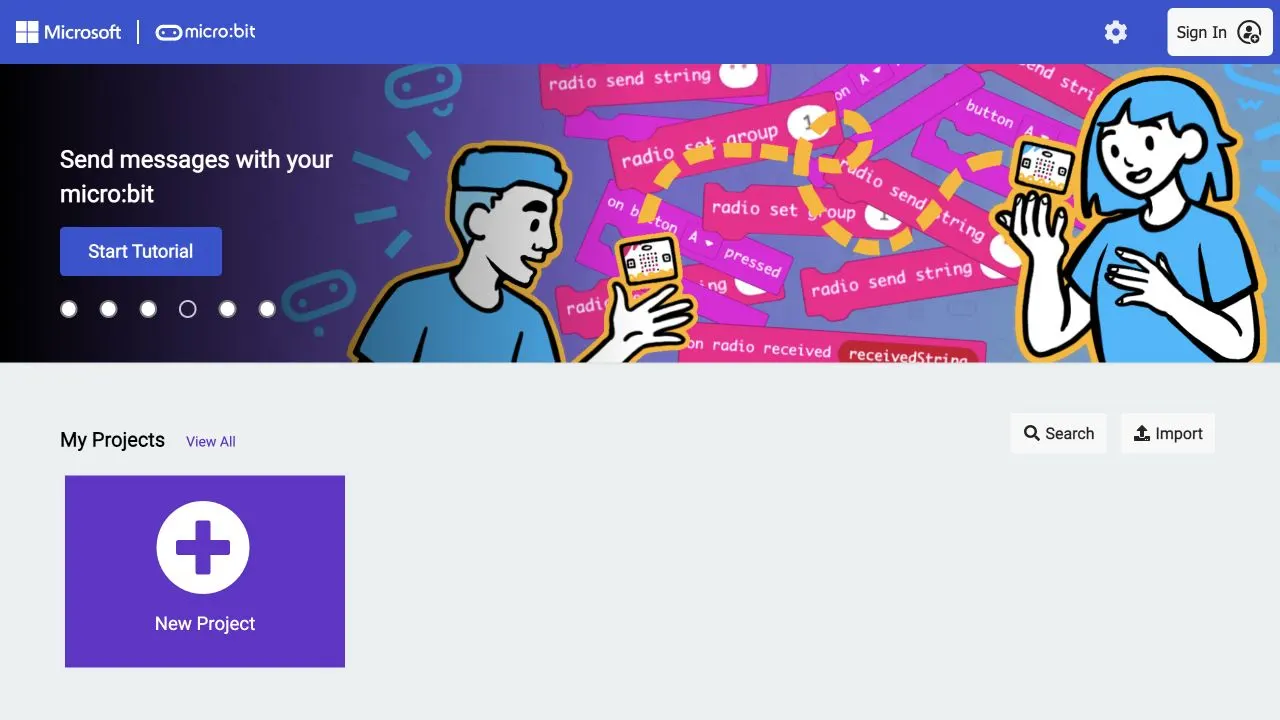
Microsoft MakeCode for micro:bit
Microsoft MakeCode for micro:bit is a browser coding environment with block-based and text programming, tutorials, games, projects, search, import, and optional account features for young makers. It is listed under Coding and Games for ages 8–14.
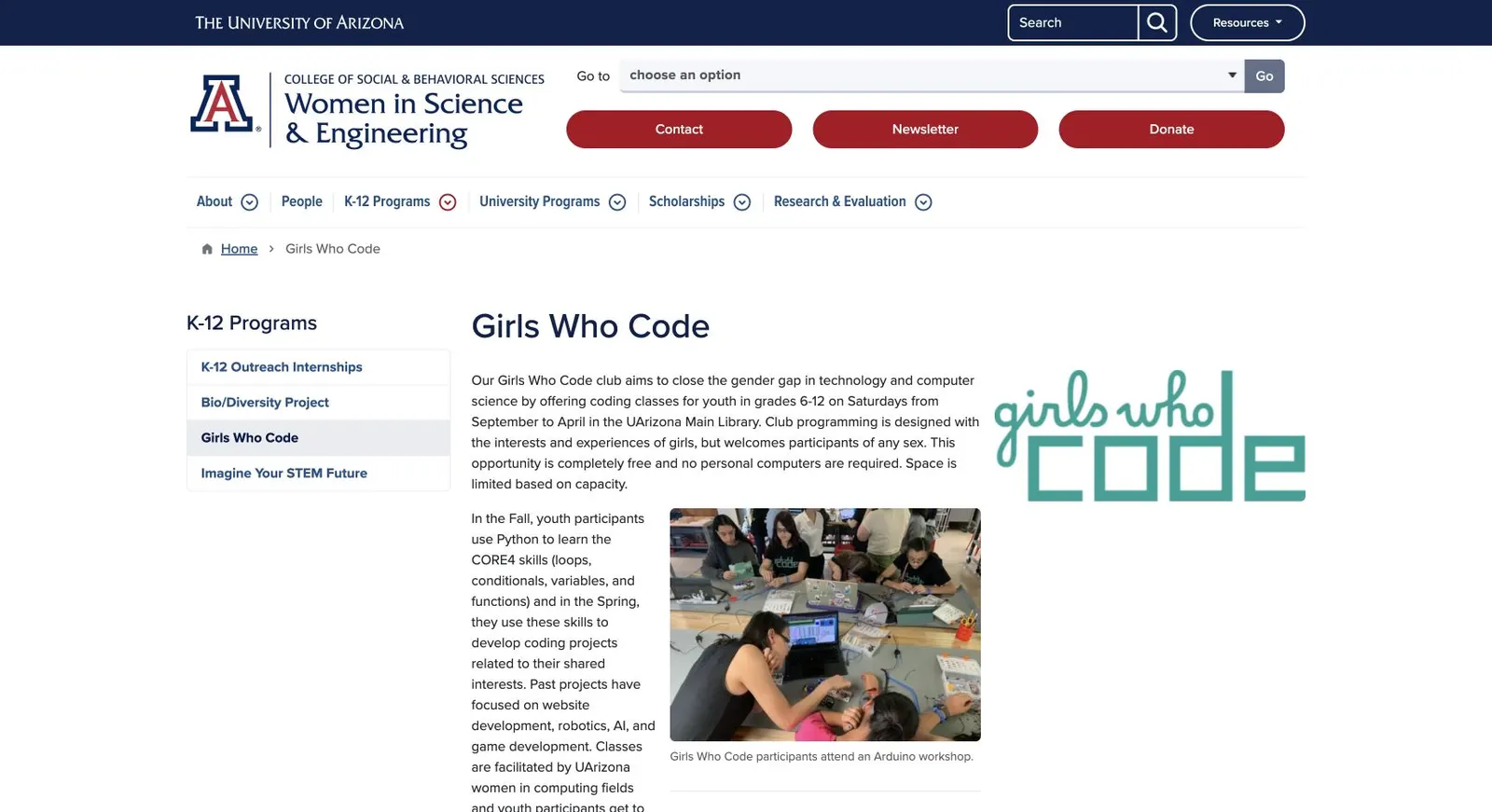
UArizona Girls Who Code Club
The University of Arizona’s Girls Who Code club offers free Saturday coding classes for grades 6–12, including Python, Arduino, robotics, AI, website development, and game projects. It is listed under Coding and Science for ages 11–18.
Astro Pi European Space Coding Challenge 2026/27
The official Astro Pi challenge gives young people the chance to write Python programs that run on Raspberry Pi computers in space, with beginner Mission Zero and advanced Mission Space Lab pathways for the 2026/27 season.
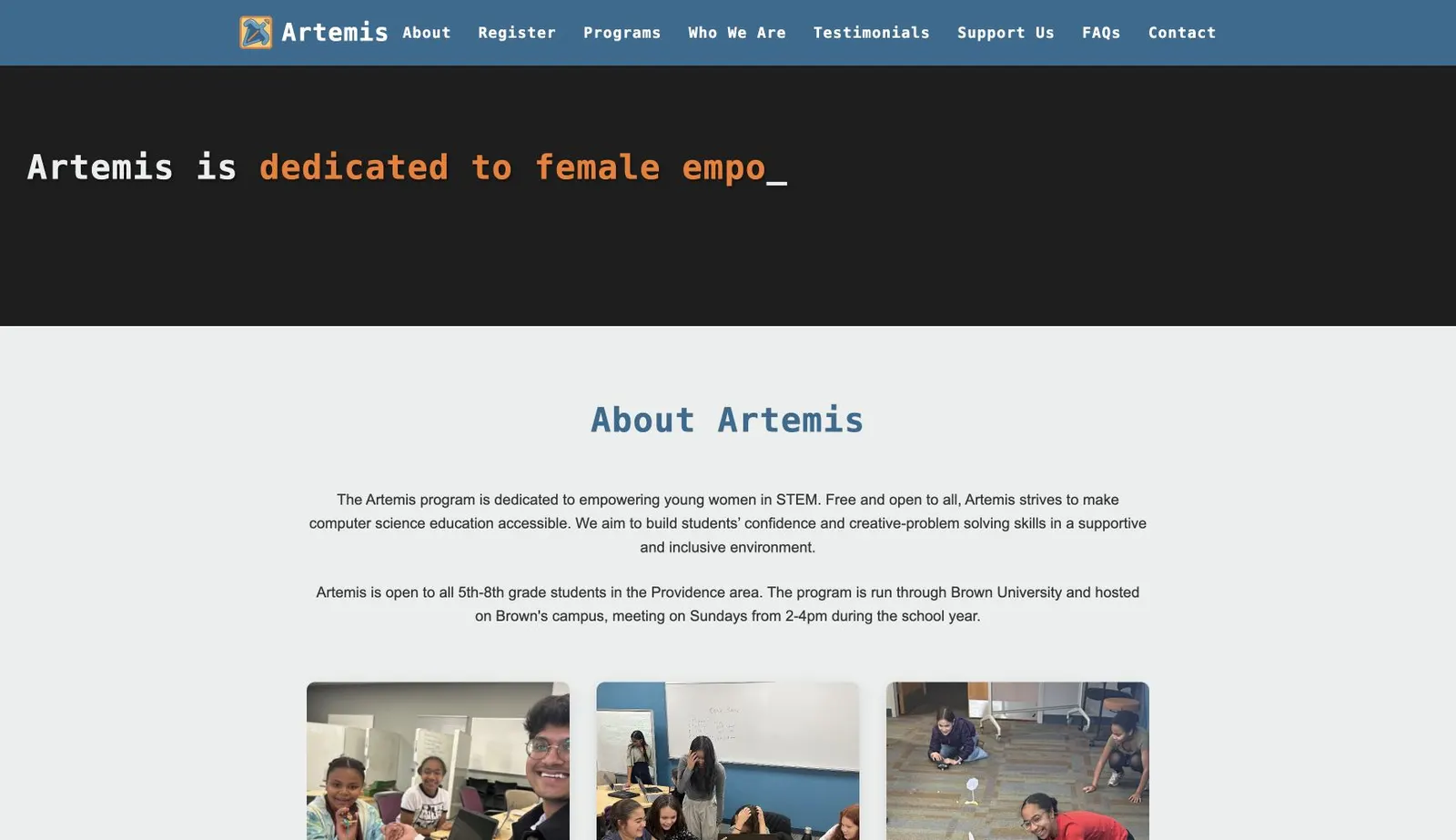
Brown University Artemis Coding Program
Brown University’s Artemis program offers free, supportive computer-science learning for Providence-area students in grades 5–8 through Microbits, Scratch, and Python tracks. It is listed under Coding and Science for ages 10–14. Children and families can use it through a website.
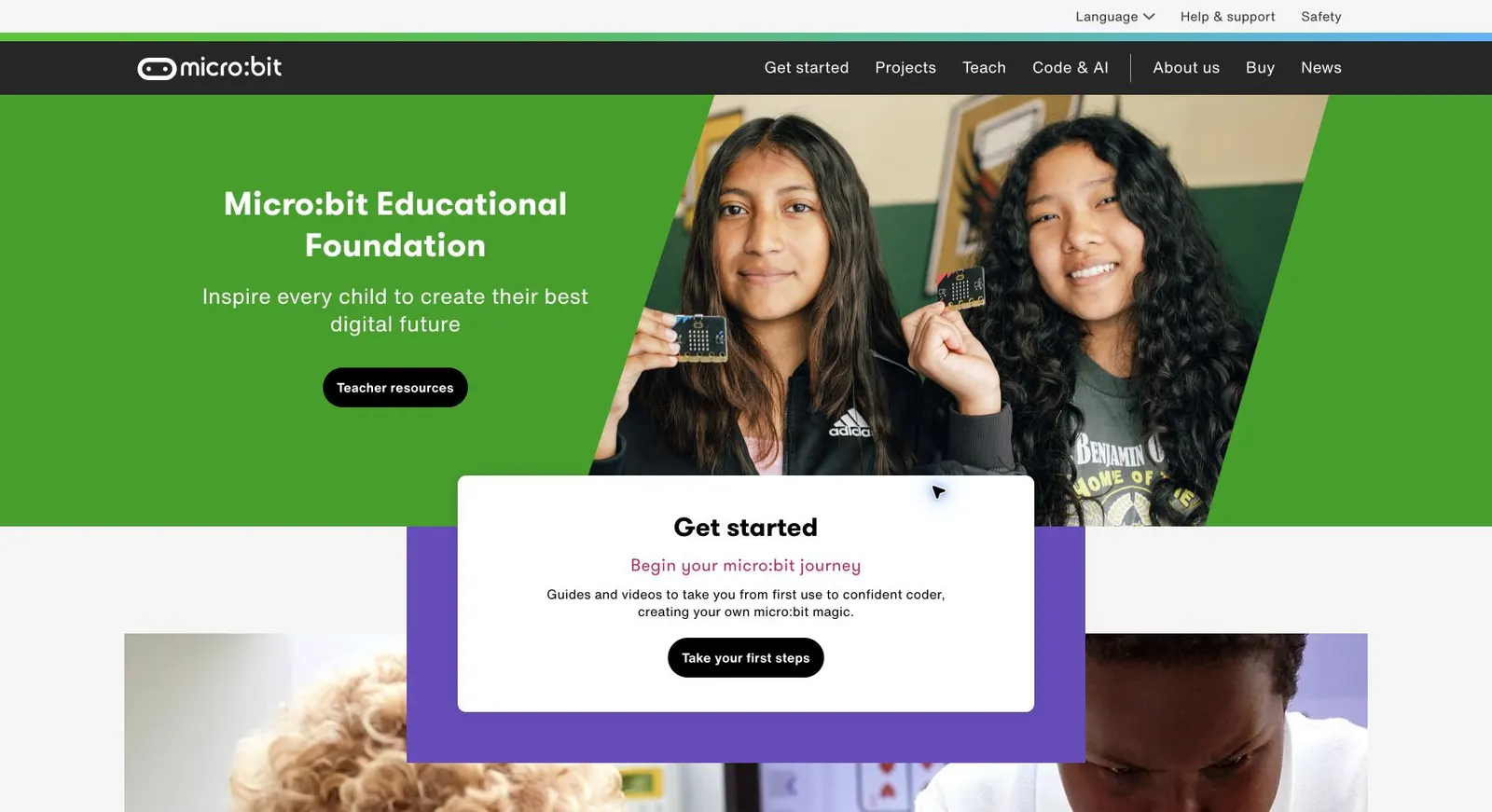
micro:bit
A creative physical-computing platform with block coding, Python, classroom projects, guides, videos, and teacher courses. It is listed under Coding, Technology, and Science for ages 8–16. Children and families can use it through a website.
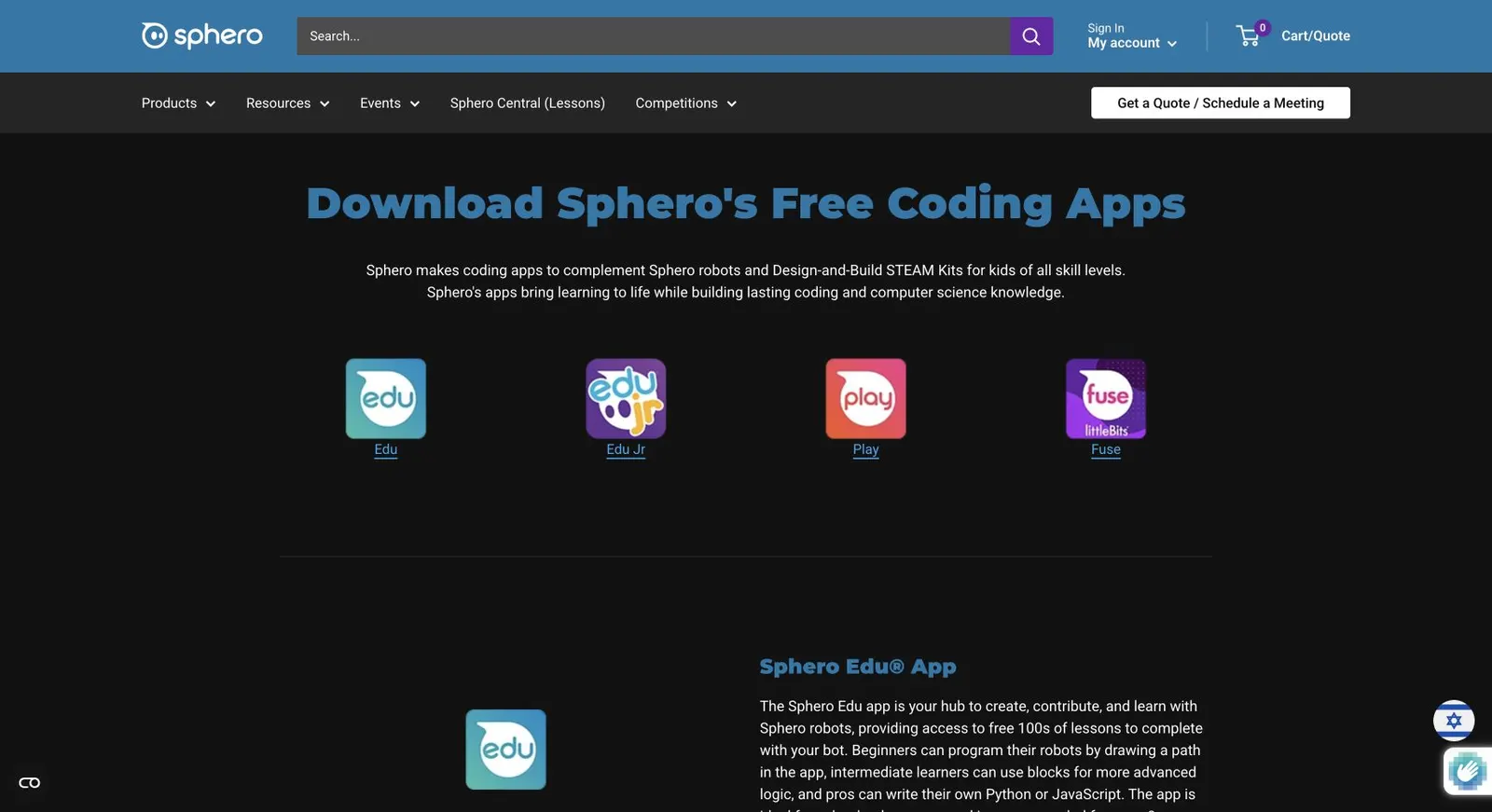
Sphero Coding Apps
Sphero’s official app collection supports robotics and STEAM learning with drawing, block-based, Python, and JavaScript programming, plus a browser-based Sphero Edu experience. It is listed under Coding and Science for ages 8–16. Children and families can use it through a website.
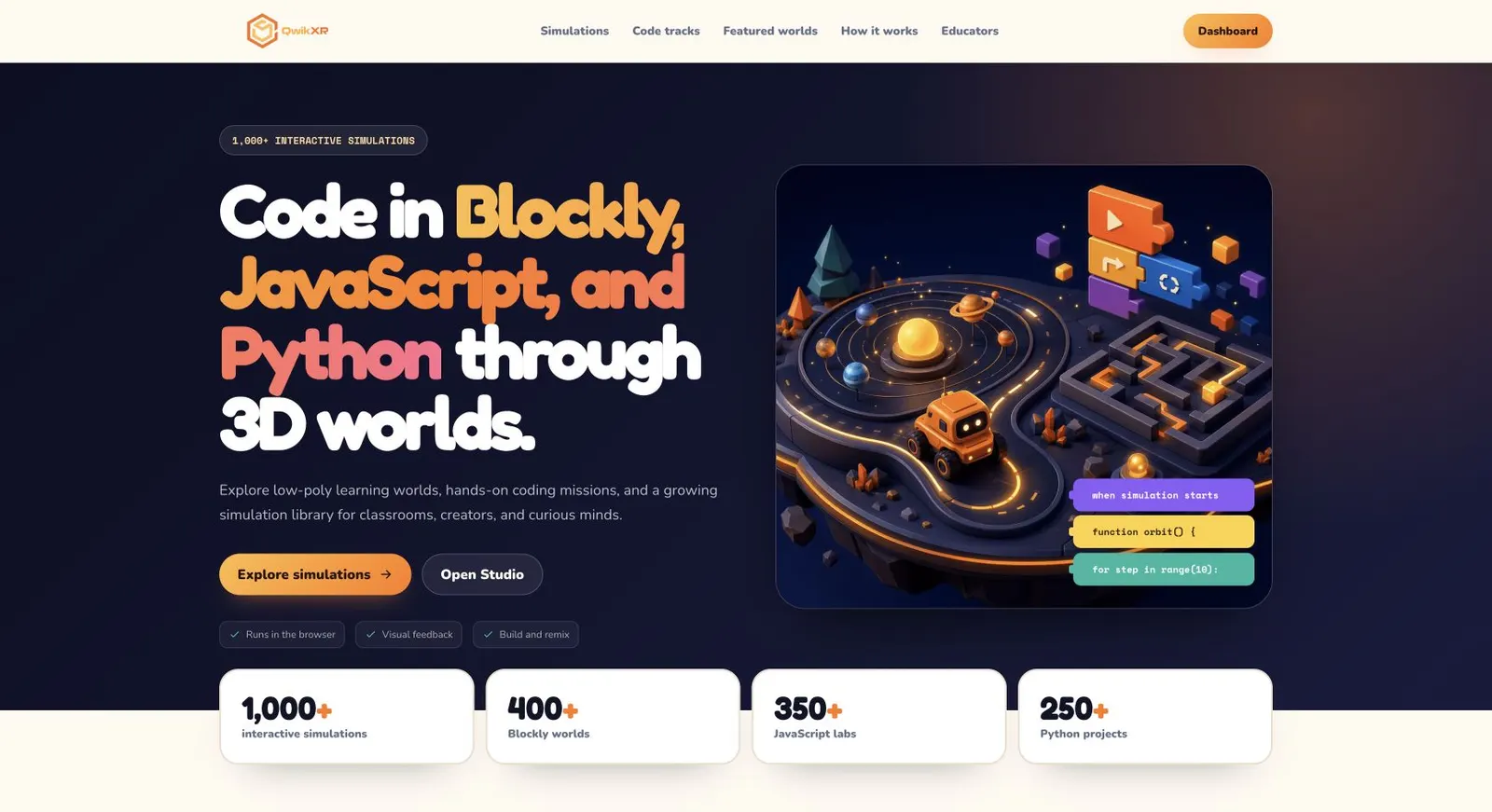
QwikXR
A browser-based coding platform where learners explore 3D worlds through Blockly, JavaScript, and Python simulations, with ready-made missions and remixable projects. It is listed under Coding and Science for ages 8–18+. Children and families can use it through a website.
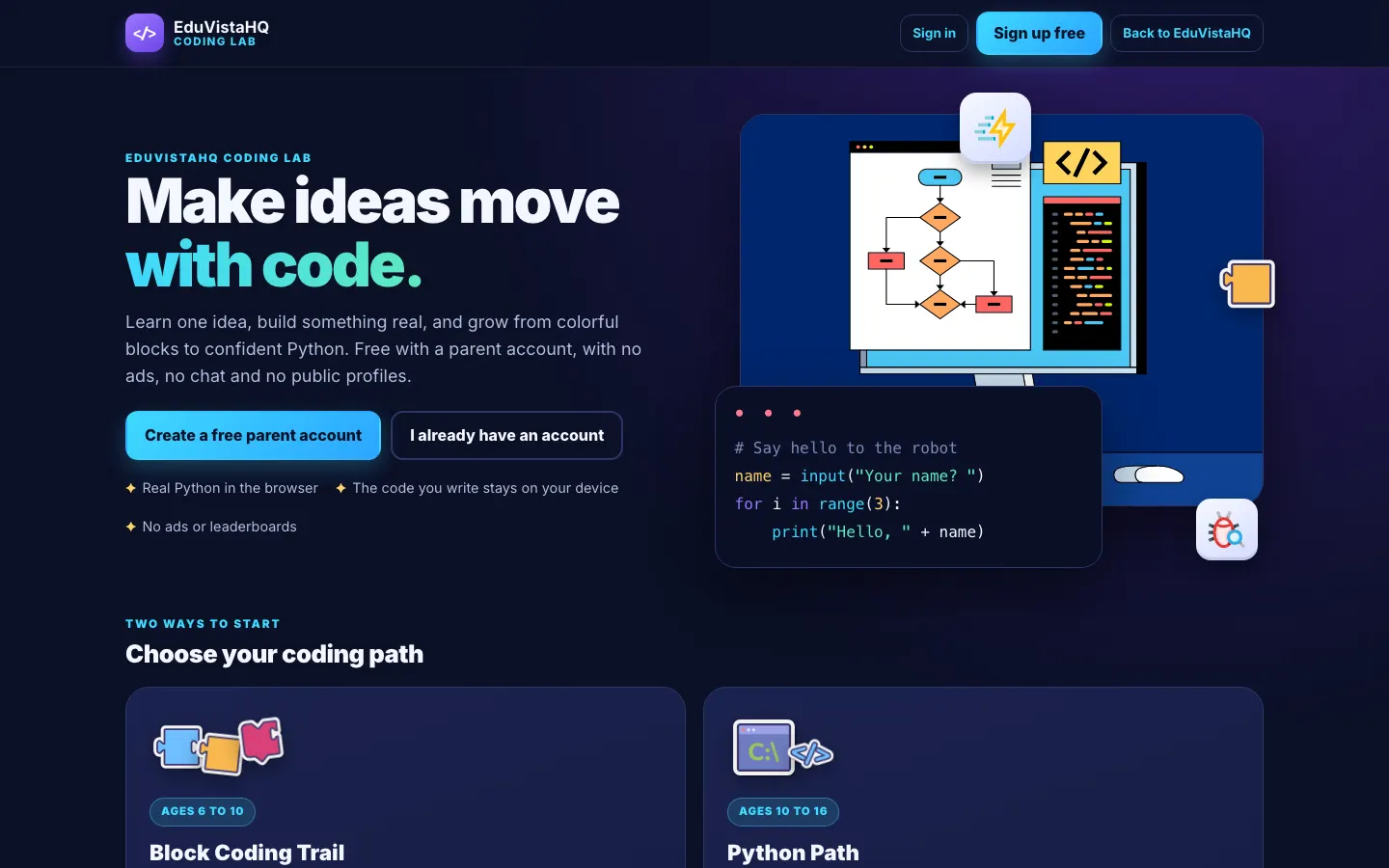
EduVista Coding Lab
EduVista Coding Lab is a browser learning environment with visual coding paths, Python practice, and project-oriented exercises designed to make programming approachable for young learners. It is listed under Coding and Science for ages 7–14.
Compare with context
Use this collection to find a direction, then open each resource page before sharing it with a child. The individual review shows languages, access formats, tags, age guidance, source links, and notes for grown-ups.
Search the full directory →