Coding Projects
for kids
Explore 16 trusted coding projects resources selected for curious kids, with clear ages, access details, and parent context.
Two useful ways to narrow the directory
This page brings together coding resources that also match projects. Each listing keeps its own age range, platform details, languages, links, and parent notes, so you can compare options without losing context.
Explore all coding resources →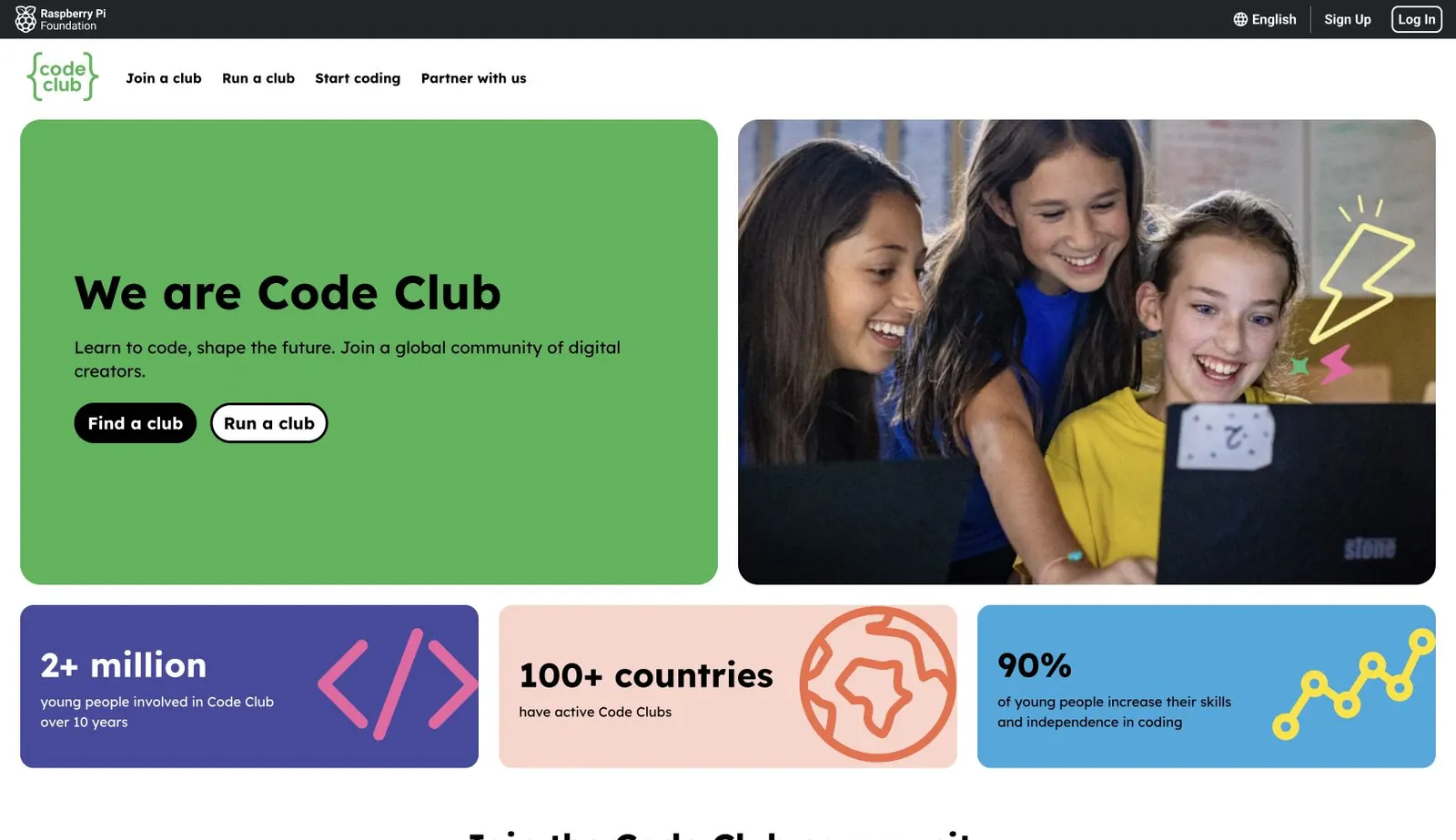
Code Club
Free coding clubs, projects, and community support that help young people create with code. It is listed under Coding, Parent & educator, and Games for ages 7–18. Children and families can use it through a website and downloadable resources.
Read the full resource review →More coding picks
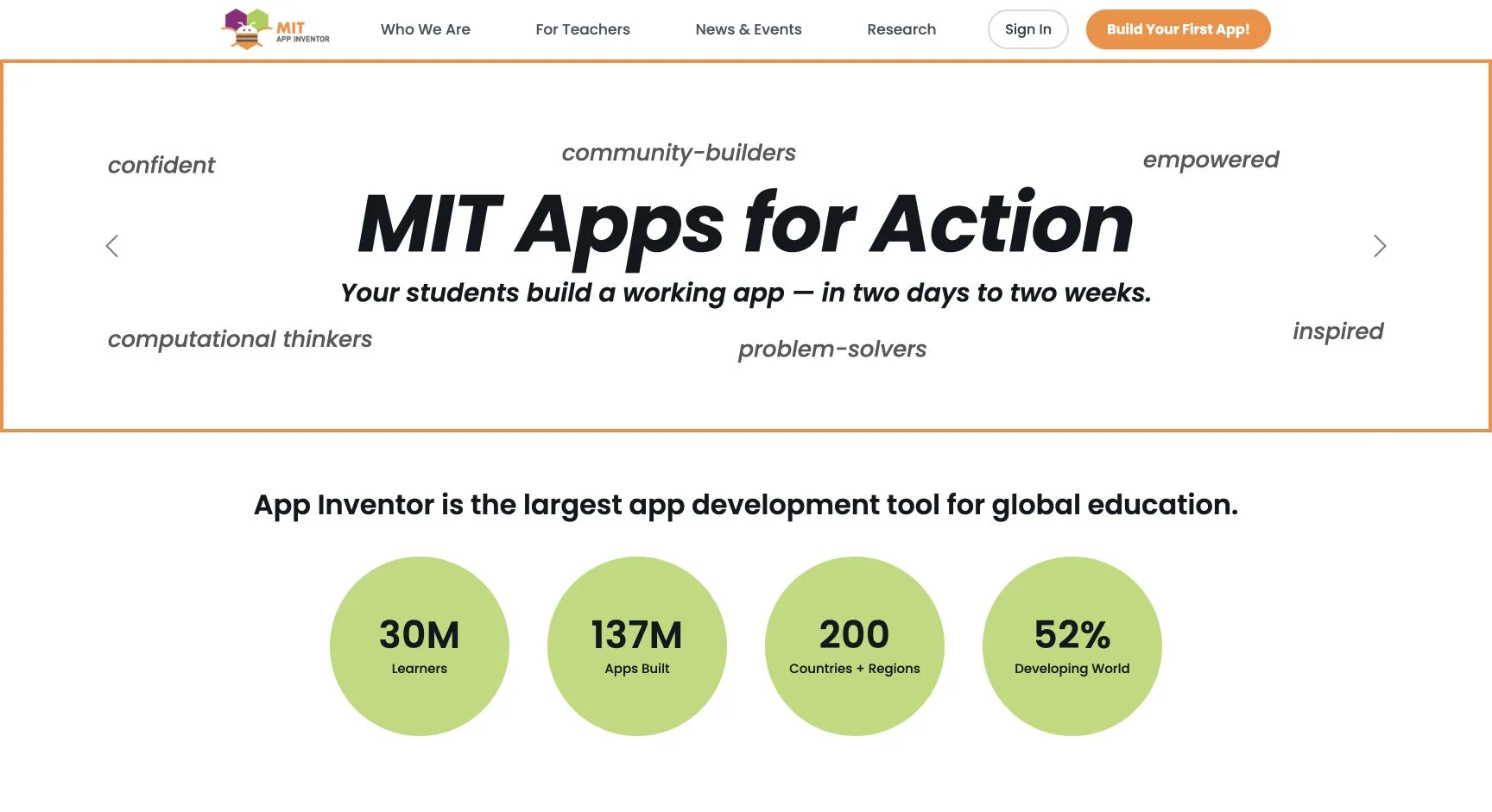
MIT App Inventor
A block-based platform for building and testing Android apps while learning programming concepts. It is listed under Coding and Maker & DIY for ages 10–18. Children and families can use it through a website.
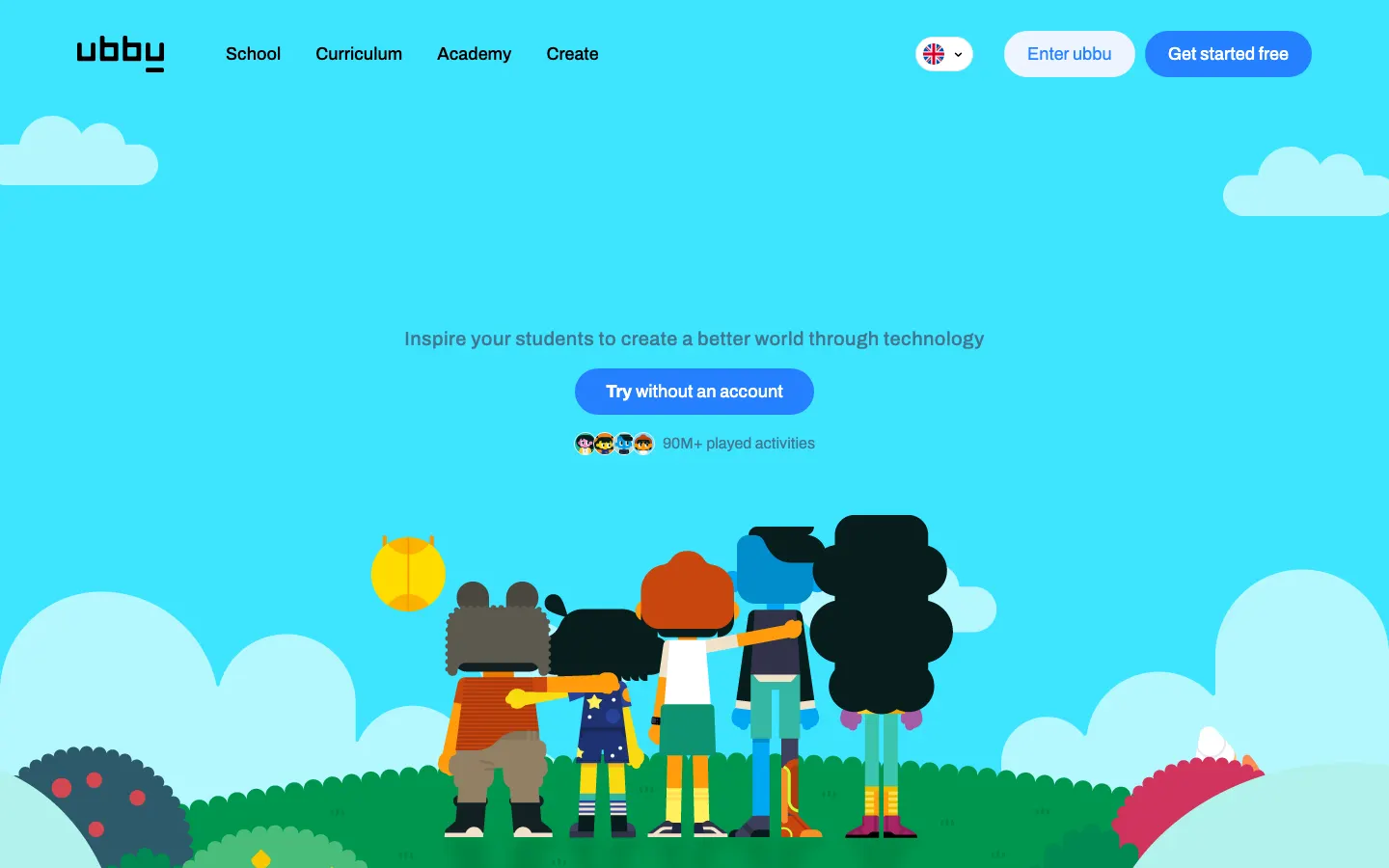
ubbu – Code to Create
ubbu is an age-adapted coding and creative technology platform with educational games, STEAM activities, projects, and digital-safety learning for children. It is listed under Coding and Technology for ages 6–13. Children and families can use it through a website.
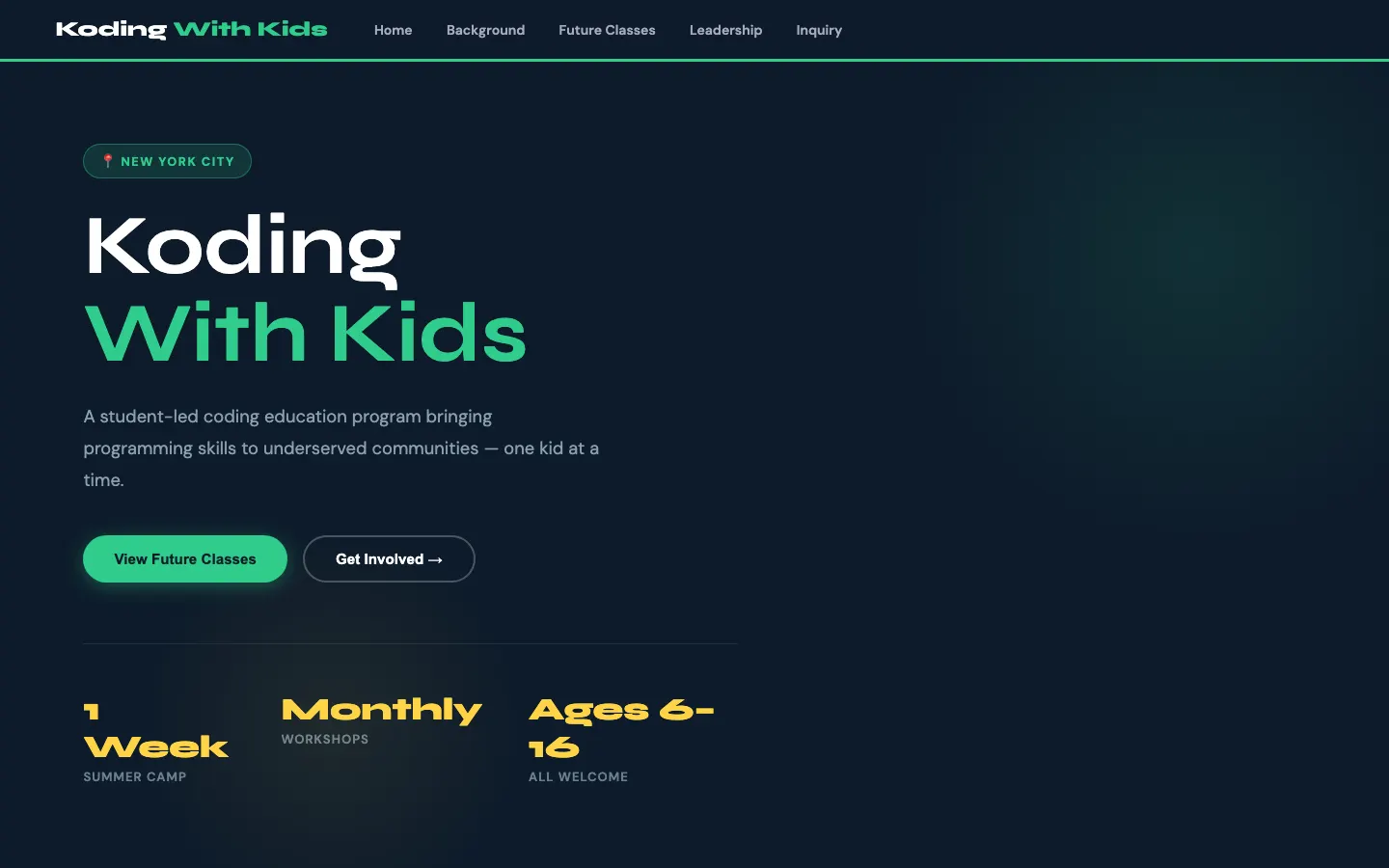
Koding With Kids
A student-led New York City coding program offering project-based summer camp and monthly workshops for ages 6–16. It is listed under Coding and Maker & DIY for ages 6–16. Children and families can use it through a website.
Microsoft MakeCode
Microsoft MakeCode provides browser-based coding environments for micro:bit, Minecraft, Arcade, and other creative projects. Children ages 8–18 can experiment with code in a simulator or connect a project to a supported device. The directory lists it as free; adults should choose one platform first and confirm any hardware, account, or classroom requirements.
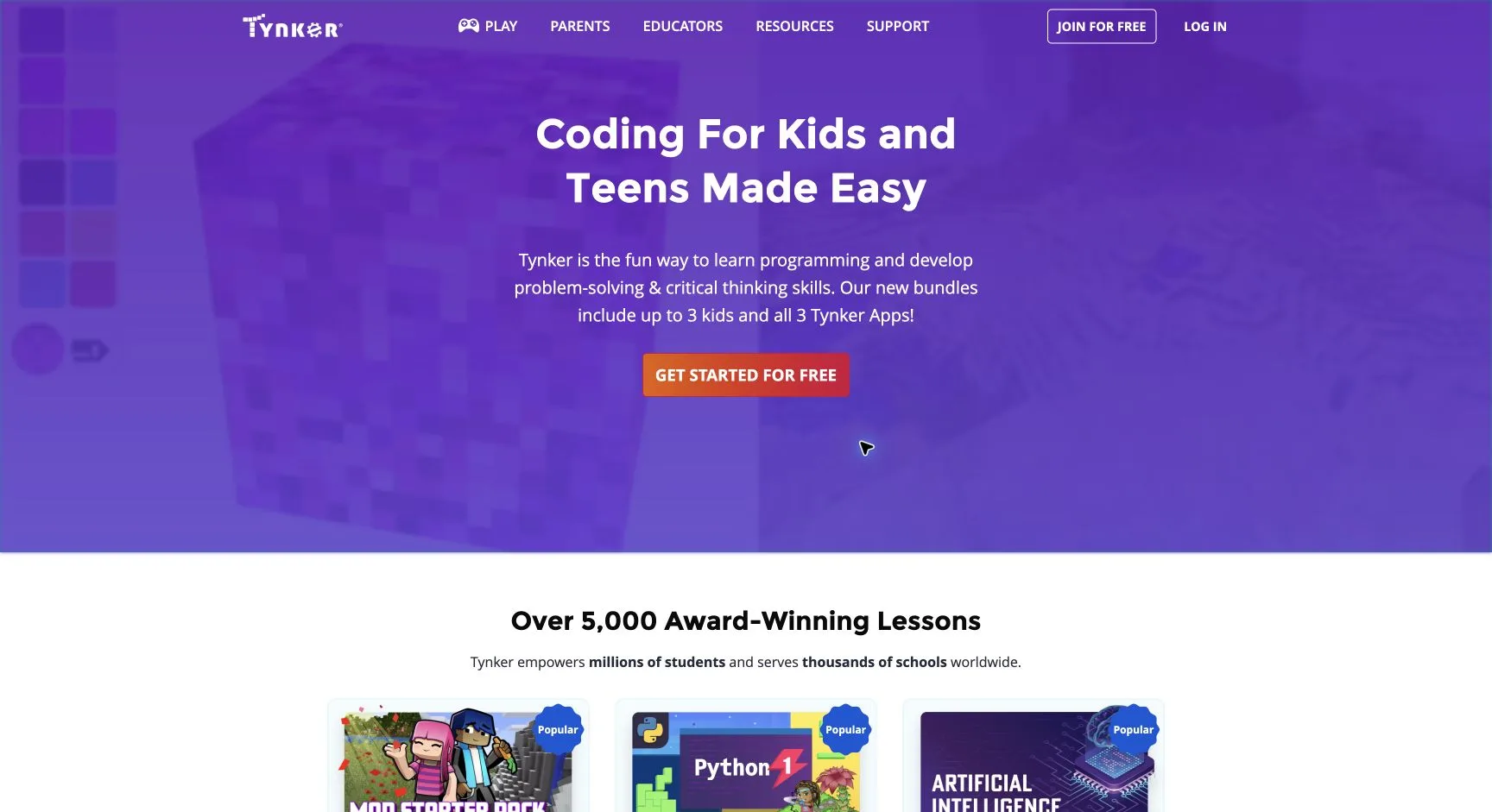
Tynker
Project-based coding courses and creative activities covering games, animation, robotics, and web creation. It is listed under Coding, Games, and Maker & DIY for ages 5–18. Children and families can use it through a website.

Code Quest 2026
Junior Coderz Code Quest is an online coding competition where children build a digital-business project with guided videos and creative technology tools. It is listed under Coding and Entrepreneurship for ages Children; organizer-specific tracks.
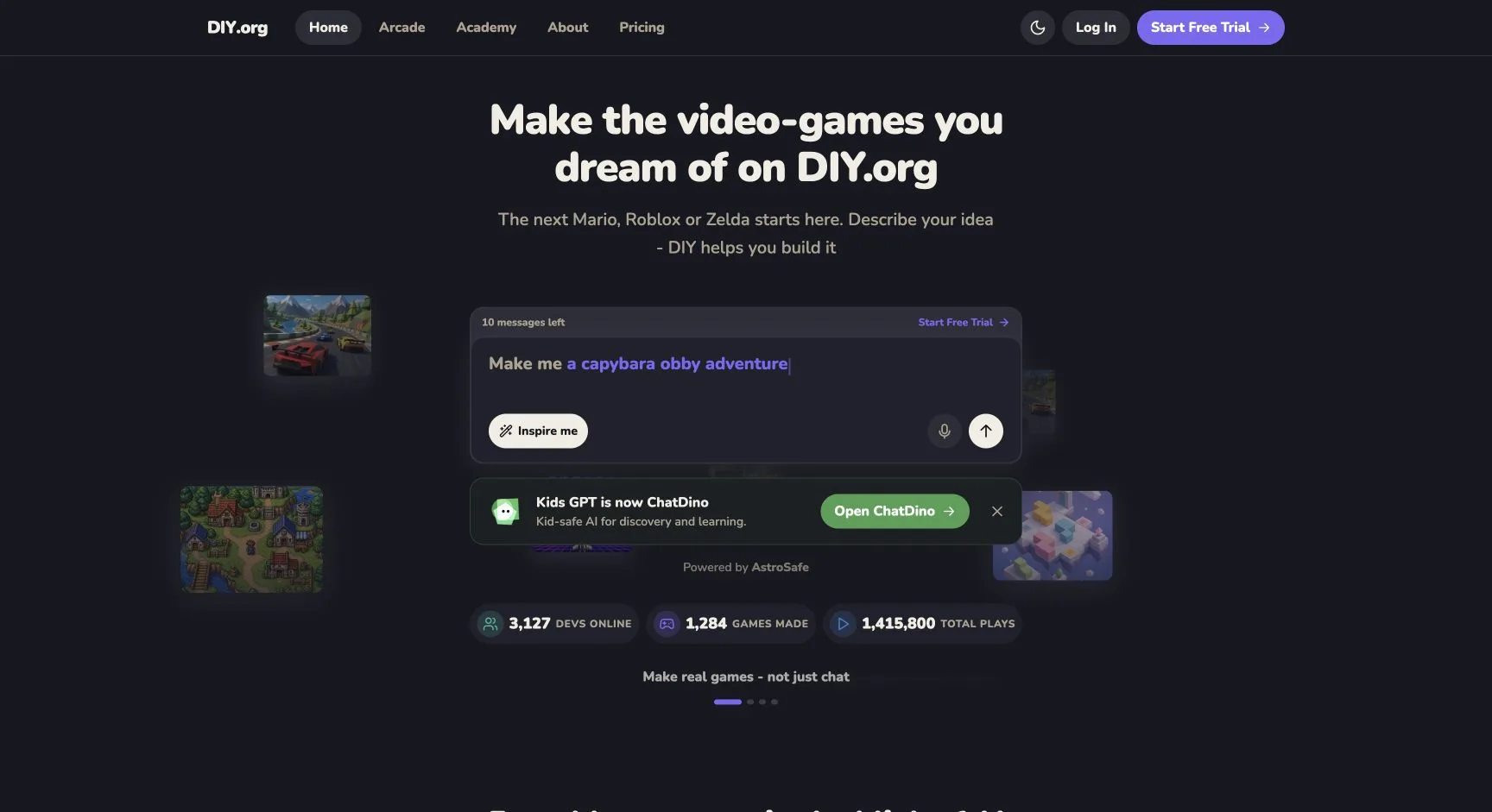
DIY
A kid-focused creative platform for building games and projects with AI-assisted tools, challenges, and guided making experiences. It is listed under Maker & DIY, Art & creativity, and Science for ages 4–14. Children and families can use it through a website.
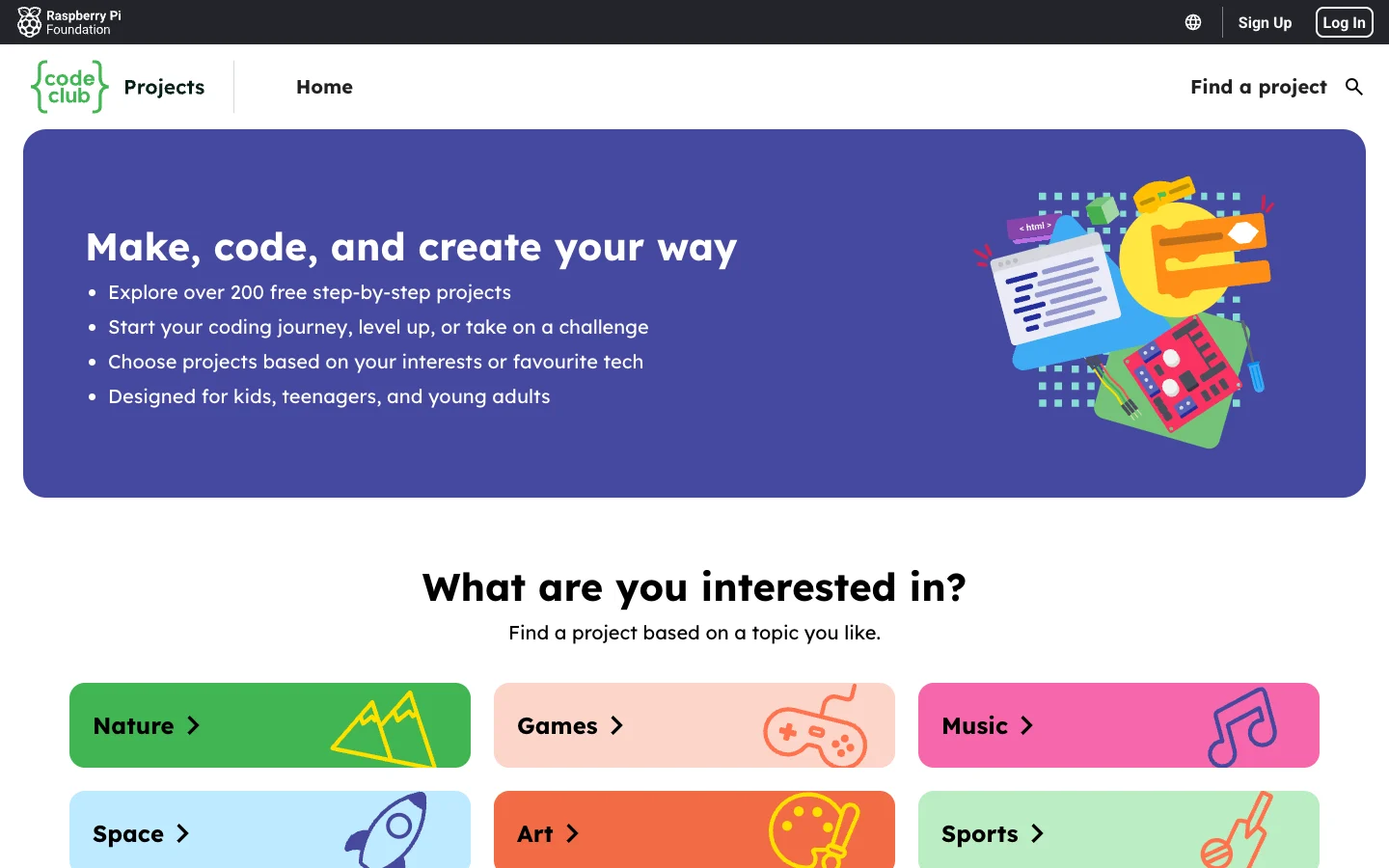
Raspberry Pi Code Club Projects
More than 200 free step-by-step coding and creative-technology projects covering Scratch, Python, web development, AI, physical computing, nature, music, art, and science. It is listed under Coding and Science for ages 7–18. Children and families can use it through a website.
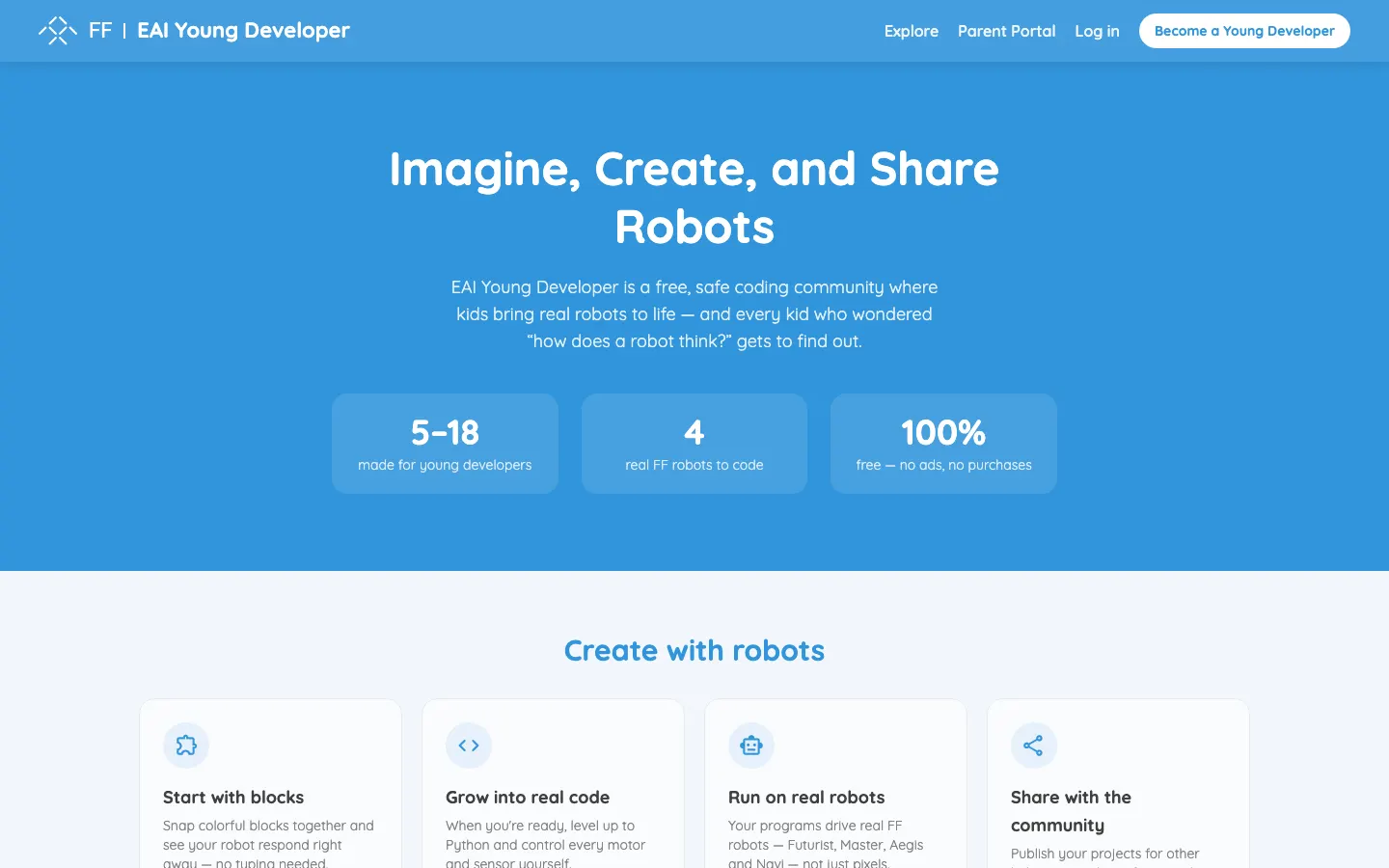
EAI Young Developer
EAI Young Developer is a free, privacy-first robotics coding community where children ages 5–18 program real robots with blocks and Python. It is listed under Coding and Robotics for ages 5–18. Children and families can use it through a website.
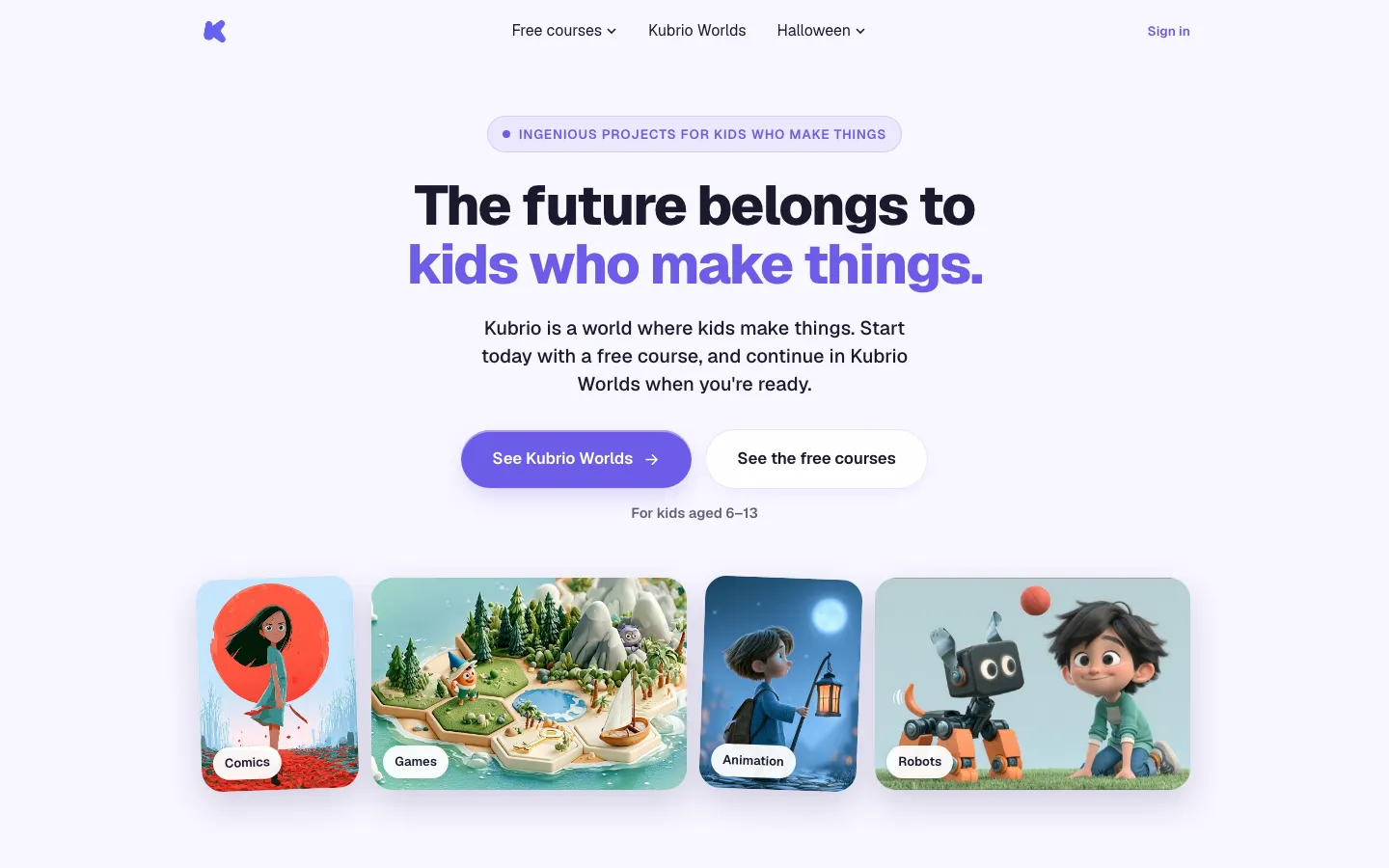
Kubrio Maker Learning
Kubrio is a creative learning platform with free browser-based guides, block coding, drawing activities, quizzes, and project paths for children to make things and learn independently. It is listed under Coding and Art & creativity for ages 6–14.
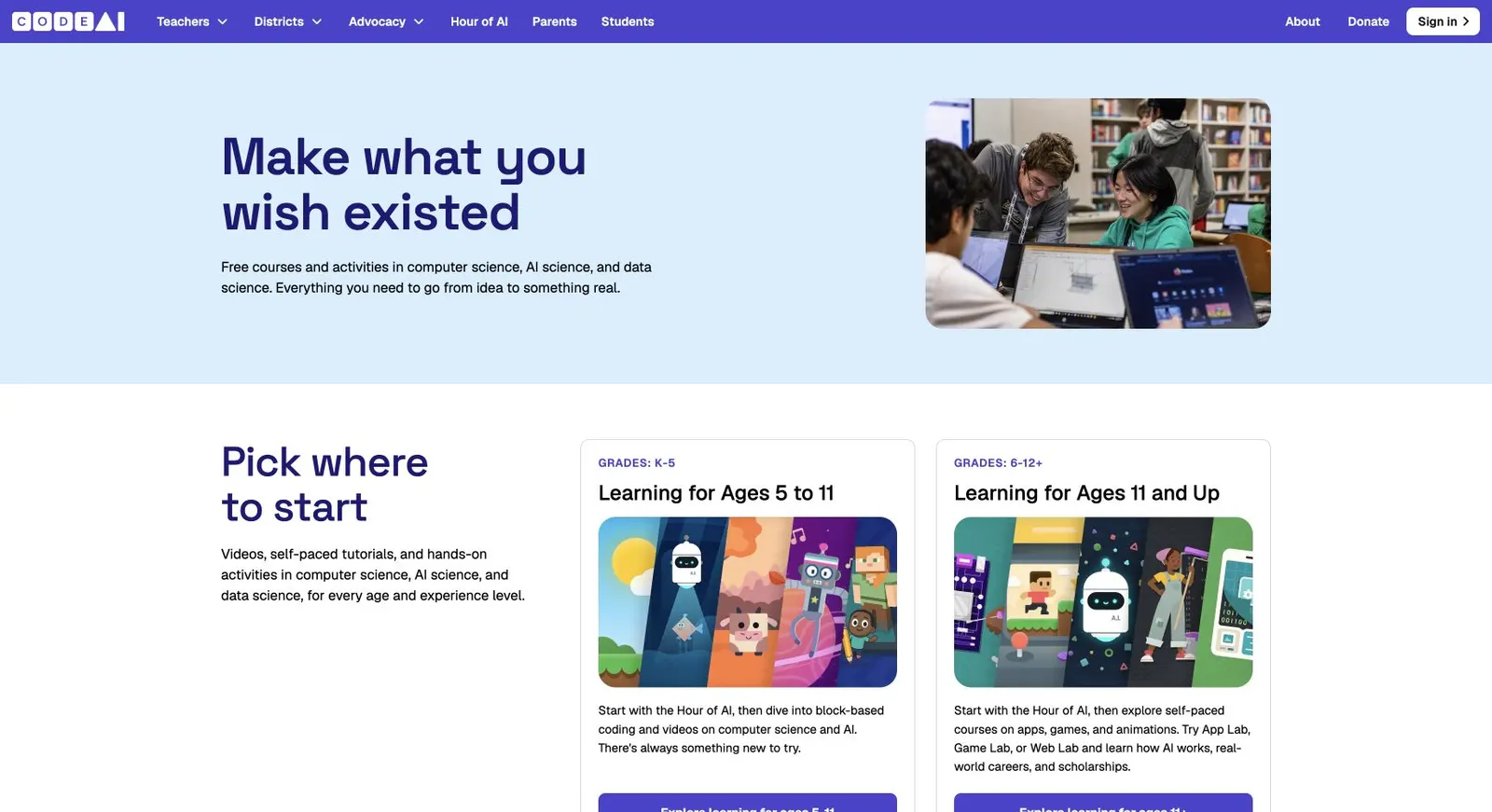
CodeAI Students
CodeAI’s student hub offers free self-paced tutorials, videos, and hands-on activities in computer science, AI science, and data science for learners from elementary school through high school. It is listed under Coding, Technology, and Math for ages 5–18.
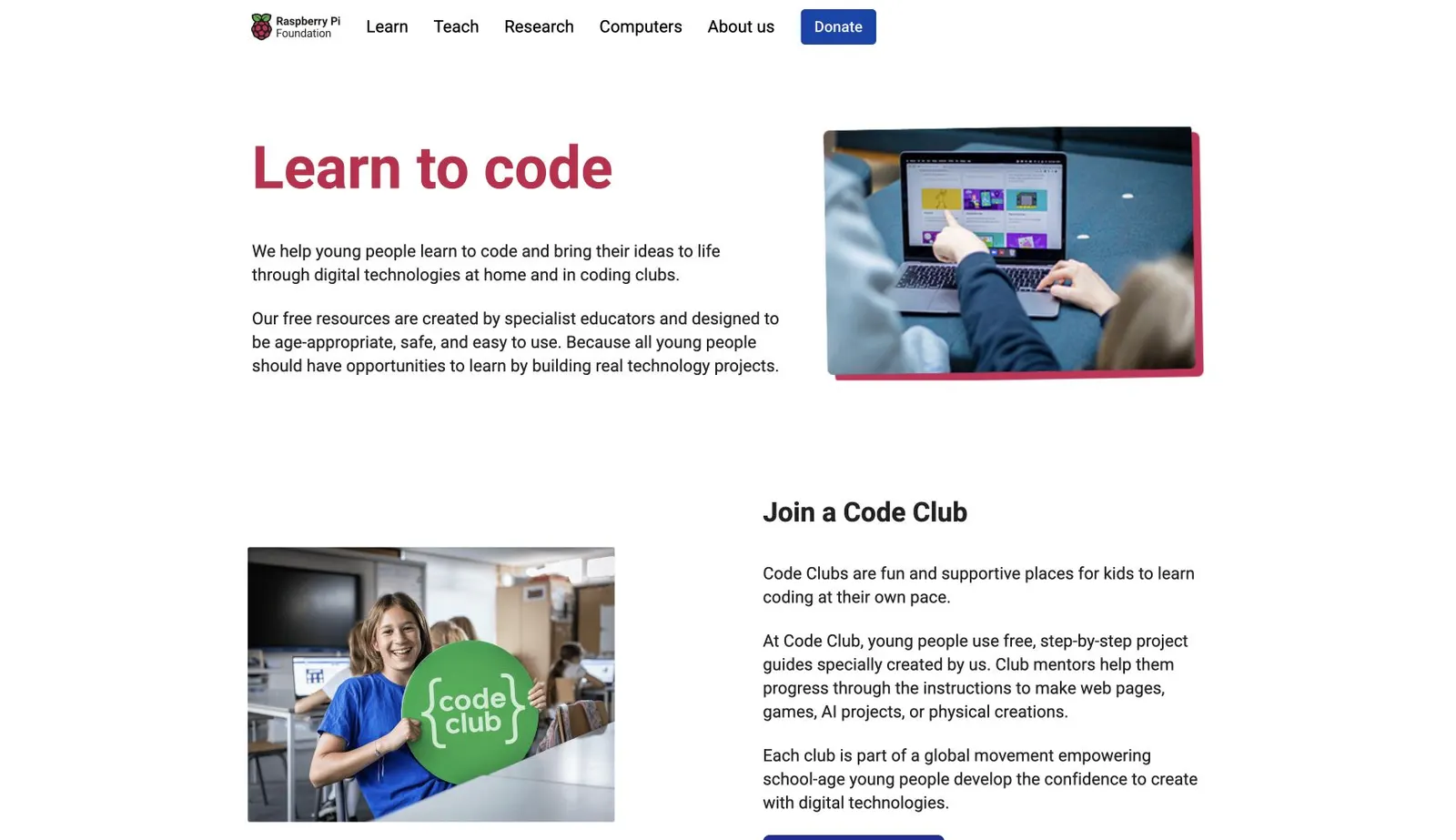
Raspberry Pi Learn to Code
Raspberry Pi’s free learning hub connects children and educators with Code Club, code-at-home projects, AI and hardware activities, Astro Pi, and Coolest Projects. It is listed under Coding and Maker & DIY for ages 7–18.
Compare with context
Use this collection to find a direction, then open each resource page before sharing it with a child. The individual review shows languages, access formats, tags, age guidance, source links, and notes for grown-ups.
Search the full directory →