Coding JavaScript
for kids
Explore 19 trusted coding javascript resources selected for curious kids, with clear ages, access details, and parent context.
Two useful ways to narrow the directory
This page brings together coding resources that also match javascript. Each listing keeps its own age range, platform details, languages, links, and parent notes, so you can compare options without losing context.
Explore all coding resources →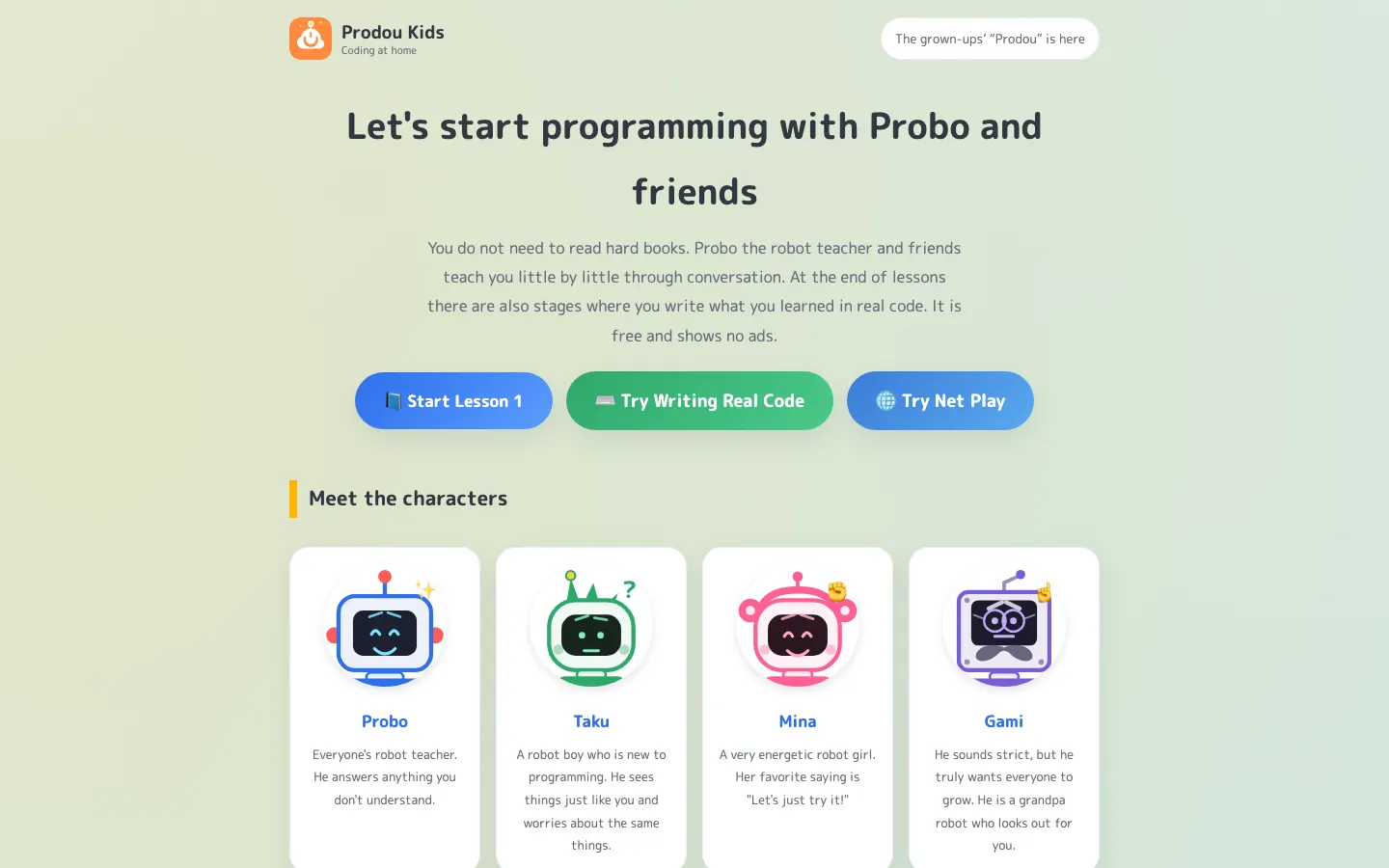
Prodou Kids
Prodou Kids is a free browser coding course that explains programming through conversations and lets children write HTML, CSS, Python, and JavaScript without installing an app. It is listed under Coding and Technology for ages Children; parent-guided.
Read the full resource review →More coding picks
CodeCombat
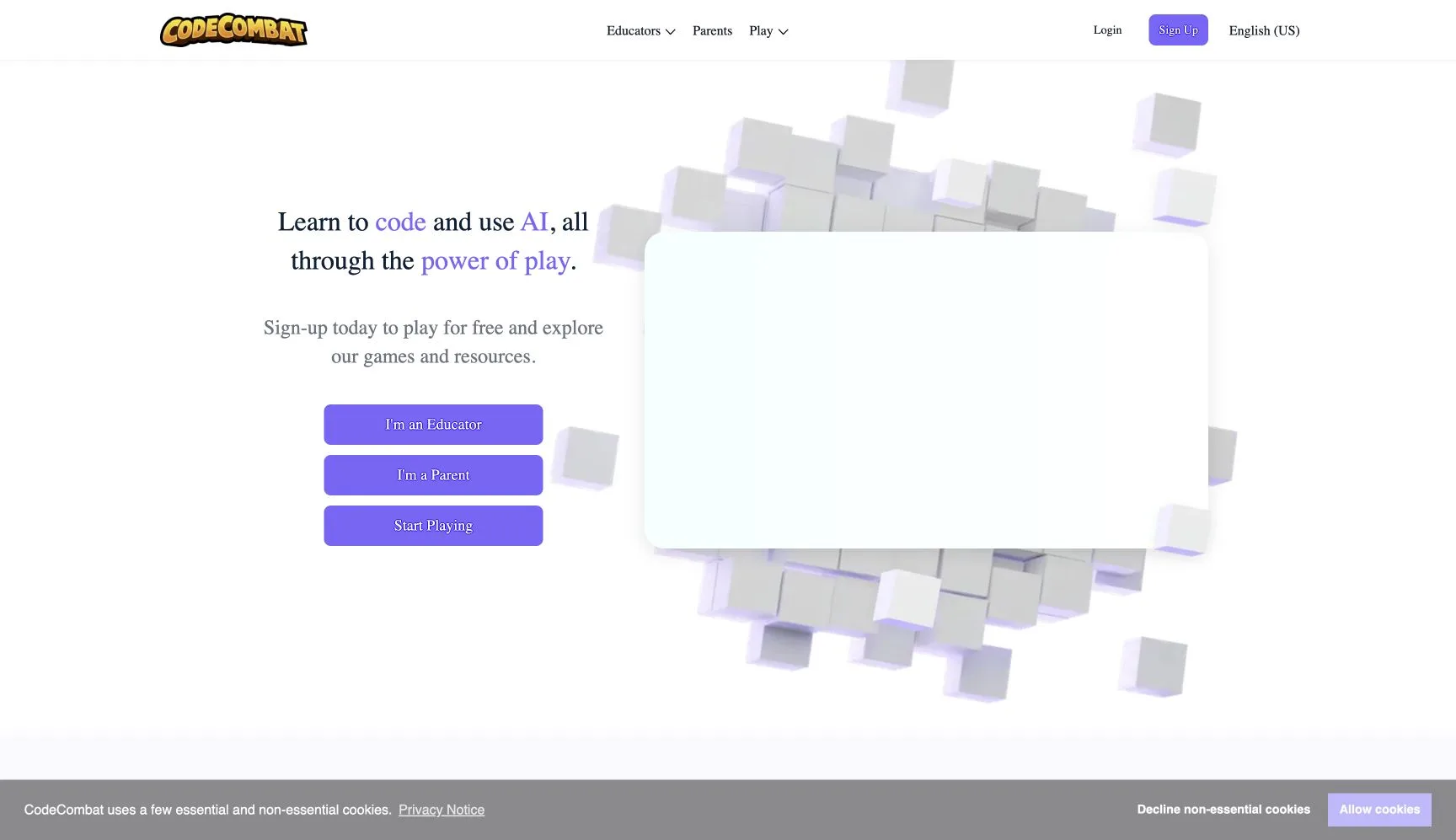
A game-based coding environment where learners write real code to guide characters through challenges. It is listed under Coding and Games for ages 9–18. Children and families can use it through a website. The directory records access as free with paid options and language coverage as English.
Soulxer
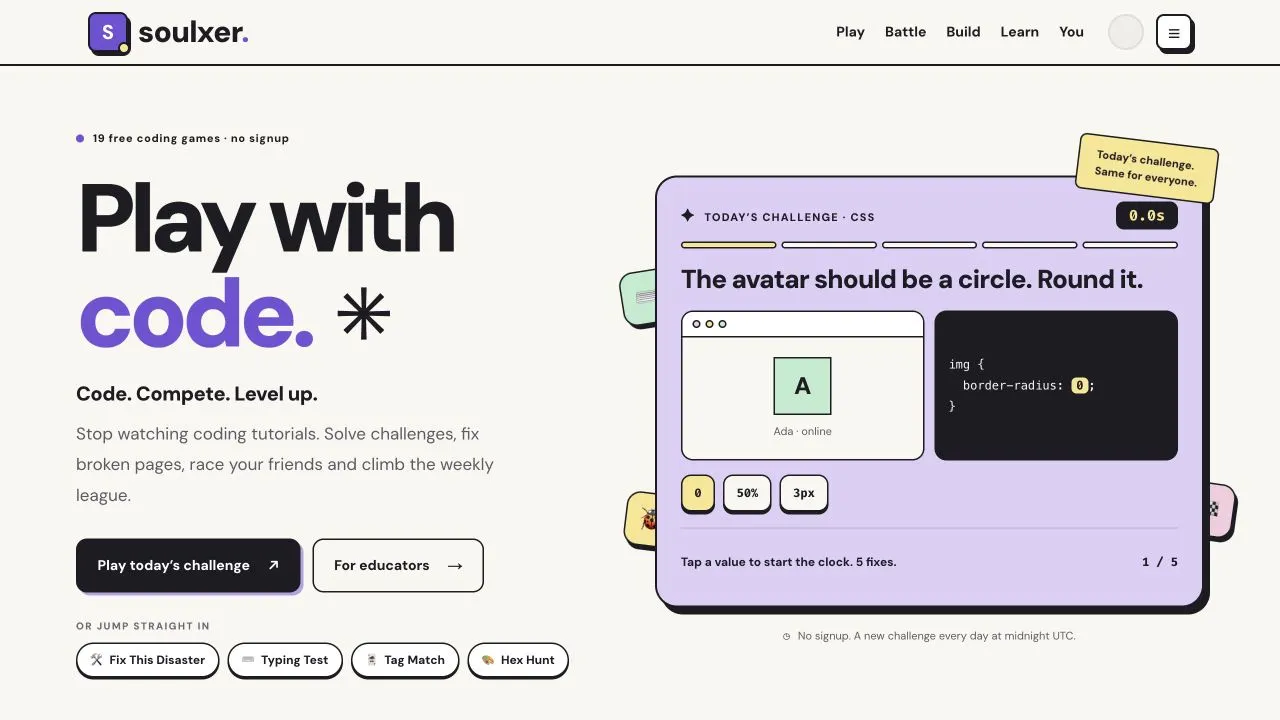
A free browser collection of coding games and courses where children solve challenges, repair broken pages, and practise reading code without an account. It is listed under Coding and Games for ages 8+. Children and families can use it through a website.
Codemoji Coding for Kids
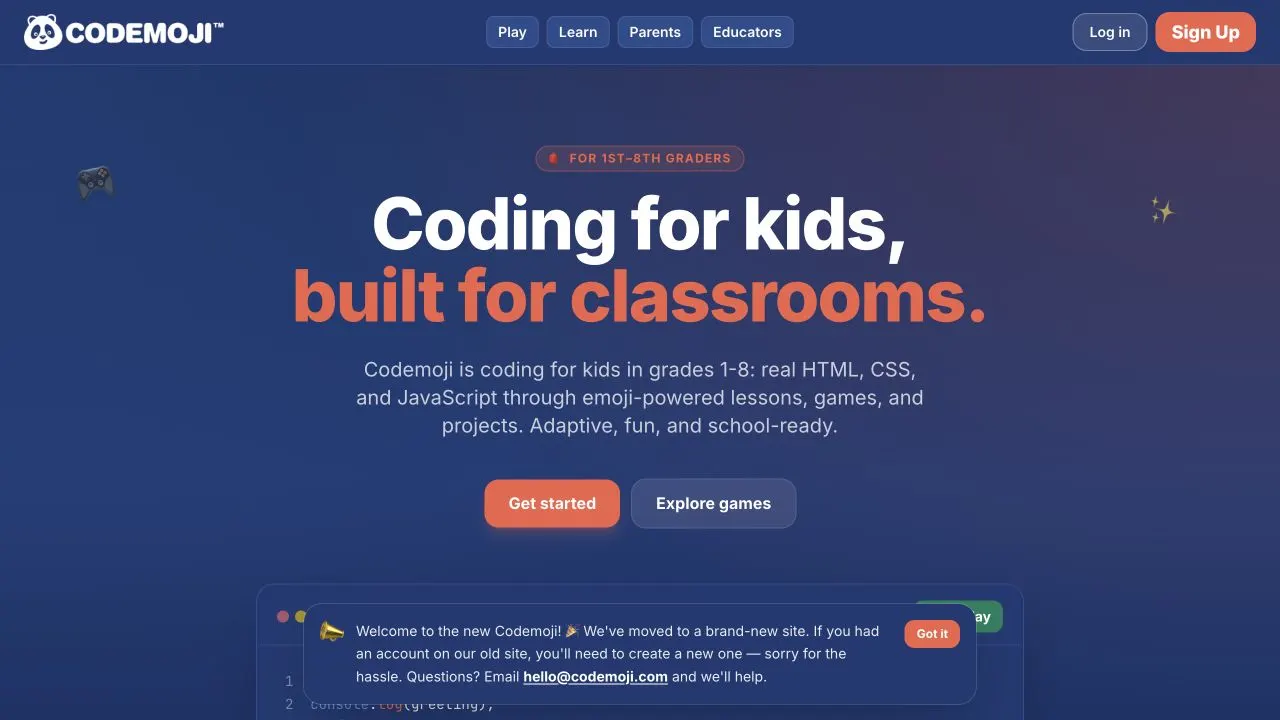
Codemoji teaches real HTML, CSS, and JavaScript through emoji-powered lessons, games, and projects for students in grades 1–8, with educator tools and a 500-plus lesson library. It is listed under Coding and Technology for ages 6–14.
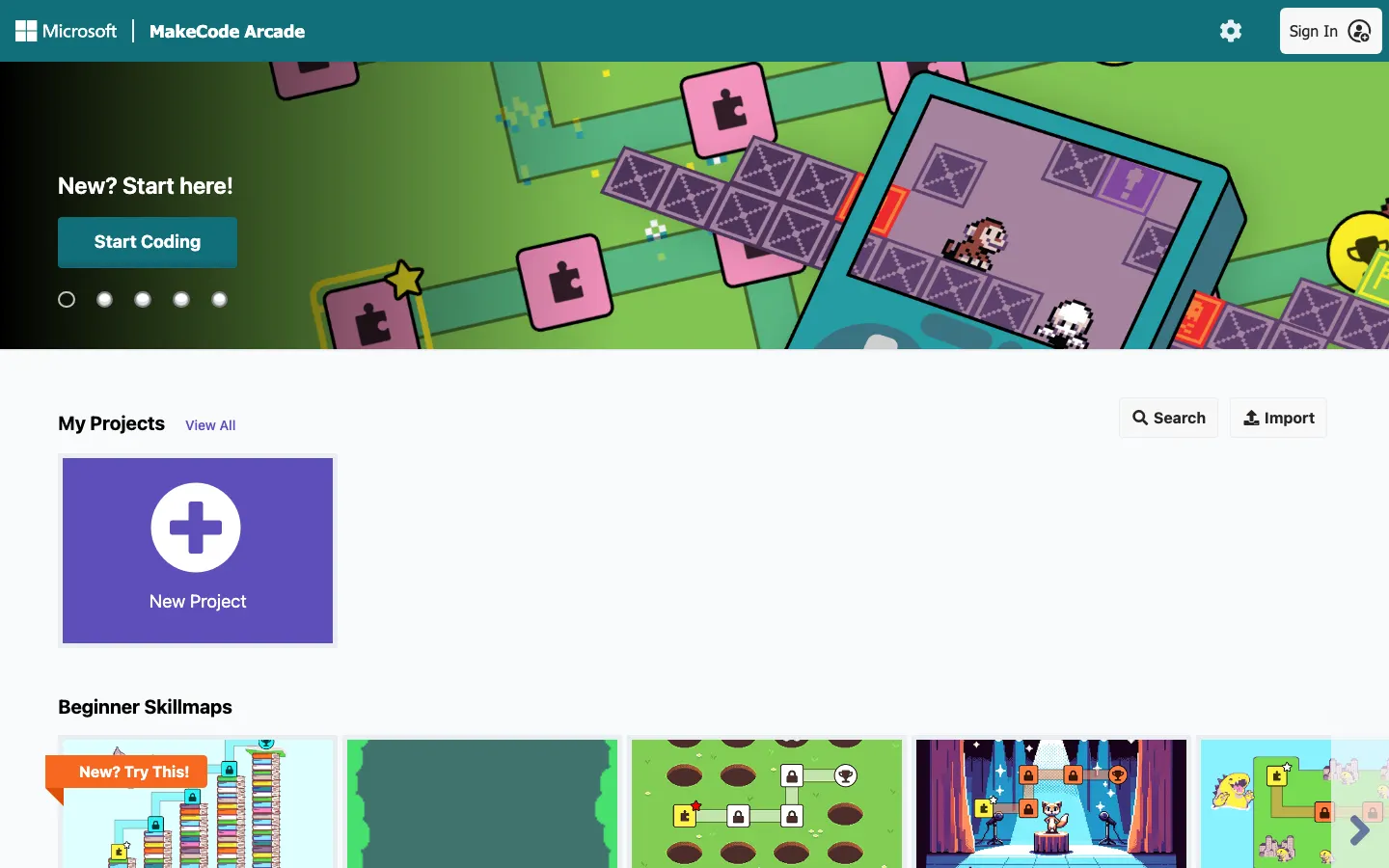
Microsoft MakeCode Arcade
A browser-based game-development platform where children and students create retro-style games with blocks and JavaScript, using guided skillmaps and starter projects. It is listed under Coding and Technology for ages Children and teens; activity-specific.
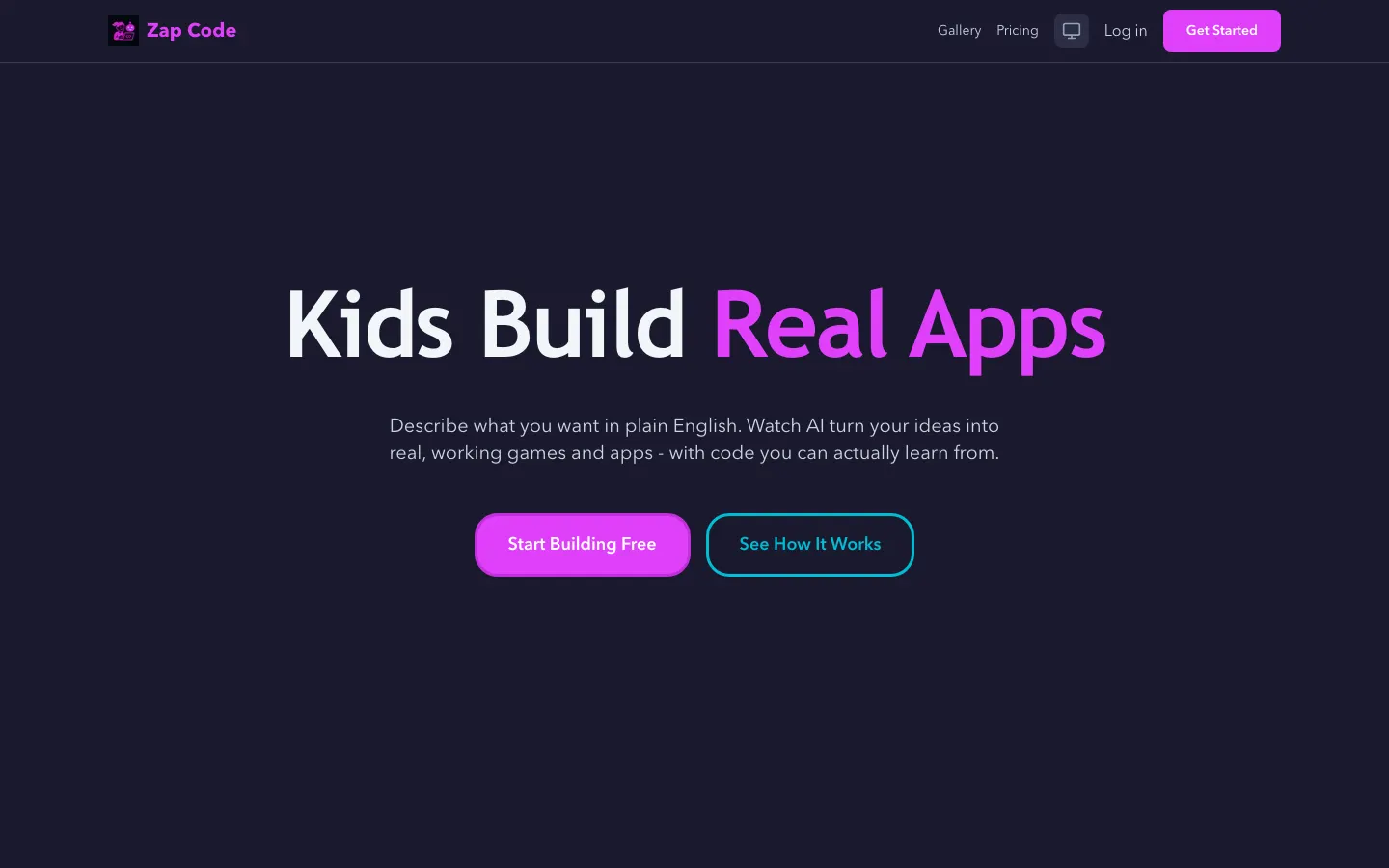
Zap Code
A progressive coding environment for children that turns plain-language ideas into real HTML, CSS, and JavaScript apps, games, and stories. It is listed under Coding, Games, and Technology for ages 8–16. Children and families can use it through a website.
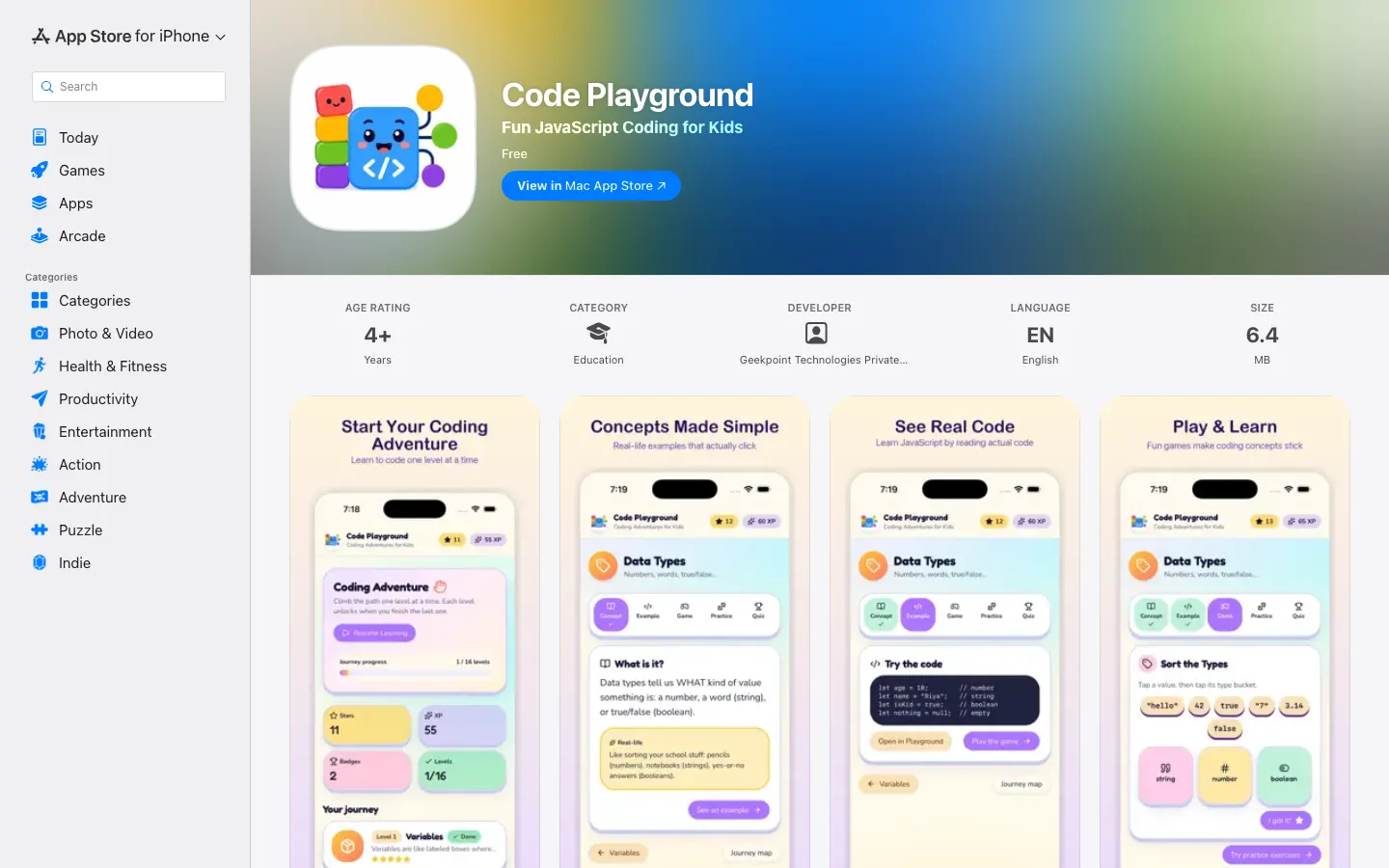
Code Playground
A free iPhone, iPad, and Mac app that introduces children to JavaScript through short coding lessons, interactive games, and concepts such as variables, loops, functions, arrays, and objects. It is listed under Coding and Games for ages 4+.
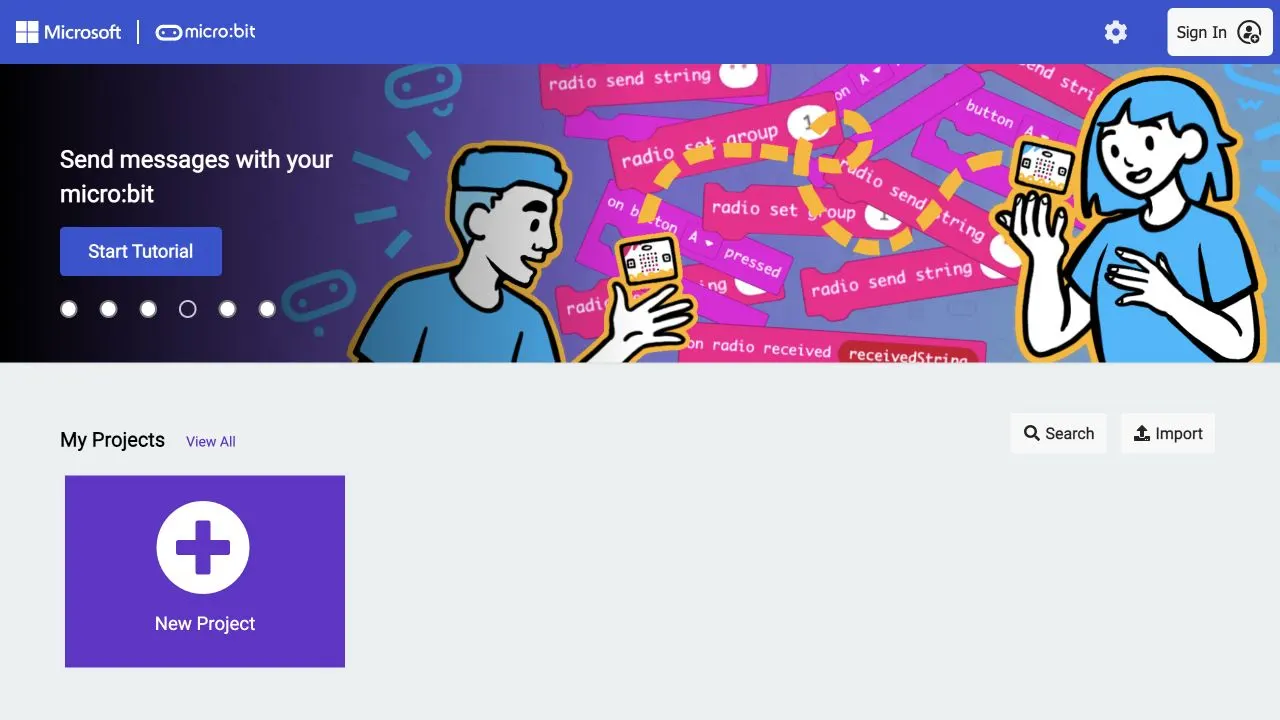
Microsoft MakeCode for micro:bit
Microsoft MakeCode for micro:bit is a browser coding environment with block-based and text programming, tutorials, games, projects, search, import, and optional account features for young makers. It is listed under Coding and Games for ages 8–14.
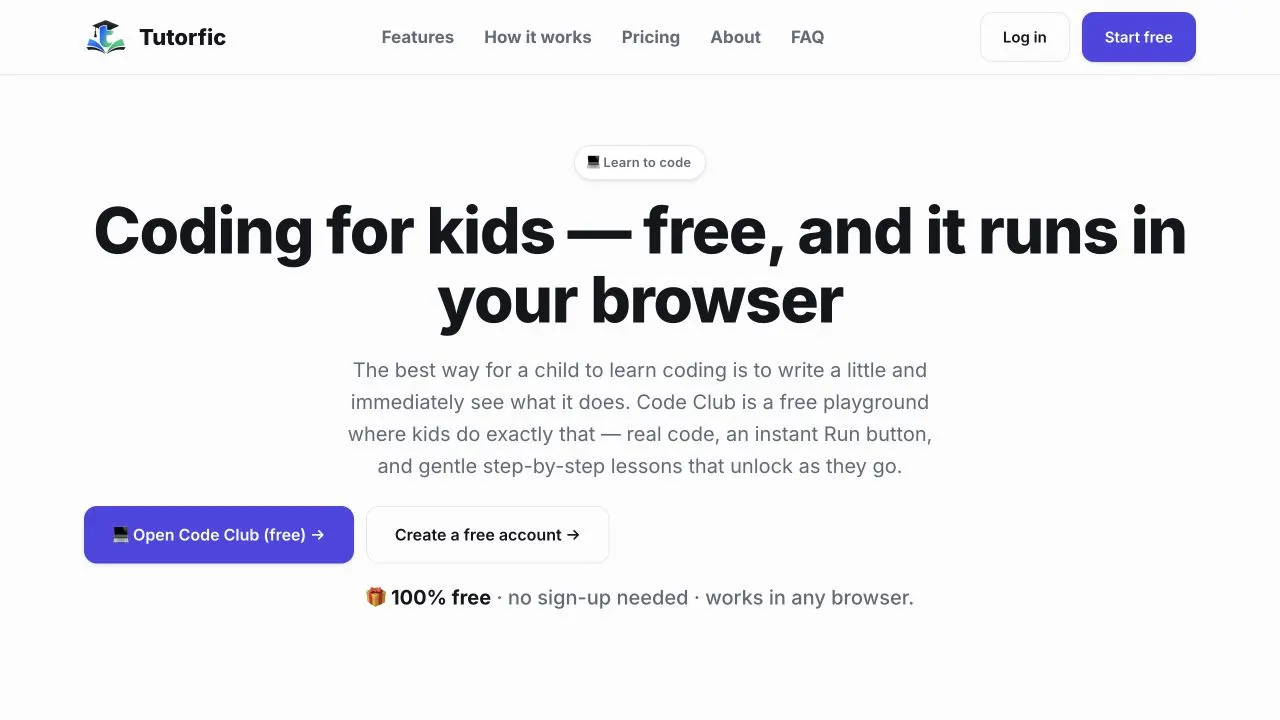
Tutorfic Code Club
A free browser coding club with guided lessons and projects spanning blocks, HTML, JavaScript, SQL, and Python, with no sign-up or ads. It is listed under Coding and Maths & logic for ages 6–16.
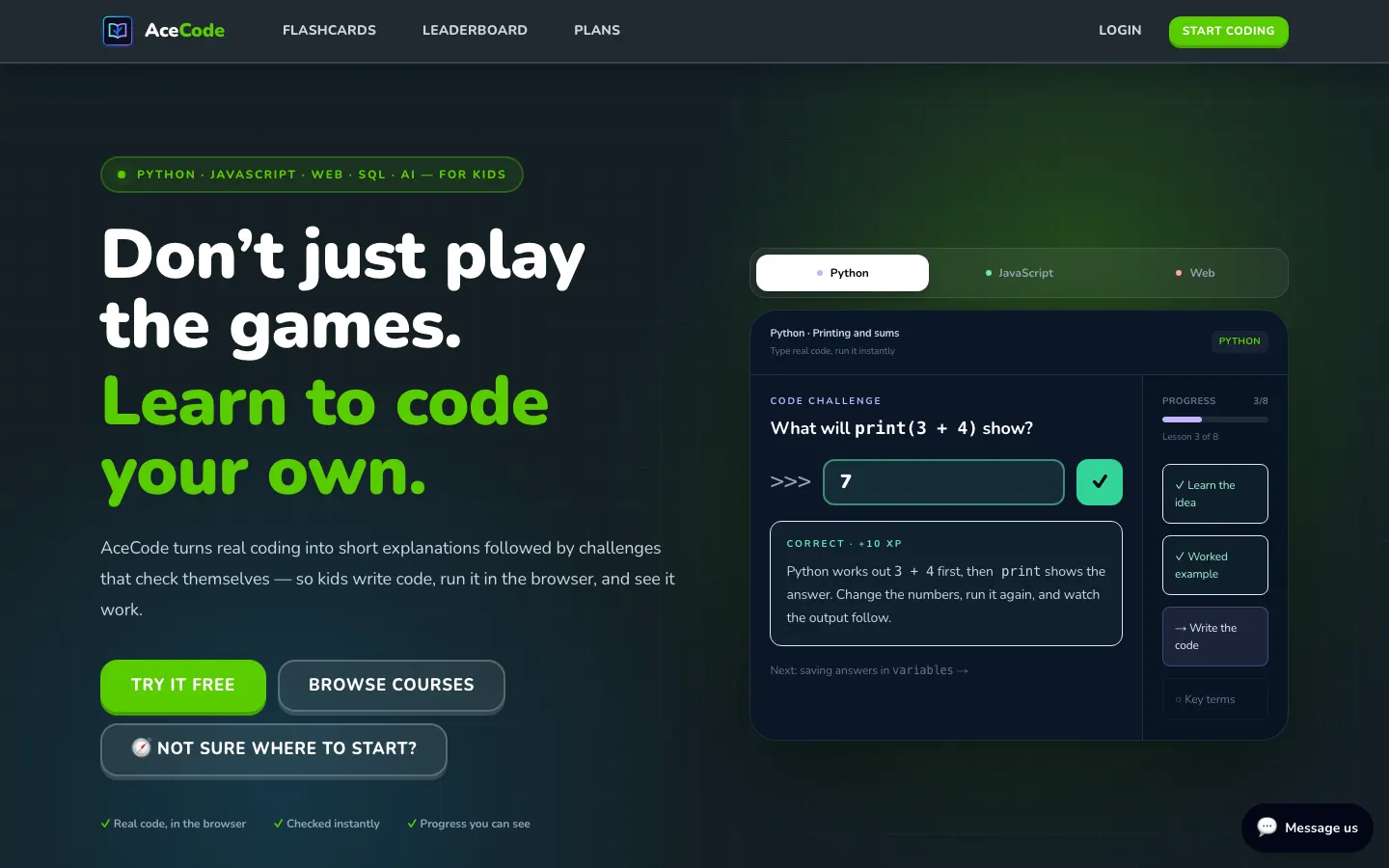
AceCode
AceCode teaches children coding through short explanations and browser-run challenges across Python, JavaScript, web design, databases, AI, block coding, computational thinking, and internet safety. It is listed under Coding and Technology for ages Children and teens; course-specific.
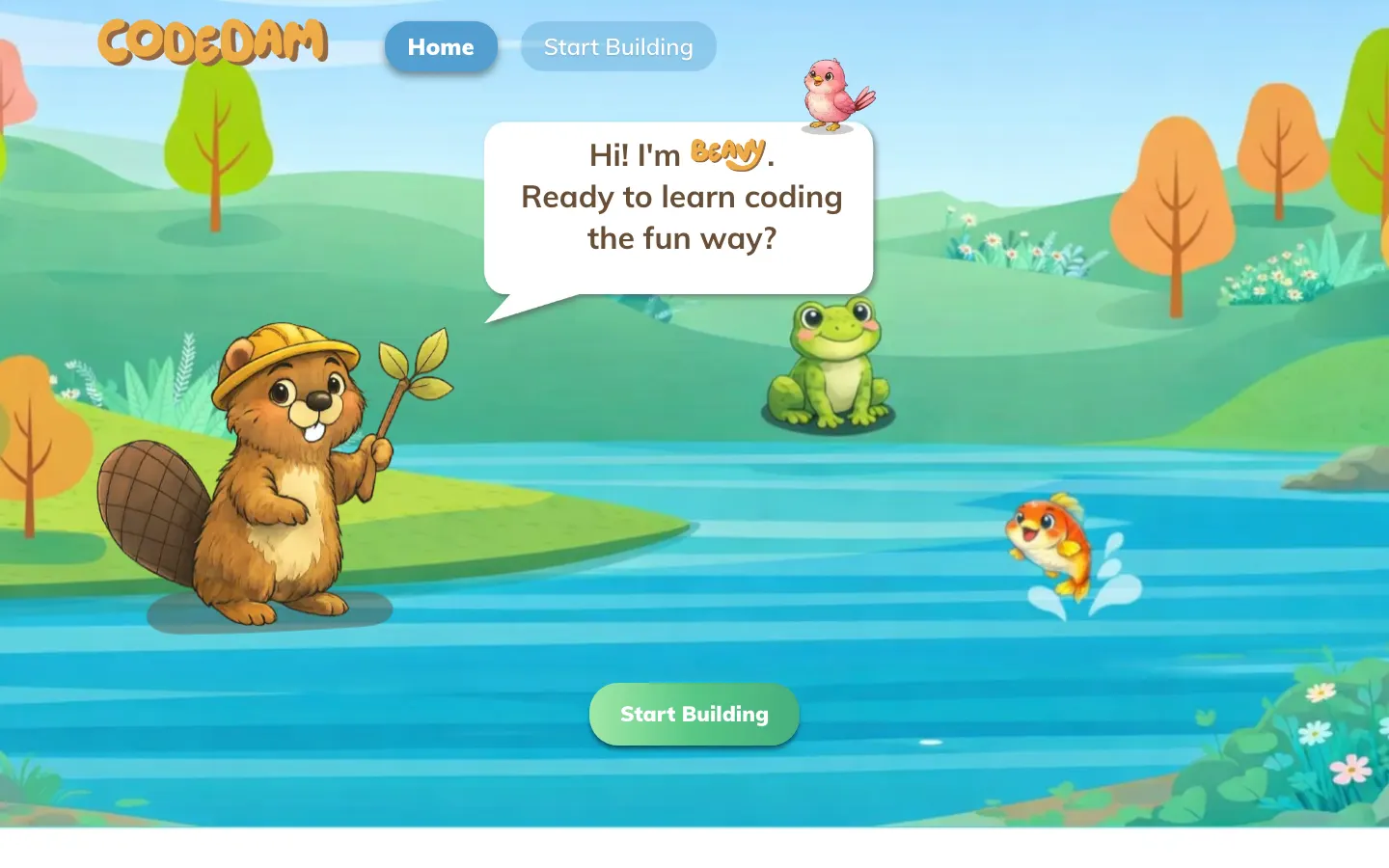
CodeDam
A free visual coding playground where children explore loops, variables, logic, JavaScript, and Python. It is listed under Coding, Games, and Math for ages 7–14. Children and families can use it through a website.

Applaa AI Academy
Applaa’s desktop AI Academy offers interactive coding lessons, challenges, quizzes, and tracks covering Python, JavaScript, web development, databases, games, AI, and robotics. It is listed under Coding and AI literacy for ages 7–18. Children and families can use it through a website.
Markham Public Library Learning Place
A public-library program hub for children and families with age-banded STEAM, coding, animation, and creative technology learning opportunities. It is listed under Coding and Science for ages 6–12. Children and families can use it through a website.
Compare with context
Use this collection to find a direction, then open each resource page before sharing it with a child. The individual review shows languages, access formats, tags, age guidance, source links, and notes for grown-ups.
Search the full directory →