Coding Game design
for kids
Explore 13 trusted coding game design resources selected for curious kids, with clear ages, access details, and parent context.
Two useful ways to narrow the directory
This page brings together coding resources that also match game design. Each listing keeps its own age range, platform details, languages, links, and parent notes, so you can compare options without losing context.
Explore all coding resources →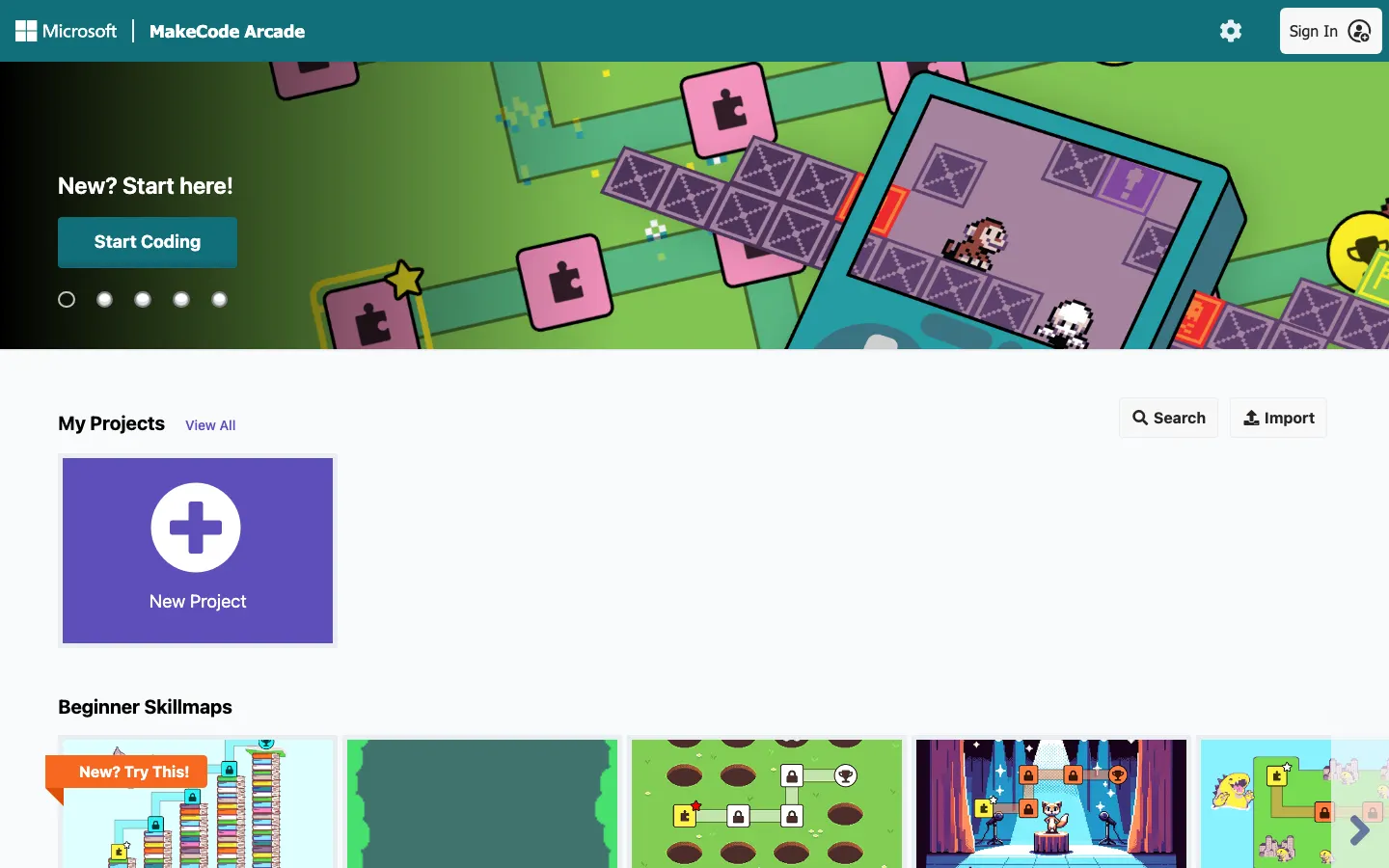
Microsoft MakeCode Arcade
A browser-based game-development platform where children and students create retro-style games with blocks and JavaScript, using guided skillmaps and starter projects. It is listed under Coding and Technology for ages Children and teens; activity-specific.
Read the full resource review →More coding picks
Catrobat
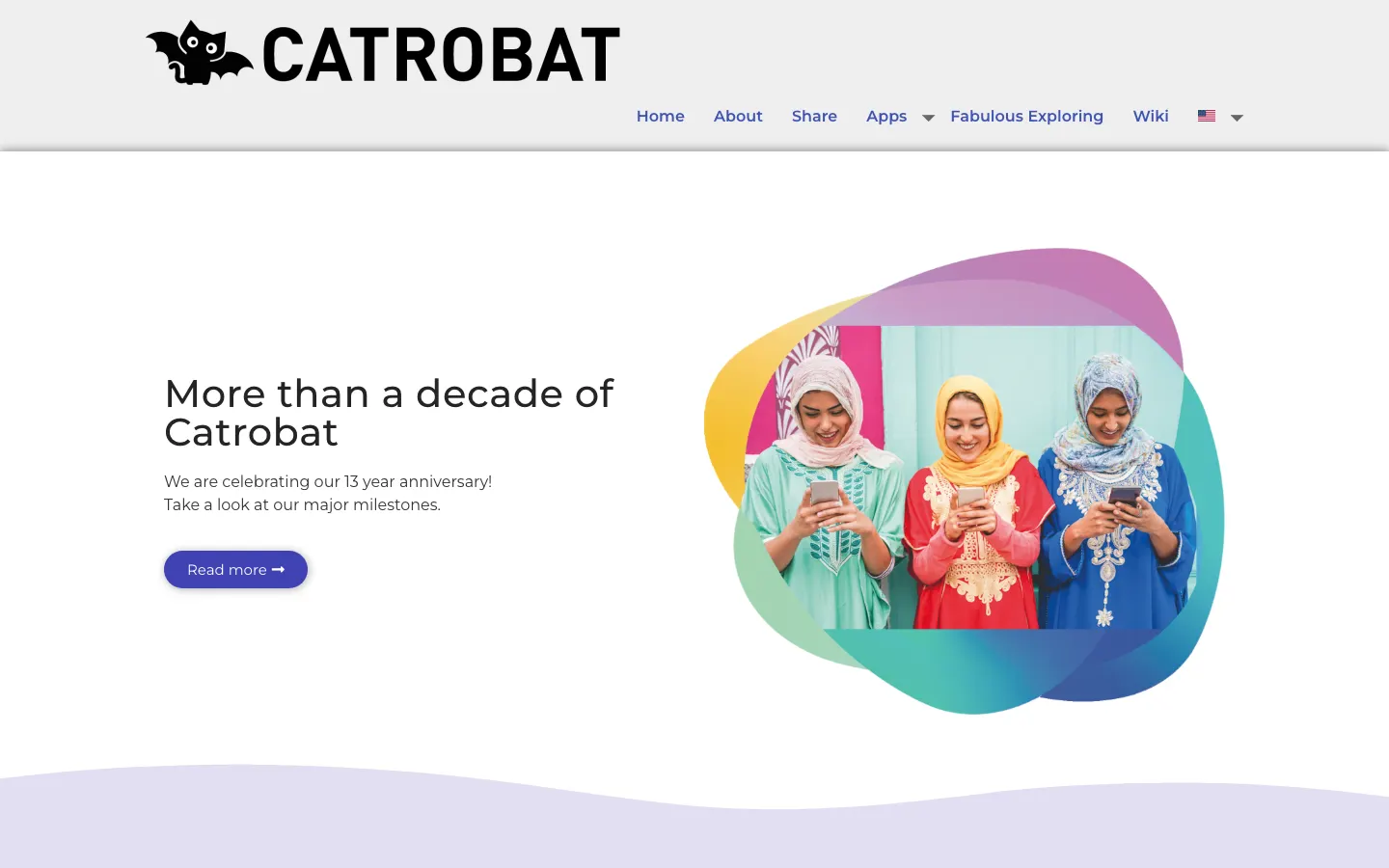
Catrobat is a nonprofit open-source project with free educational apps that help young people create games and apps through a constructionist coding approach. It is listed under Coding and Apps for ages 10–18. Children and families can use it through a website.
Coding Park
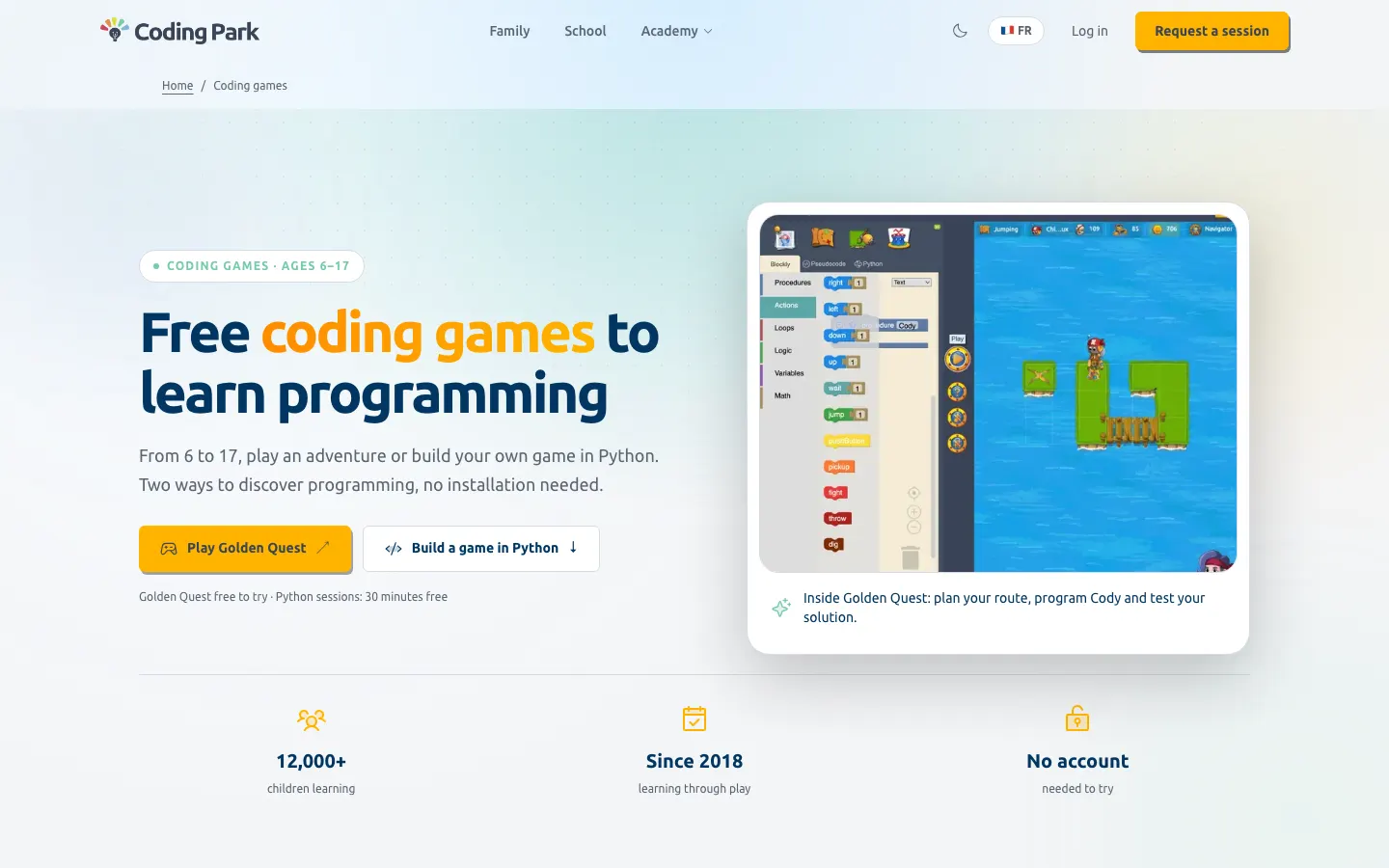
Coding Park offers free coding games and browser activities for children and teens, with age-oriented pathways from adventure-style visual programming to building games in Python. It is listed under Coding and Technology for ages 6–17.
Let’s Build It!
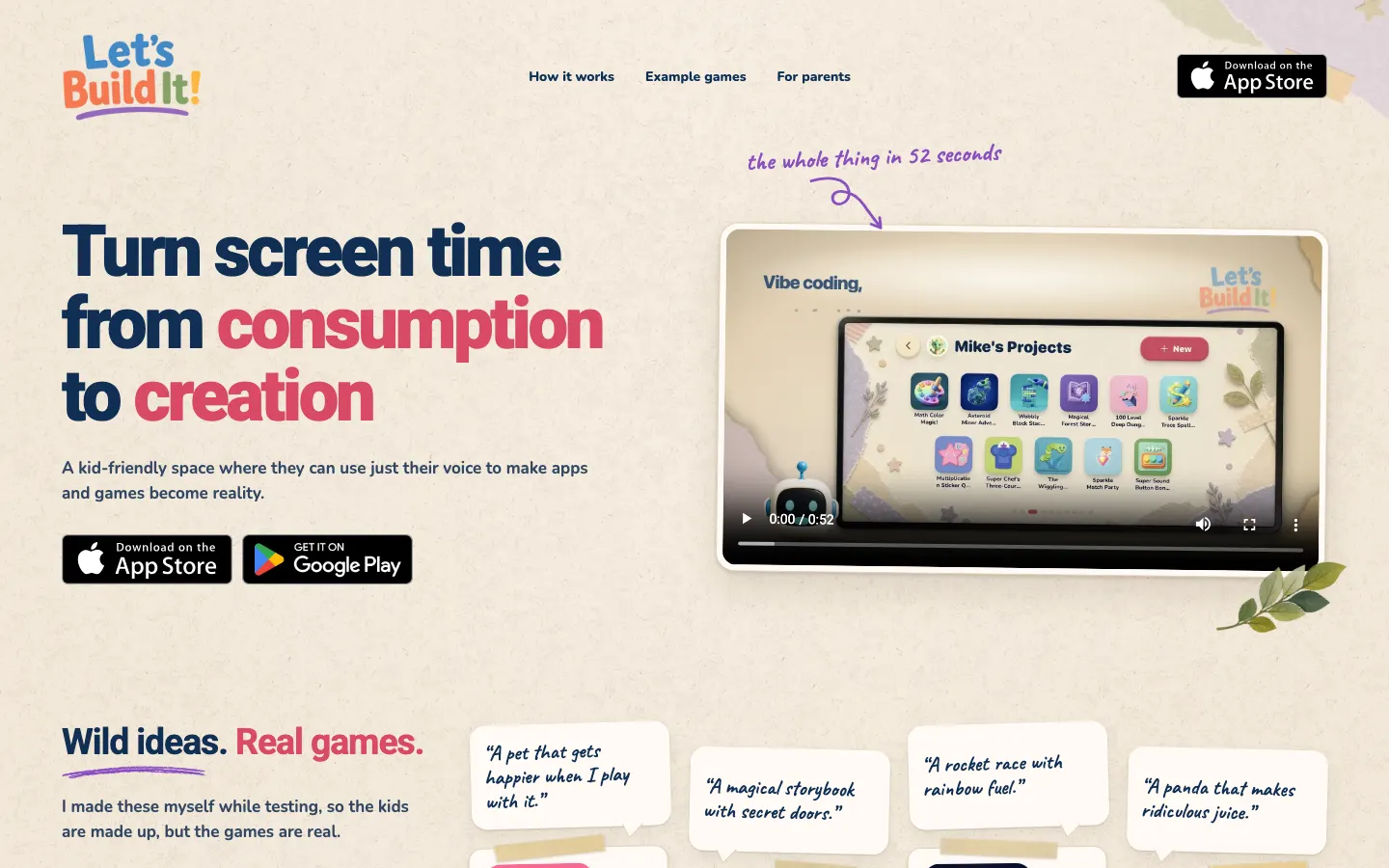
A kid-friendly creative coding space where children use their voice to turn wild ideas into real playable apps, games, quizzes, and stories, with parent-facing controls. It is listed under Coding and Art & creativity for ages 5–12.
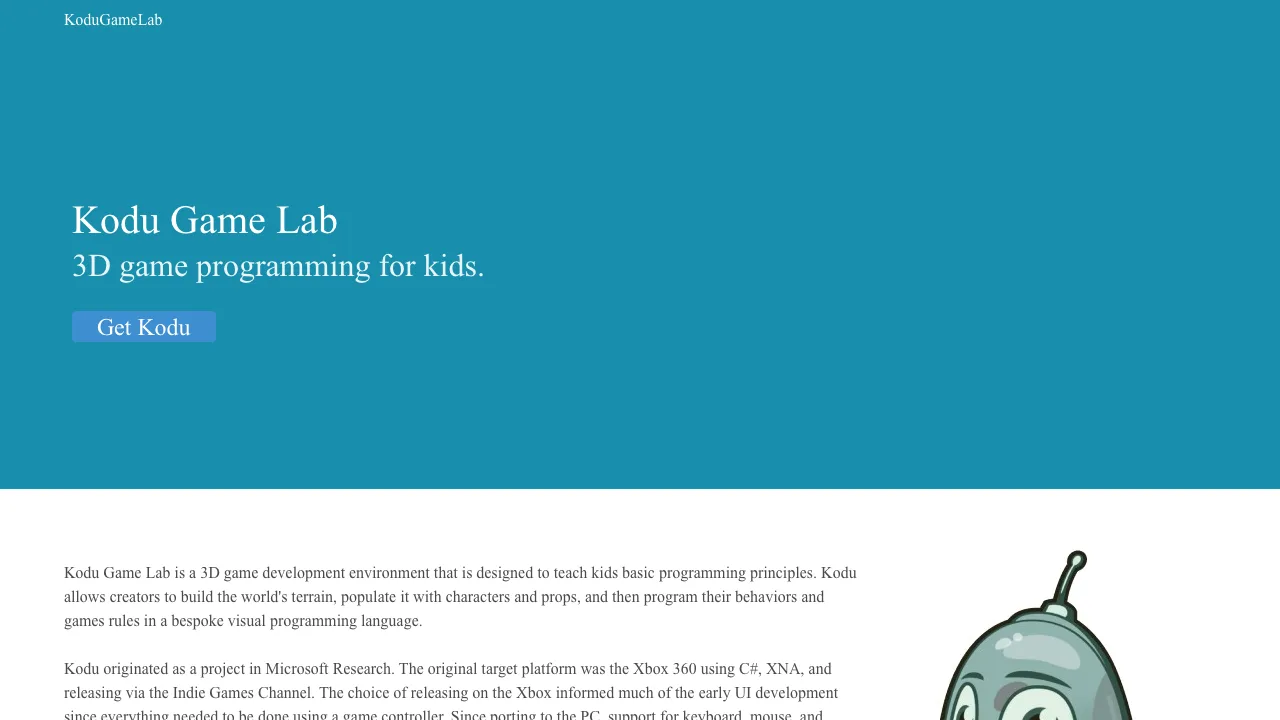
Kodu Game Lab
A visual game-making environment for children to build 3D worlds, stories, and games with simple programming tiles. It is listed under Coding, Games, and Math for ages 8–16. Children and families can use it through a website and a desktop app.
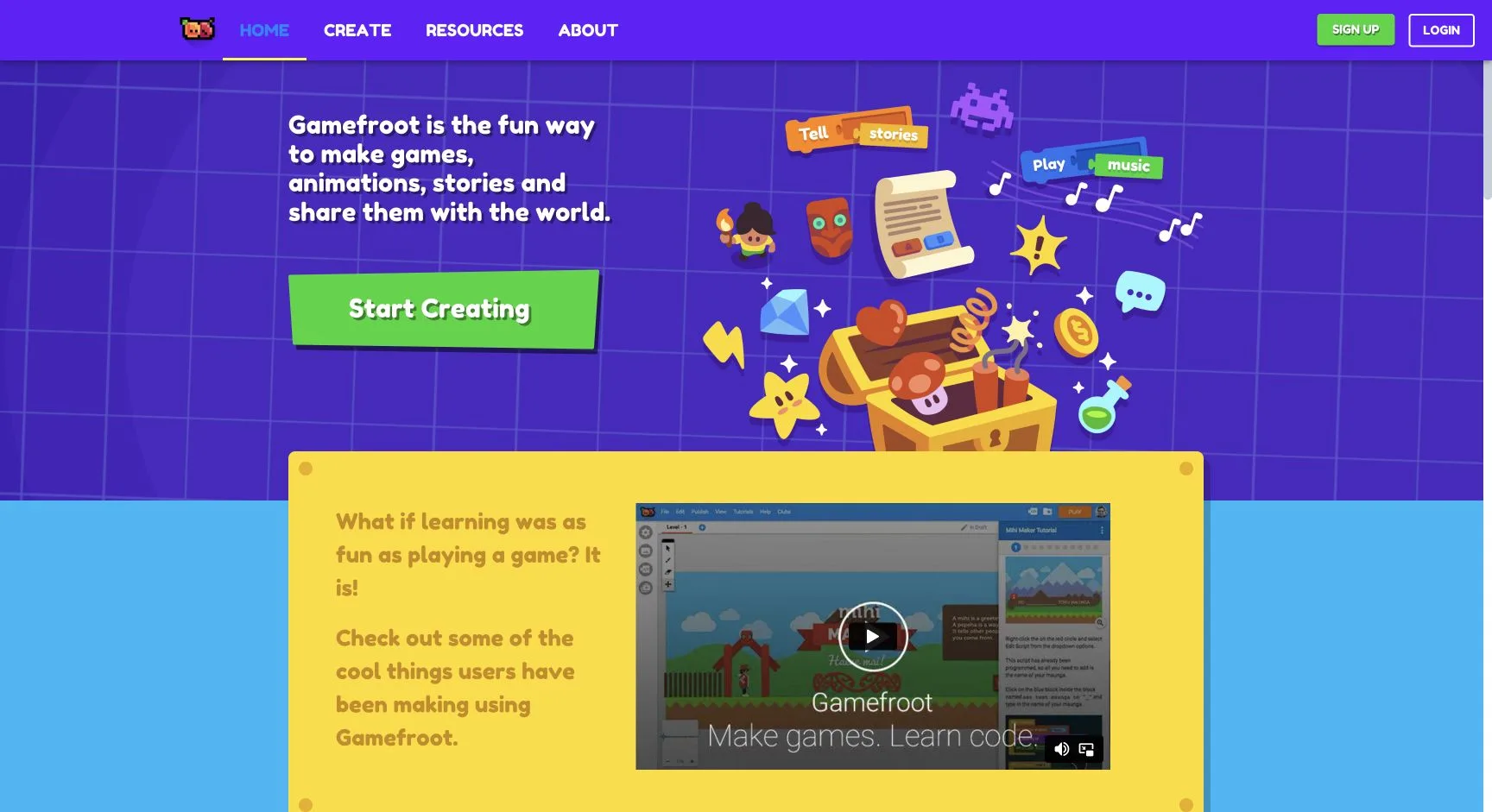
Gamefroot
A browser-based game-making platform with visual coding, tutorials, interactive stories, animations, and game-design learning. It is listed under Coding, Games, and Art & creativity for ages 10–18. Children and families can use it through a website.
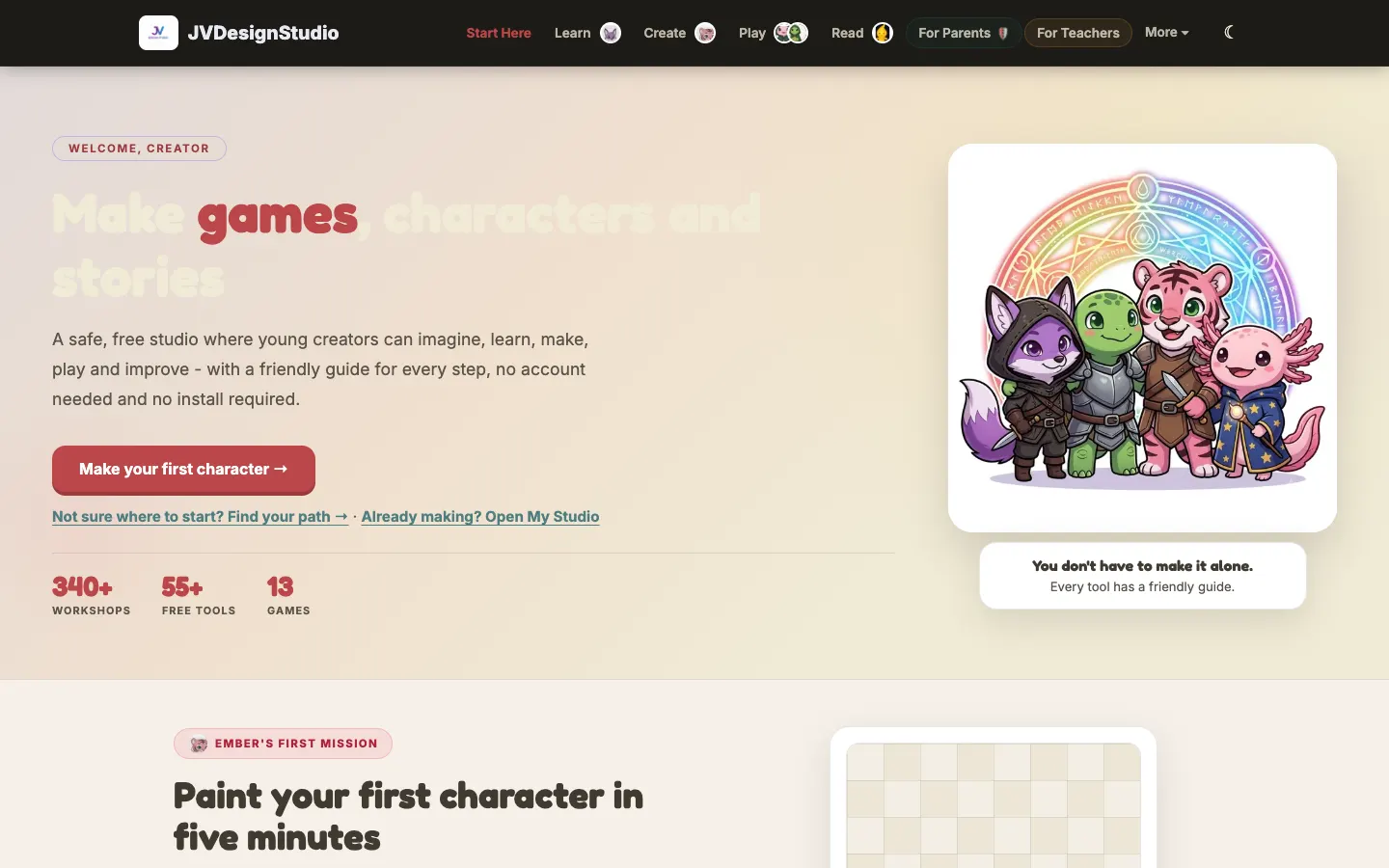
JVDesignStudio
JVDesignStudio is a free creative studio where children can learn through guided workshops and make pixel art, music, maps, and browser games. It is listed under Coding and Art & creativity for ages 6–15.
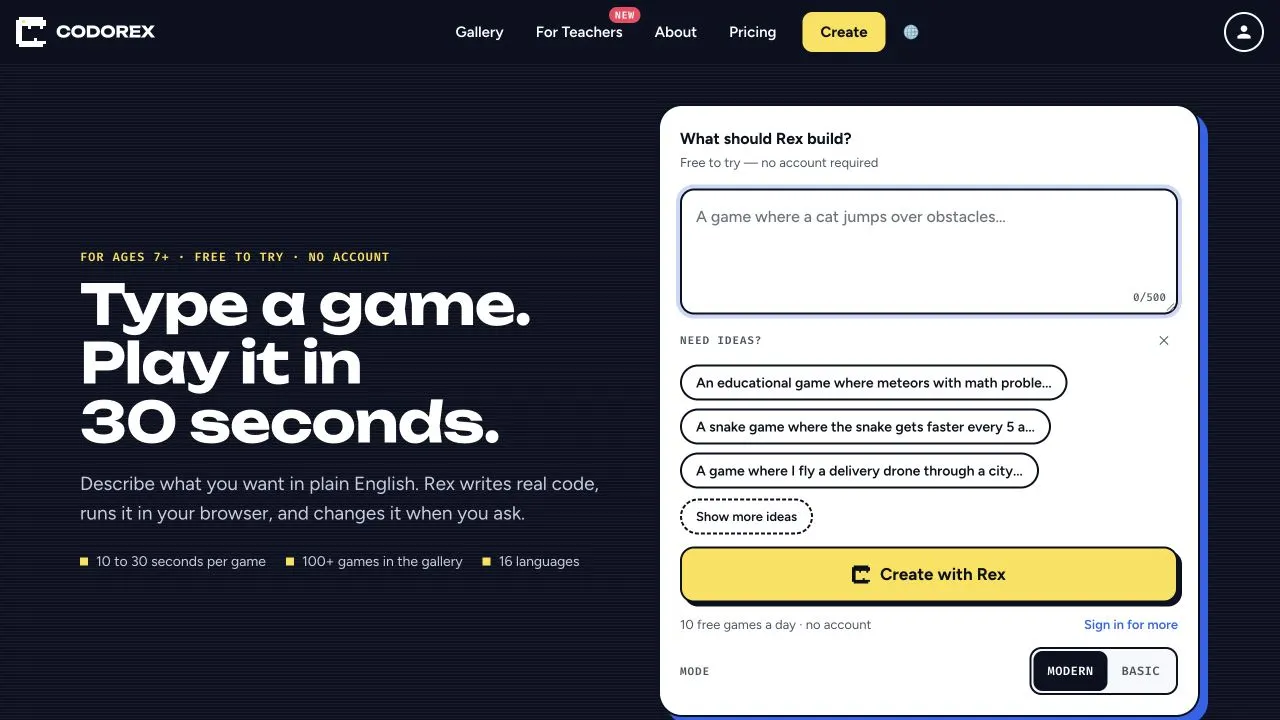
Codorex
A browser-based game creator for ages 7+ where children describe a game in plain English, play the generated HTML and JavaScript instantly, and iterate without needing coding syntax. It is listed under Coding and Games for ages 7+.
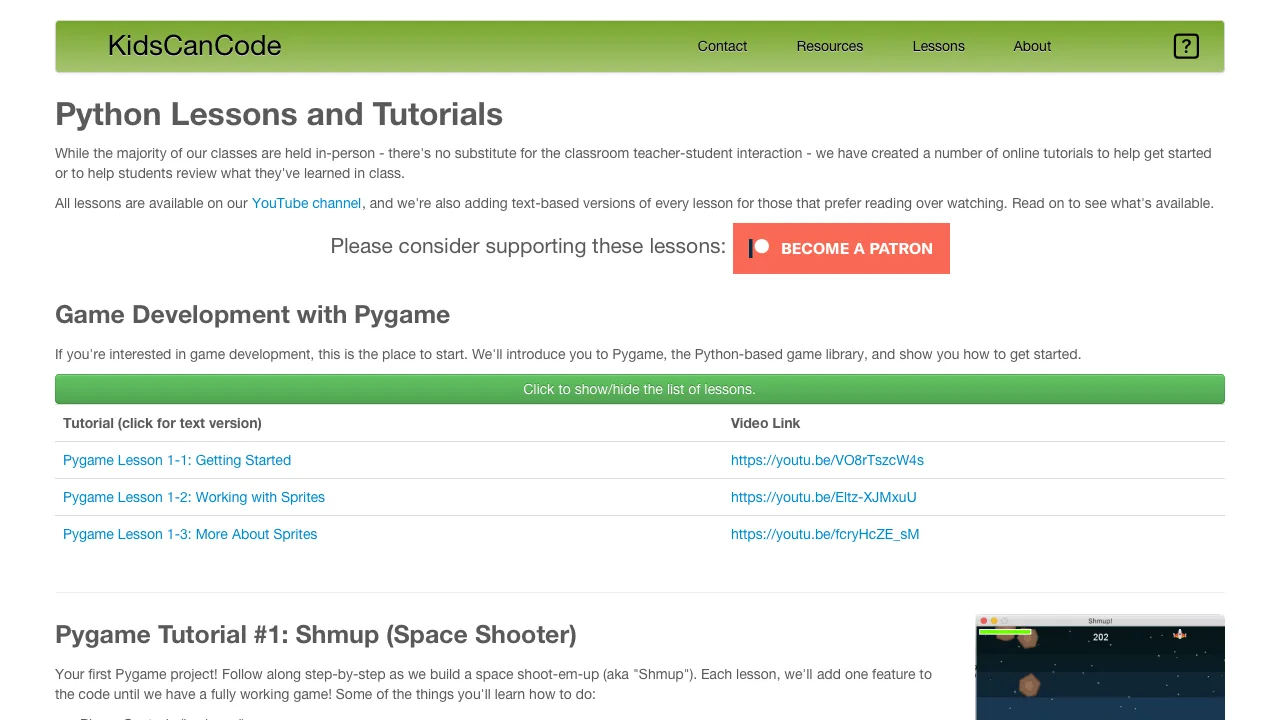
KidsCanCode
Python, game-development, and creative coding lessons for children and teens, with beginner pathways and classroom programs. It is listed under Coding, Games, and Maker & DIY for ages 8–16. Children and families can use it through a website and a YouTube channel.
Airbotix
An AI and creative-coding learning platform for children ages 5–17, with free browser demos, coding projects, classes, and parent controls. It is listed under Coding, Technology, and Maker & DIY for ages 5–17. Children and families can use it through a website and YouTube.
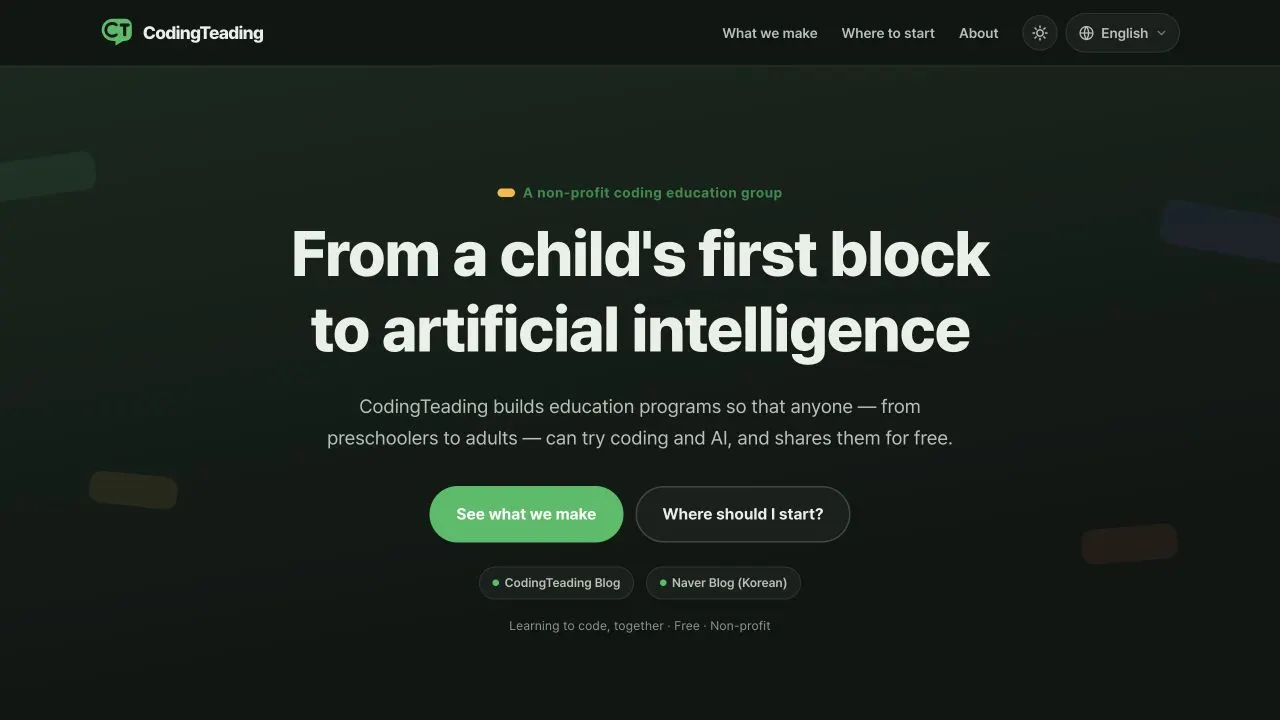
CodingTeading
CodingTeading is a nonprofit education group that shares free browser-based coding and AI programmes, from early block coding and no-reading puzzles to game making, science, maths, and AI exploration. It is listed under Coding and Science for ages 5–15+.
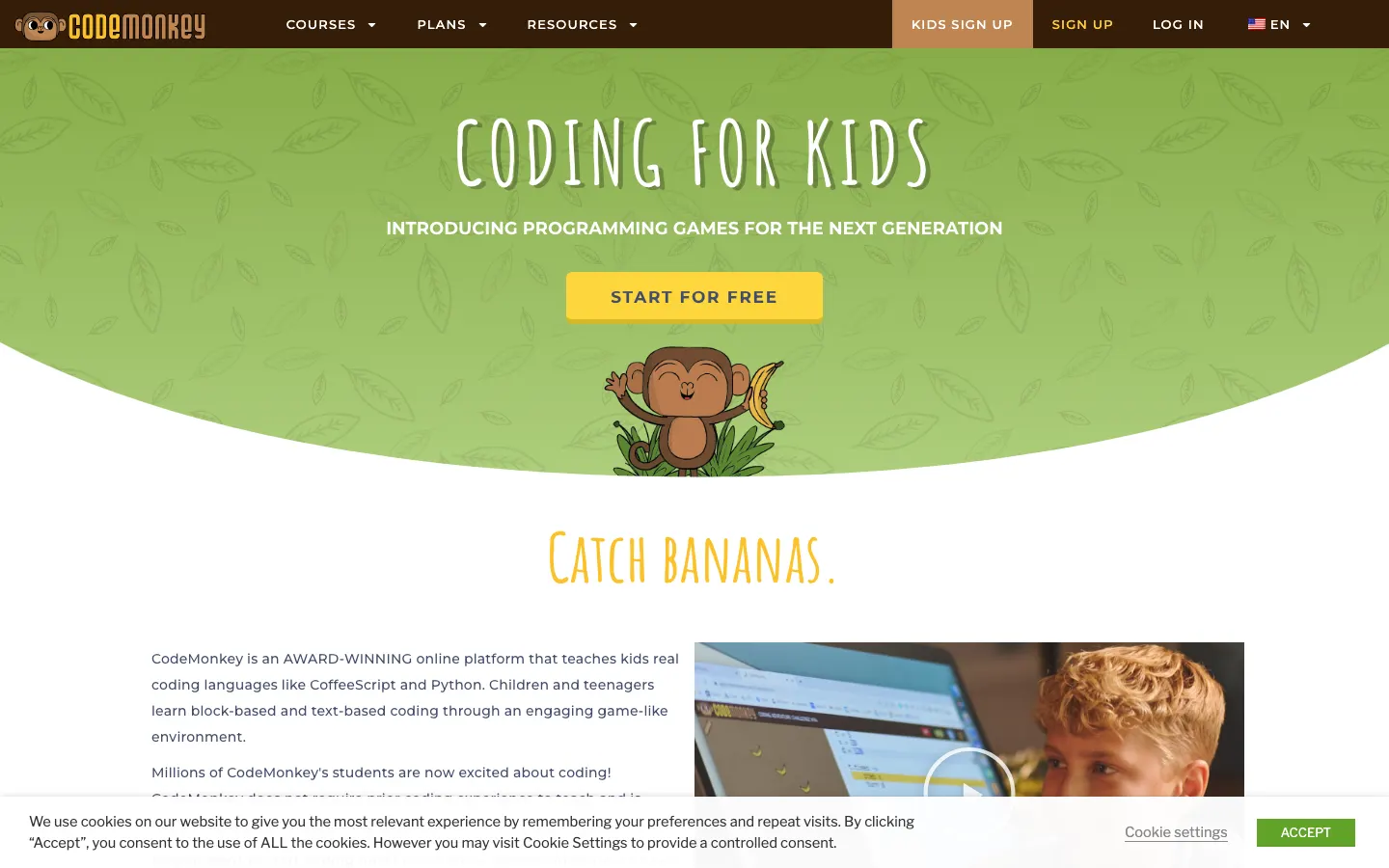
CodeMonkey
CodeMonkey is a game-based coding platform for children and teens that teaches block coding, CoffeeScript, Python, problem solving, and game creation for home, clubs, and schools. It is listed under Coding and Math for ages 5–14.
CodeSkool
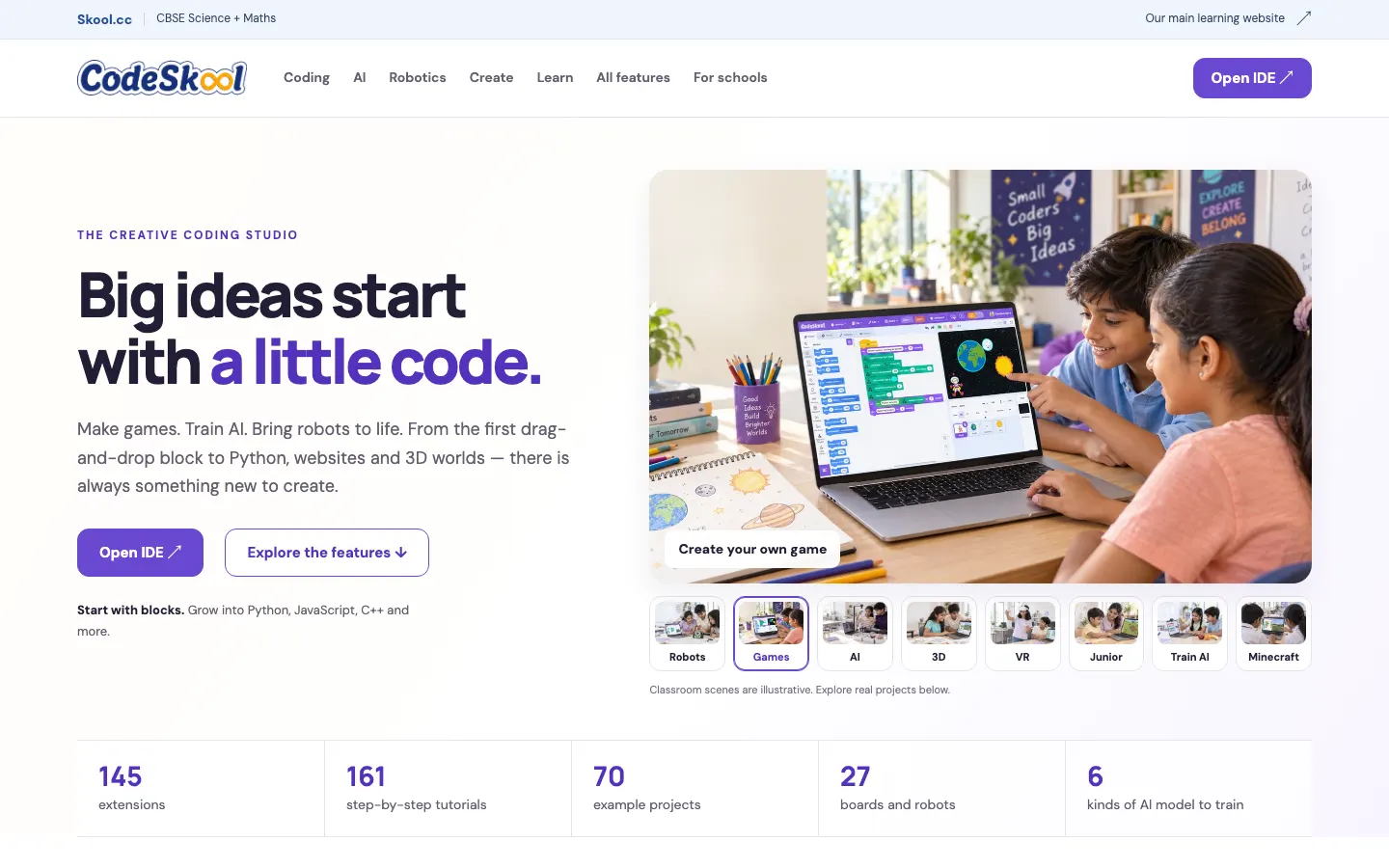
A creative coding studio where learners start with blocks and grow into Python, JavaScript, C++, AI, robotics, websites, 3D worlds, and projects. It is listed under Coding and Science & technology for ages School-age learners; exact age bands vary by track.
Compare with context
Use this collection to find a direction, then open each resource page before sharing it with a child. The individual review shows languages, access formats, tags, age guidance, source links, and notes for grown-ups.
Search the full directory →