Coding Free
for kids
Explore 20 trusted free coding resources selected for curious kids, with clear ages, access details, and parent context.
Two useful ways to narrow the directory
This page brings together coding resources that also match free. Each listing keeps its own age range, platform details, languages, links, and parent notes, so you can compare options without losing context.
Explore all coding resources →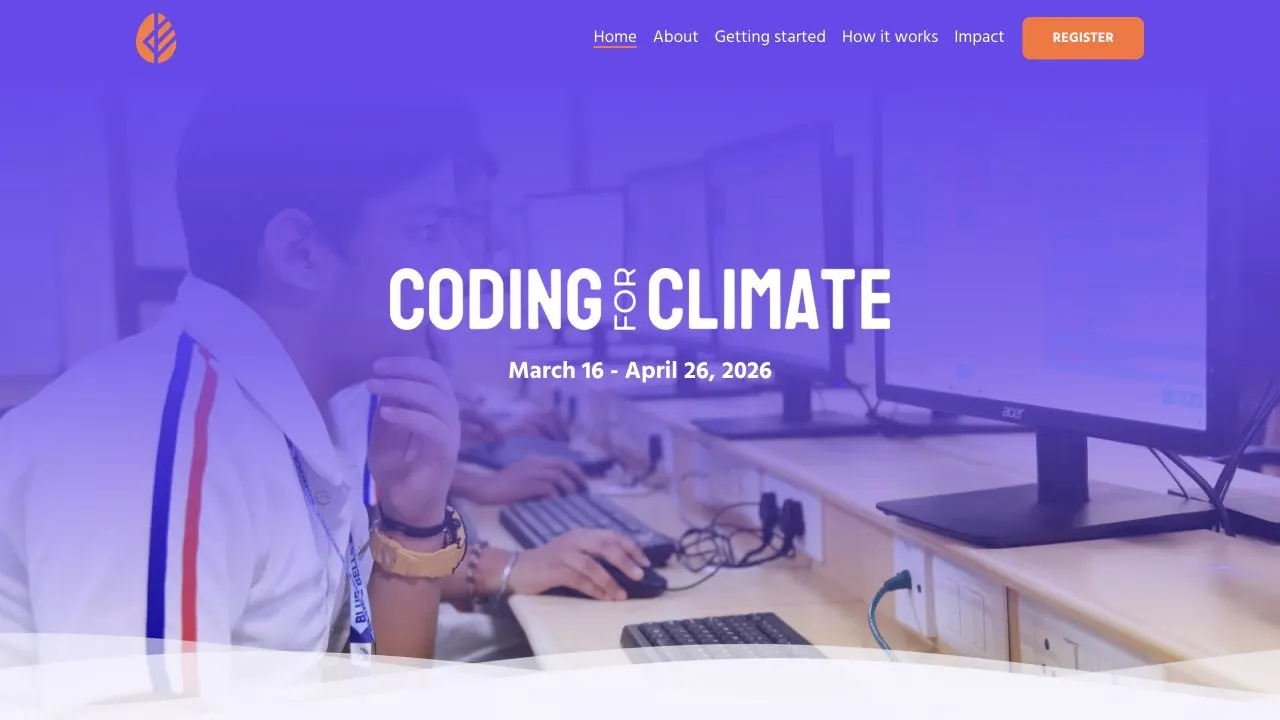
Coding for Climate
Coding for Climate is a free online global classroom collaboration where students explore climate challenges, learn coding and computational thinking, and design solutions across land, water, energy and ocean leagues.
Read the full resource review →More coding picks
Scratch
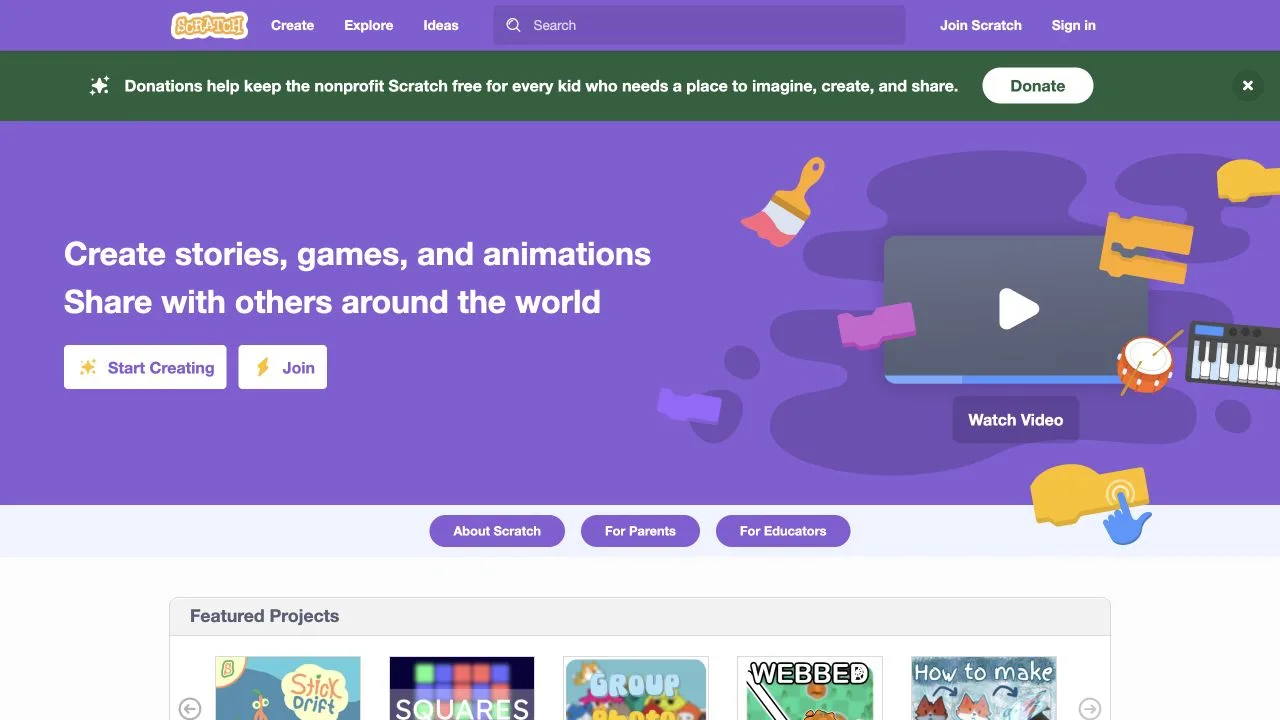
Scratch is an open-ended coding community where children build stories, games, animations, and music with block-based programming. The project gallery lets learners inspect and remix examples, while the editor supports experimentation rather than a fixed lesson sequence. It suits ages 8–16; adults should preview public projects and review sharing settings.
Code.org
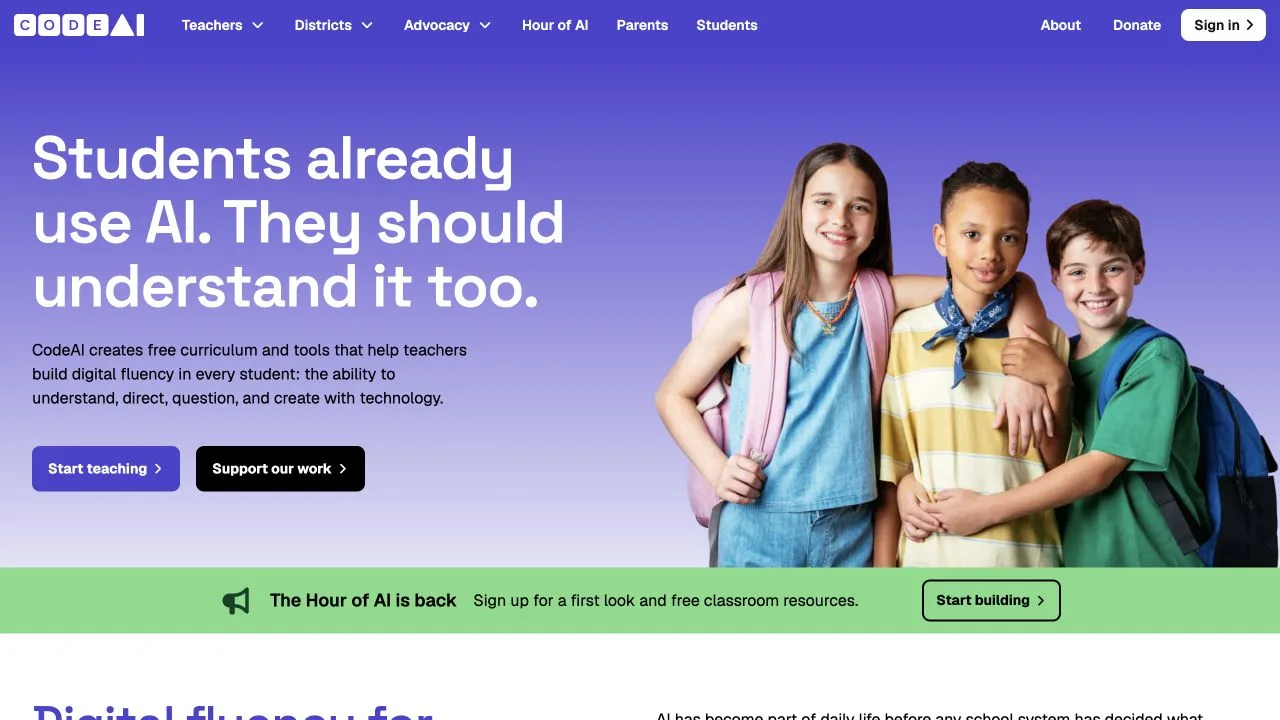
Structured computer science courses and creative coding activities for schools and families. It is listed under Coding for ages 4–18. Children and families can use it through a website and downloadable resources. The directory records access as free and language coverage as English, Indonesian, and Hindi.
Girls Who Code
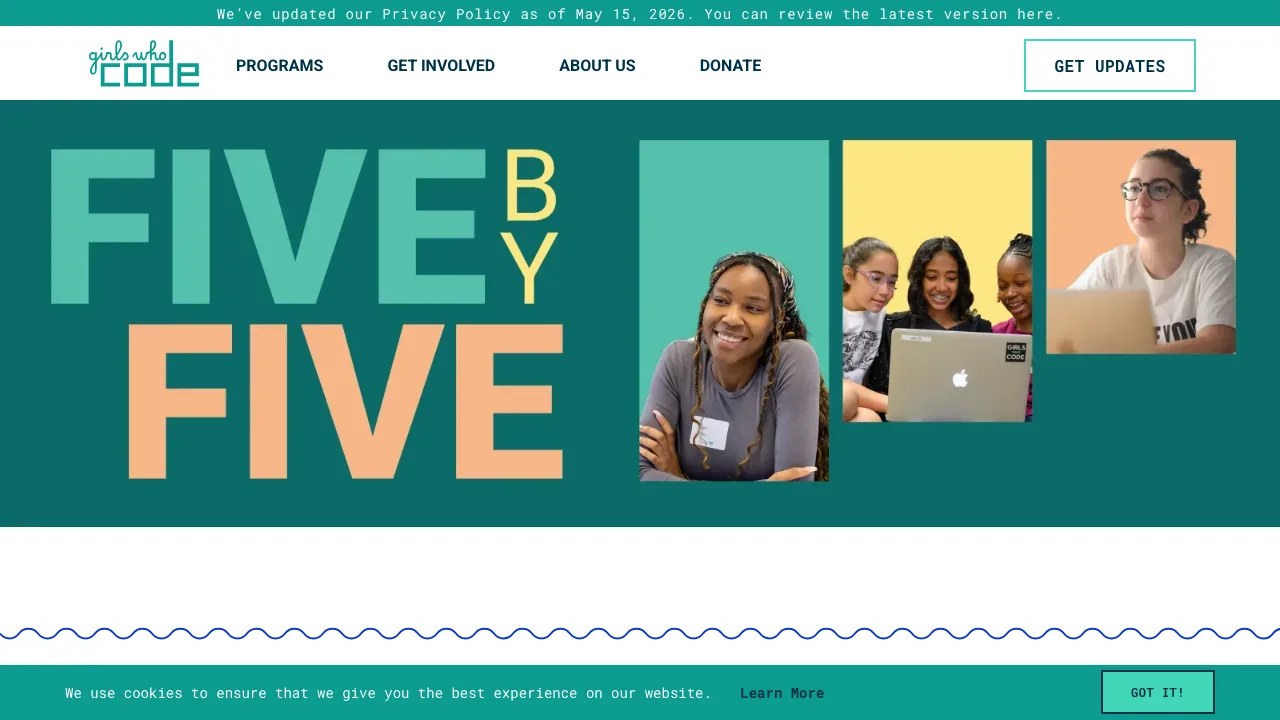
Coding clubs, lessons, pathways, and community programs designed to support girls and nonbinary students in computing. It is listed under Coding and Parent & educator for ages 8–18. Children and families can use it through a website.
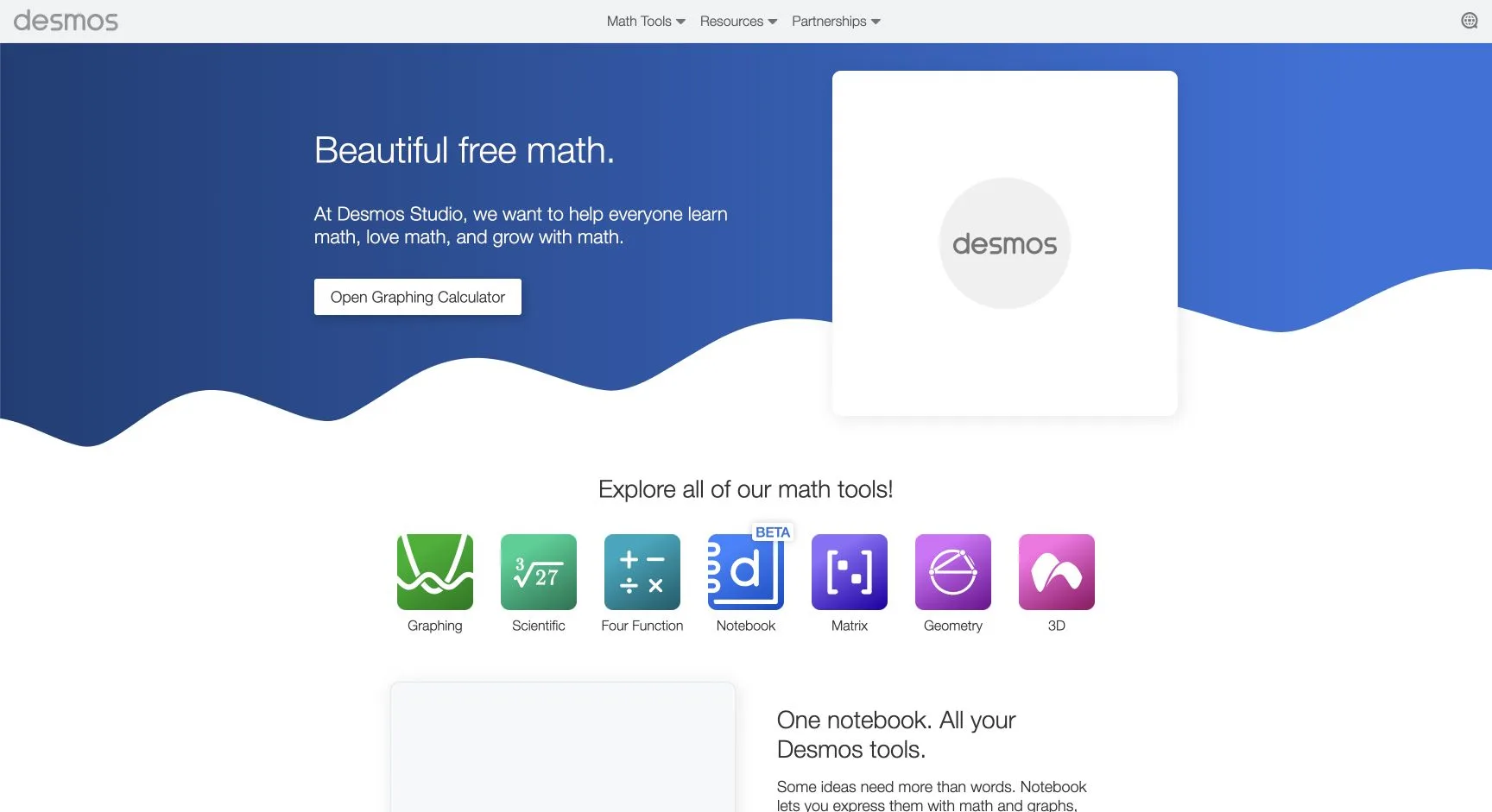
Desmos
Interactive graphing and math tools that help learners explore functions, geometry, data, and mathematical ideas visually. It is listed under Math and Coding for ages 11–18. Children and families can use it through a website.
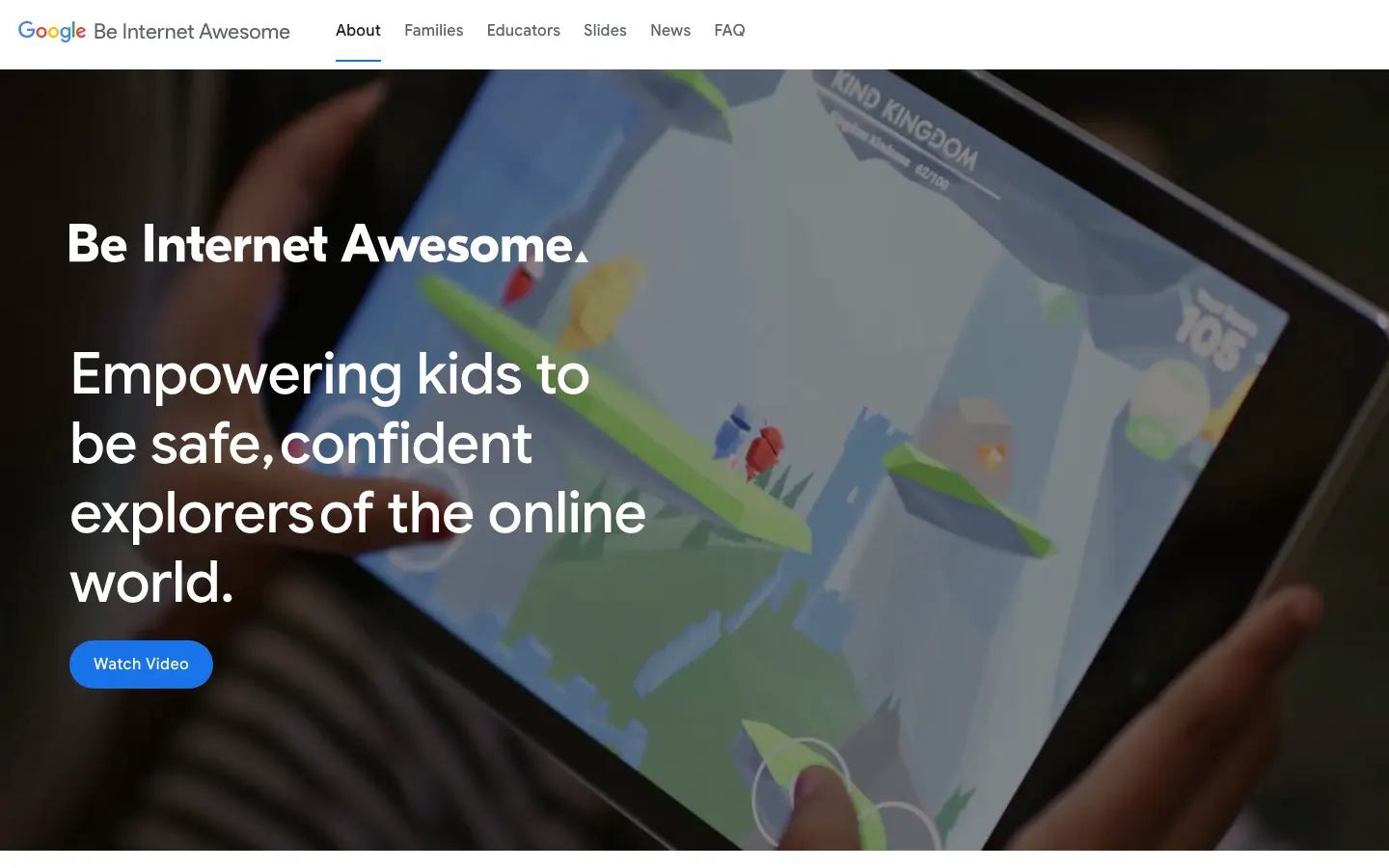
Be Internet Awesome
Google’s online-safety learning program for children with a curriculum and interactive Interland game about phishing, sharing, kindness, and secure online habits. It is listed under Coding and Social-emotional for ages 7–13. Children and families can use it through a website.
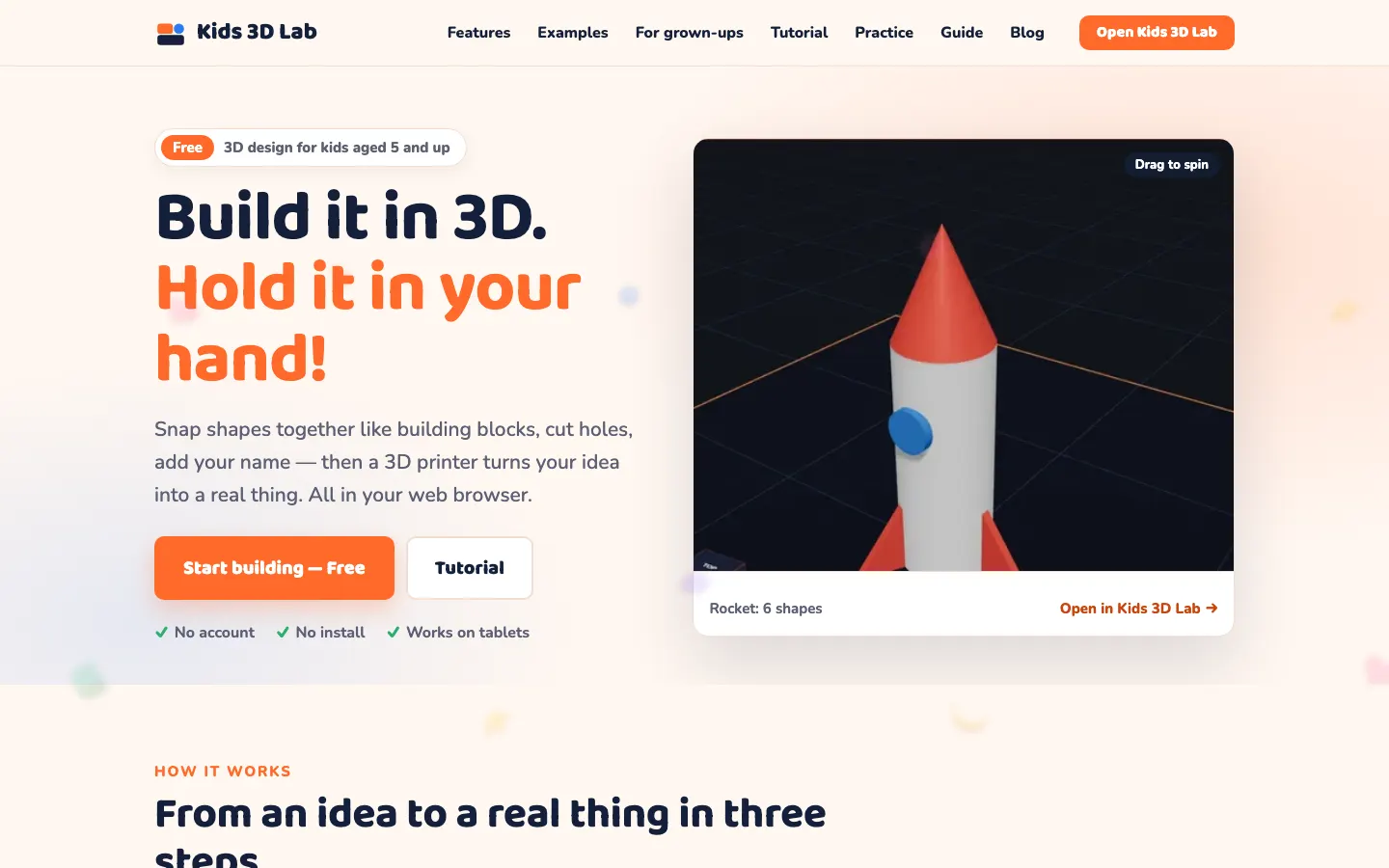
Kids 3D Lab
Kids 3D Lab is a browser design tool for children to build measured 3D objects from simple shapes, learn spatial reasoning, and export printable files locally. It is listed under Maker & DIY and Coding for ages 5–11.
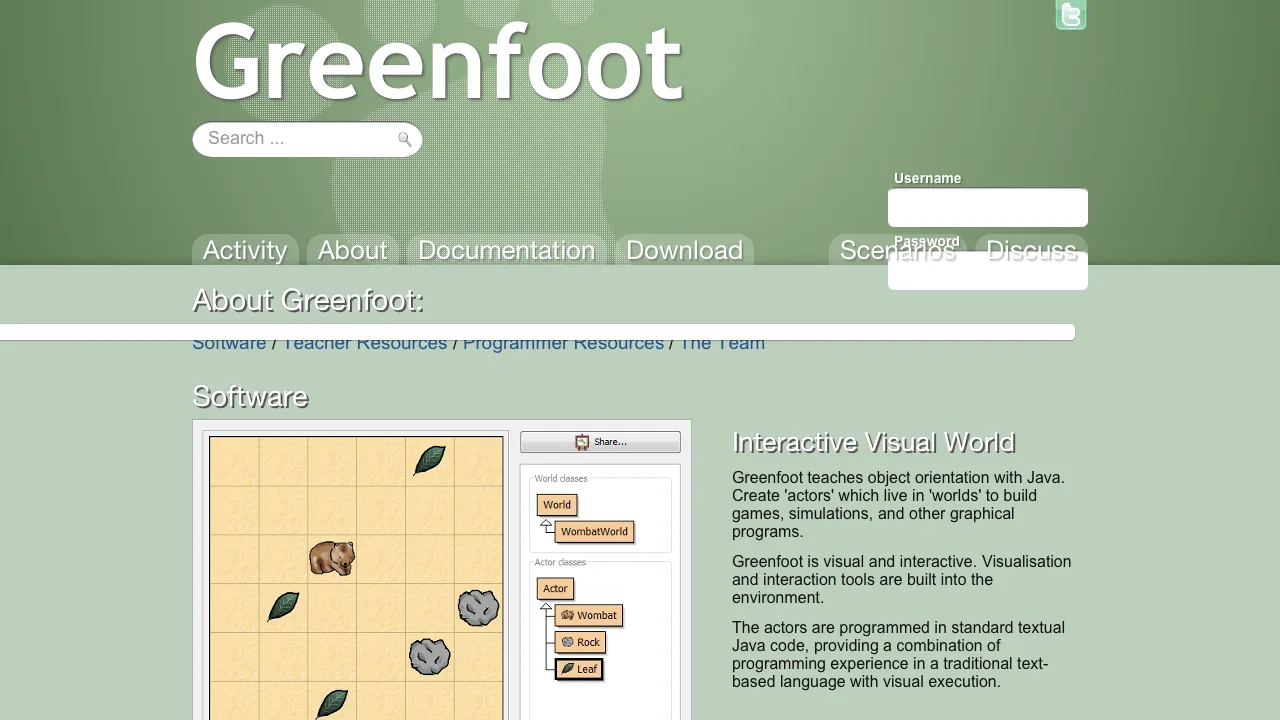
Greenfoot
A beginner-friendly programming environment where learners create games and simulations with visual worlds and real Java code. It is listed under Coding, Games, and Parent & educator for ages 13–18. Children and families can use it through a website and a desktop app.
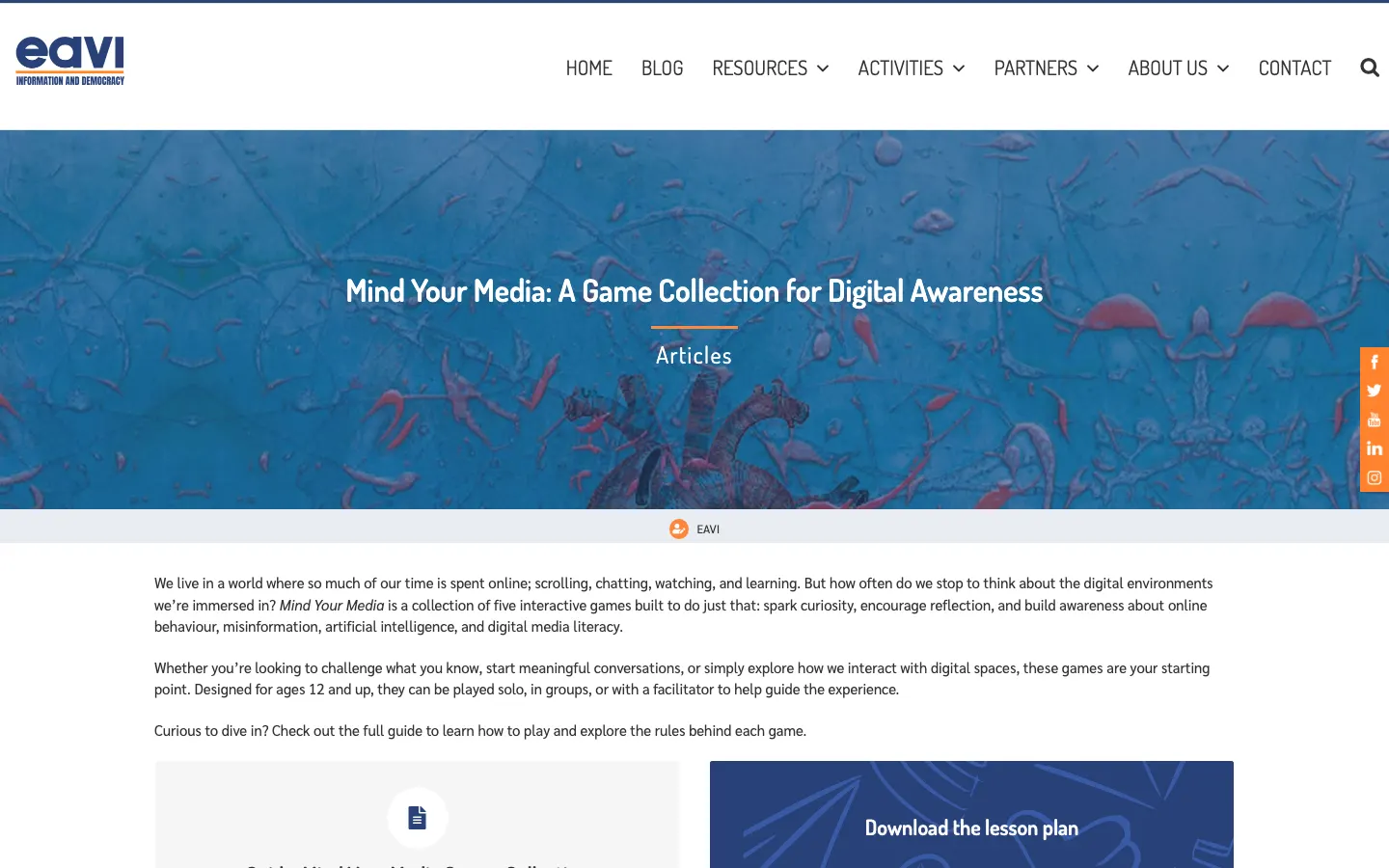
Mind Your Media
EAVI’s media-literacy game collection uses interactive activities about online behaviour, misinformation, artificial intelligence, scams, and digital media. It is listed under Coding and Social-emotional for ages 12+. Children and families can use it through a website.
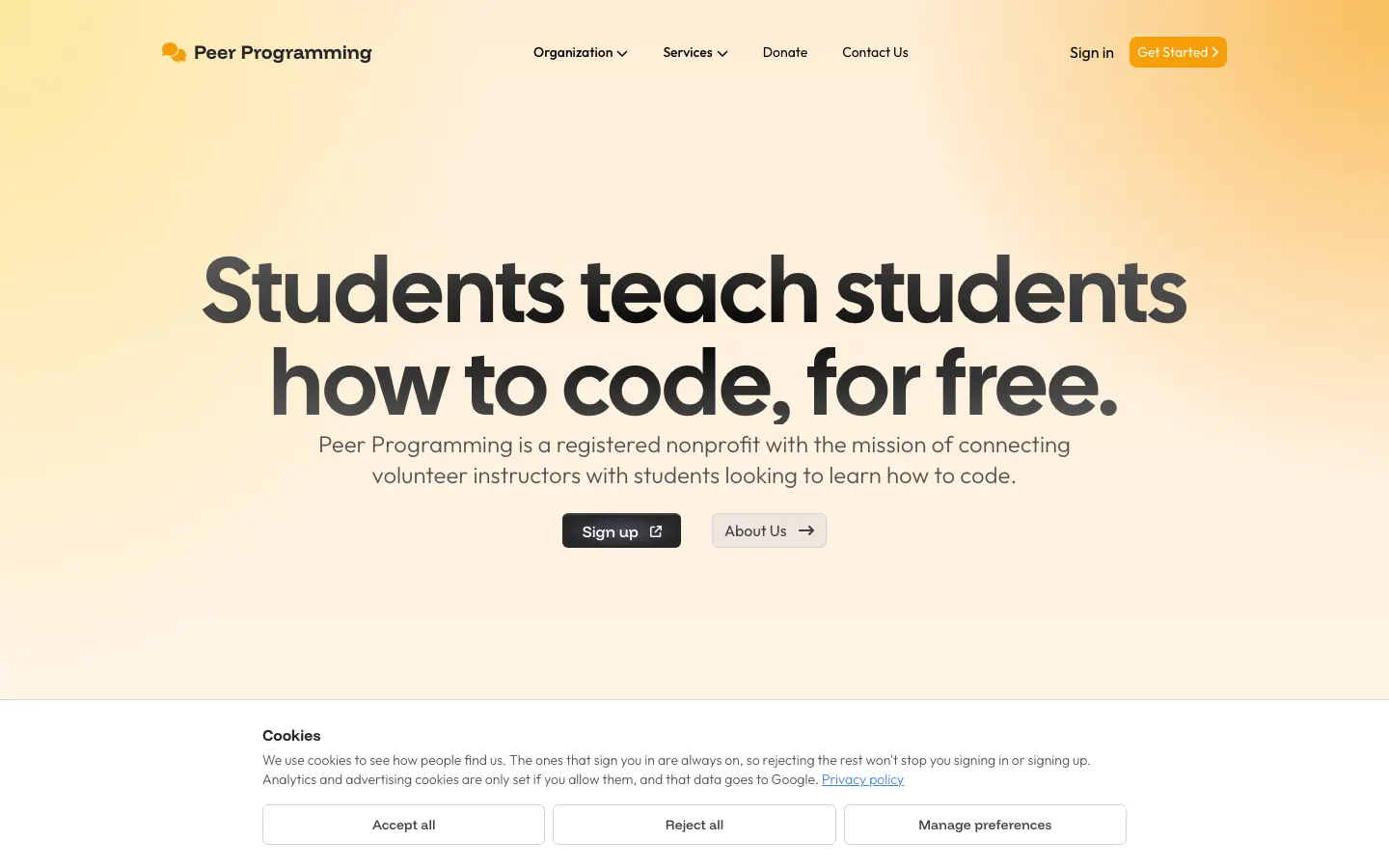
Peer Programming
Free one-to-one online coding mentorship connecting K–12 students with volunteer instructors across Python, web development, databases, and other languages. It is listed under Coding and Parent & educator for ages 10–18. Children and families can use it through a website.
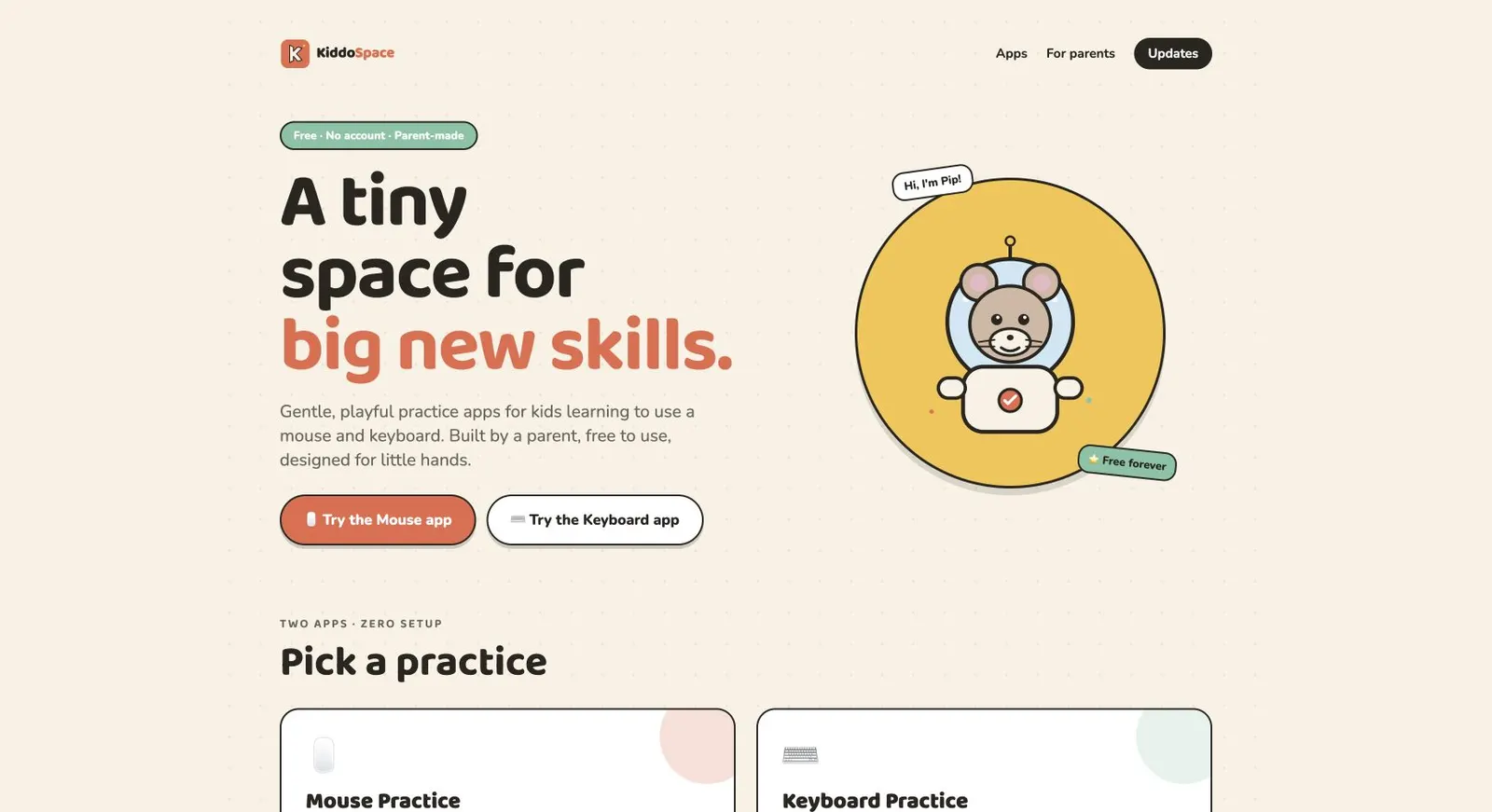
Kiddo Space
Two gentle practice apps for children learning mouse and keyboard skills, with short activities for clicking, dragging, scrolling, drawing, and letter positions. It is listed under Coding and Early learning for ages 4–8. Children and families can use it through a website.
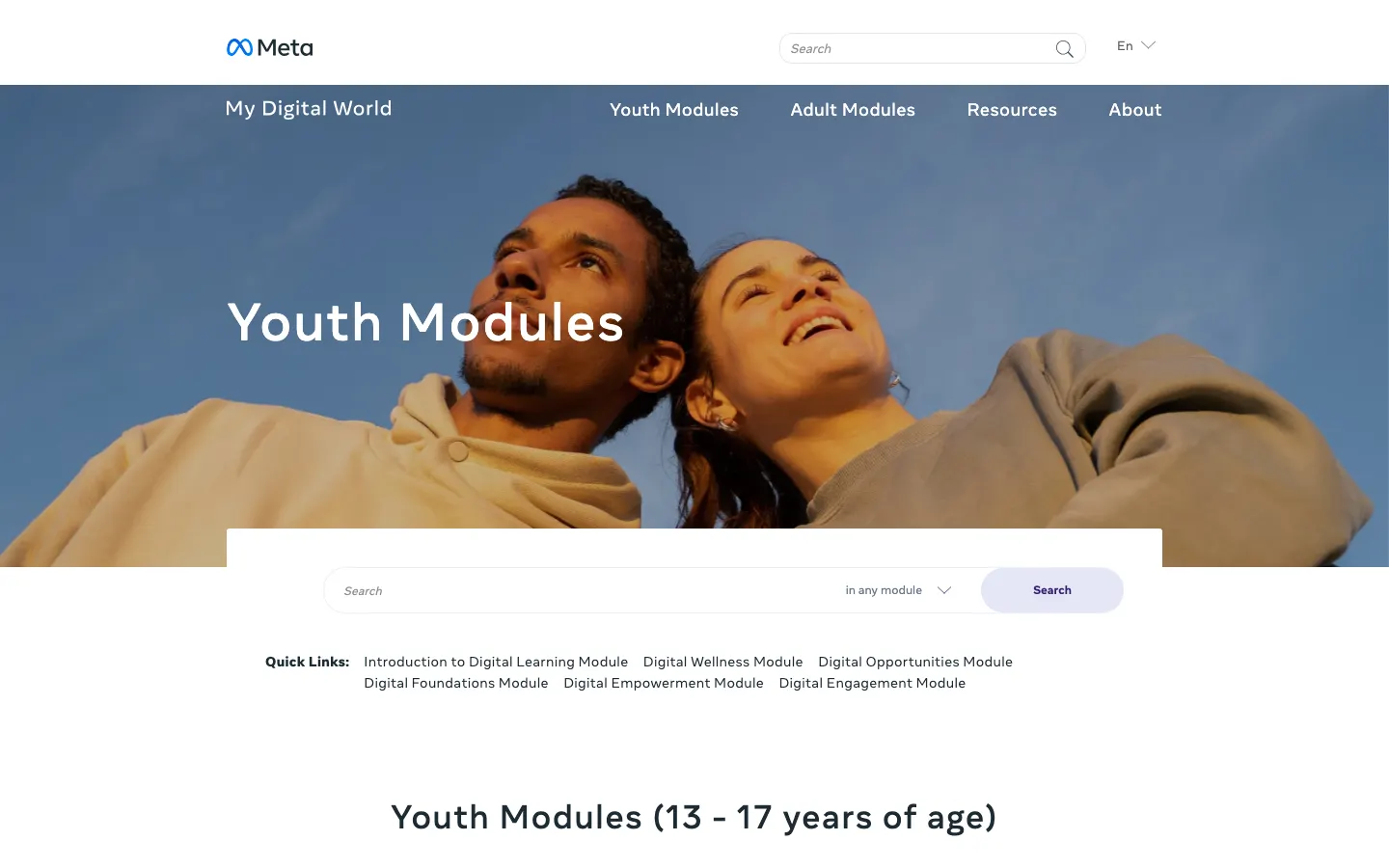
My Digital World Youth Modules
A digital-citizenship curriculum with youth modules about internet access, information sharing, online identity, safety, well-being, and responsible participation. It is listed under Coding and Social-emotional for ages 13–18. Children and families can use it through a website.
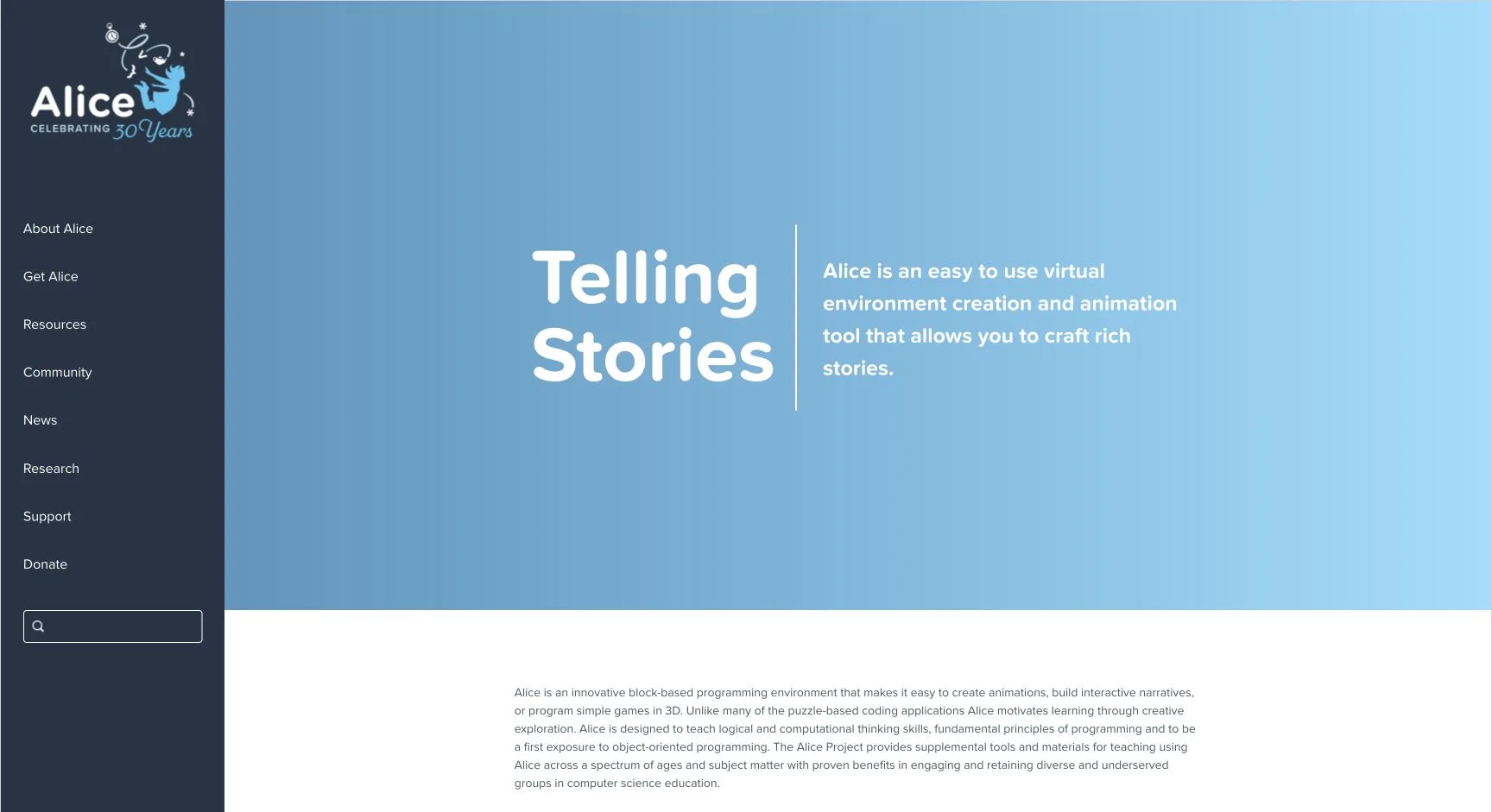
Alice
A creative programming environment for building 3D stories, animations, and games while learning computational thinking and object-oriented programming. It is listed under Coding, Games, and Art & creativity for ages 8–18. Children and families can use it through a website and a desktop app.
Compare with context
Use this collection to find a direction, then open each resource page before sharing it with a child. The individual review shows languages, access formats, tags, age guidance, source links, and notes for grown-ups.
Search the full directory →