Coding Classroom
for kids
Explore 15 trusted coding classroom resources selected for curious kids, with clear ages, access details, and parent context.
Two useful ways to narrow the directory
This page brings together coding resources that also match classroom. Each listing keeps its own age range, platform details, languages, links, and parent notes, so you can compare options without losing context.
Explore all coding resources →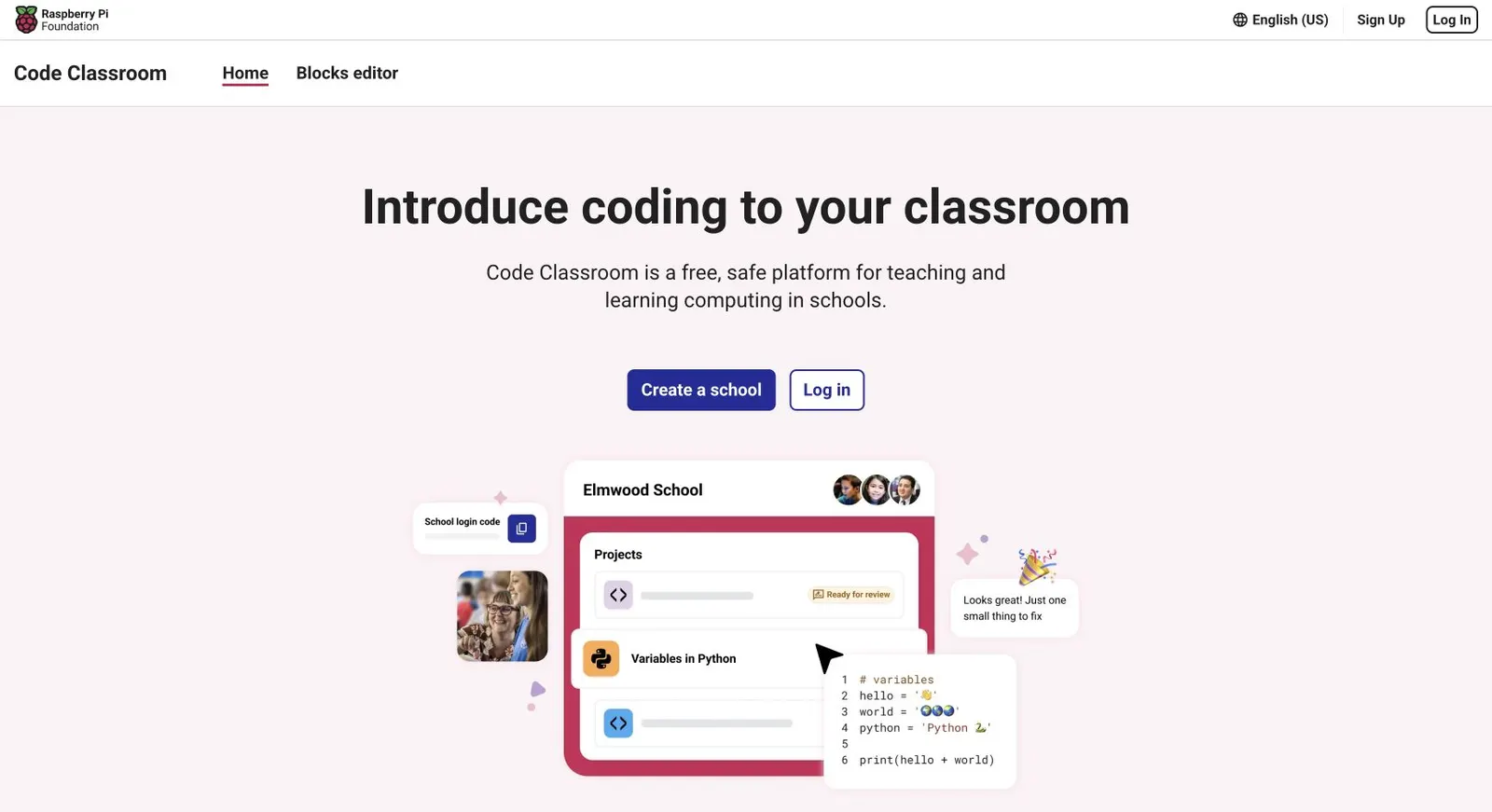
Raspberry Pi Code Classroom
A free private coding classroom with Blocks, Python, and web editors for teachers and learners. It is listed under Coding, Parent & educator, and Games for ages 8–16. Children and families can use it through a website.
Read the full resource review →More coding picks
Book Creator
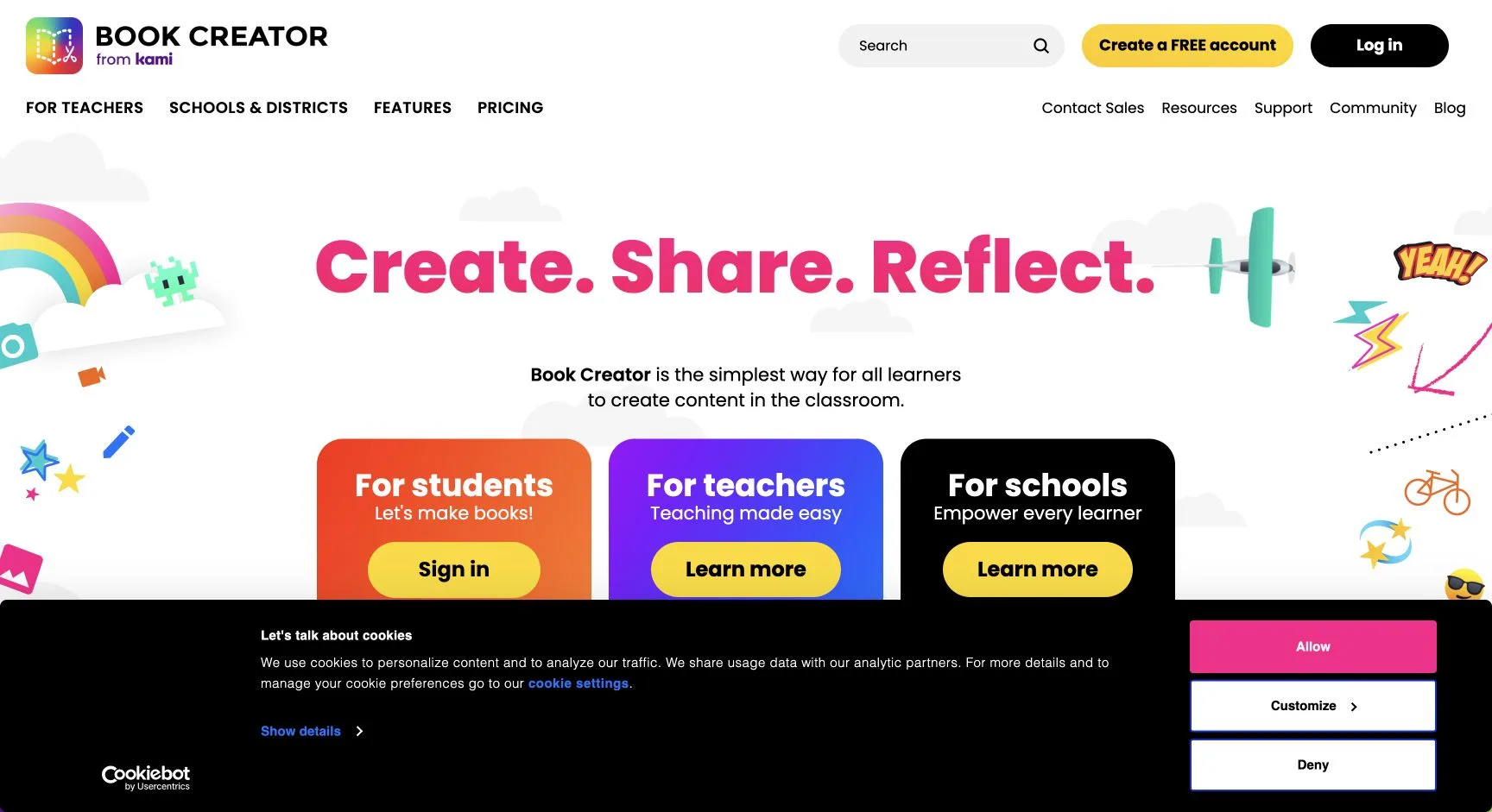
A multimedia authoring tool for making digital books with text, images, drawings, audio, and video. It is listed under Reading, Art & creativity, and Coding for ages 5–18. Children and families can use it through a website.
Wild Willows Classroom Kits
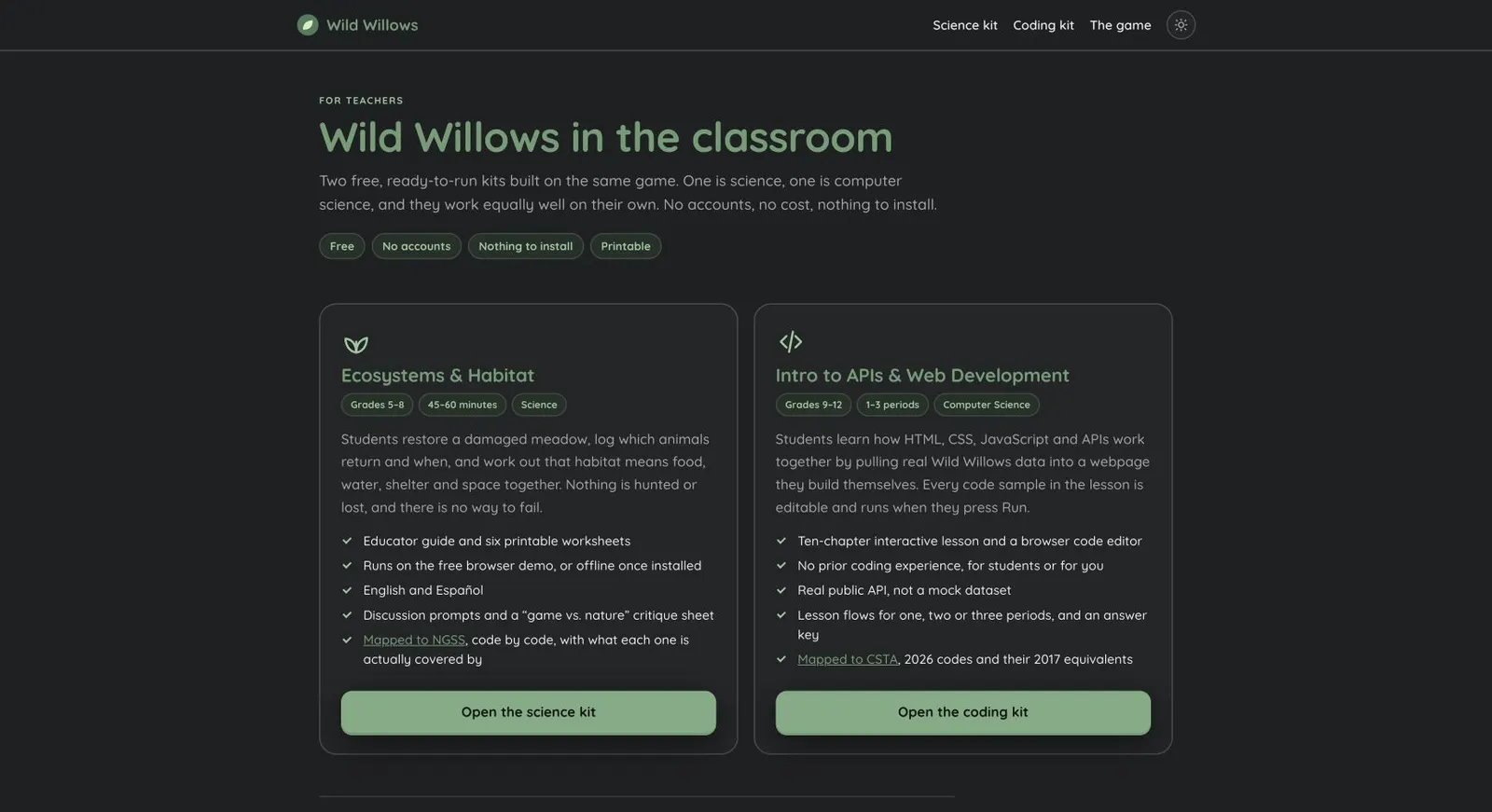
Free classroom kits built around the Wild Willows game, including an ecosystems and habitat science kit and an introductory APIs and web-development coding kit. It is listed under Nature & environment and Science for ages 10–18.
Canva for Education
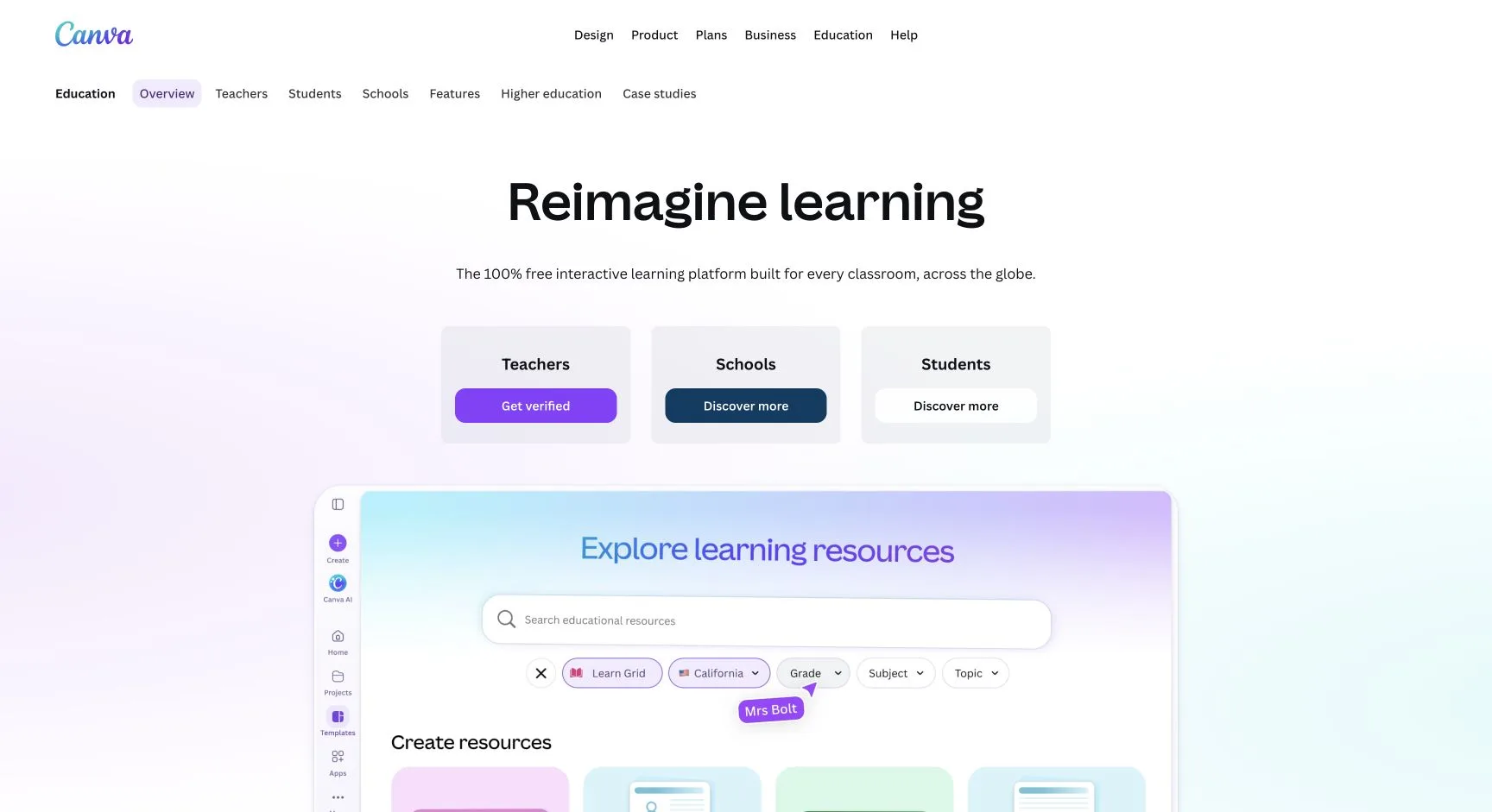
A visual design tool with education templates for posters, presentations, videos, and classroom projects. It is listed under Art & creativity, Parent & educator, and Coding for ages 8–18. Children and families can use it through a website.
Kodable
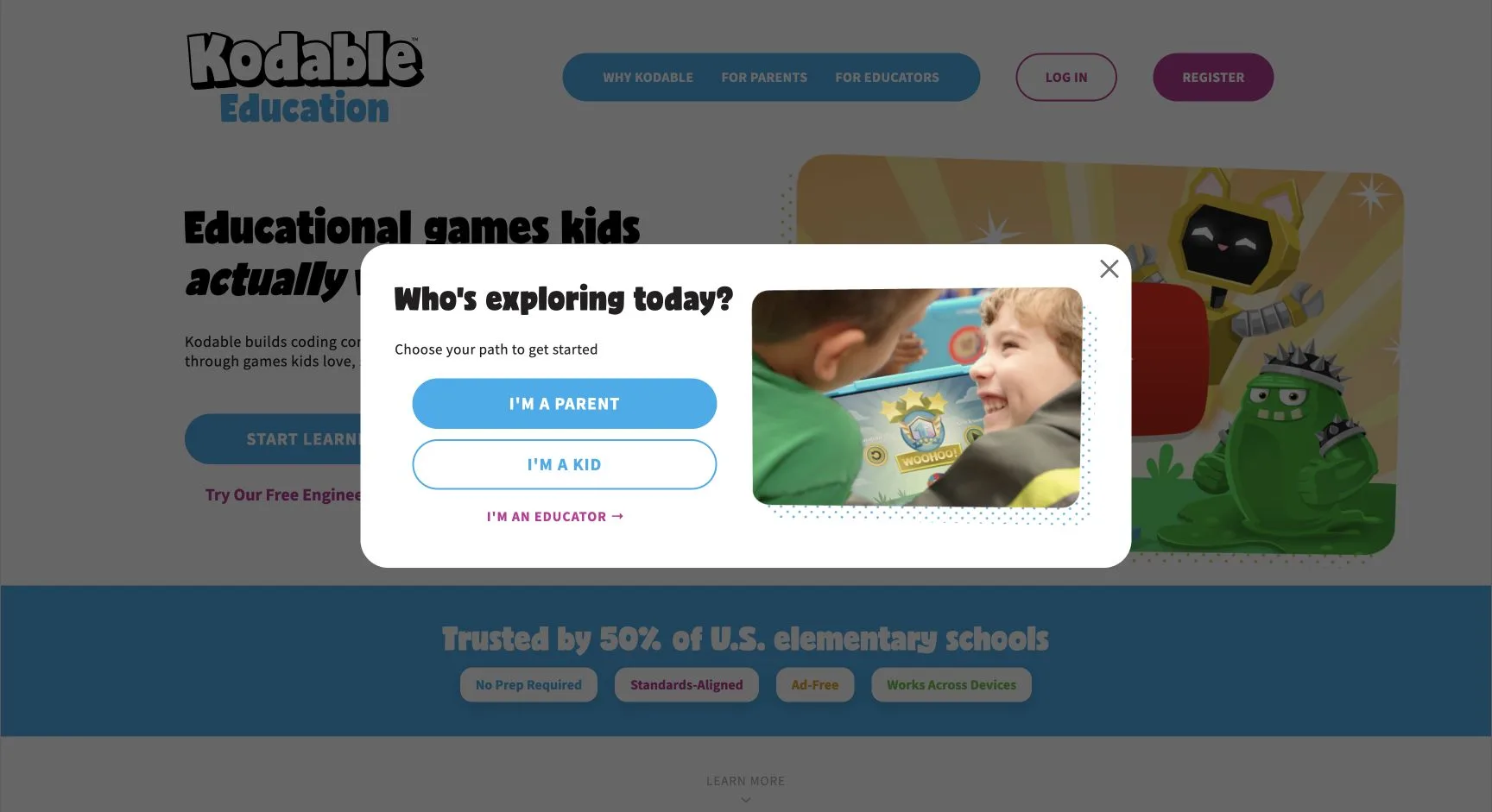
Early coding games and classroom activities that introduce sequencing, logic, and problem solving. It is listed under Coding and Games for ages 4–10. Children and families can use it through a website. The directory records access as free with paid options and language coverage as English.
Codemoji Coding for Kids
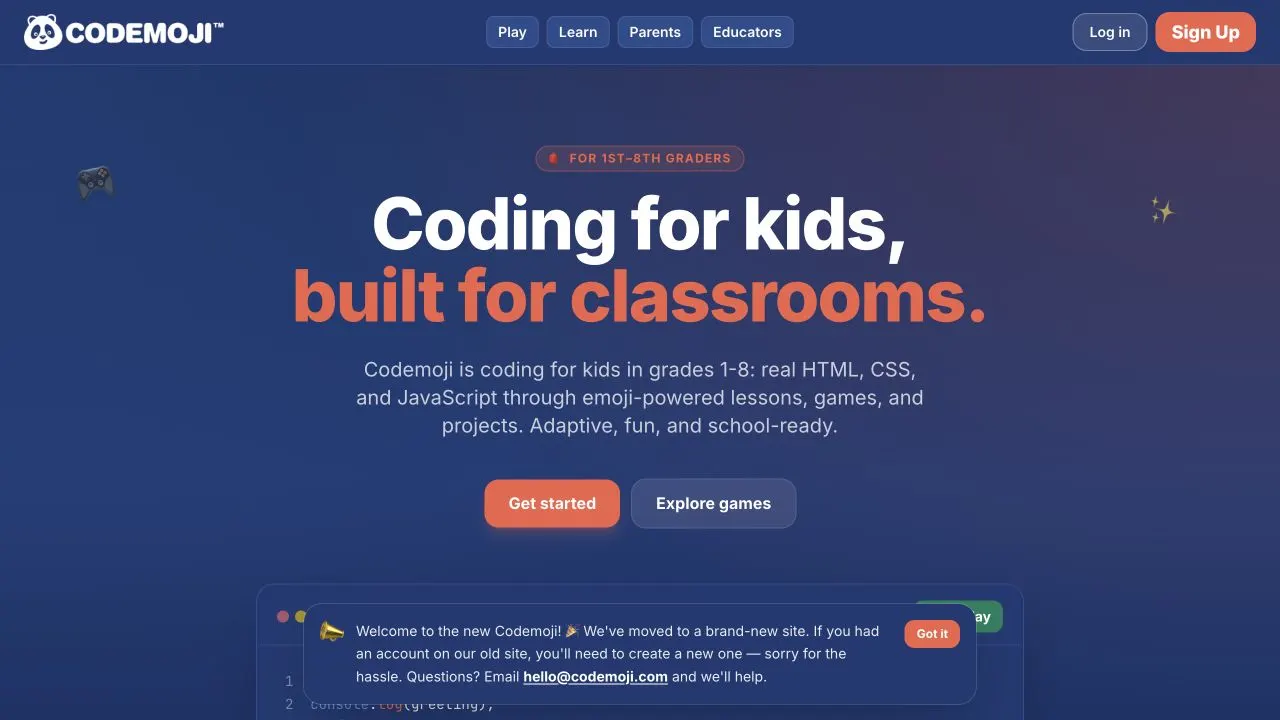
Codemoji teaches real HTML, CSS, and JavaScript through emoji-powered lessons, games, and projects for students in grades 1–8, with educator tools and a 500-plus lesson library. It is listed under Coding and Technology for ages 6–14.
ScratchJr
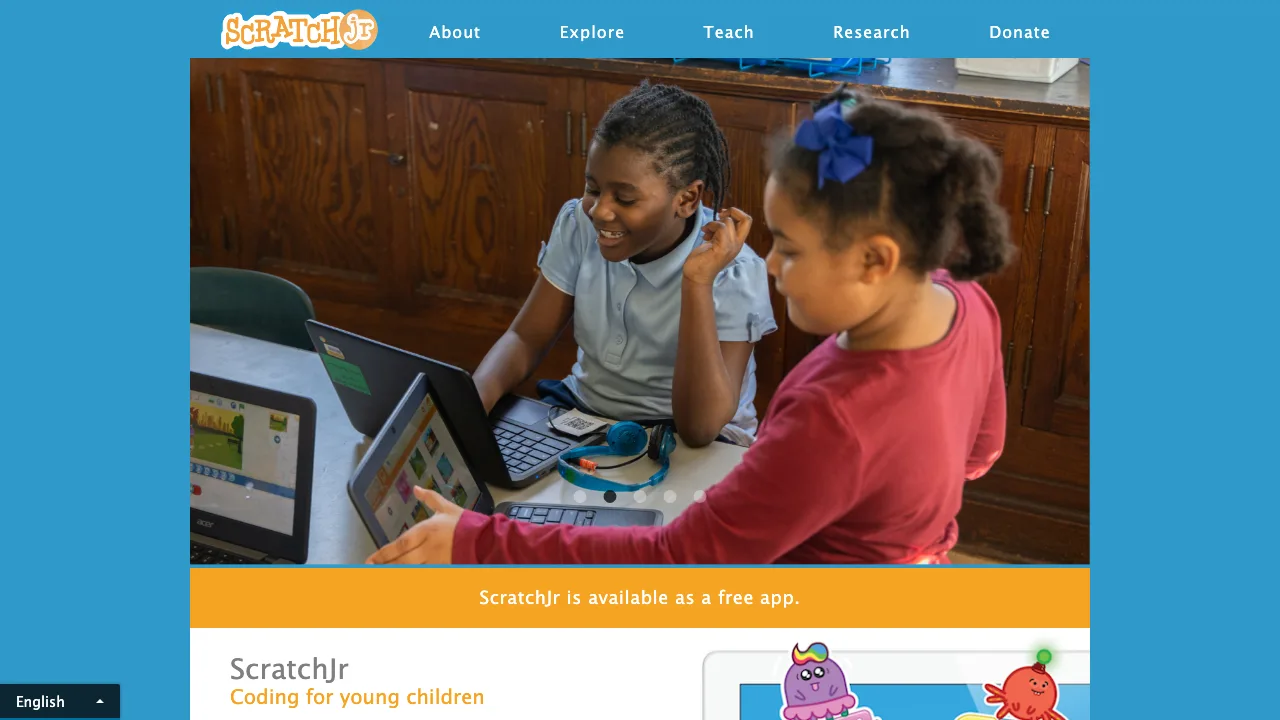
A playful first coding app where young children create interactive stories and games with picture-based programming blocks. It is listed under Coding, Art & creativity, and Games for ages 5–7. Children and families can use it through a website, an Android app, and an iOS app.
Hedy
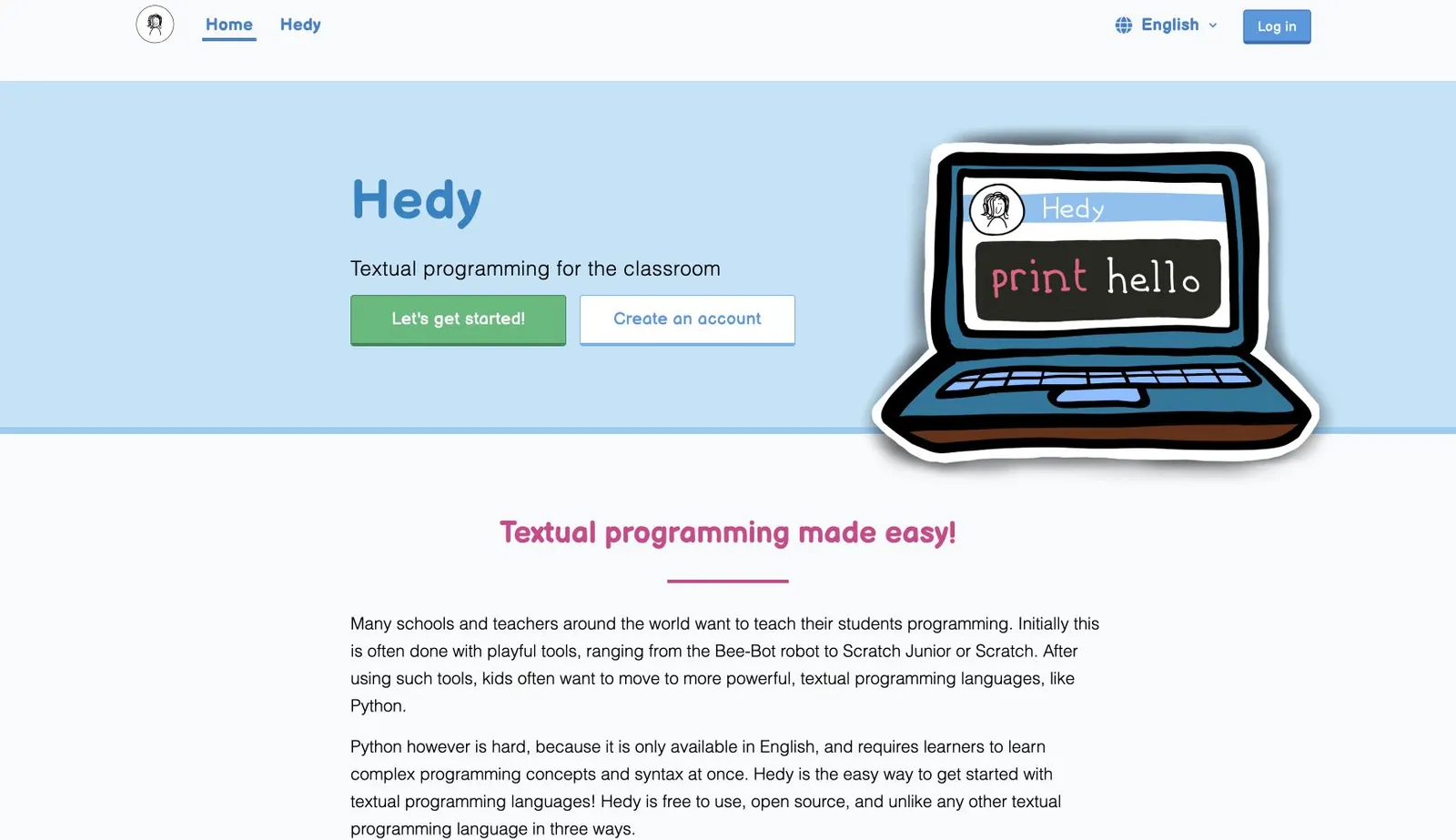
A free, open-source, multilingual gradual text-programming environment for classroom learners aged 10+; browser lessons support stories, drawings, games, and apps. It is listed under Coding and Maths & logic for ages 10–16. Children and families can use it through a website.
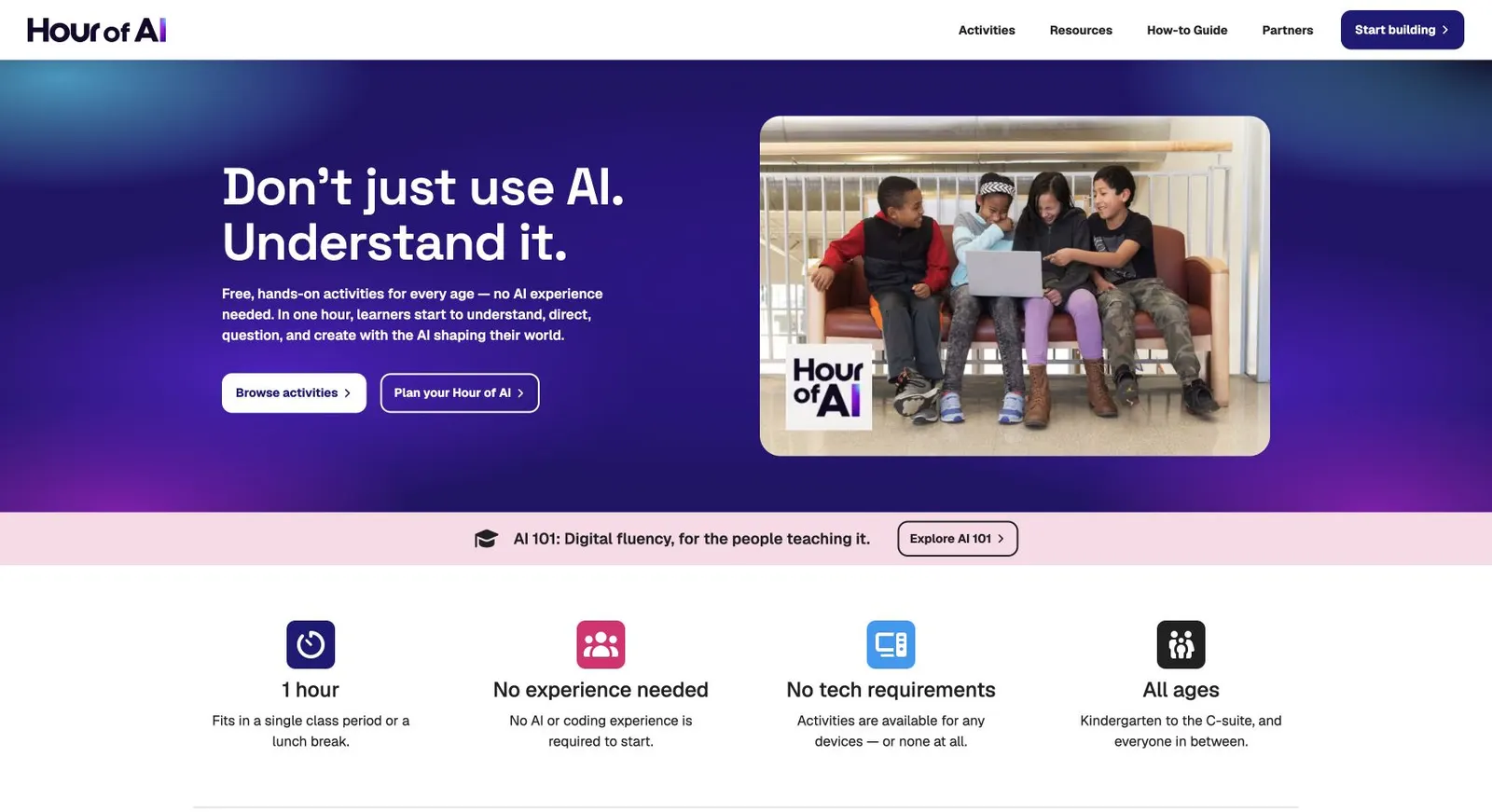
Hour of AI
Free one-hour AI literacy activities for learners of all ages, helping students understand, question, and create with AI without prior AI or coding experience. It is listed under Coding and Technology for ages 5–18+.
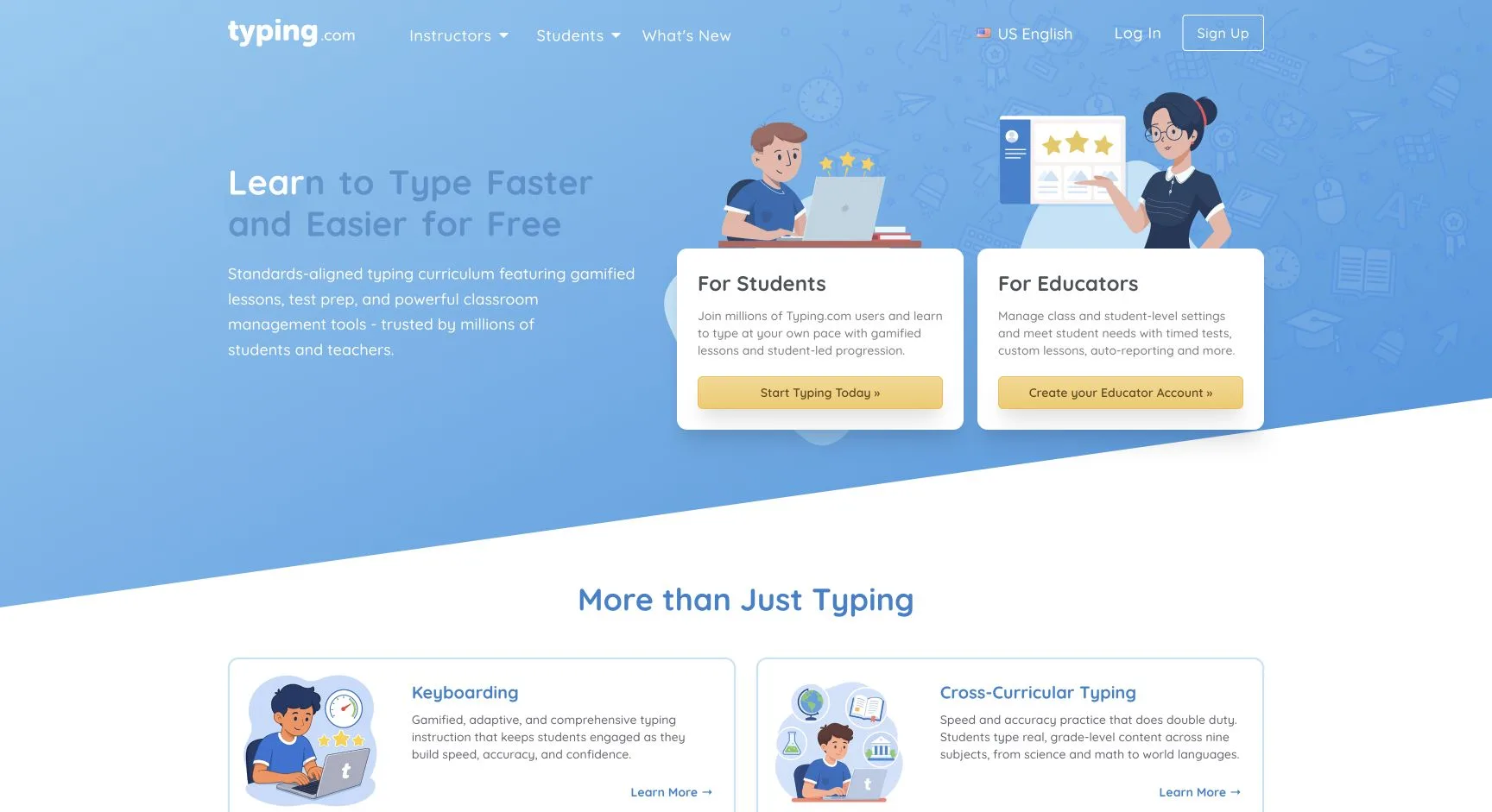
Typing.com
Typing.com combines typing lessons and tests with digital-literacy activities and classroom management tools for ages 7–18. It can support short, repeatable practice when a learner benefits from visible progress and structured steps. The directory records free access with paid options; adults should check current account, advertising, classroom, and premium-feature terms before choosing it.
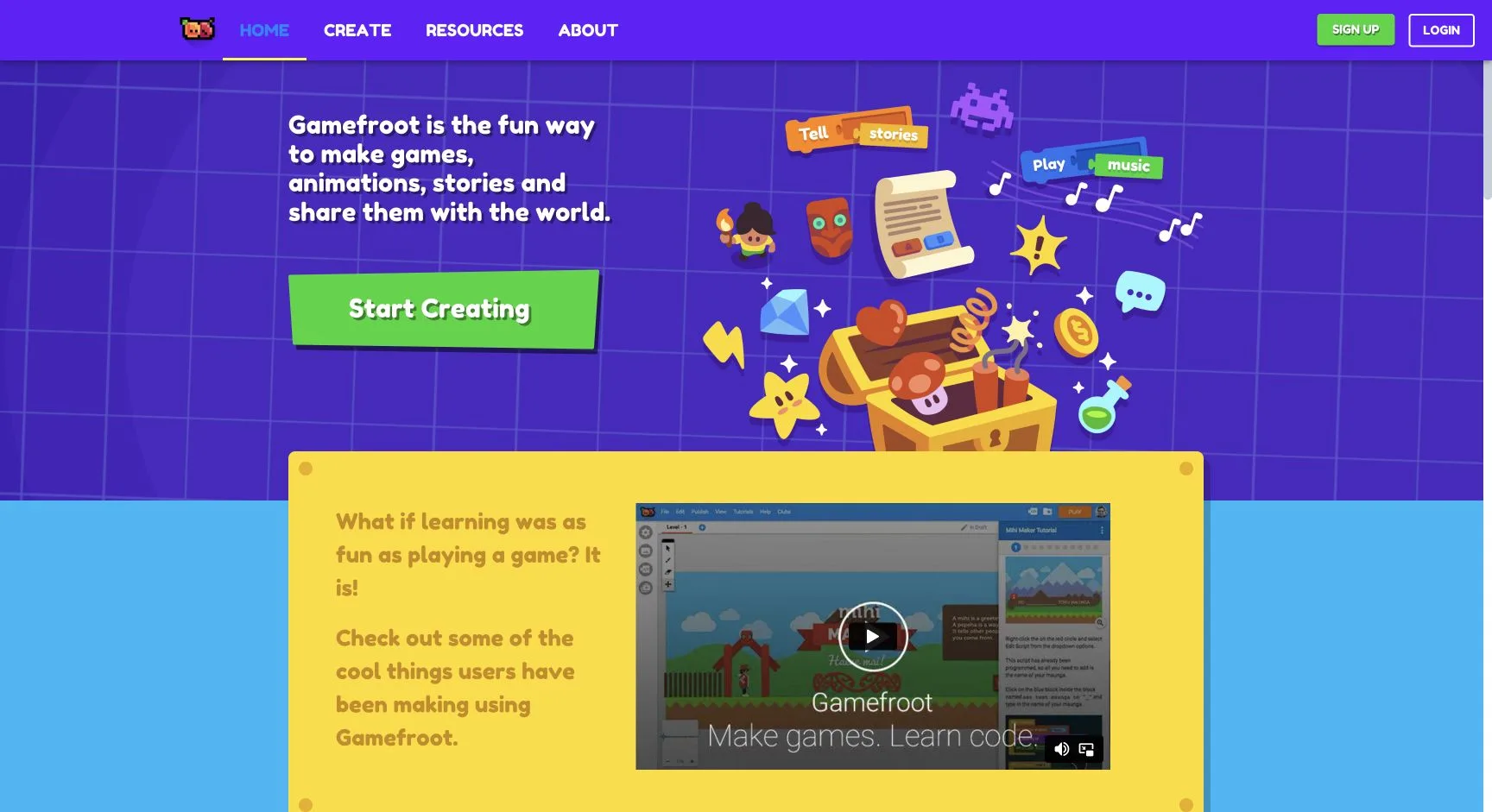
Gamefroot
A browser-based game-making platform with visual coding, tutorials, interactive stories, animations, and game-design learning. It is listed under Coding, Games, and Art & creativity for ages 10–18. Children and families can use it through a website.
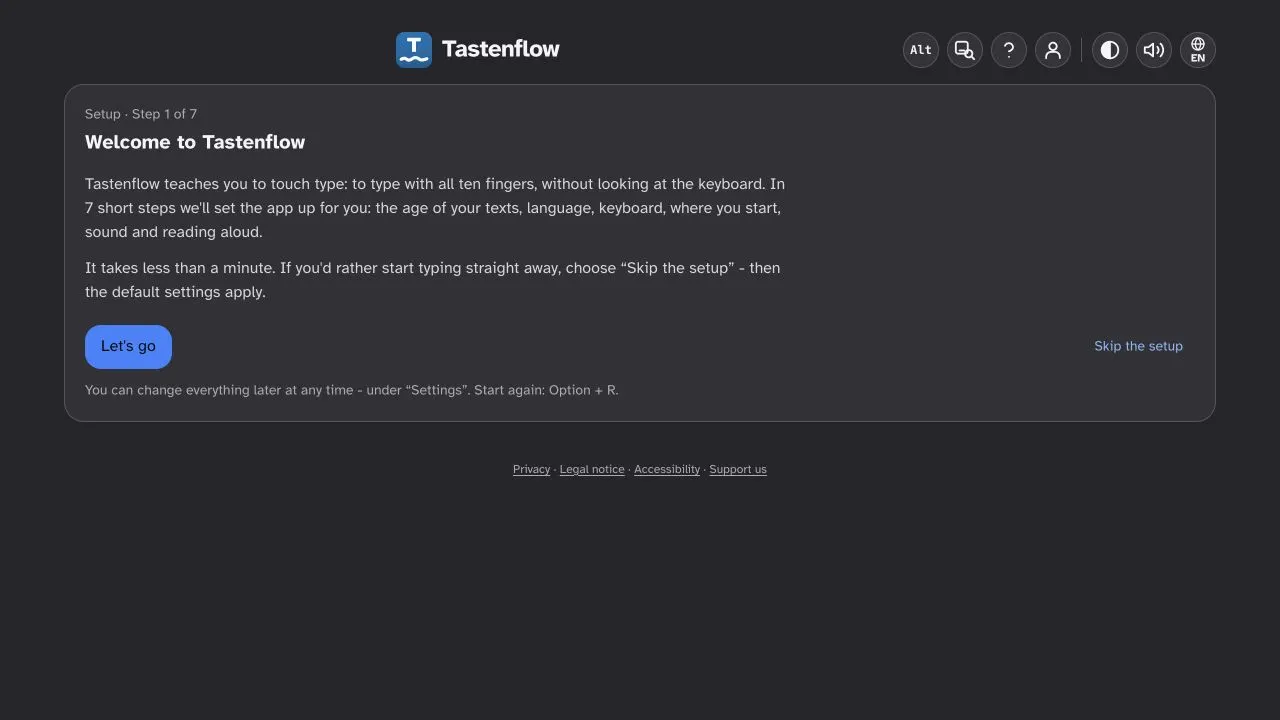
Tastenflow
An accessible browser touch-typing trainer designed for pupils, with support for screen readers, magnification, audio, and braille-oriented access alongside class practice features. It is listed under Coding and Reading for ages 7+. Children and families can use it through a website.
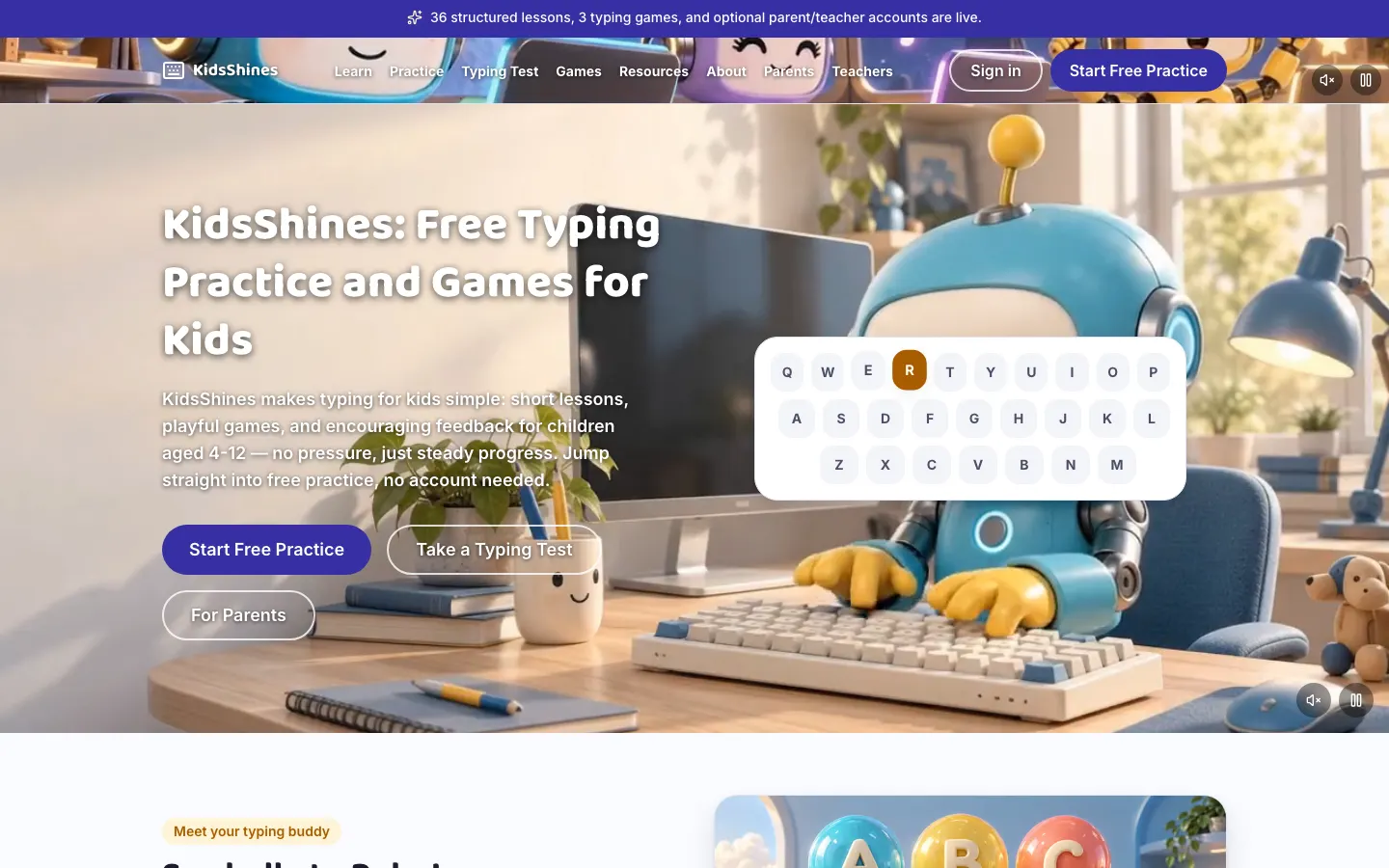
KidsShines
KidsShines is a child-focused typing practice site with structured lessons, games, timed practice, and encouraging feedback for early learners through typing champions. It is listed under Coding and Language for ages 4–12. Children and families can use it through a website.
Compare with context
Use this collection to find a direction, then open each resource page before sharing it with a child. The individual review shows languages, access formats, tags, age guidance, source links, and notes for grown-ups.
Search the full directory →