Your CyberFeet
Howard County’s Your CyberFeet program teaches children about digital footprints through short videos, discussion guides, worksheets, and grade-banded online-safety modules. It is listed under Digital citizenship and Online safety for ages 4–18. Children and families can use it through a website and downloadable resources.
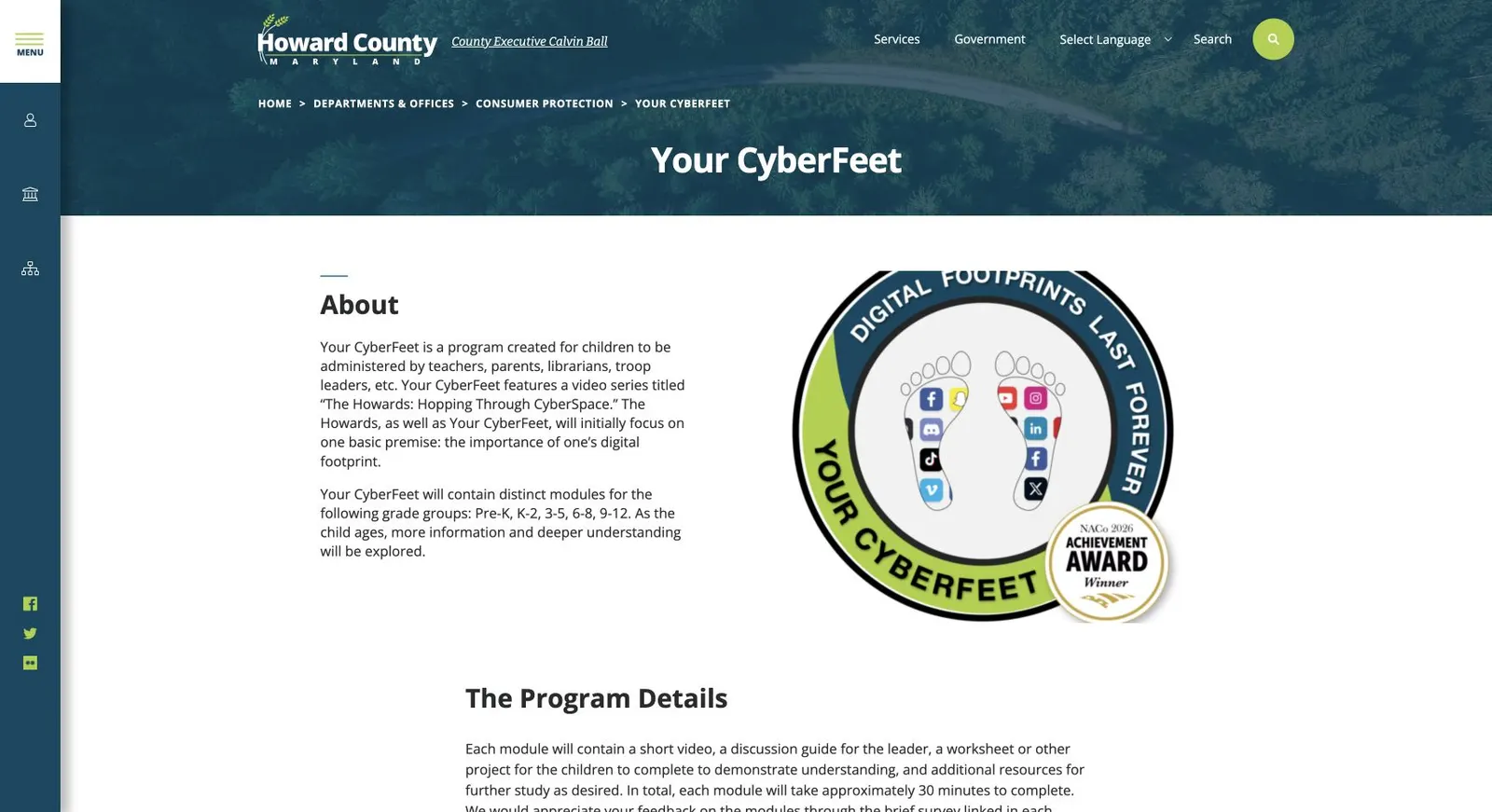 Website preview
About Your CyberFeet
Howard County’s Your CyberFeet program teaches children about digital footprints through short videos, discussion guides, worksheets, and grade-banded online-safety modules. It is listed under Digital citizenship and Online safety for ages 4–18. Children and families can use it through a website and downloadable resources.
Age and access
This resource is listed for ages 4–18. It is available as Website, Downloadable and is listed as free. The listed language coverage is English.
Visit and pricing
Free modules and supporting resources
Check current prices ↗What stands out
- Official provider resource with a clear learning or family-use purpose
- Live browser review confirmed a relevant loaded page
- Audience and access claims were checked against the official source
Editorial review
Howard County’s Your CyberFeet program teaches children about digital footprints through short videos, discussion guides, worksheets, and grade-banded online-safety modules. It is listed under Digital citizenship and Online safety for ages 4–18. Children and families can use it through a website and downloadable resources. In the directory, it is best approached as a government digital-safety curriculum for 4–18, with digital citizenship and online safety as the main learning context and family learning, reading as useful starting signals.
Families and educators who want live browser review confirmed a relevant loaded page, especially for ages 4–18.
- Review current provider terms, pricing, scheduling, and content before use.
- The listing covers digital citizenship and online safety and includes family learning, reading; choose the specific activity or section that matches the child's age and goal.
Review basis: Catalog context based on the provider URL, recorded description, age, format, language, access, tags, and available source links. · The thekidspick catalog team
Check the details at the source
This page separates our editorial context from provider evidence. Access, pricing, language, privacy, and content can change.
Evidence last checked 2026-10-28.
How the score is built
Parent notes
- Review current provider terms, pricing, scheduling, and content before use.
- Stored preview was captured after live loading without an ad overlay, CAPTCHA, broken rendering, or placeholder imagery.

Recognized by
TheKidsPick
This resource has been independently reviewed by our team for its learning value, age fit, access, and trust signals, so parents can discover high-quality, kid-friendly resources with confidence.
Manage this resource?
Add this recognition to your website or share your TheKidsPick profile. It helps parents find your resource and shows your commitment to quality.
Find Your CyberFeet in related listings
A few useful subject and format shortlists for this resource.
Questions parents ask
See something wrong?
Report an outdated link, image, language, platform, tag, or other detail.
Other digital citizenship resources to consider
Use these nearby options to compare age fit, format, access, and the kind of adult support each resource asks for. The scores are editorial signals, not a substitute for checking the provider page.
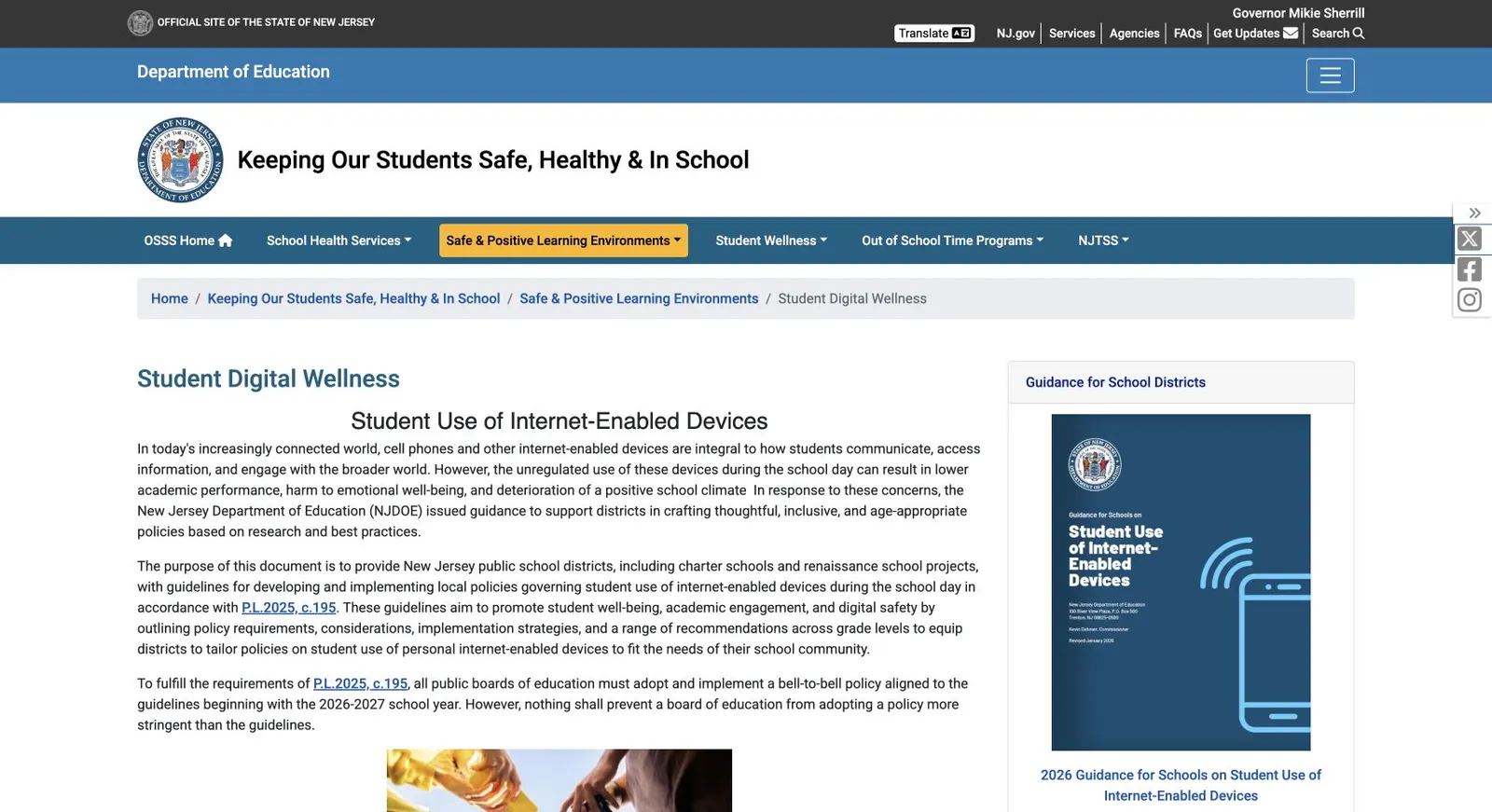
New Jersey Student Digital Wellness
The New Jersey Department of Education gathers guidance and family, educator, and healthcare resources about digital citizenship, online safety, privacy, media literacy, and healthy device use. It is listed under Digital citizenship and Media literacy for ages 8–18.
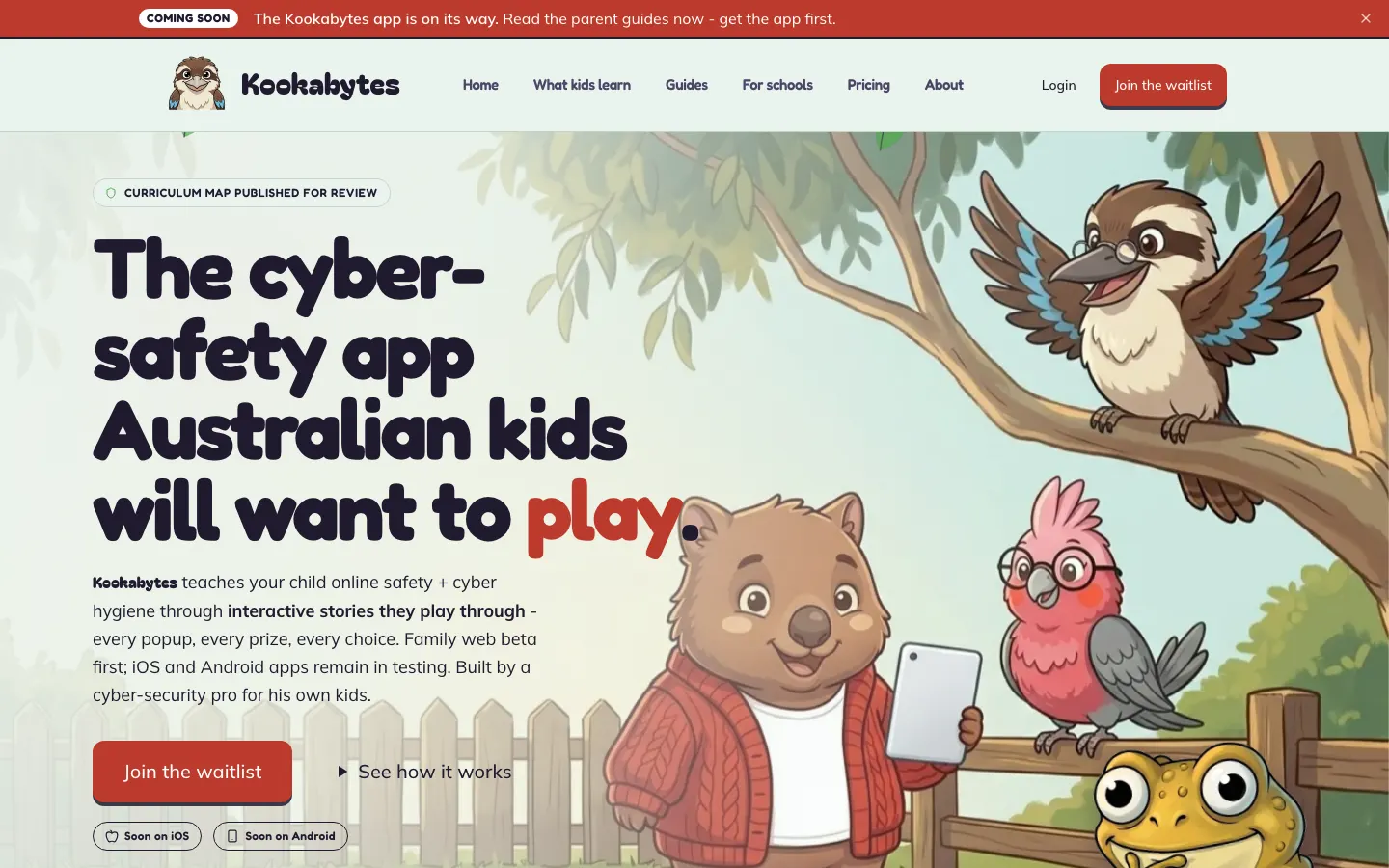
Kookabytes
Kookabytes is an Australian cyber-safety learning app for ages 5–12 that teaches online safety and cyber hygiene through short interactive stories, choices, and games. It is listed under Digital citizenship and Social-emotional learning for ages 5–12.