Technology Games
for kids
Explore 13 trusted technology games resources selected for curious kids, with clear ages, access details, and parent context.
Two useful ways to narrow the directory
This page brings together technology resources that also match games. Each listing keeps its own age range, platform details, languages, links, and parent notes, so you can compare options without losing context.
Explore all technology resources →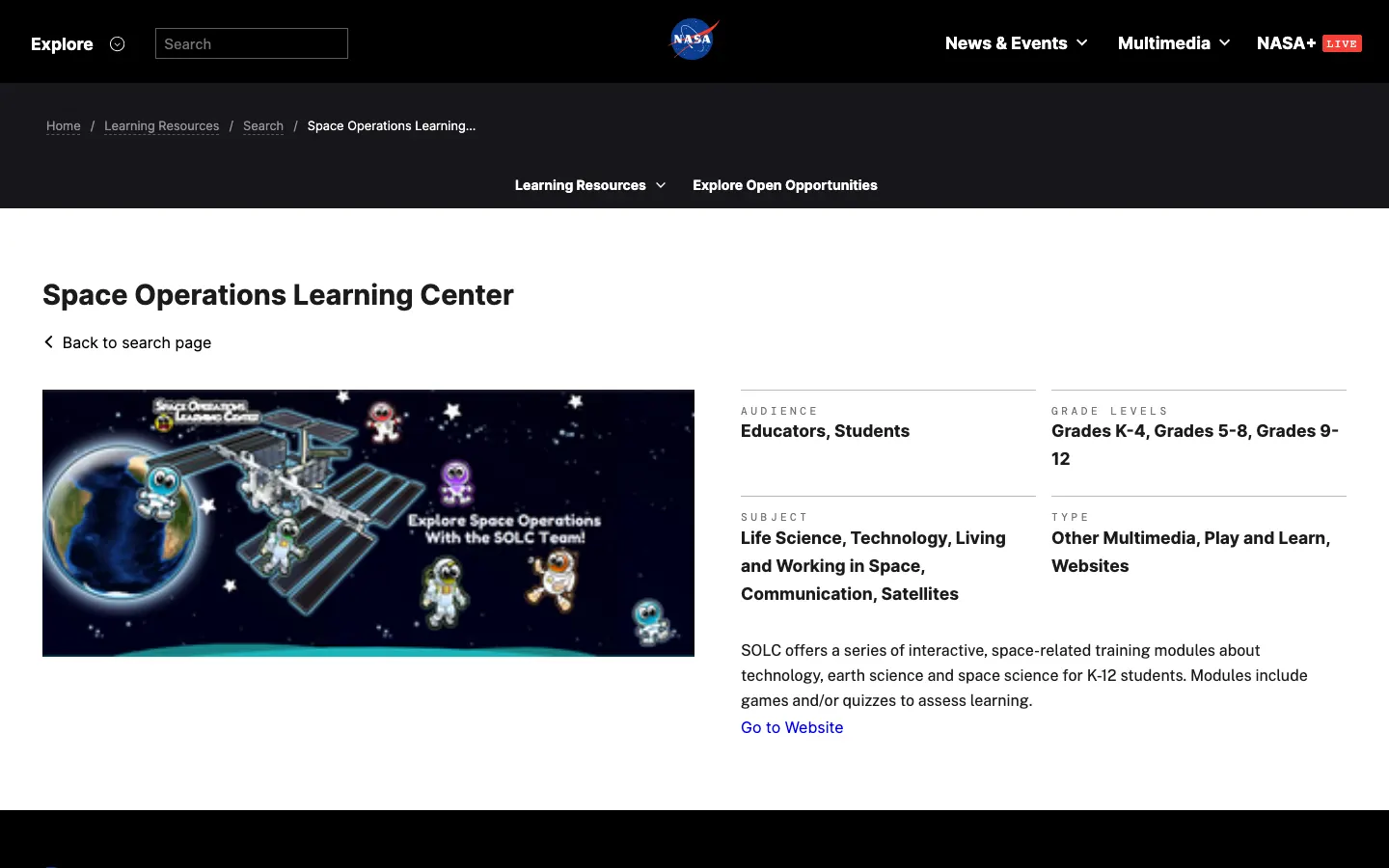
NASA Space Operations Learning Center
NASA’s Space Operations Learning Center provides interactive modules, games, and quizzes about space technology, Earth science, satellites, communication, and living and working in space. It is listed under Science and Space for ages K–12.
Read the full resource review →More technology picks
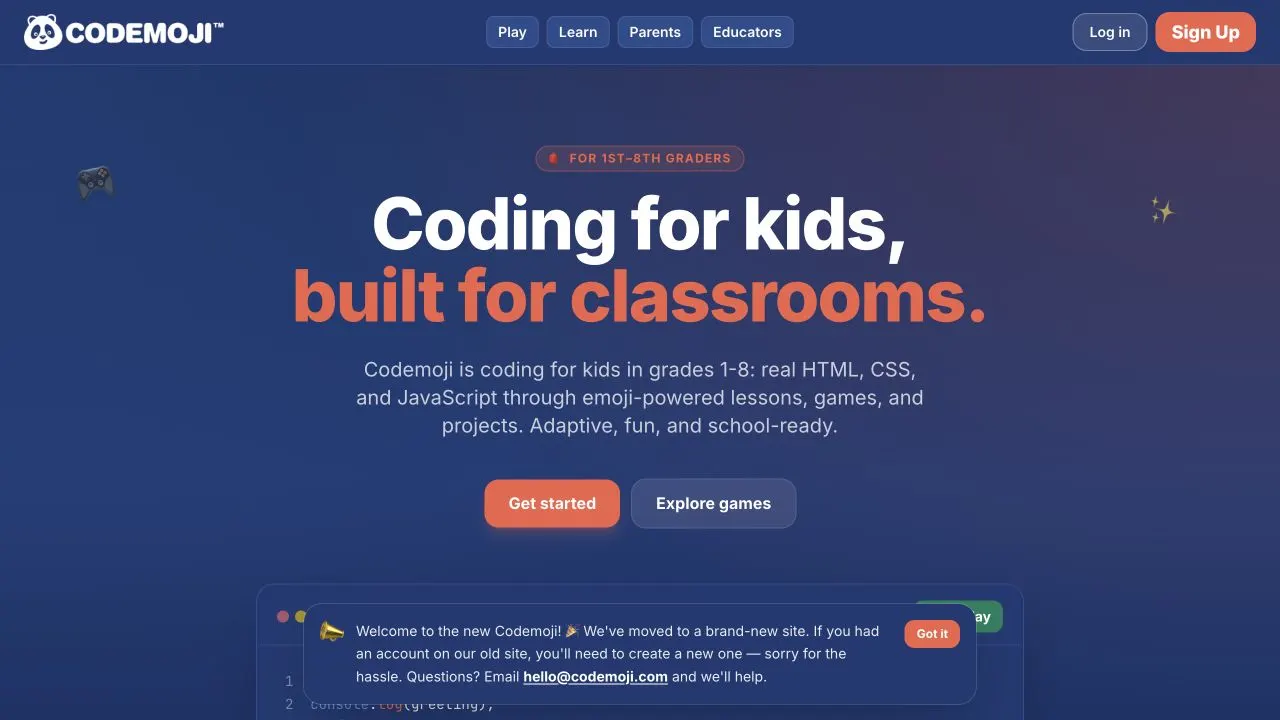
Codemoji Coding for Kids
Codemoji teaches real HTML, CSS, and JavaScript through emoji-powered lessons, games, and projects for students in grades 1–8, with educator tools and a 500-plus lesson library. It is listed under Coding and Technology for ages 6–14.
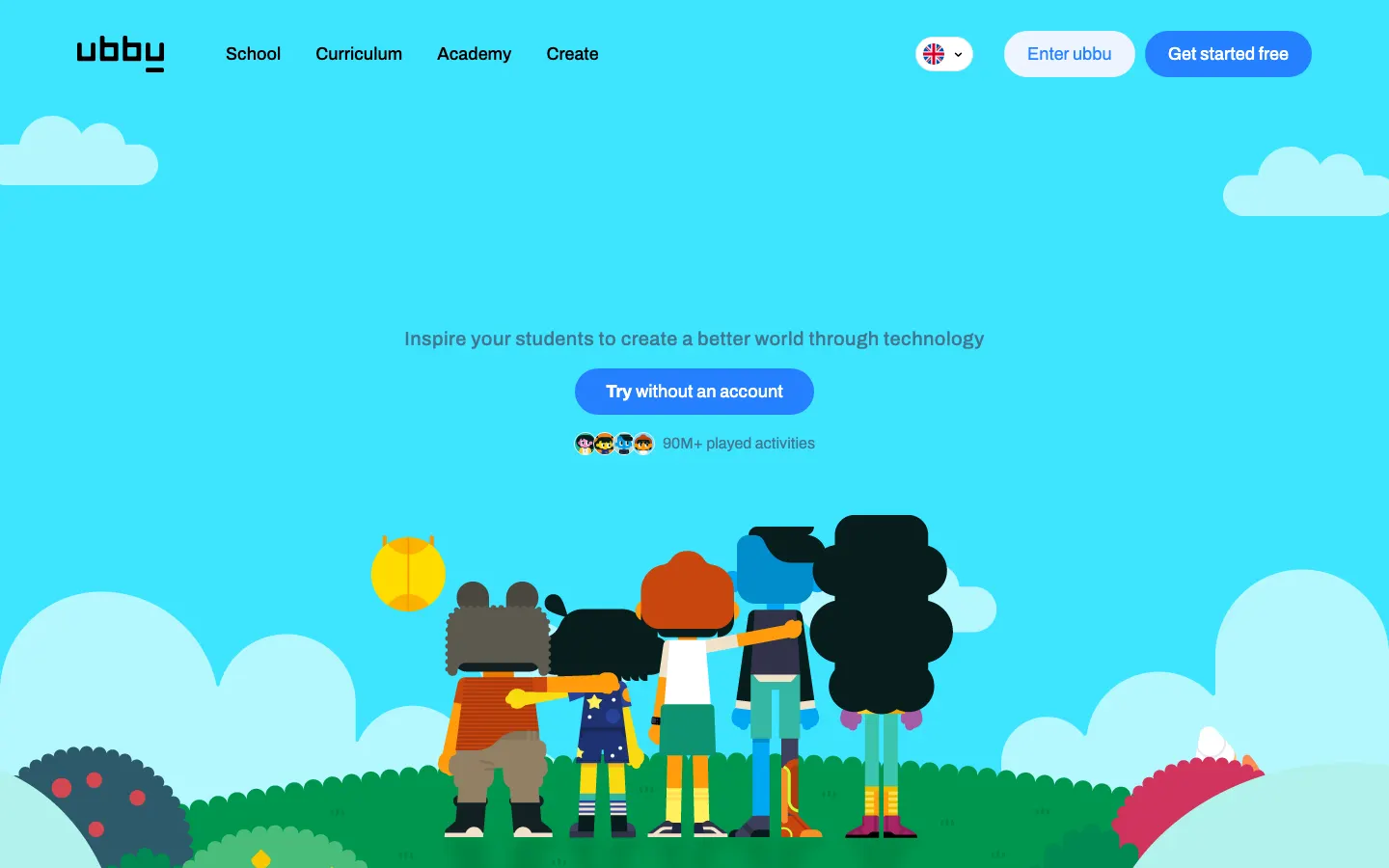
ubbu – Code to Create
ubbu is an age-adapted coding and creative technology platform with educational games, STEAM activities, projects, and digital-safety learning for children. It is listed under Coding and Technology for ages 6–13. Children and families can use it through a website.
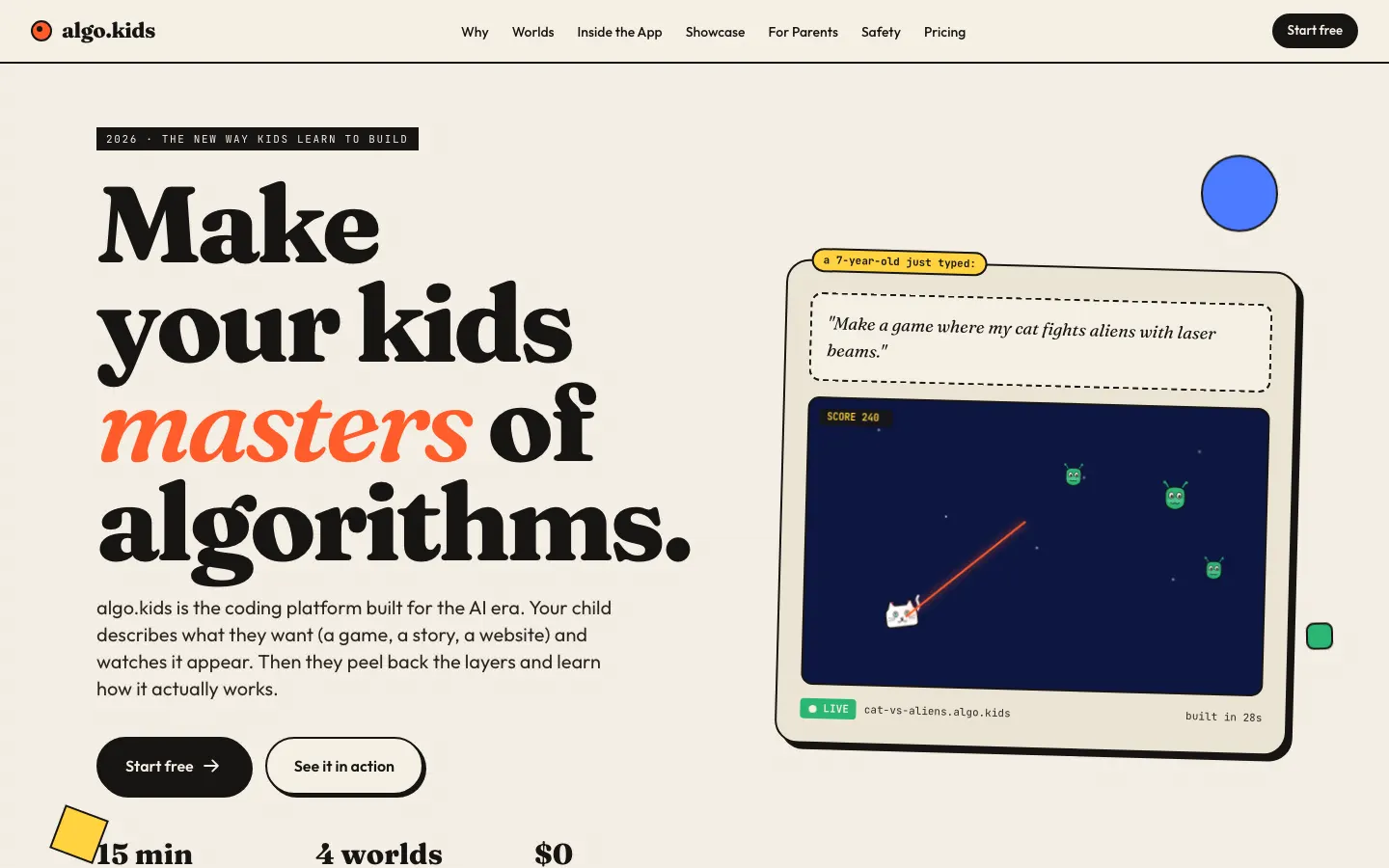
algo.kids
An AI-assisted coding platform where children describe and build games, stories, and websites while learning how the code works. It is listed under Coding, Games, and Technology for ages 3–17. Children and families can use it through a website, an Android app, and an iOS app.
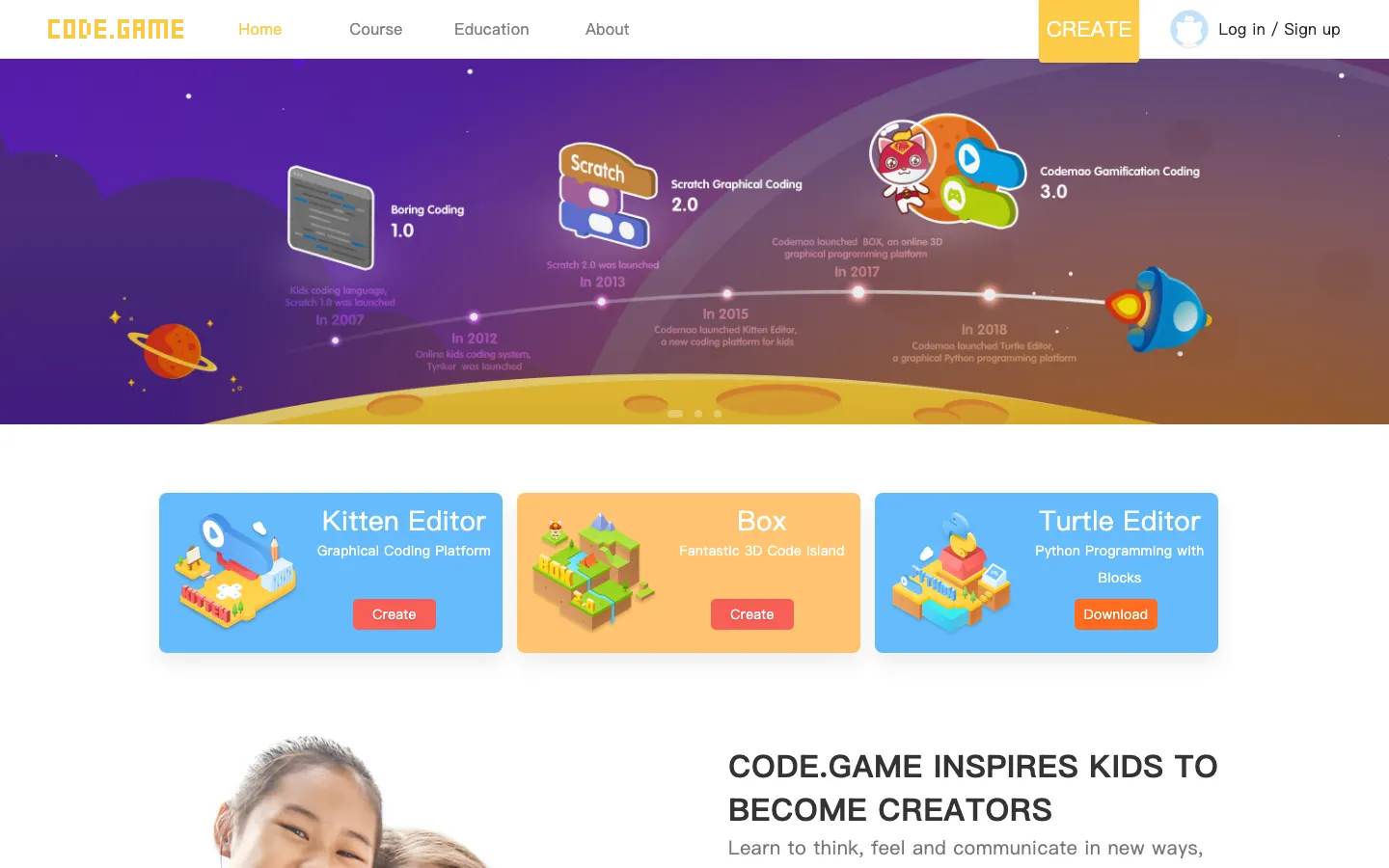
CODE.GAME
A creative coding platform for children from age 3+ with visual and text-based editors, game-making tools, and a progression from beginner coding to Python and 3D projects. It is listed under Coding and Games for ages 3+.

Canadian Space Agency Youth and Educators
Space books, experiments, digital games, printables, toolkits, and classroom ideas from the Canadian Space Agency. It is listed under Science, Technology, and Games for ages 5–18. Children and families can use it through a website and downloadable resources.
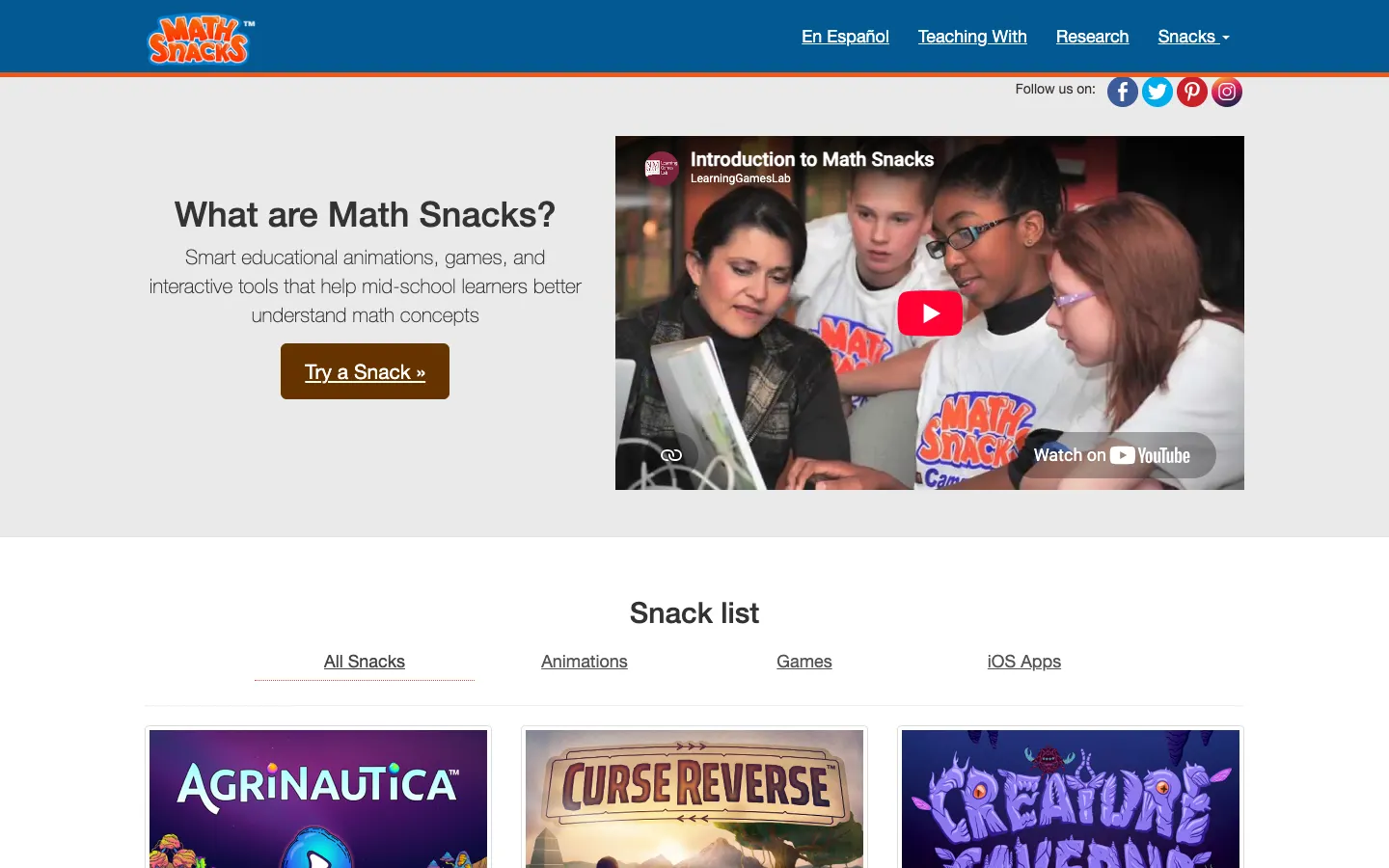
Math Snacks
New Mexico State University’s Math Snacks collection of free games, animations, and interactive tools for ratios, fractions, number sense, expressions, place value, and graphing. It is listed under Maths & logic and Games for ages 9–14.
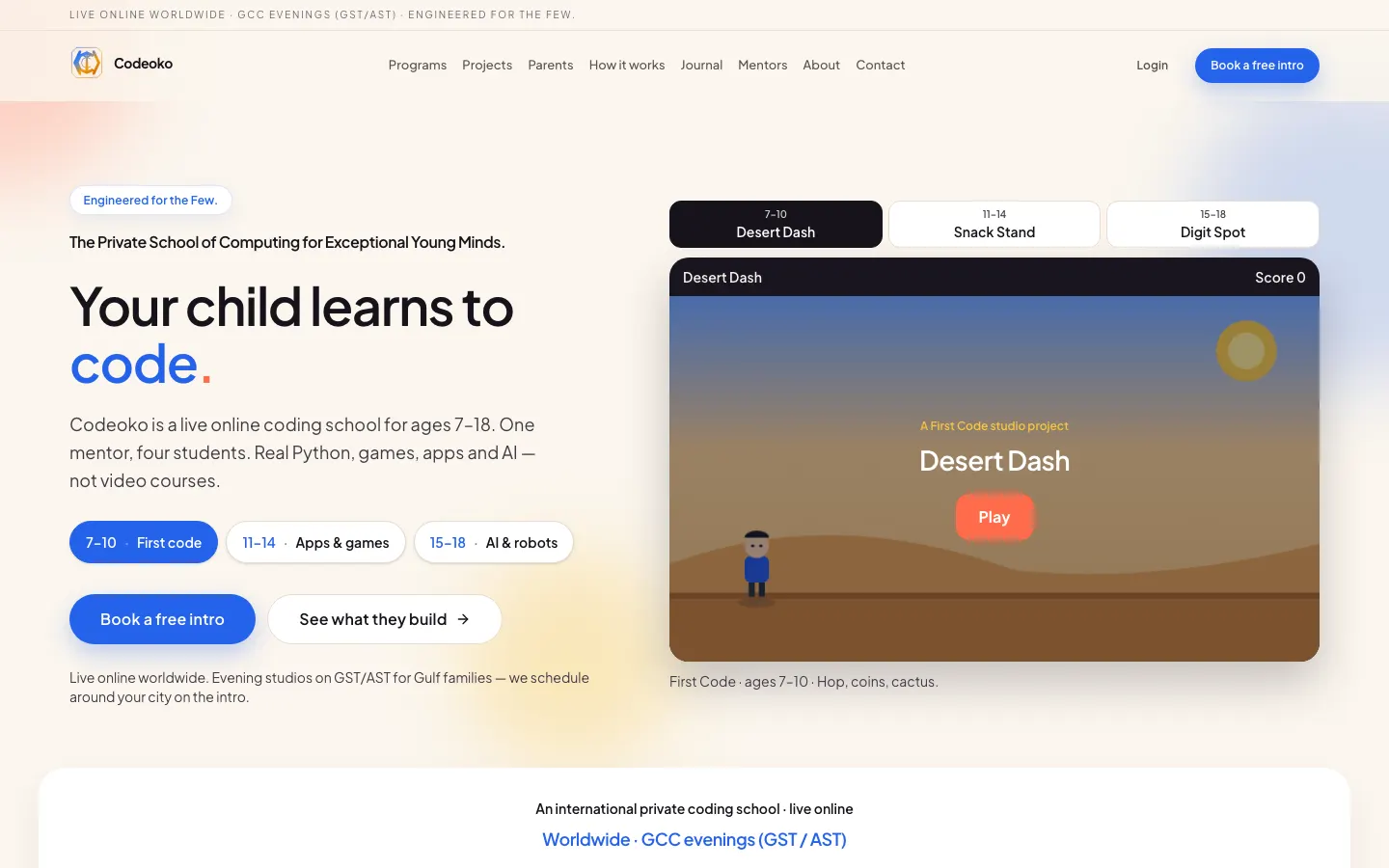
Codeoko
Codeoko is a child-focused coding platform with interactive projects and beginner-friendly web development activities for young learners. It is listed under Coding and Games for ages Children and beginners; exact range not stated. Children and families can use it through a website.
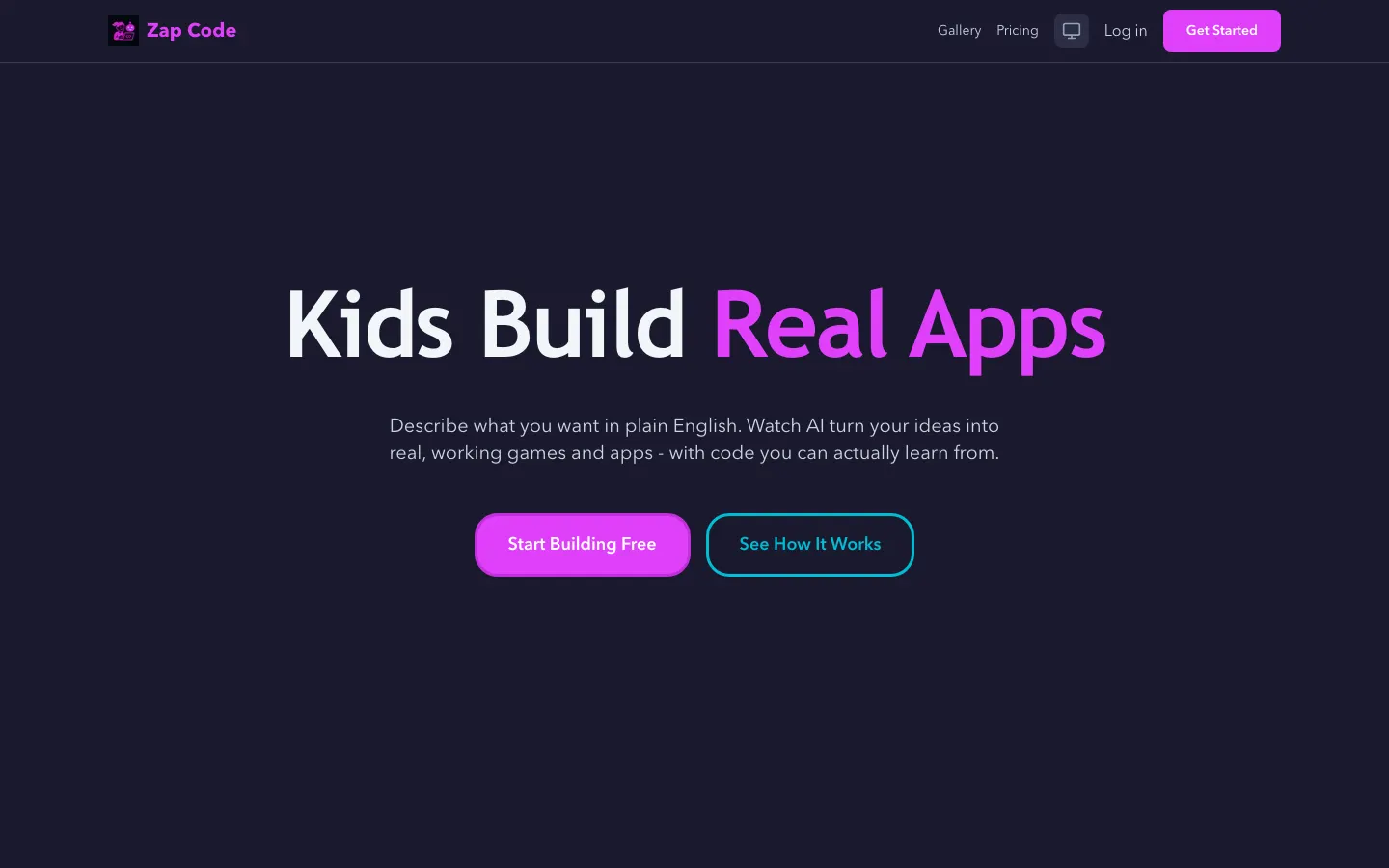
Zap Code
A progressive coding environment for children that turns plain-language ideas into real HTML, CSS, and JavaScript apps, games, and stories. It is listed under Coding, Games, and Technology for ages 8–16. Children and families can use it through a website.
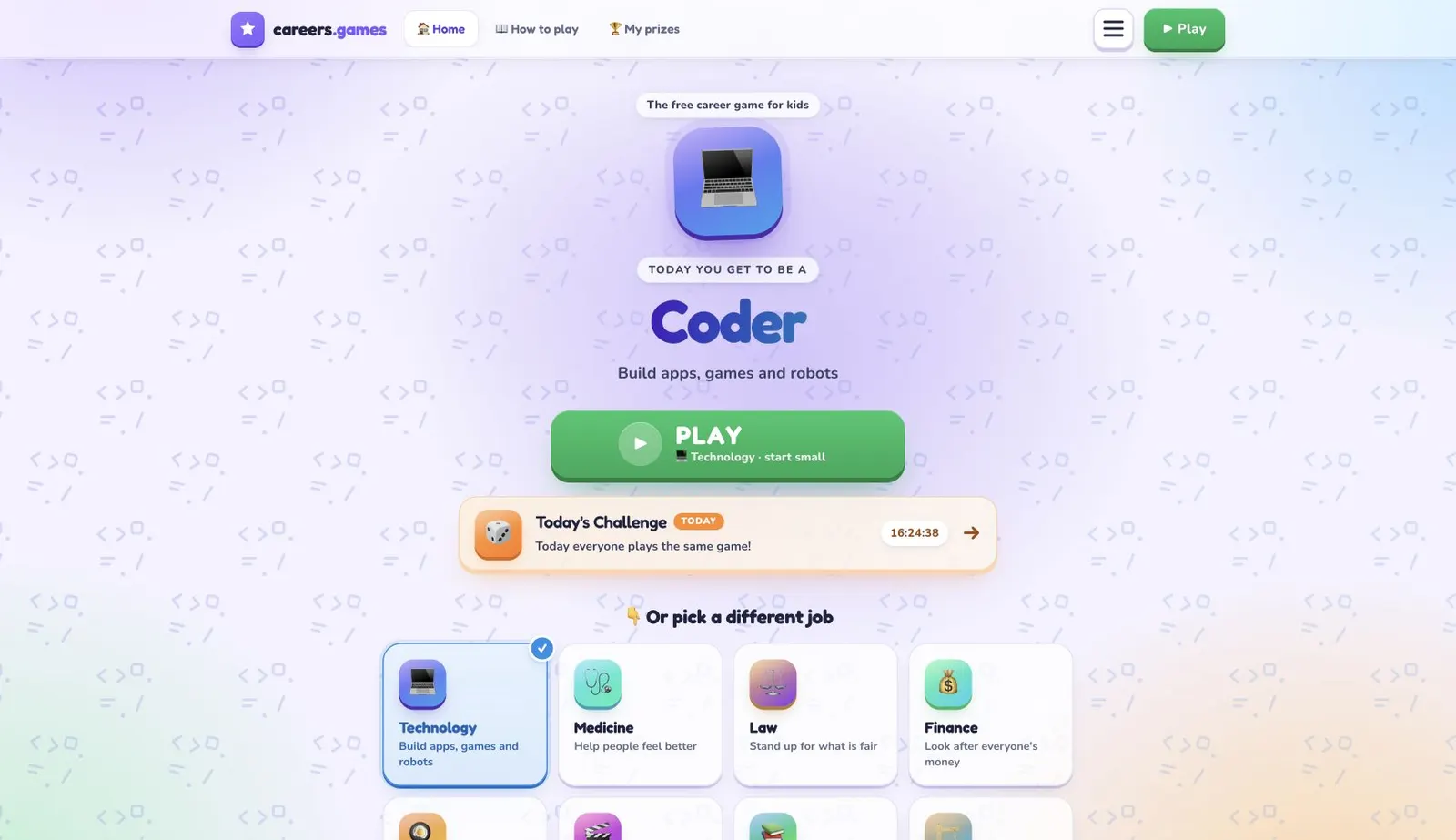
careers.games
careers.games is a free browser simulation where children try technology, medicine, law, finance, food, media, education, and construction careers through playful choices and challenges. It is listed under Games and Career exploration for ages 8–14.
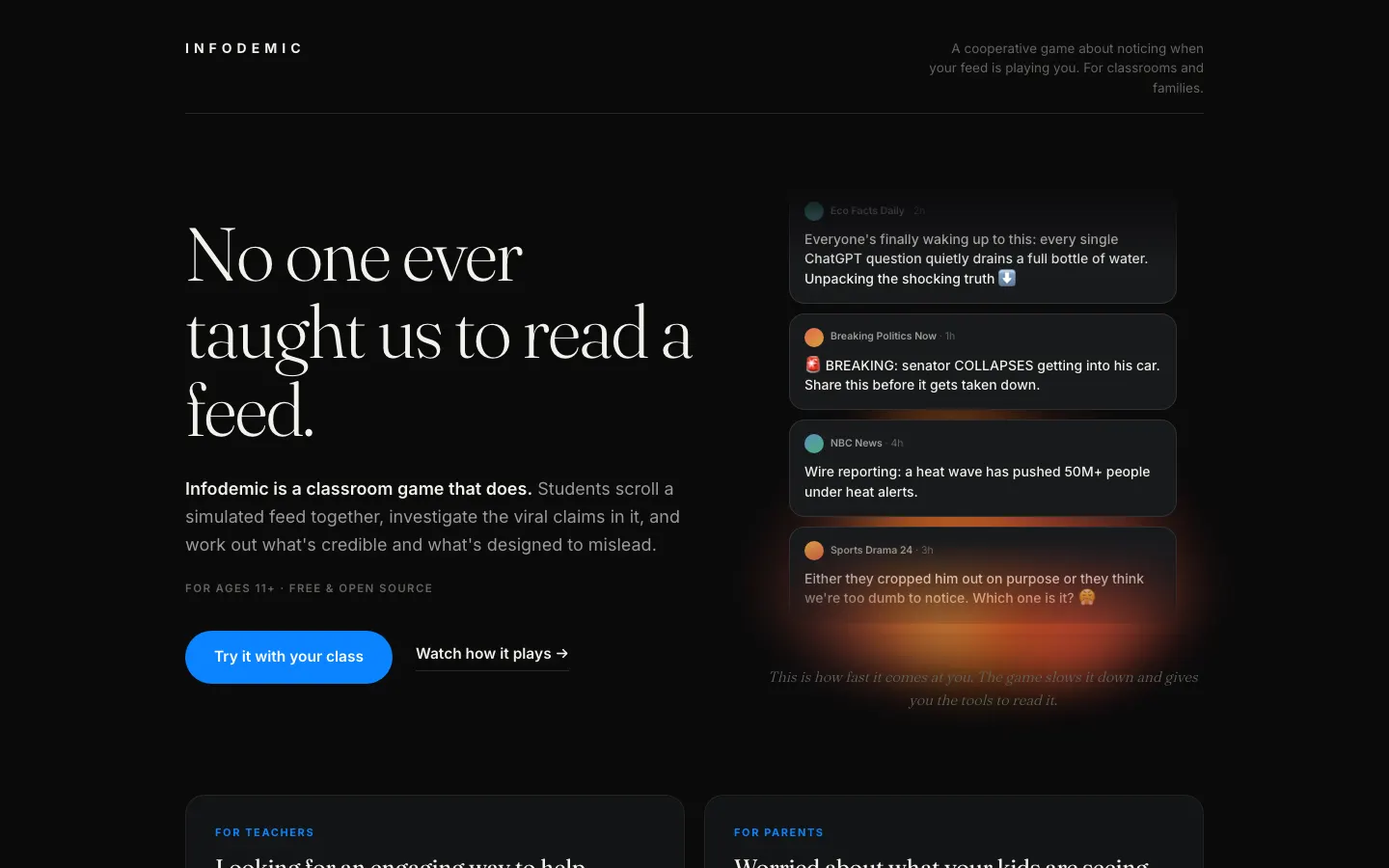
Infodemic
A free cooperative classroom game that helps students practice reading news feeds, checking sources, and discussing how information spreads online. It is listed under Technology and Reading for ages Grades 6–12; classroom activity. Children and families can use it through a website.
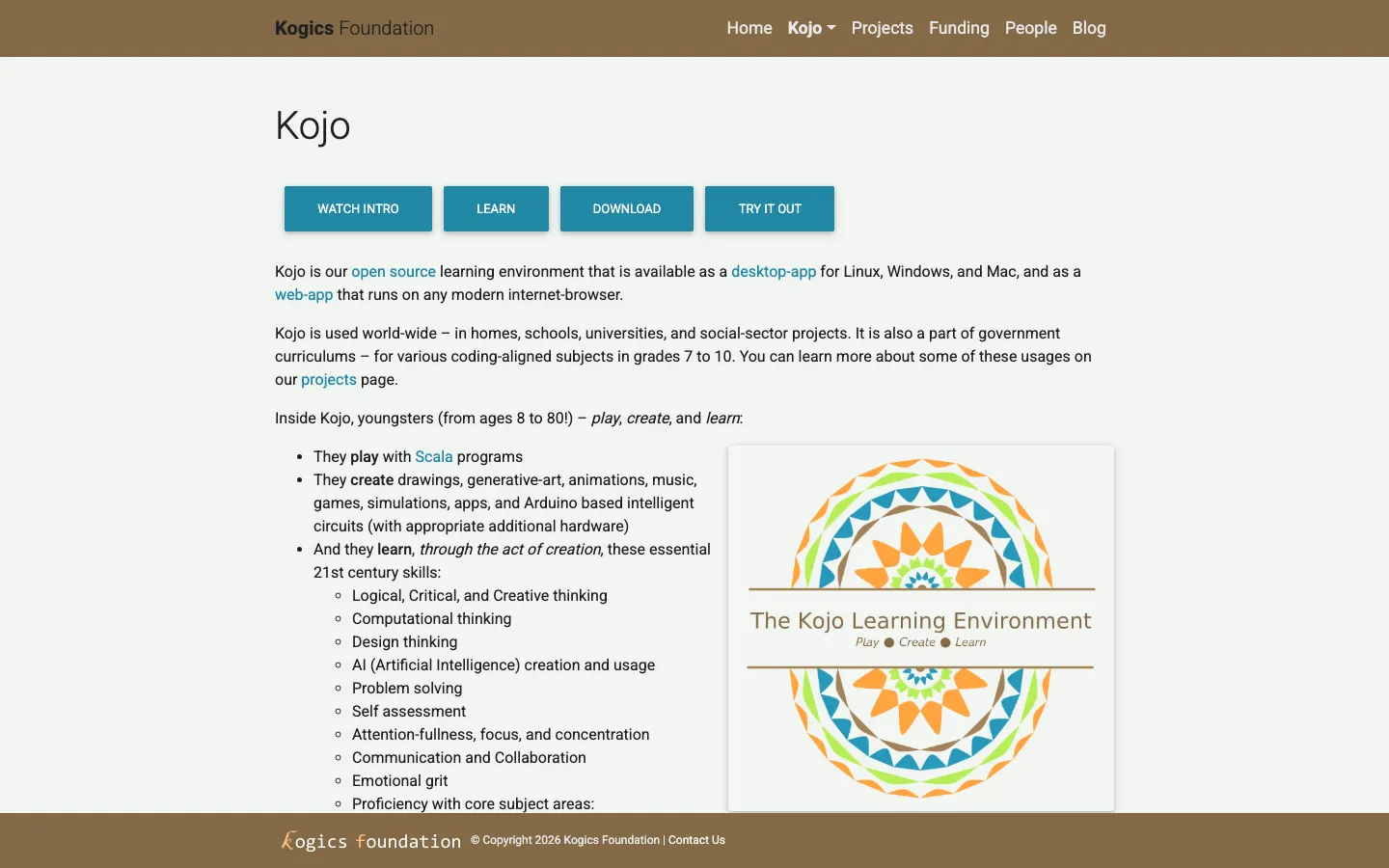
Kojo
Kojo is an open-source learning environment where young people create drawings, generative art, animations, music, games, simulations, apps, and Arduino projects while learning computational and design thinking. It is listed under Coding and Art & creativity for ages 8–18.
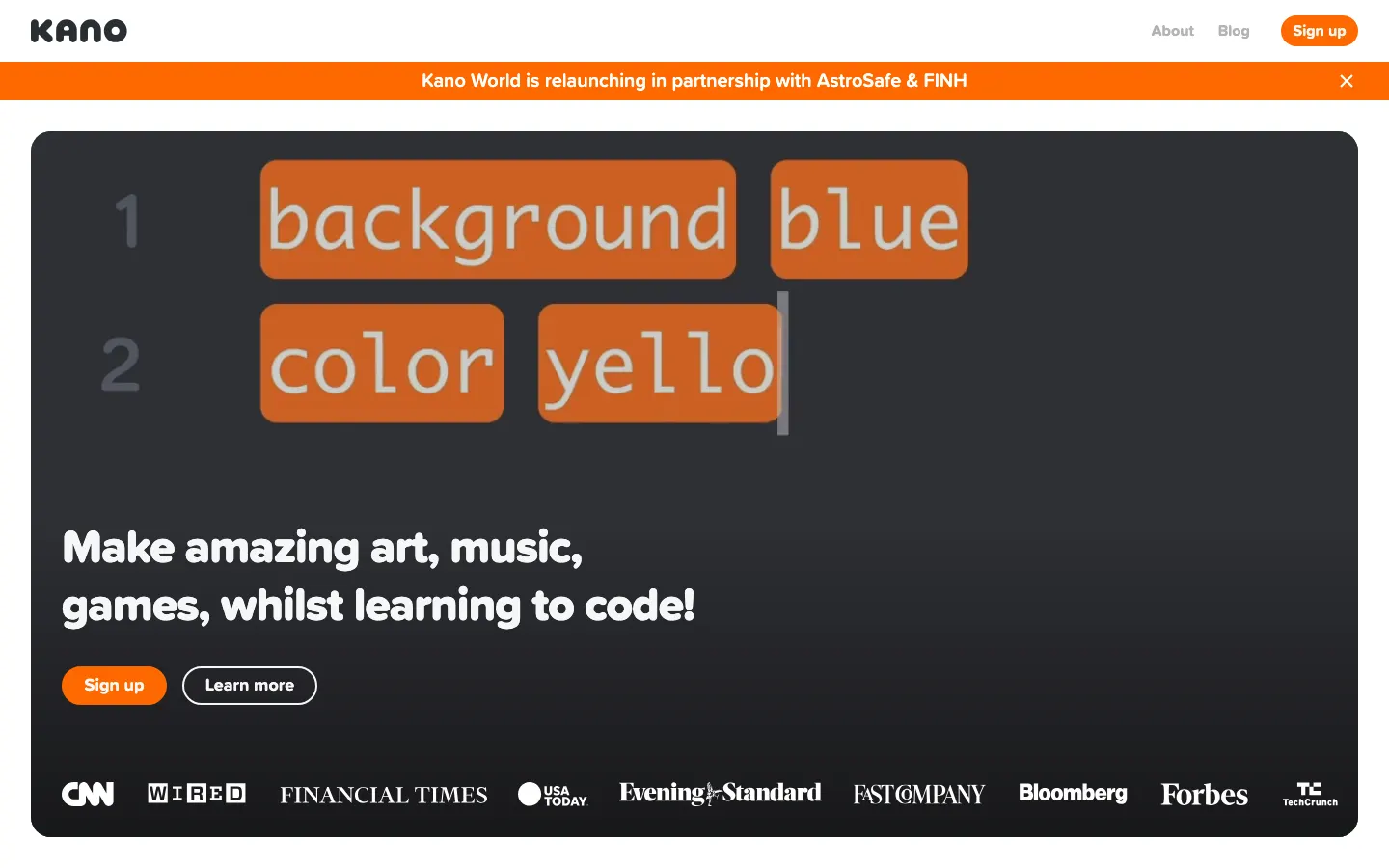
Kano
Kano is a coding learning platform where children make art, music, games, and interactive projects while learning programming concepts and exploring physical computing. It is listed under Coding and Technology for ages 6–14. Children and families can use it through a website.
Compare with context
Use this collection to find a direction, then open each resource page before sharing it with a child. The individual review shows languages, access formats, tags, age guidance, source links, and notes for grown-ups.
Search the full directory →