Robotics Coding
for kids
Explore 20 trusted robotics coding resources selected for curious kids, with clear ages, access details, and parent context.
Two useful ways to narrow the directory
This page brings together robotics resources that also match coding. Each listing keeps its own age range, platform details, languages, links, and parent notes, so you can compare options without losing context.
Explore all robotics resources →
Bricks 4 Kidz Calgary Robotics & Coding
Bricks 4 Kidz Calgary offers LEGO robotics and coding programs using WeDo, micro:bit, Scratch, SPIKE Prime, and Mindstorms challenges. It is listed under Coding and Robotics for ages 5–13. Children and families can use it through a website.
Read the full resource review →More robotics picks
Sphero Robotics Missions
Sphero Robotics Missions are age-banded robotics challenges for indi, BOLT, RVR, and the Sphero Robotics Competition, combining programming, engineering, and hands-on robot work. It is listed under Coding and Robotics for ages Under 9 through under 19 by program.
Ultimate Coders
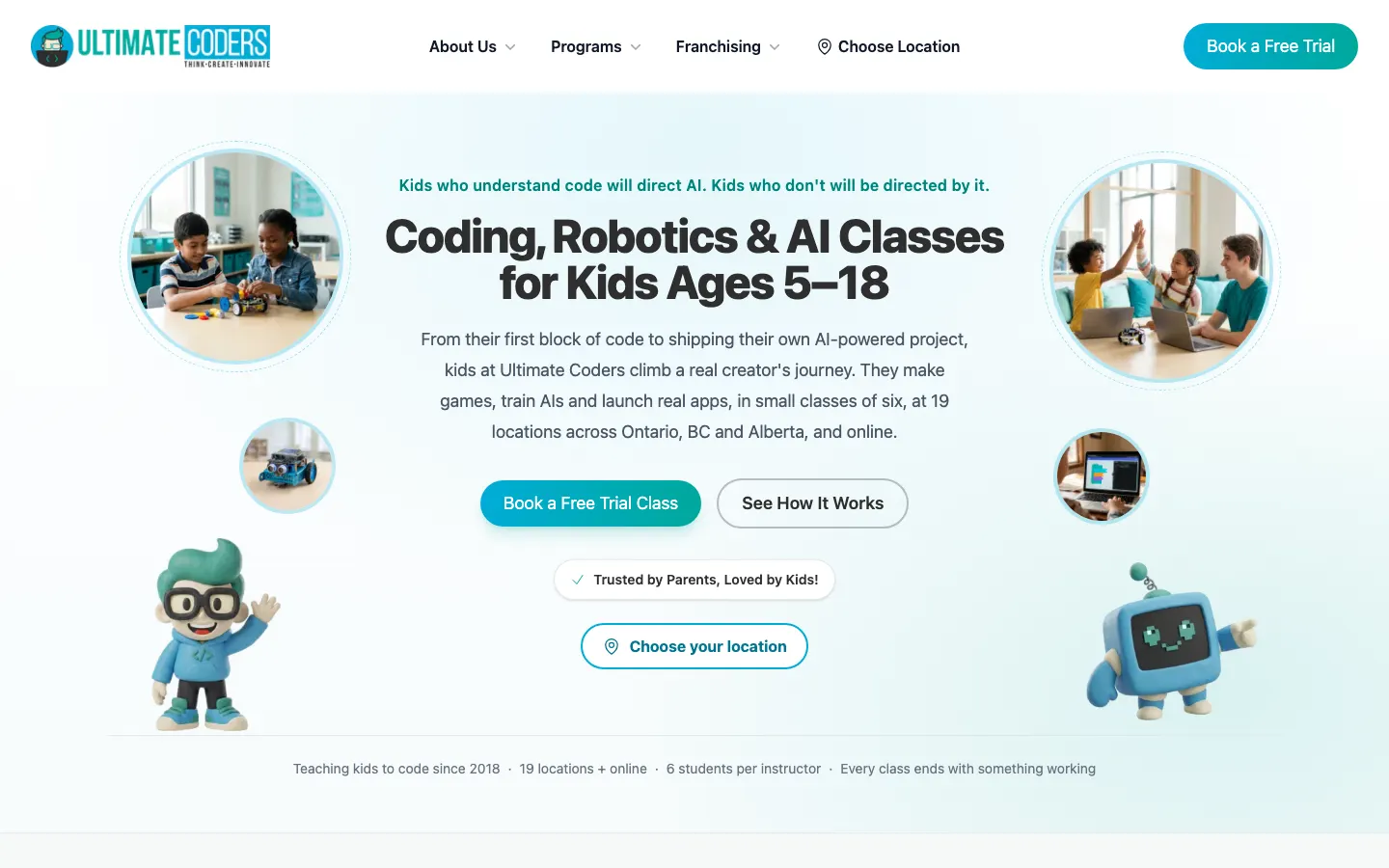
Ultimate Coders provides progressive coding, robotics, AI, and math programs from visual first projects through Python, web, app, and machine-learning pathways. It is listed under Coding and Robotics for ages 5–18. Children and families can use it through a website.
Algobrix
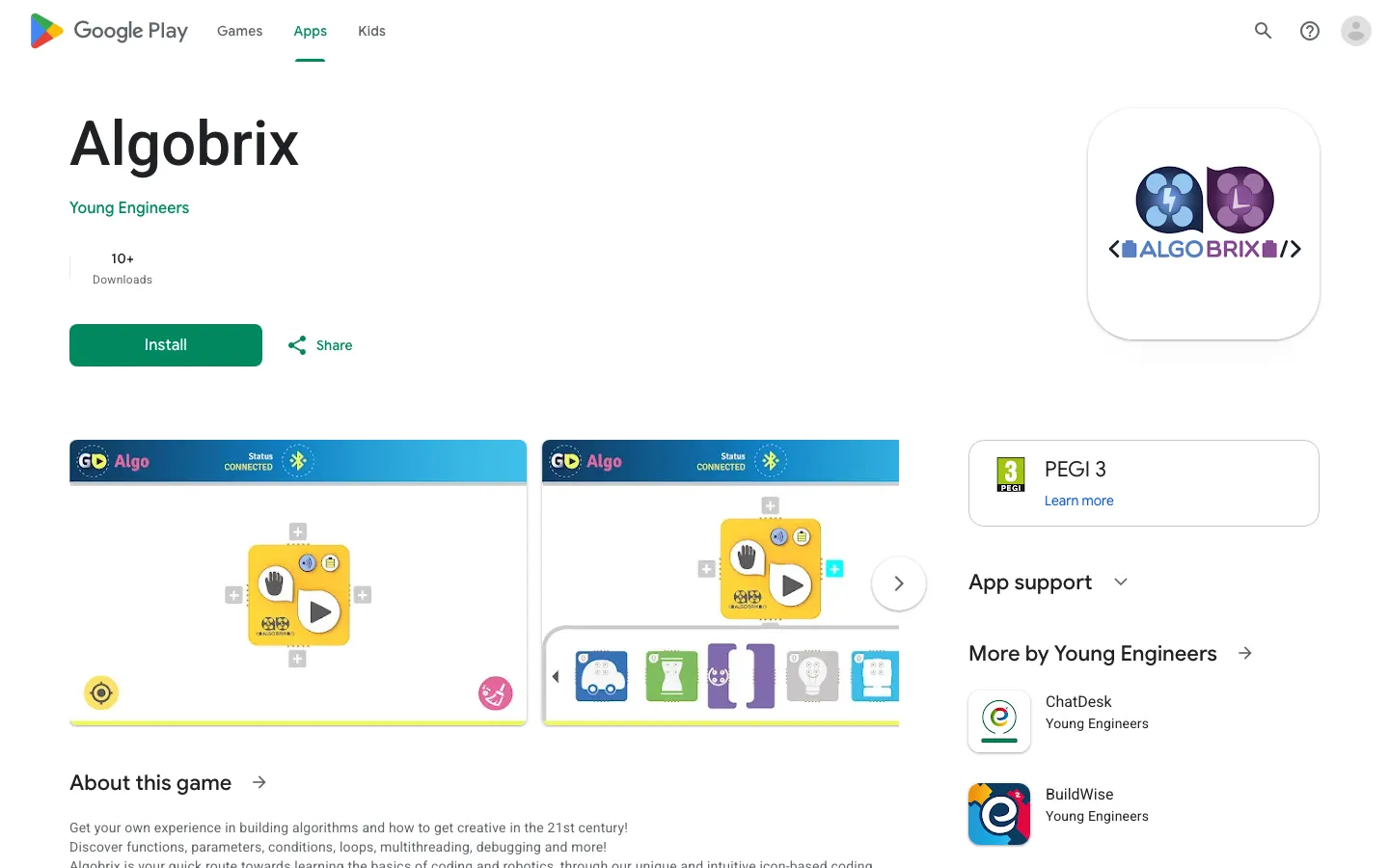
Algobrix introduces children to coding and robotics through an icon-based coding language, robot movement, sensors, and playful STEM challenges. It is listed under Coding and Robotics for ages Children. Children and families can use it through an Android app.
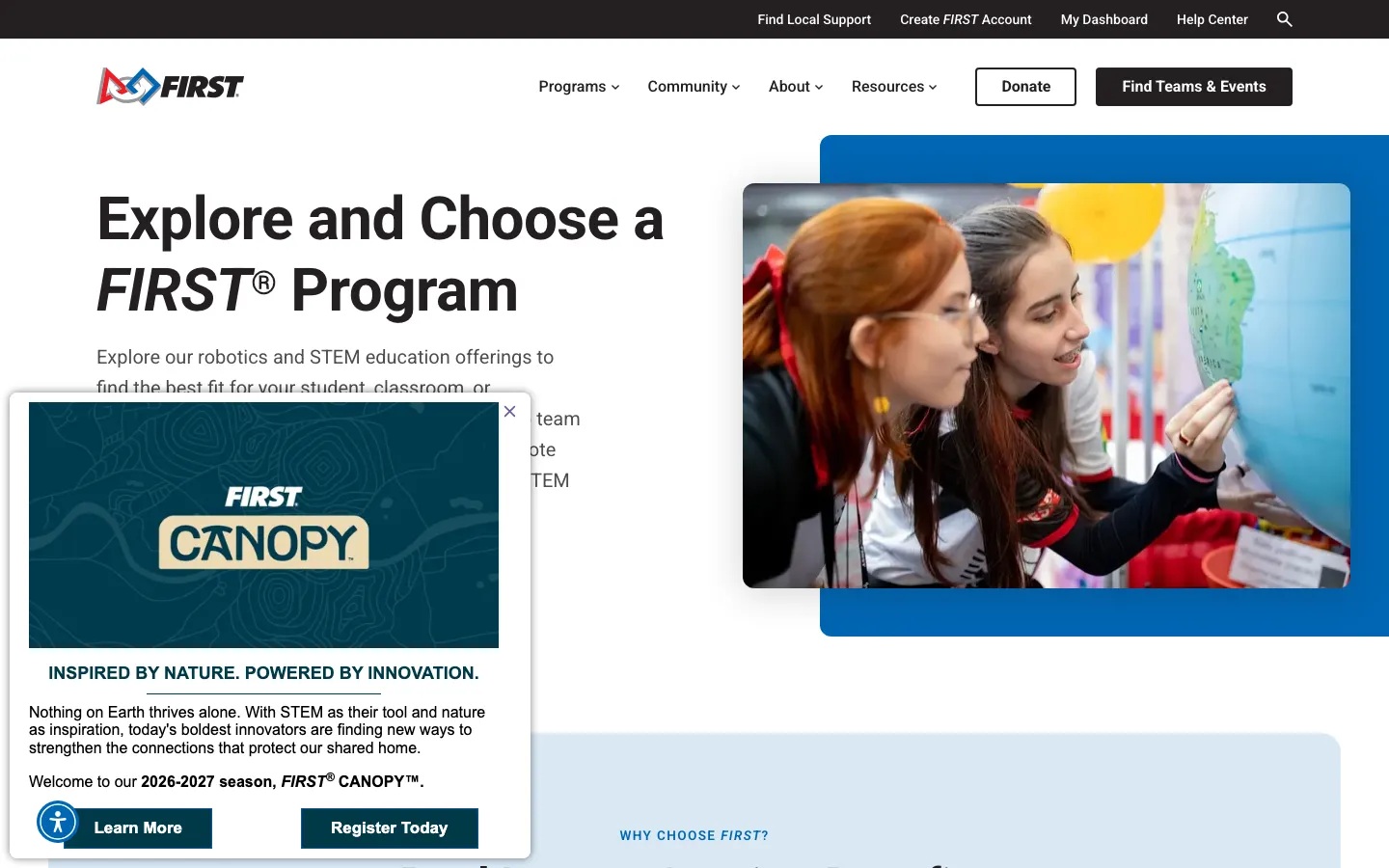
FIRST Program Options
FIRST offers age-banded team robotics programs that introduce children and teens to engineering, programming, design, collaboration, and competition. It is listed under Coding and Robotics for ages 5–18. Children and families can use it through a website.
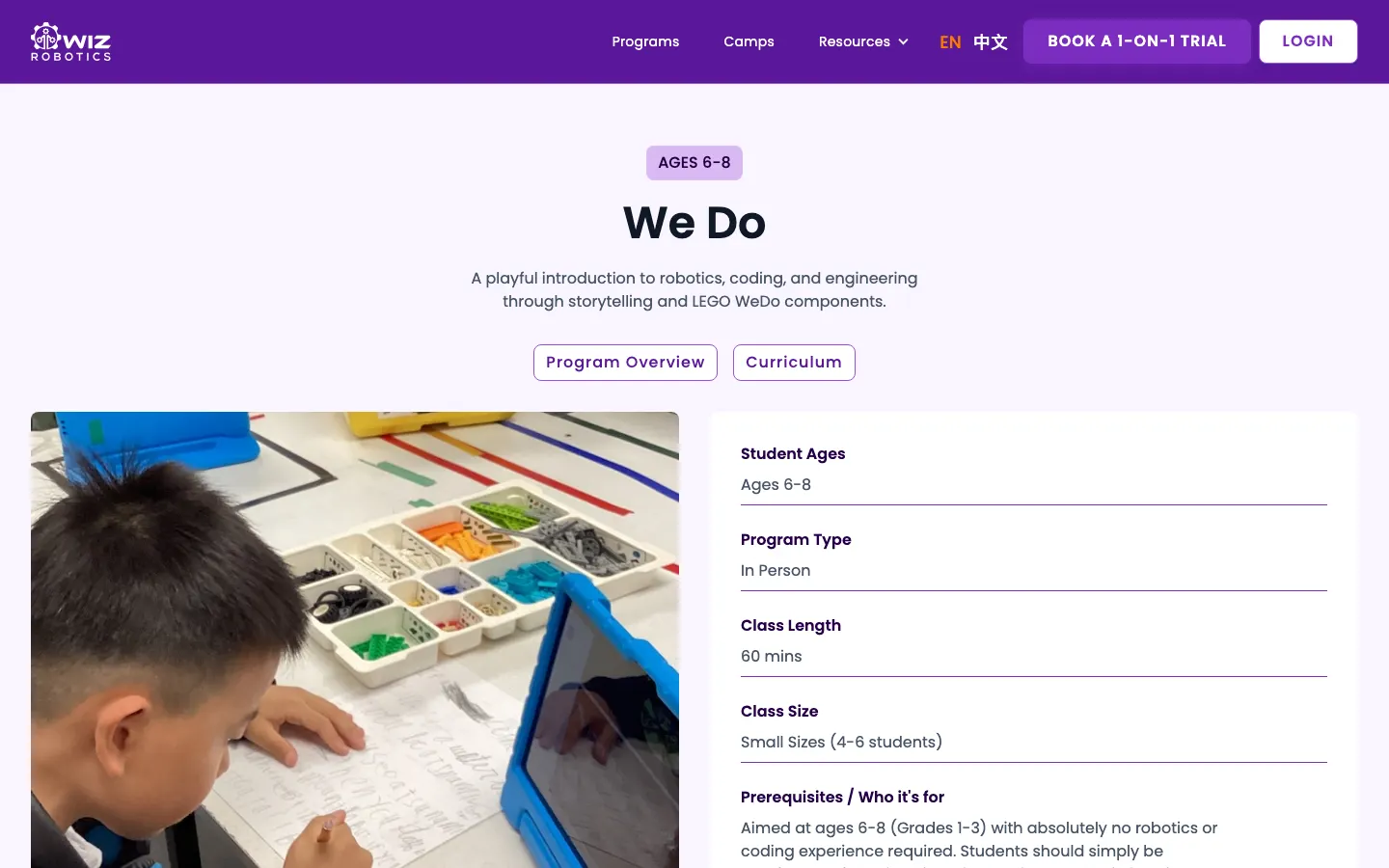
Wiz Robotics We Do
Wiz Robotics We Do is an in-person introduction to robotics, coding, and engineering through storytelling and LEGO WeDo components, with small-group sessions for beginners. It is listed under Coding and Robotics for ages 6–8.
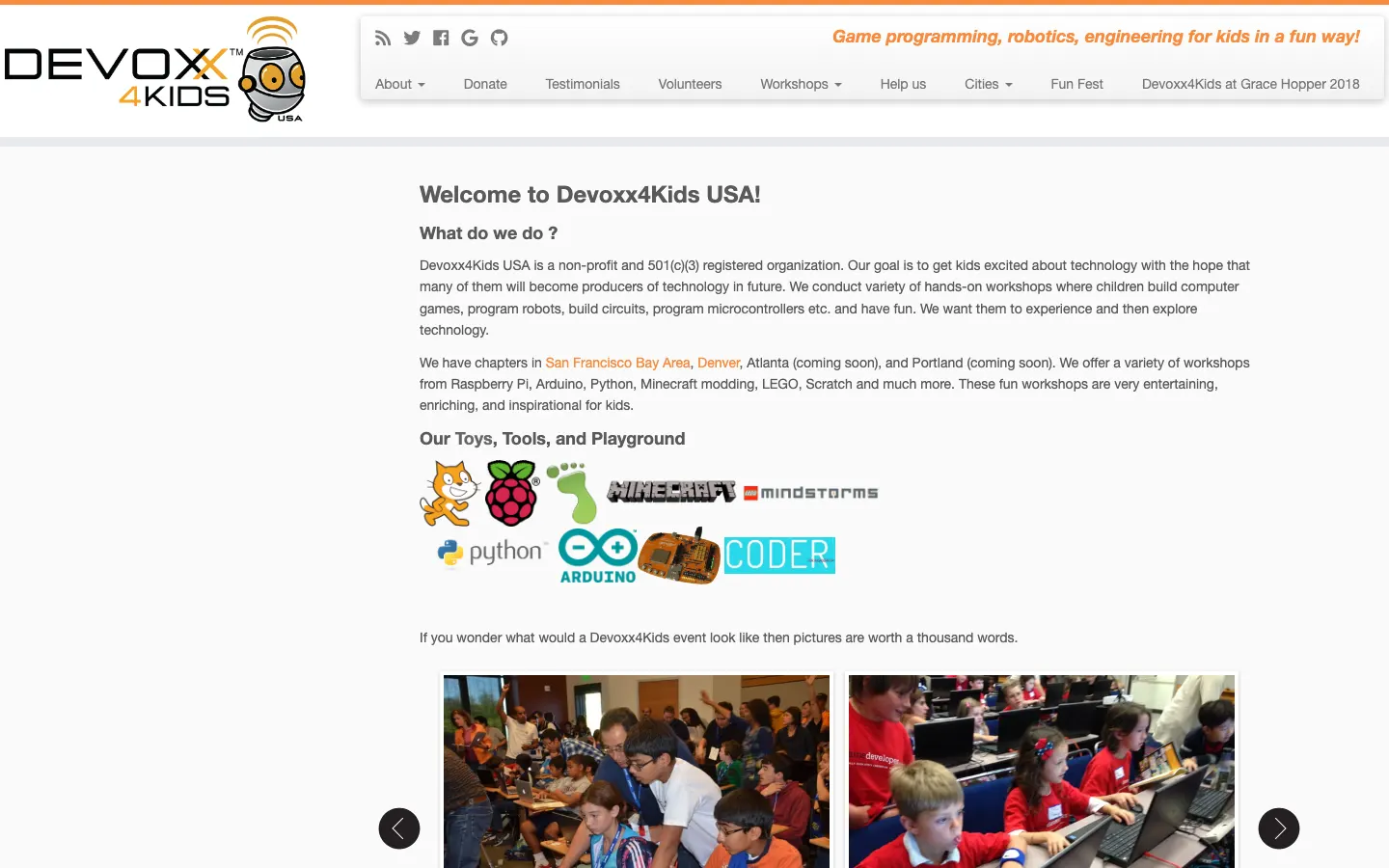
Devoxx4Kids USA
Hands-on workshops where children build computer games, program robots, make circuits, and explore microcontrollers with volunteer mentors. It is listed under Coding and Robotics for ages 6–18; workshop-specific. Children and families can use it through a website.
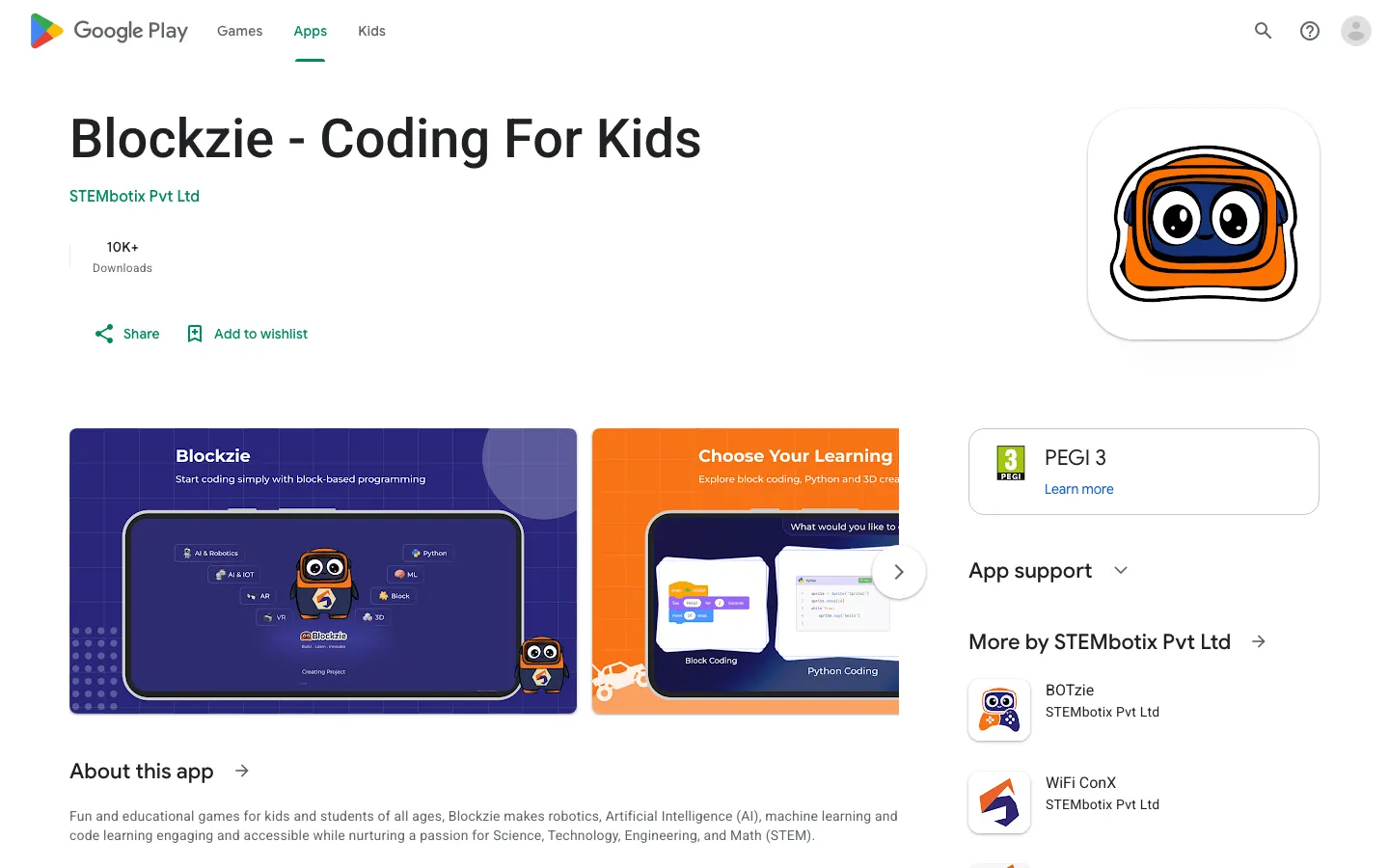
Blockzie
Blockzie is a drag-and-drop coding and STEM app for children 5+ covering algorithms, sequencing, loops, conditionals, AI/ML concepts, and optional robotics hardware. It is listed under Coding and Science for ages 5+. Children and families can use it through an Android app.
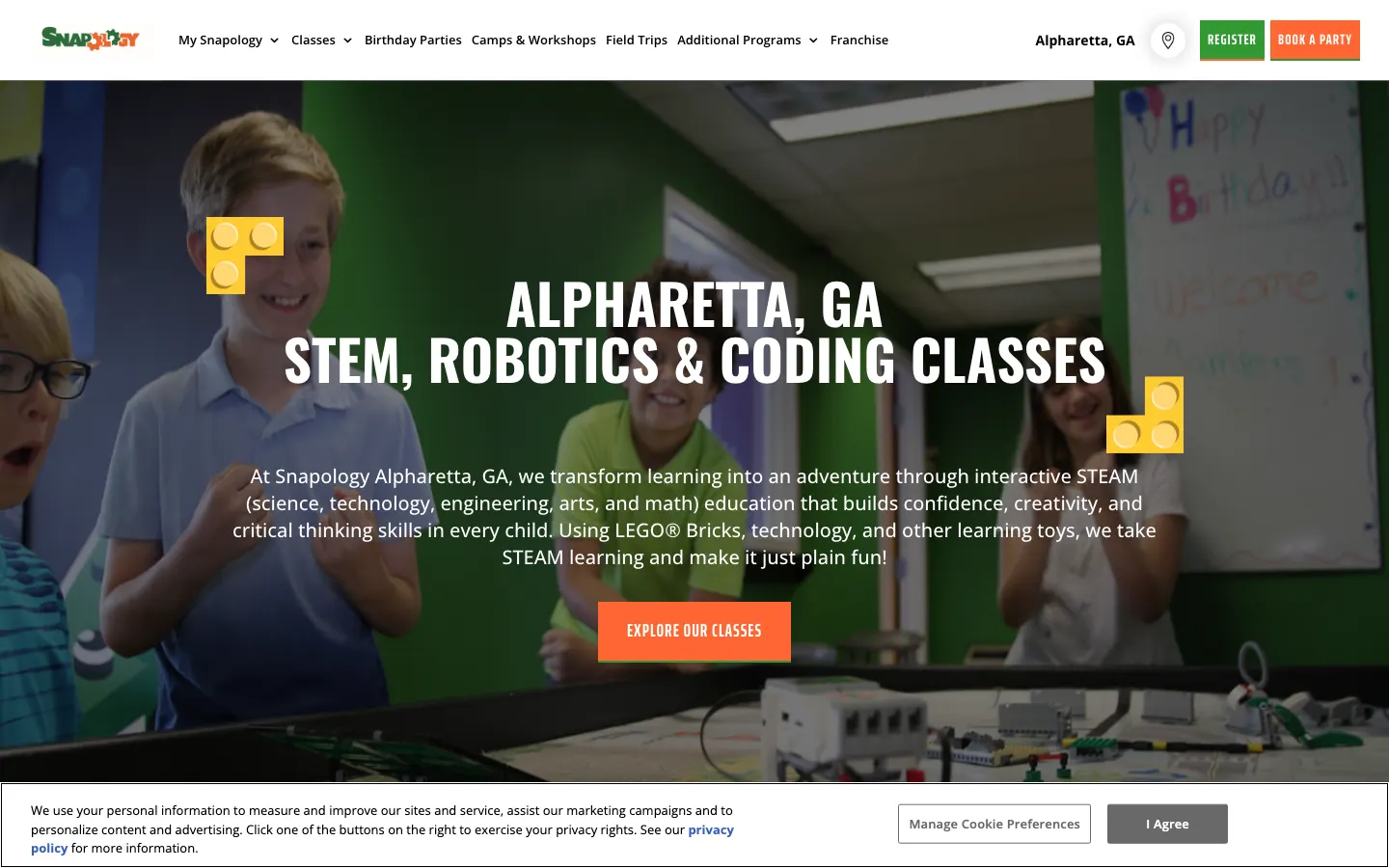
Snapology Alpharetta Programs
Snapology Alpharetta offers playful STEM classes including Junior Builders, coding, robotics, FIRST LEGO League, gamebots, and invention challenges. It is listed under Coding and Robotics for ages 4–14. Children and families can use it through a website.
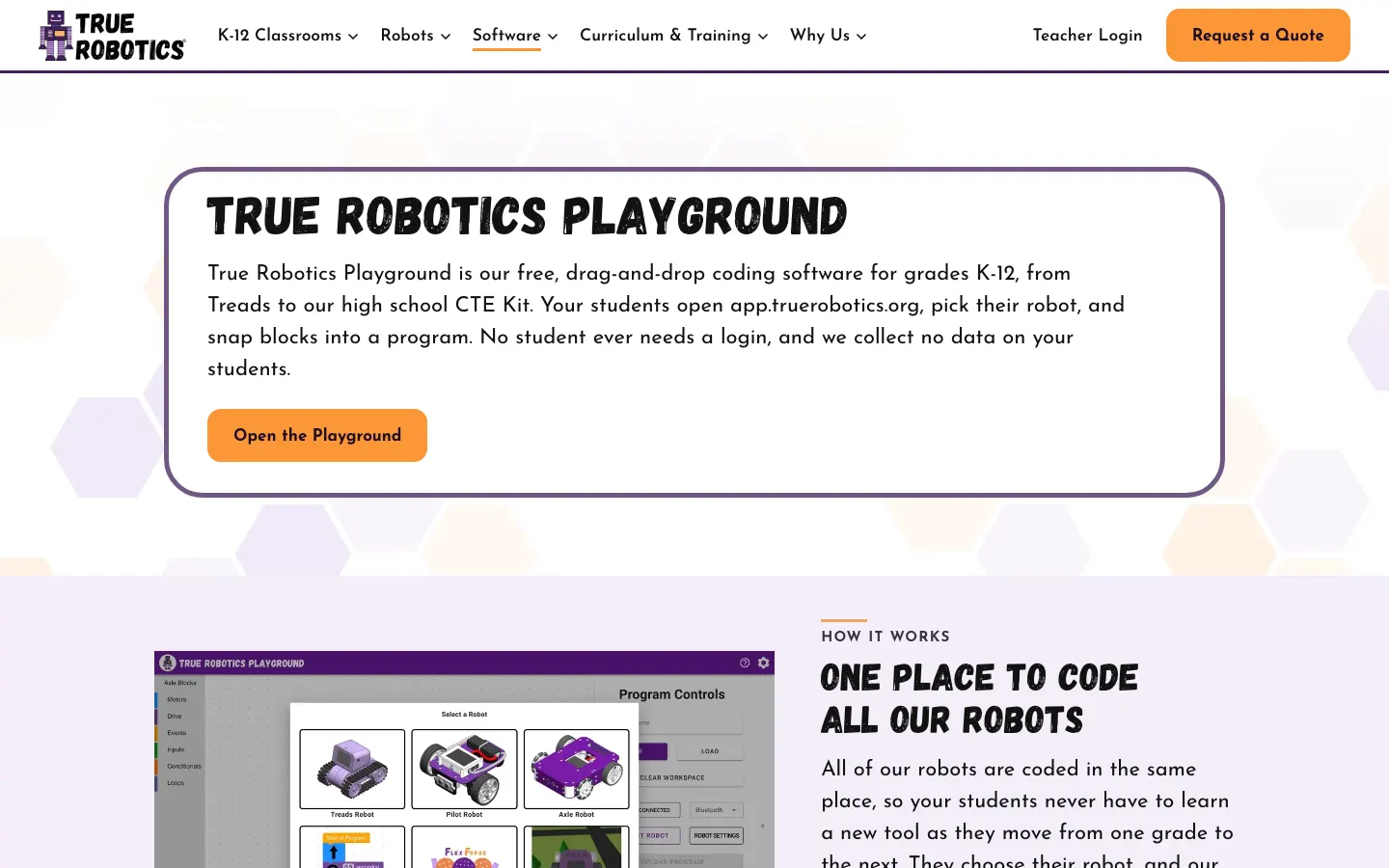
True Robotics Playground
True Robotics Playground is free drag-and-drop coding software that grows from picture blocks to loops, conditionals, sensors, and Python across a family of robots. It is listed under Coding and Robotics for ages K–12.
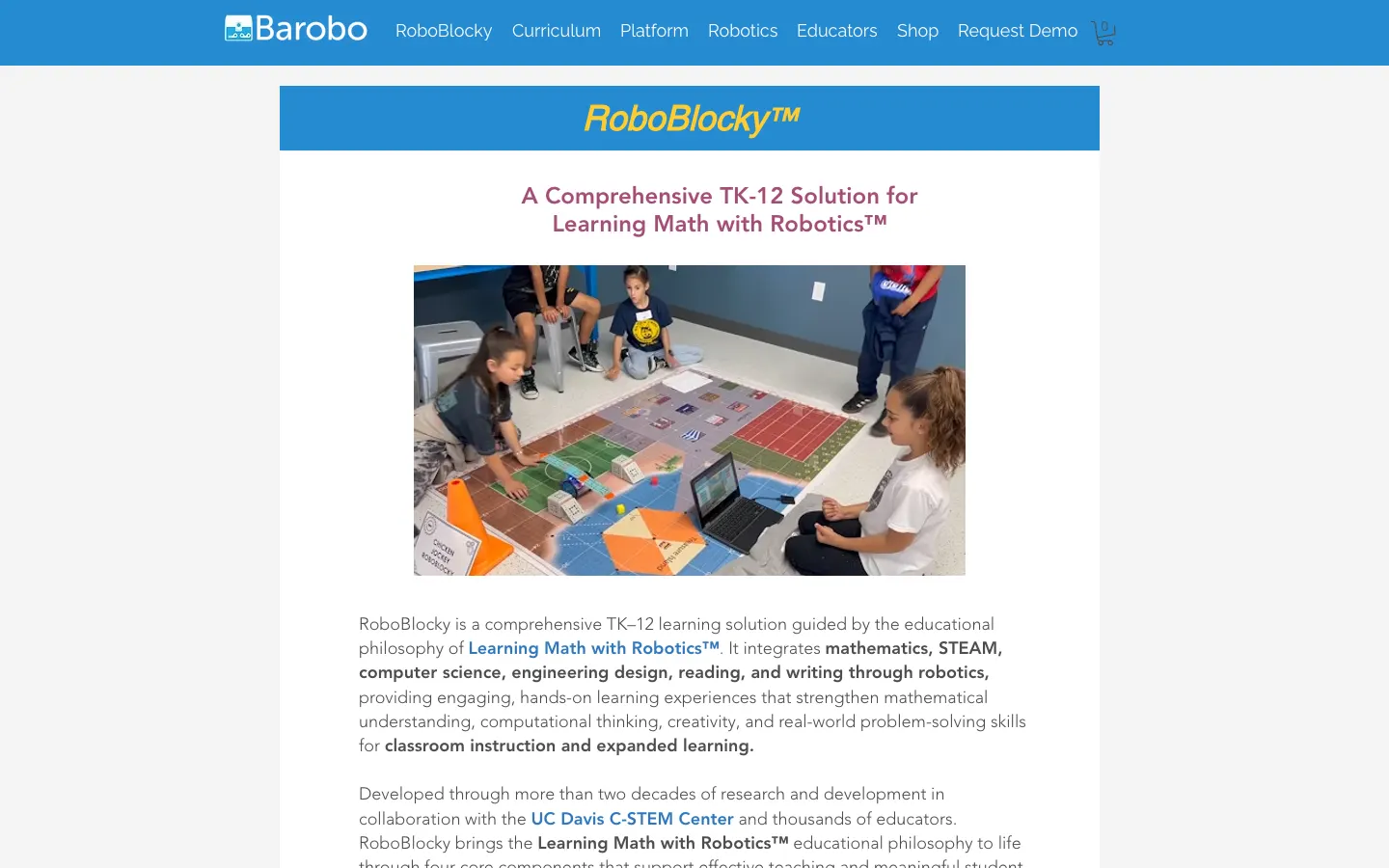
RoboBlockly
RoboBlockly is a TK–12 curriculum and robotics learning solution that connects mathematics, STEM, computer science, engineering, reading, and writing through robotics. It is listed under Mathematics and Coding for ages TK–12. Children and families can use it through a website.
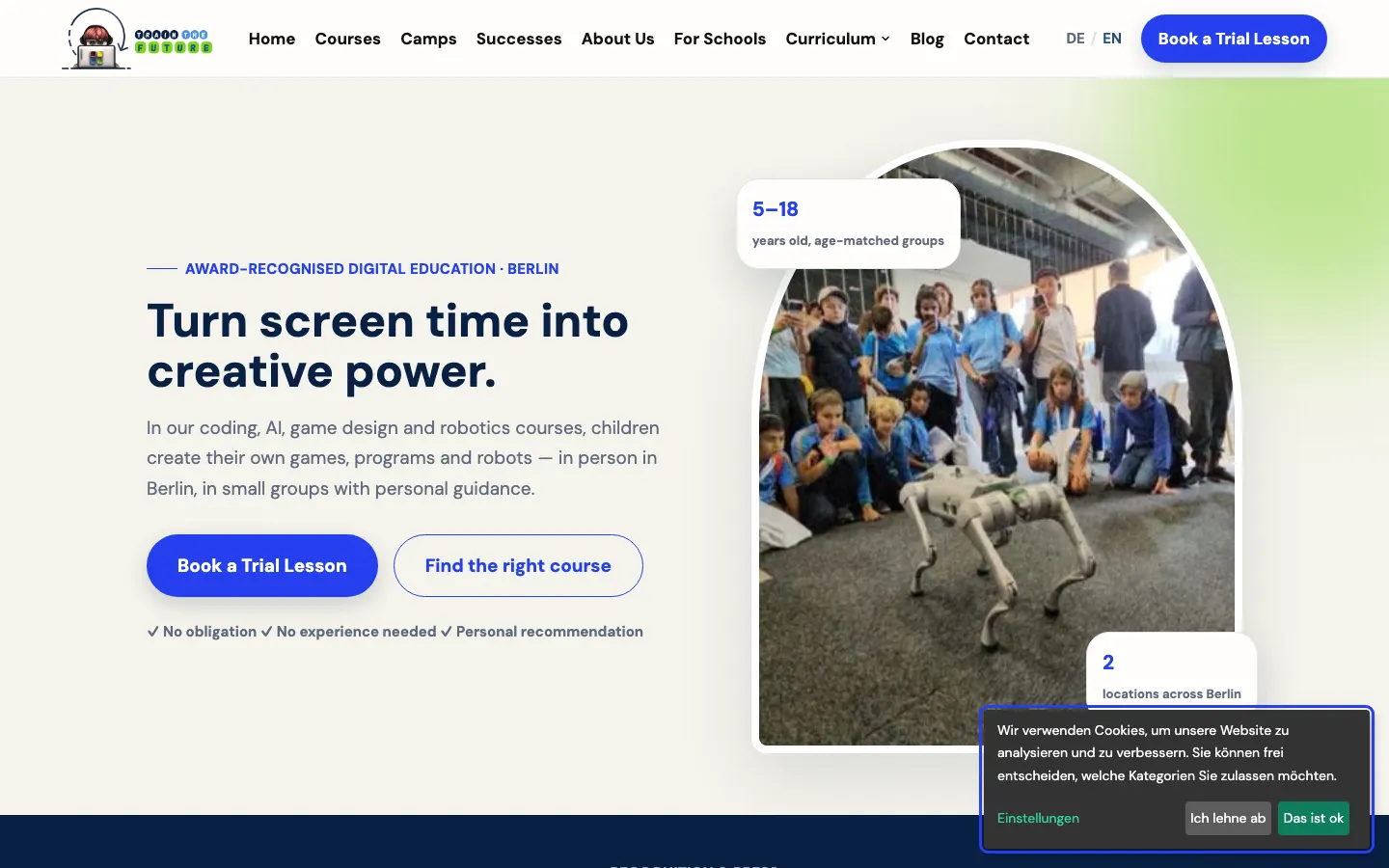
Train the Future
Train the Future is a Berlin coding school that guides children through visual programming, Python, robotics, Roblox game design, and AI pathways. It is listed under Coding and Robotics for ages 5–18. Children and families can use it through a website.
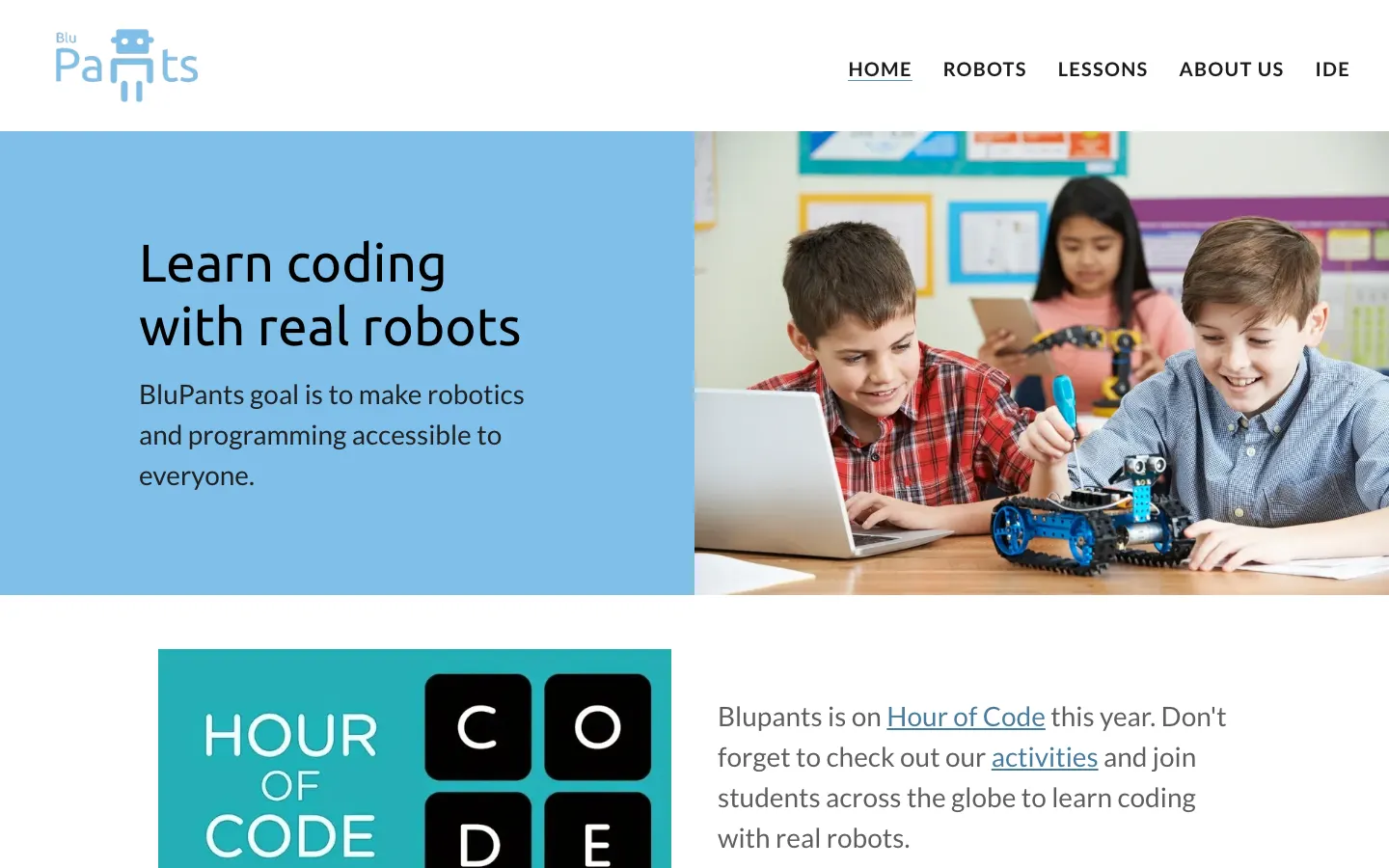
BluPants
BluPants is a browser-based coding environment for programming real robots, with visual blocks, a path toward Python, video lessons, and online-class support. It is listed under Coding and Robotics for ages 5–16. Children and families can use it through a website.
Compare with context
Use this collection to find a direction, then open each resource page before sharing it with a child. The individual review shows languages, access formats, tags, age guidance, source links, and notes for grown-ups.
Search the full directory →