Parent & educator Games
for kids
Explore 20 trusted parent & educator games resources selected for curious kids, with clear ages, access details, and parent context.
Two useful ways to narrow the directory
This page brings together parent & educator resources that also match games. Each listing keeps its own age range, platform details, languages, links, and parent notes, so you can compare options without losing context.
Explore all parent & educator resources →
Museums for Digital Learning
A shared digital platform where museums contribute free K–12 educational resource kits, interactive narratives, timelines, slide shows, and games linked to museum collections. It is listed under History & culture and Science for ages 5–18.
Read the full resource review →More parent & educator picks
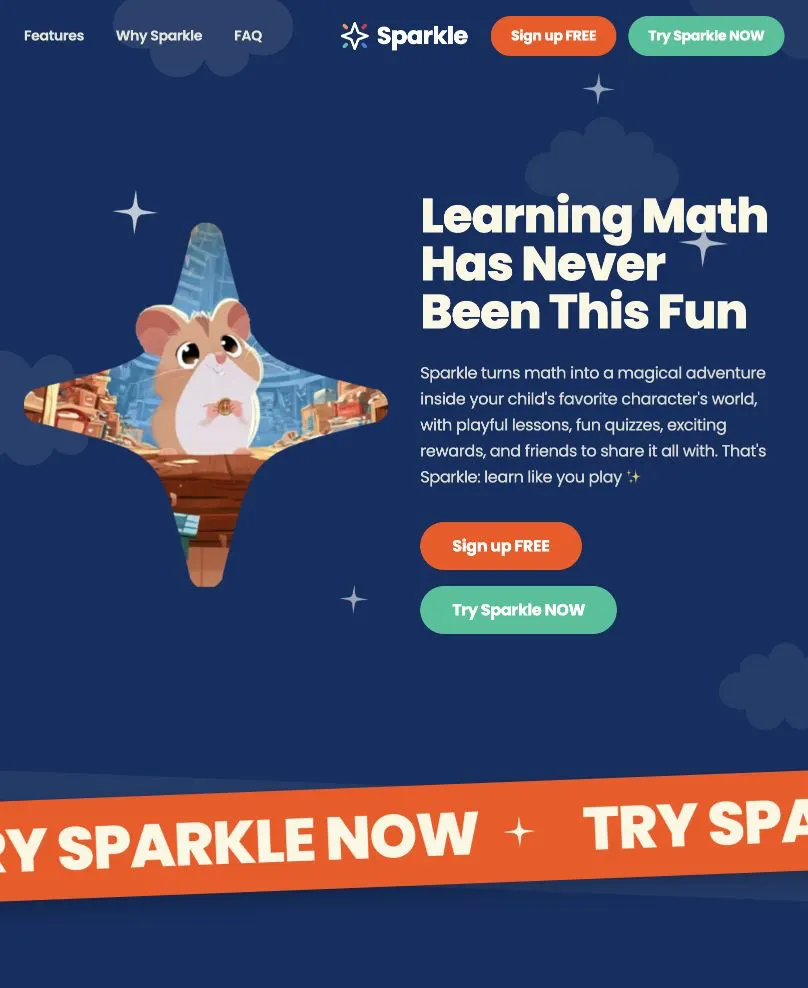
Sparkle Math
A free adaptive math practice app for grades K–8 that uses companion characters, playful worlds, quizzes, and Florida B.E.S.T.-aligned lessons. It is listed under Math and Games for ages 5–12. Children and families can use it through a website.
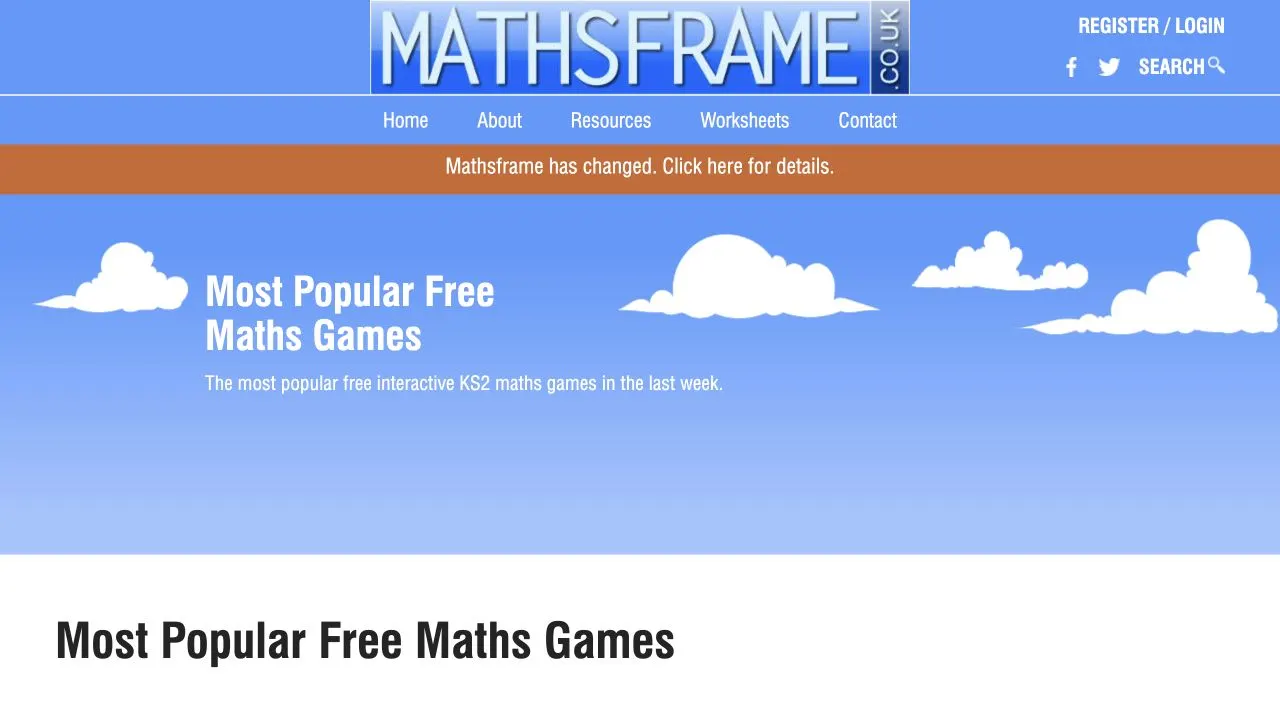
Mathsframe Free Maths Games
Mathsframe provides free interactive KS2 maths games covering arithmetic, number lines, fractions, times tables, geometry, and problem solving in a browser-based collection. It is listed under Math and Games for ages 7–11. Children and families can use it through a website.
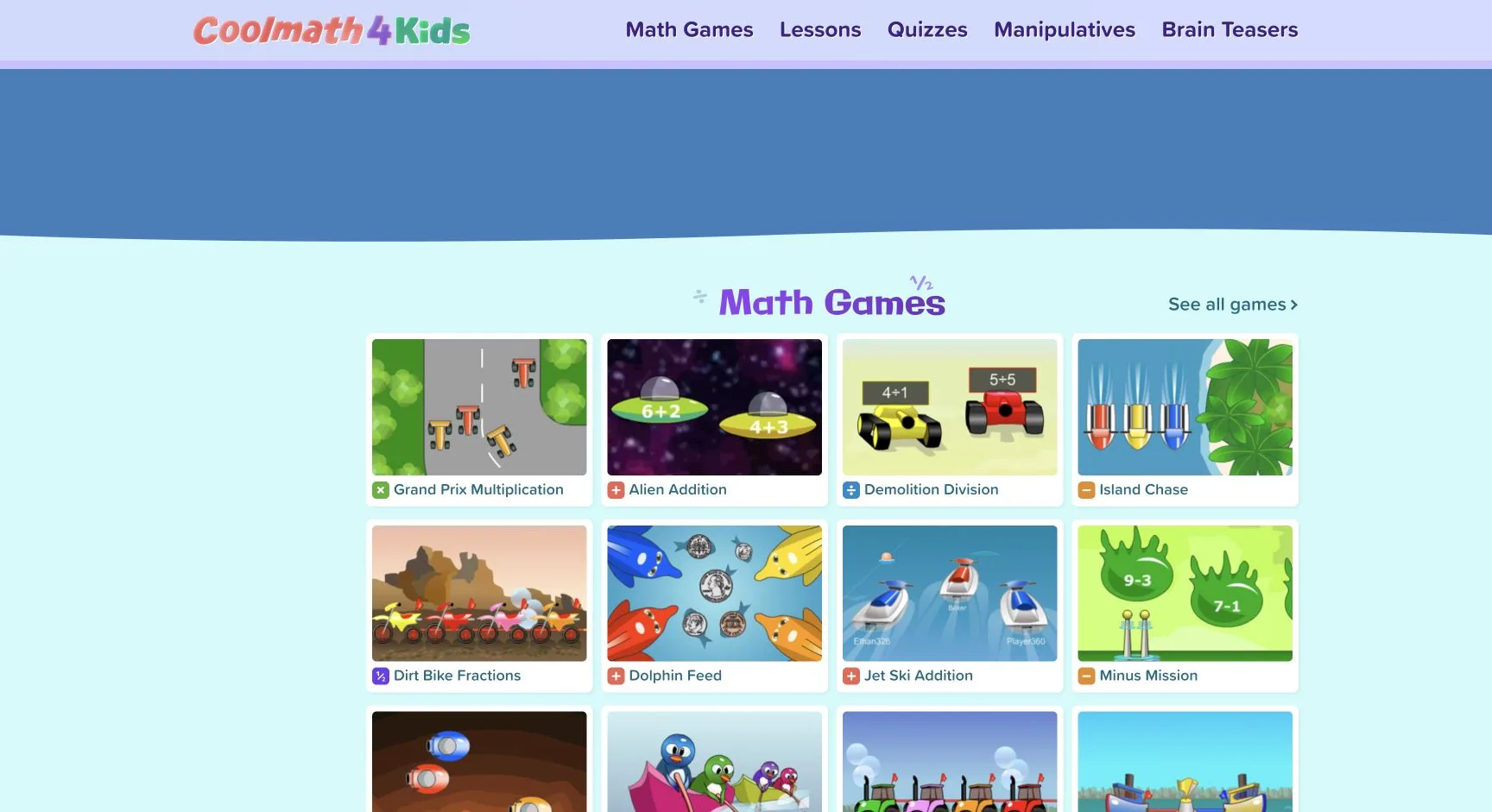
Coolmath4Kids
A browser collection of math games, lessons, quizzes, manipulatives, and brain teasers for elementary learners. It is listed under Math and Games for ages 6–12; activity-specific. Children and families can use it through a website.
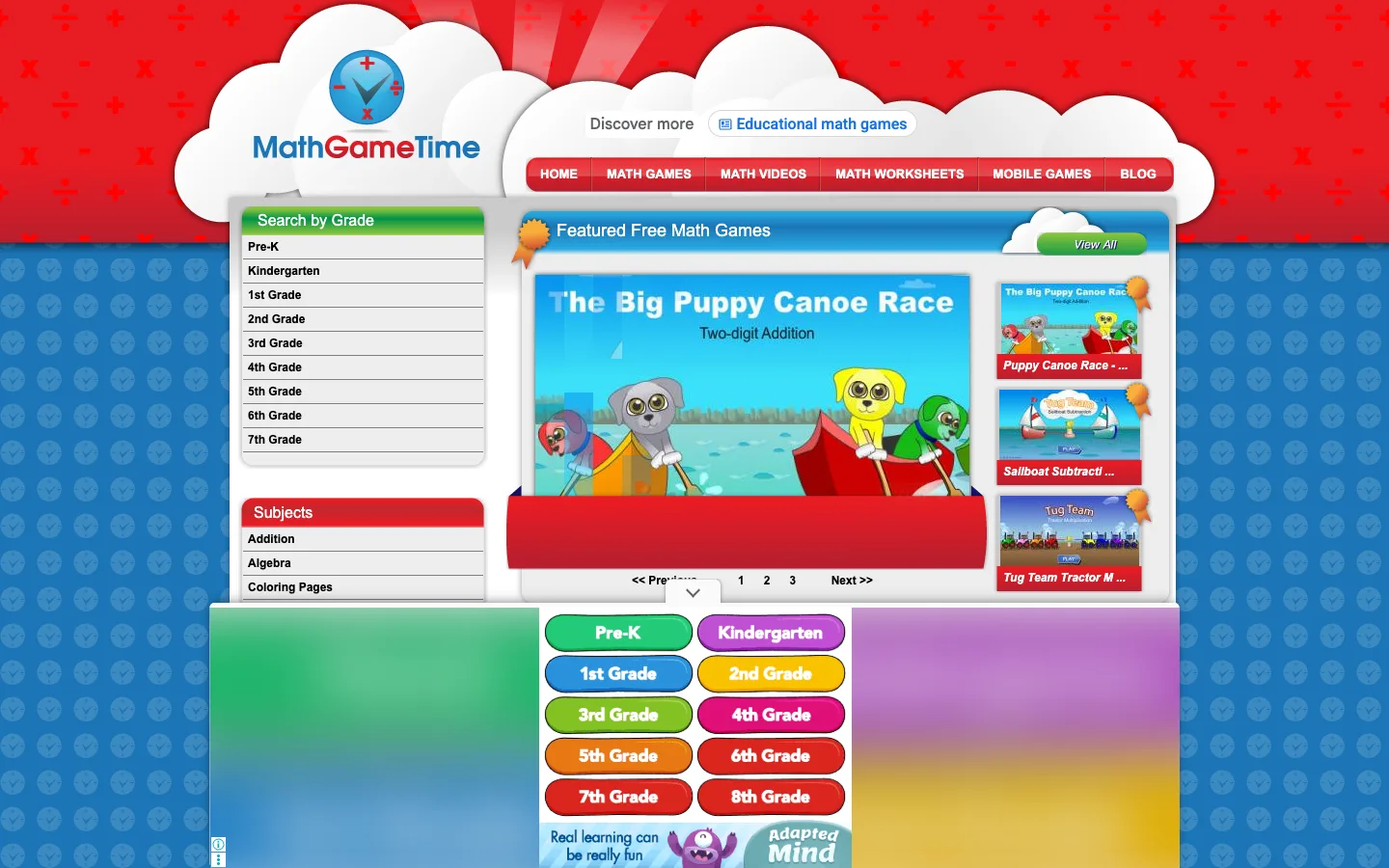
Math Game Time
A math-practice site organizing browser games and activities by grade and topic for elementary learners. It is listed under Math and Games for ages Pre-K–Grade 7; game-specific. Children and families can use it through a website.
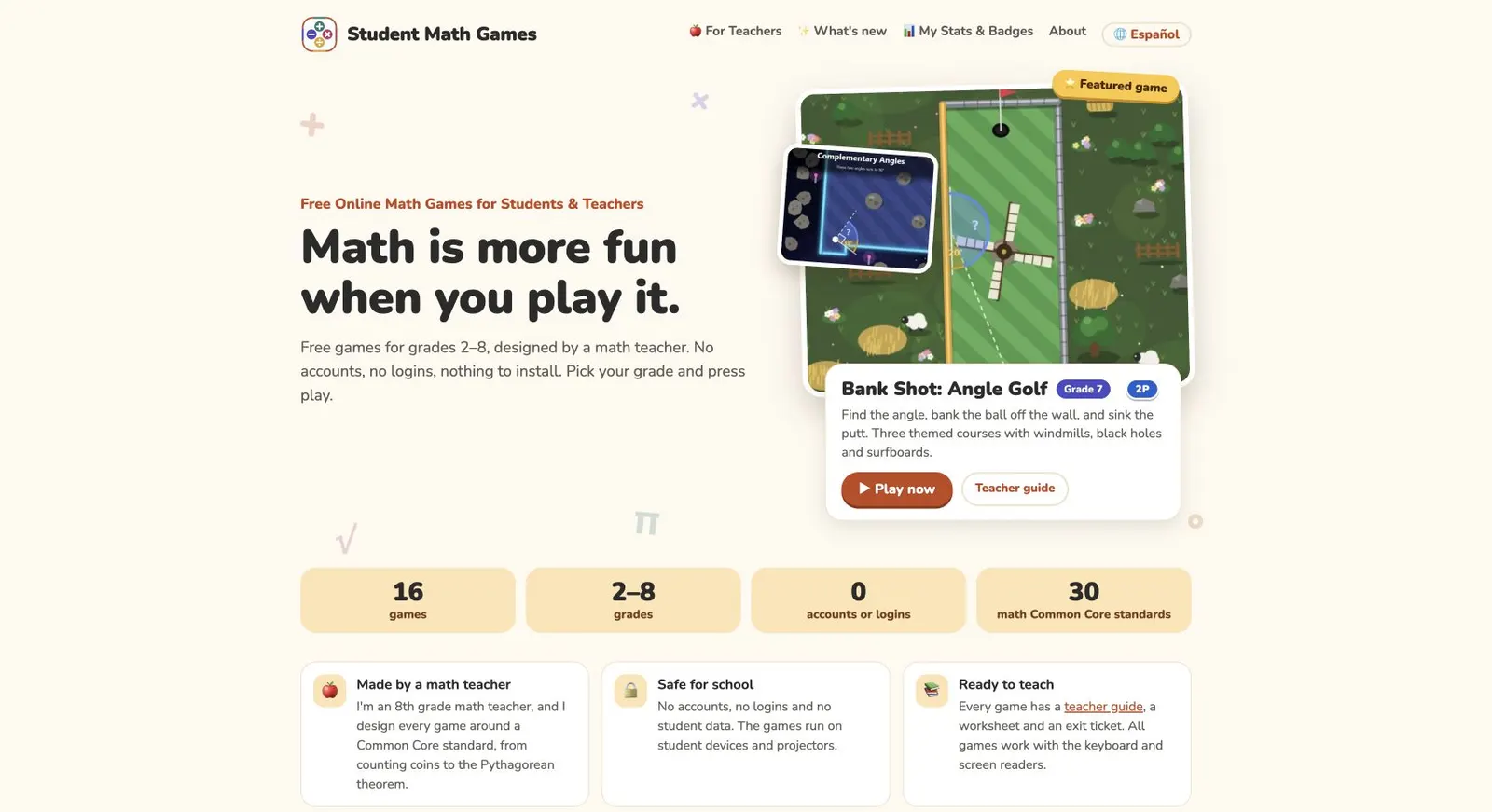
Student Math Games
Student Math Games offers free browser games for grades 2–8, each designed by a math teacher around a Common Core standard with teacher guides, worksheets, and exit tickets. It is listed under Math and Games for ages 7–14.
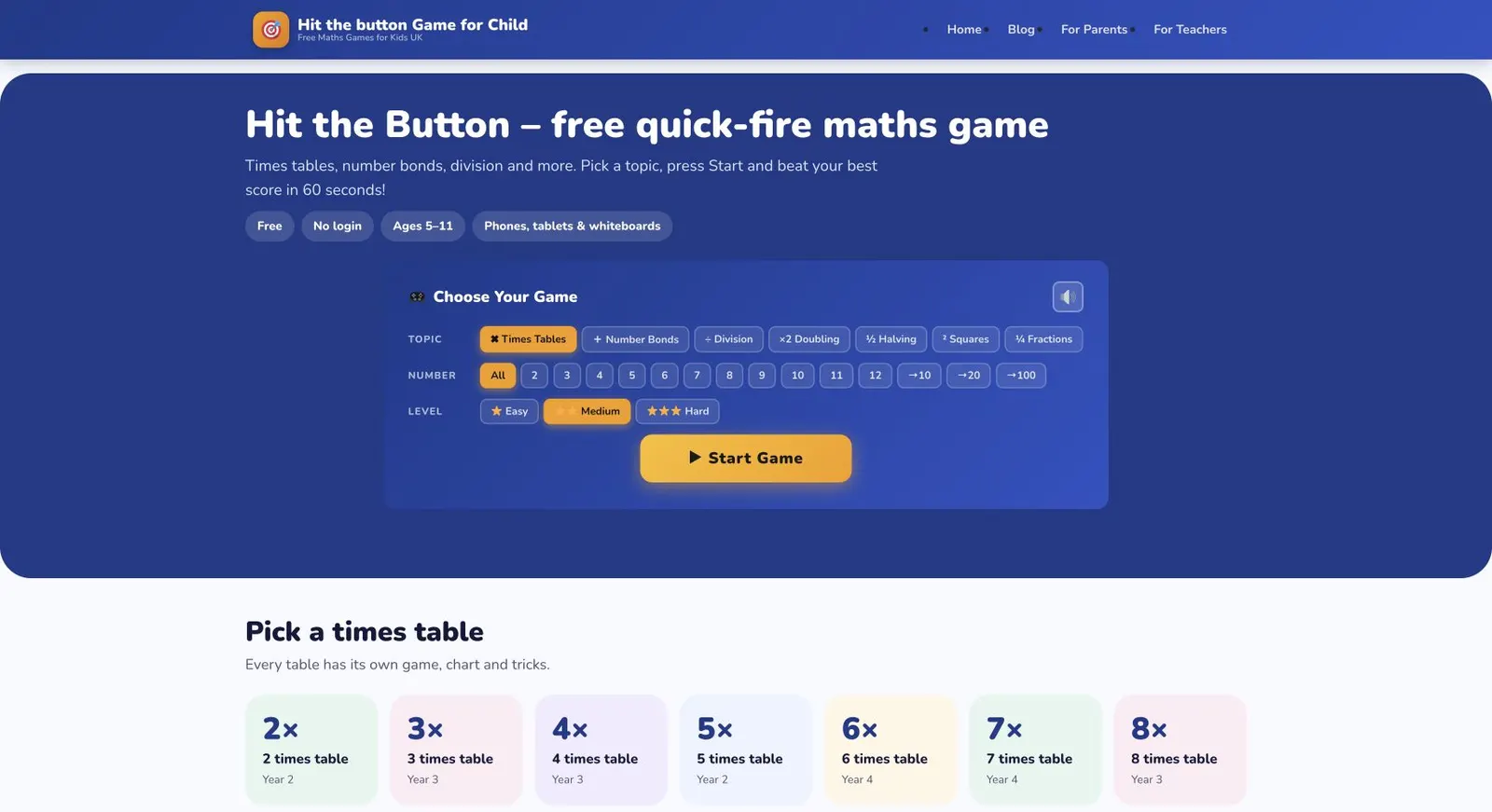
Hit the Button
Hit the Button is a free quick-fire math game for ages 5–11 covering times tables, number bonds, division, doubling, halving, fractions, and squares. It is listed under Math and Games for ages 5–11. Children and families can use it through a website.
MediaSmarts Educational Games
MediaSmarts educational games help children and teens practise digital and media literacy through interactive activities about privacy, advertising, online safety, and critical thinking. It is listed under Coding and Social-emotional for ages 5–18; game-specific.
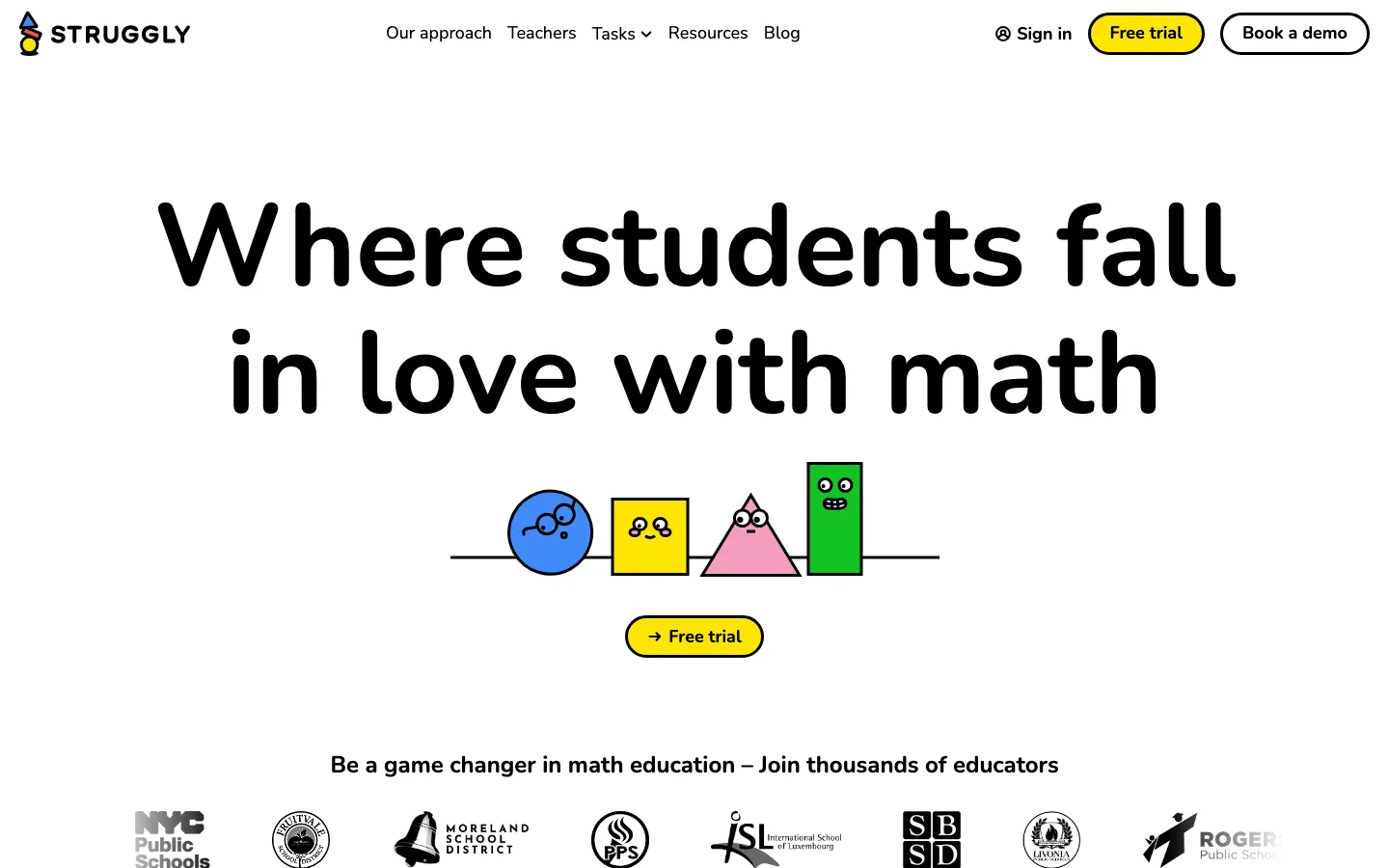
Struggly
Struggly is a gamified online mathematics supplement that uses playful puzzles and standards-aligned practice to help students work through arithmetic, fractions, algebraic thinking, and reasoning. It is listed under Mathematics and Games for ages Pre-K–8.
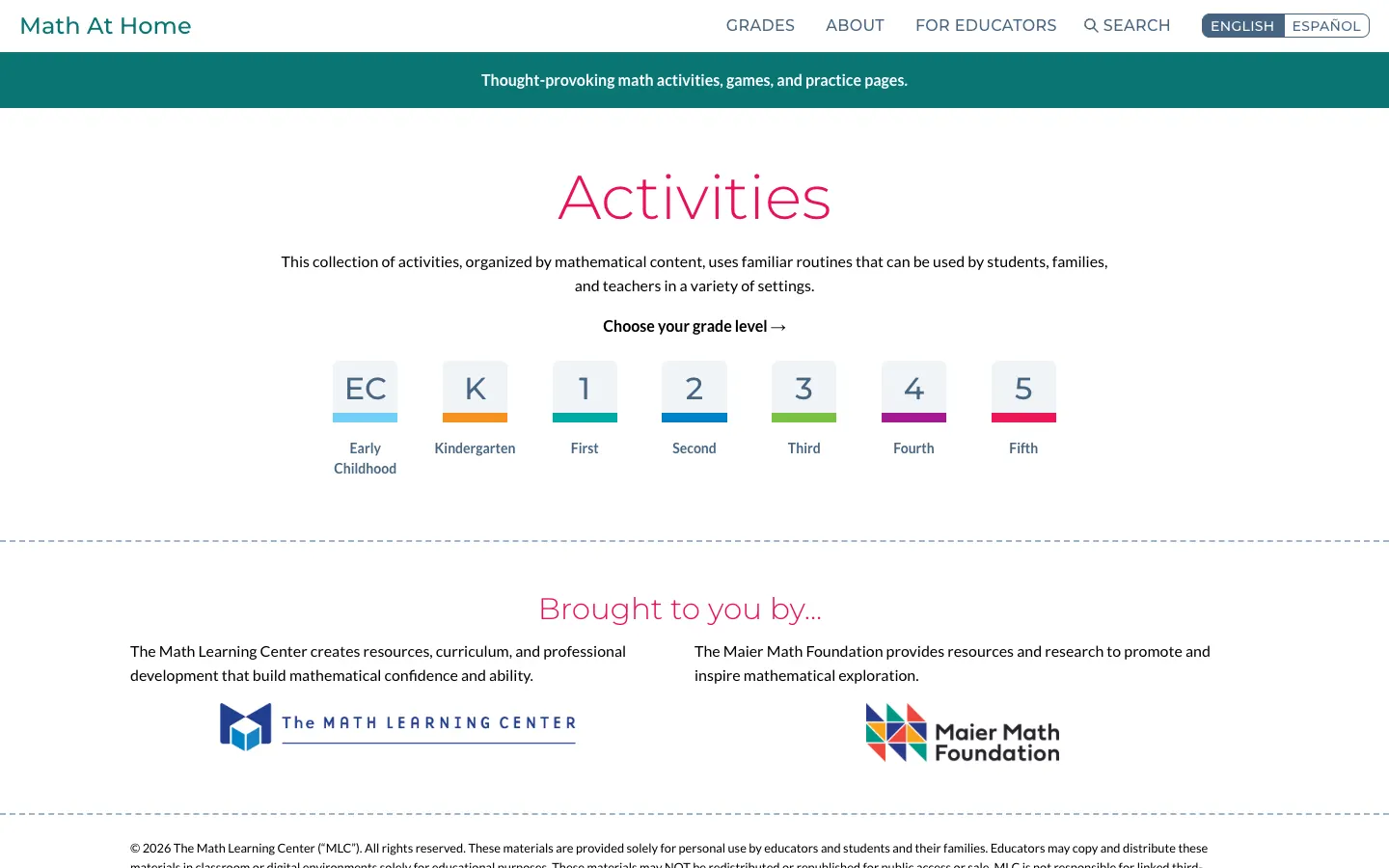
Math At Home
The Math Learning Center’s collection of thought-provoking math activities, games, and practice pages organized by grade from early childhood through fifth grade. It is listed under Math and Games for ages 3–11. Children and families can use it through a website.
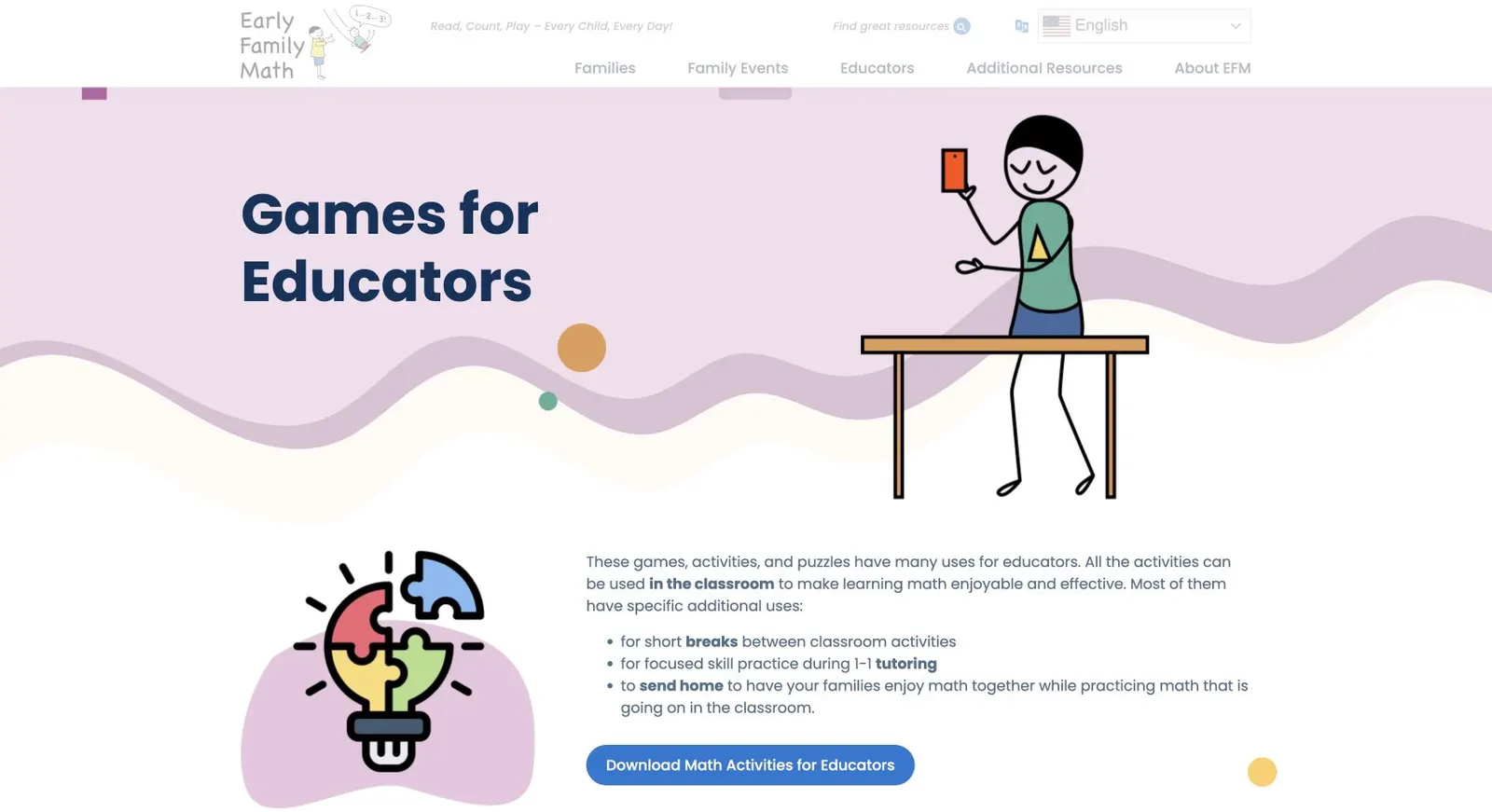
Early Family Math Games
Early Family Math’s game collection gives families playful ways to build number sense, spatial reasoning, measurement, and mathematical conversation at home. It is listed under Mathematics and Games for ages 3–8; game-specific. Children and families can use it through a website.
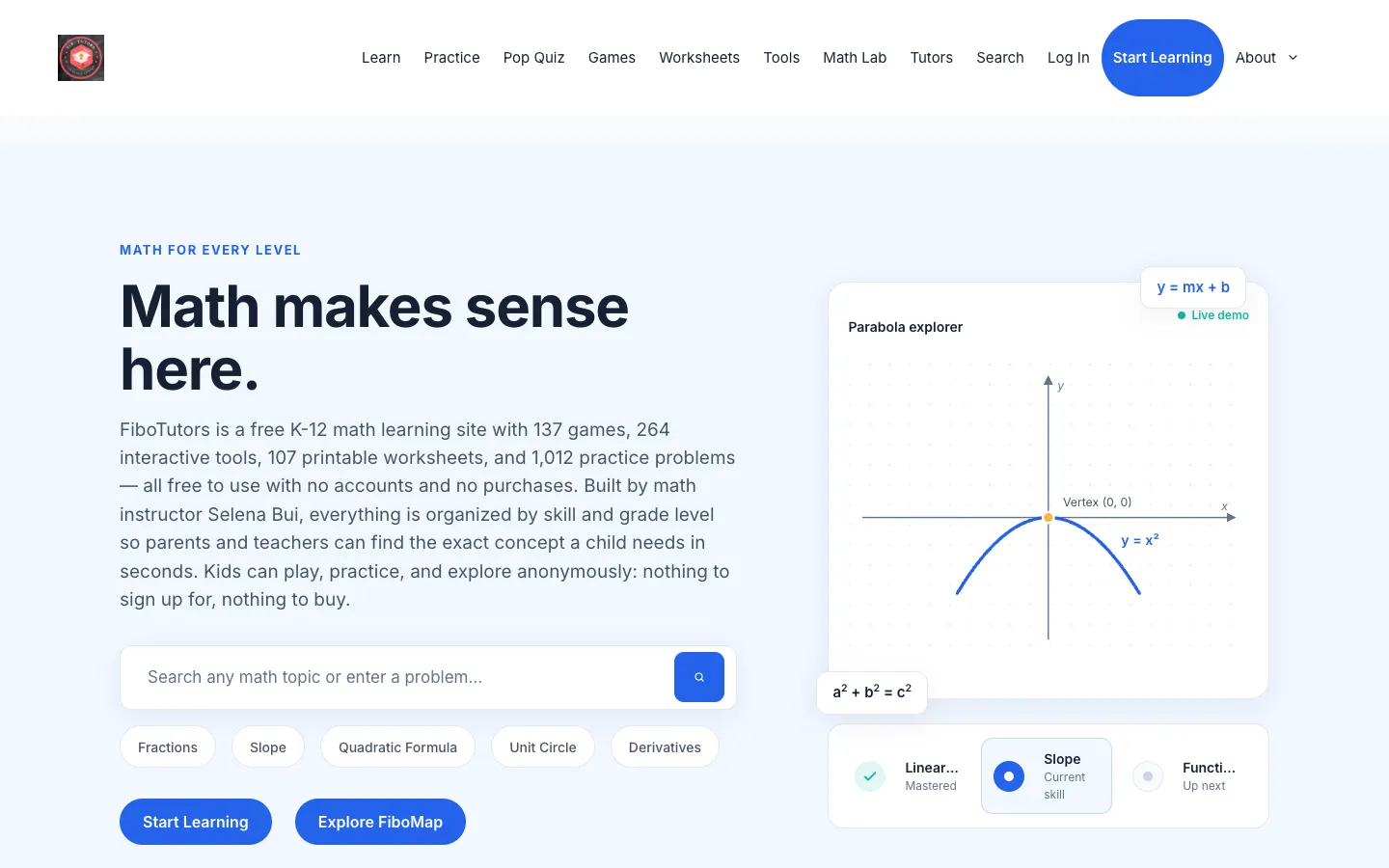
FiboTutors
FiboTutors is a free K–12 math learning site with games, interactive tools, worksheets, practice problems, visual graphs, and skills organized from early math through calculus. It is listed under Maths & logic and Games for ages 4–18.
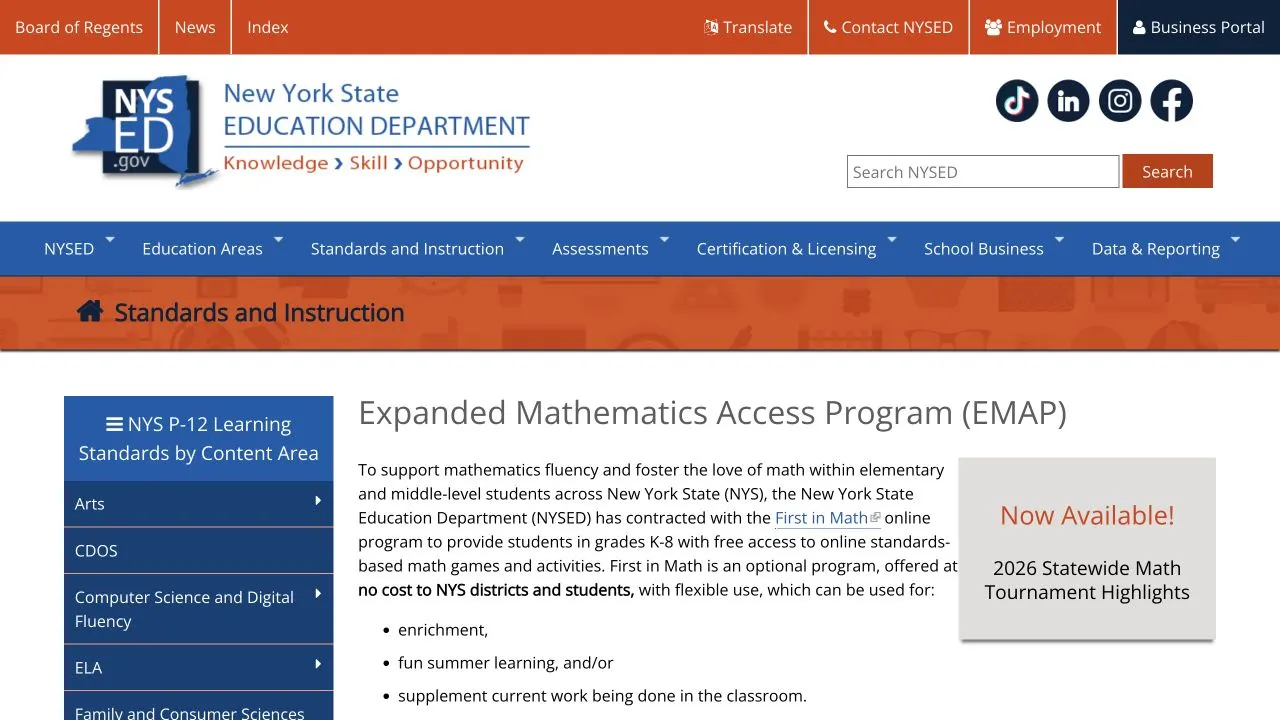
New York Expanded Mathematics Access Program
New York State Education Department’s EMAP provides participating K–8 students with no-cost access to First in Math standards-based games and activities for enrichment, summer learning, and home practice. It is listed under Maths & logic and Games for ages 5–14.
Compare with context
Use this collection to find a direction, then open each resource page before sharing it with a child. The individual review shows languages, access formats, tags, age guidance, source links, and notes for grown-ups.
Search the full directory →