Maths & logic Coding
for kids
Explore 20 trusted maths & logic coding resources selected for curious kids, with clear ages, access details, and parent context.
Two useful ways to narrow the directory
This page brings together maths & logic resources that also match coding. Each listing keeps its own age range, platform details, languages, links, and parent notes, so you can compare options without losing context.
Explore all maths & logic resources →
Avanza STEM Interactive Labs
A free set of browser-based STEM labs covering physics, coding, chemistry, engineering, and virtual experiments with no installation or sign-in. It is listed under Science and Coding for ages 8–16. Children and families can use it through a website.
Read the full resource review →More maths & logic picks
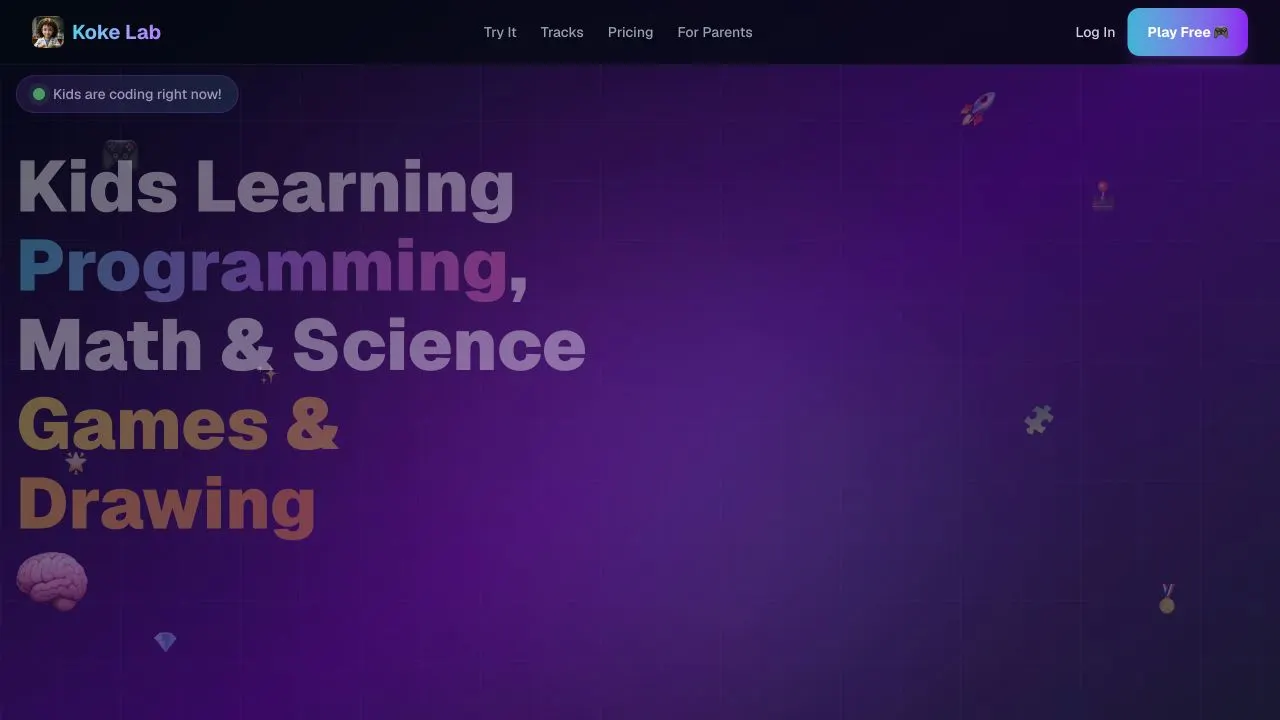
KokeLab
KokeLab offers kids learning games and projects in programming, math, science, and drawing, with a free-to-start browser experience aimed at ages 4–12. It is listed under Coding and Maths & logic for ages 4–12.
Brainland
A Singapore-built browser learning world for Primary 1–6 with free gamified zones for maths, English, science, geography, art, coding, and puzzles. It is listed under Maths & logic and Reading for ages 7–12. Children and families can use it through a website.
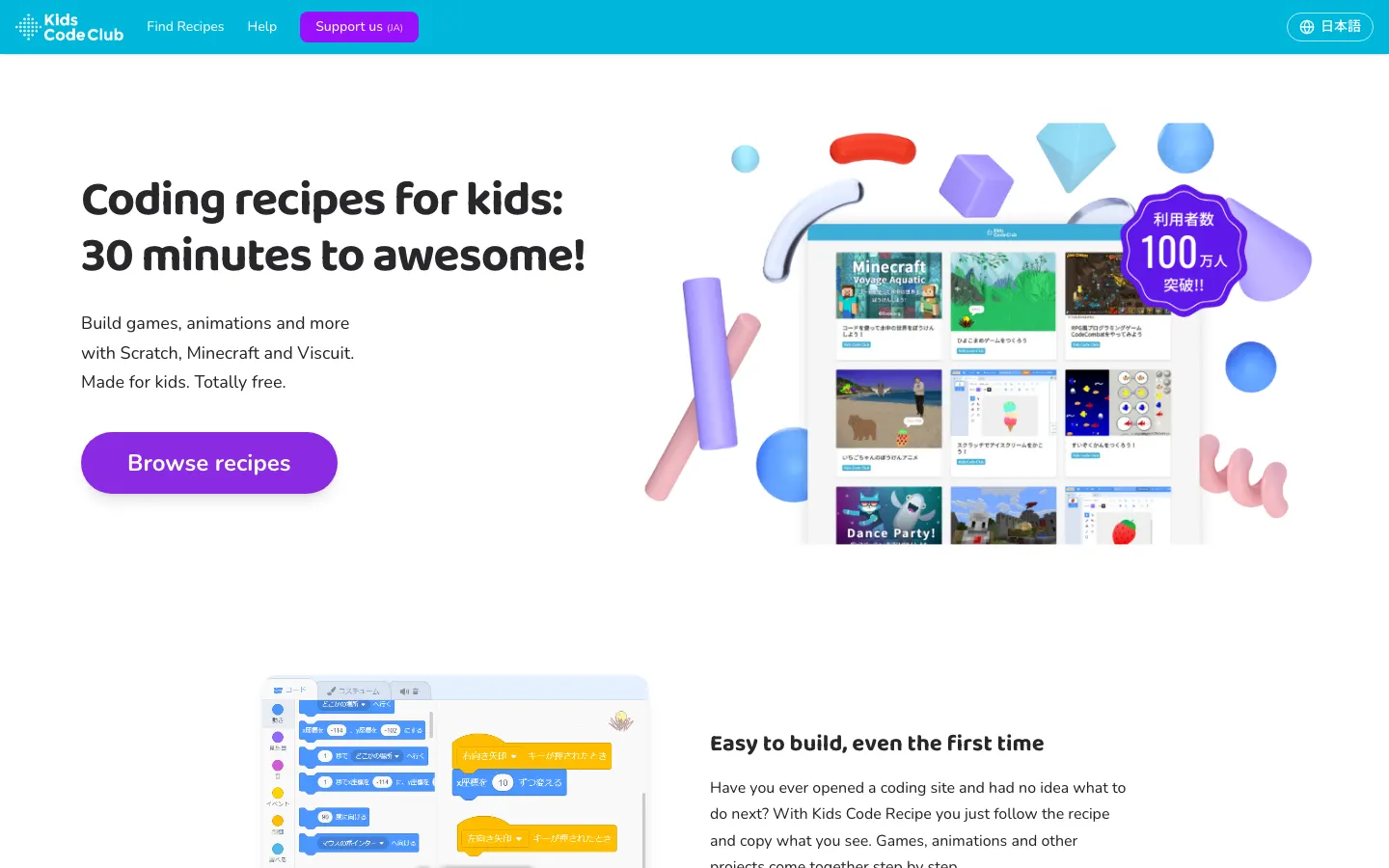
Kids Code Recipe
A free coding tutorial library with short step-by-step recipes for making games, animations, music, and interactive projects with Scratch, Minecraft, and Viscuit. It is listed under Coding and Art & creativity for ages 5–14.
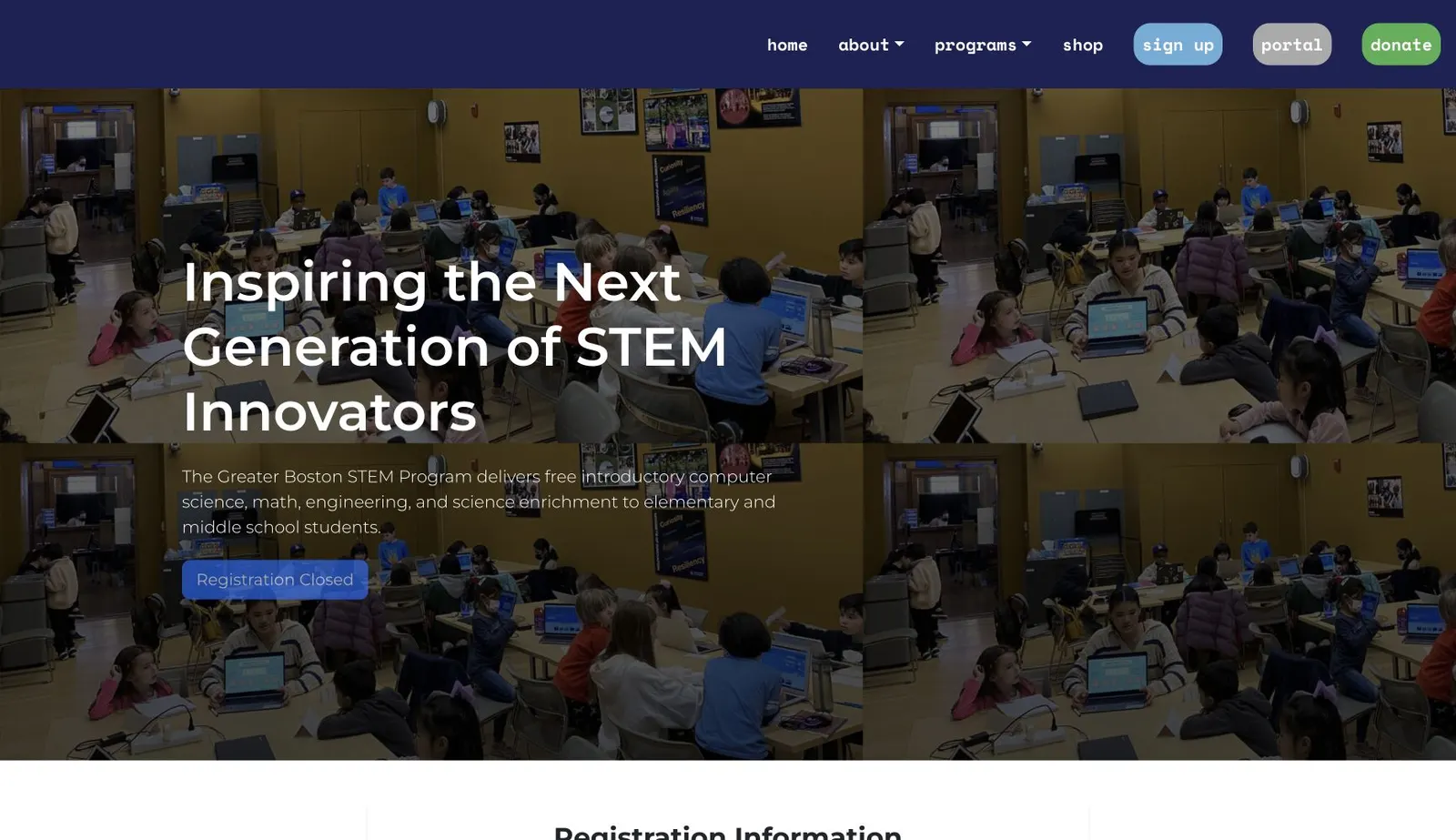
Greater Boston STEM Program
The Greater Boston STEM Program provides free introductory computer science, math, engineering, and science enrichment for elementary and middle-school students through remote or in-person small-group classes. It is listed under Science and Coding for ages 7–14.
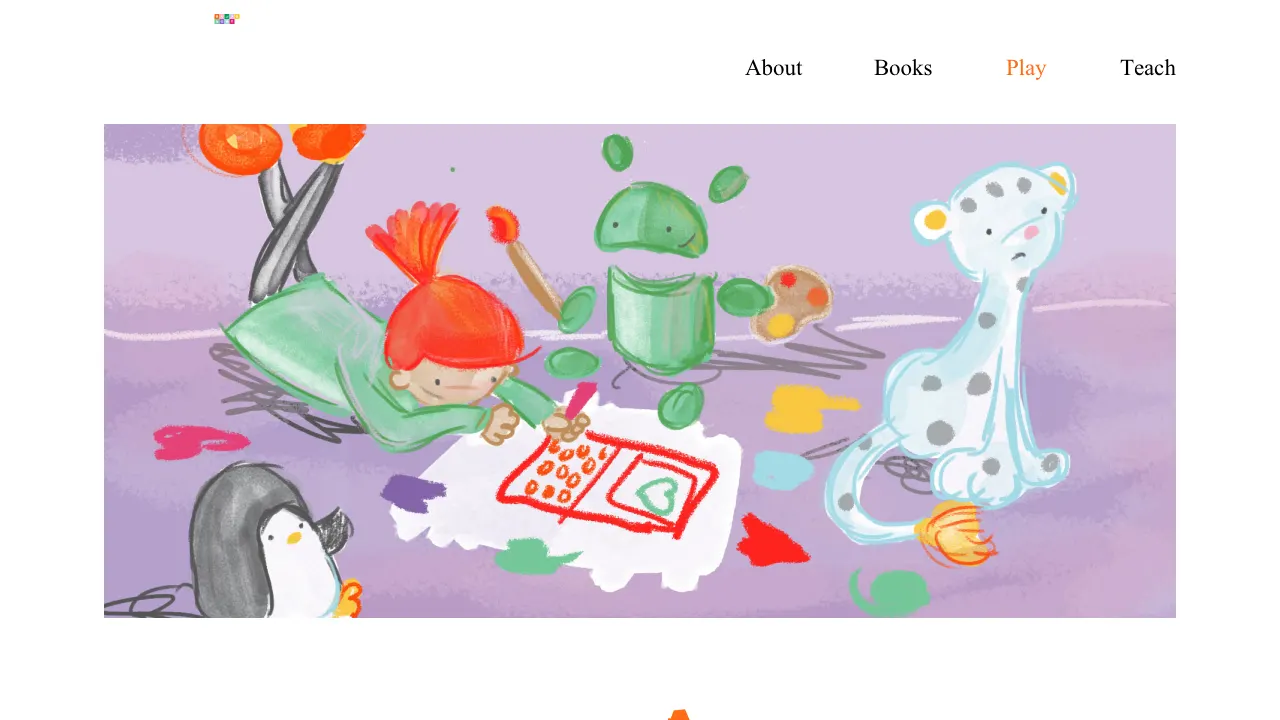
Hello Ruby Play
A free collection of playful computer-science, programming, mathematics, and digital-literacy activities from the Hello Ruby project. Activities include puzzles, algorithms, geometry, counting, secret codes, internet safety, and hands-on making. It is listed under Coding and Maths & logic for ages 4–11.
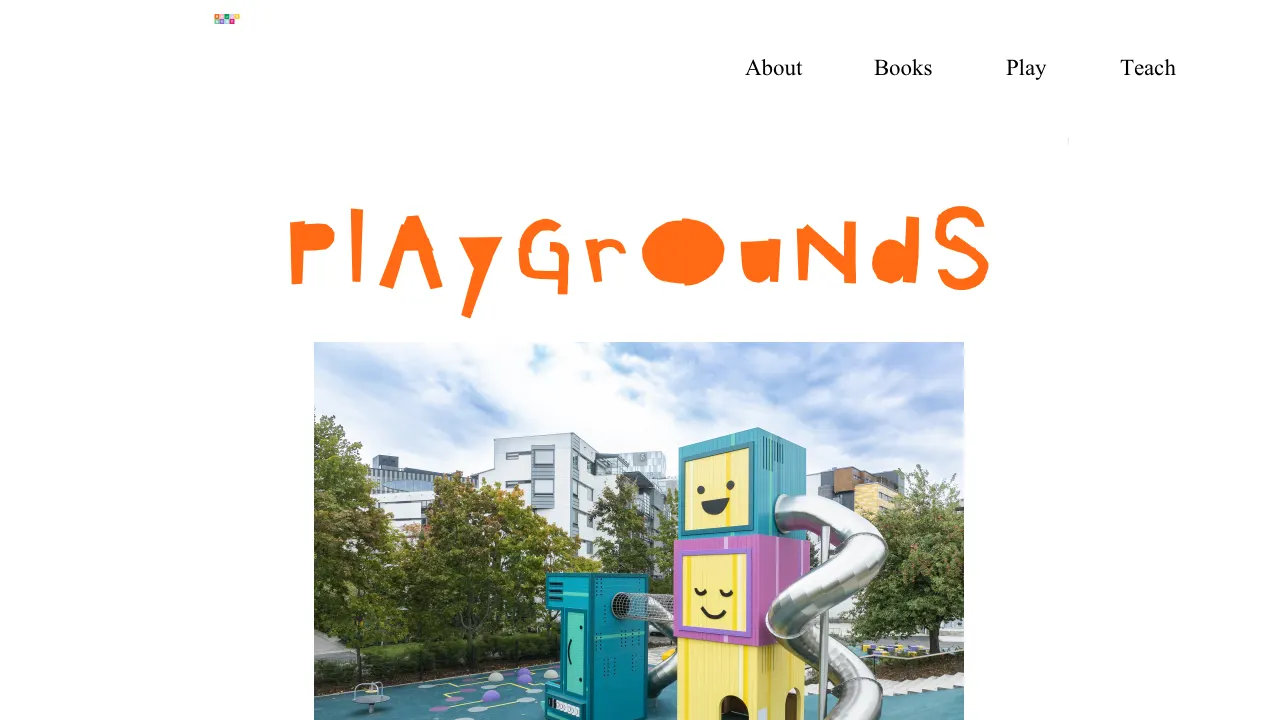
Hello Ruby Playground Curriculum
An open computer-science playground and curriculum project that turns computing ideas into physical play. The official page describes activities for sequence, conditionals, iteration, debugging, binary numbers, data, and collaborative outdoor learning.
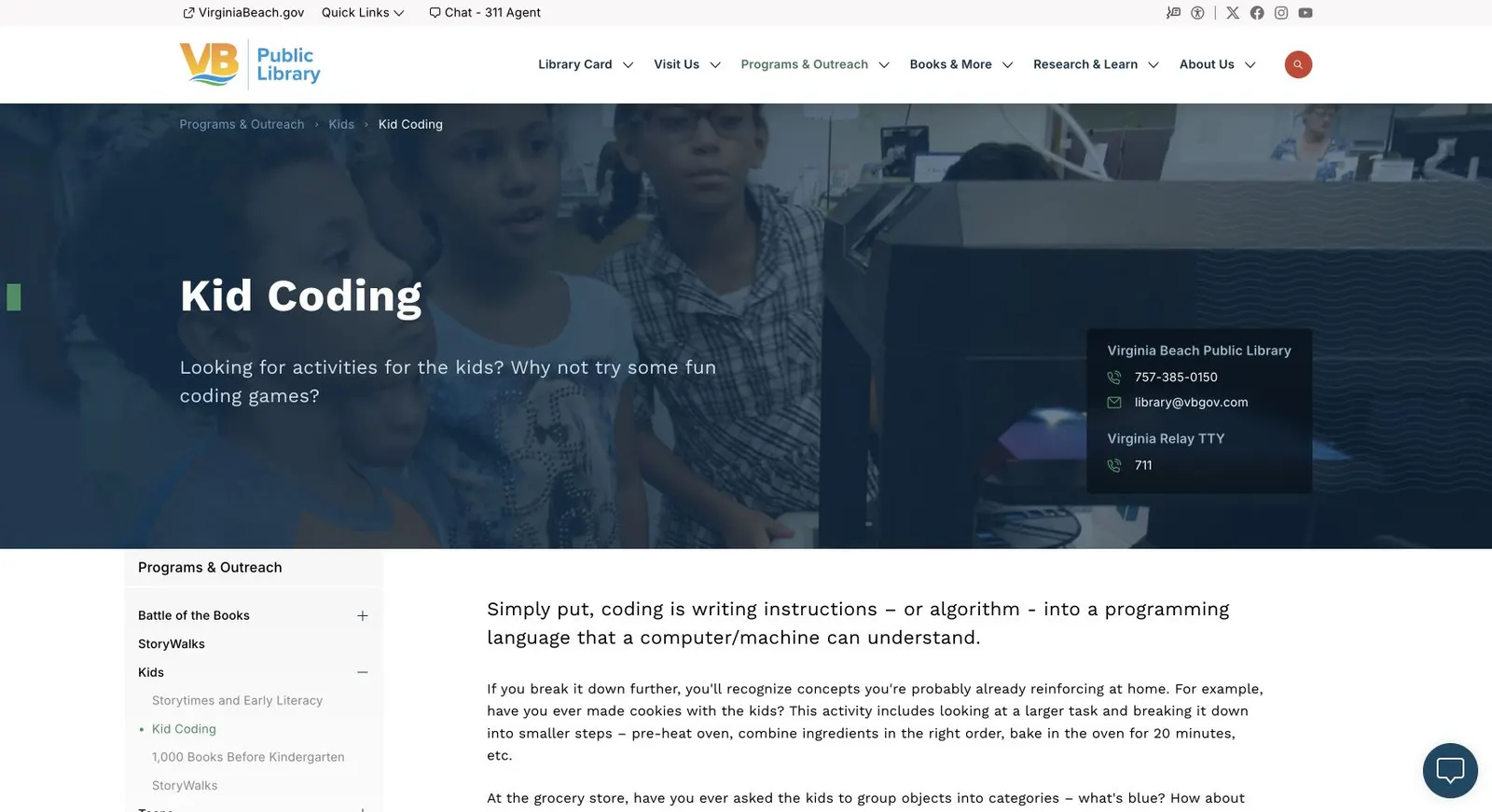
Virginia Beach Public Library Kid Coding
Virginia Beach Public Library’s Kid Coding page introduces children to unplugged coding activities such as sequencing, maps, algorithms, binary bracelets, and creative coding links. It is listed under Coding and Maths & logic for ages 5–12.
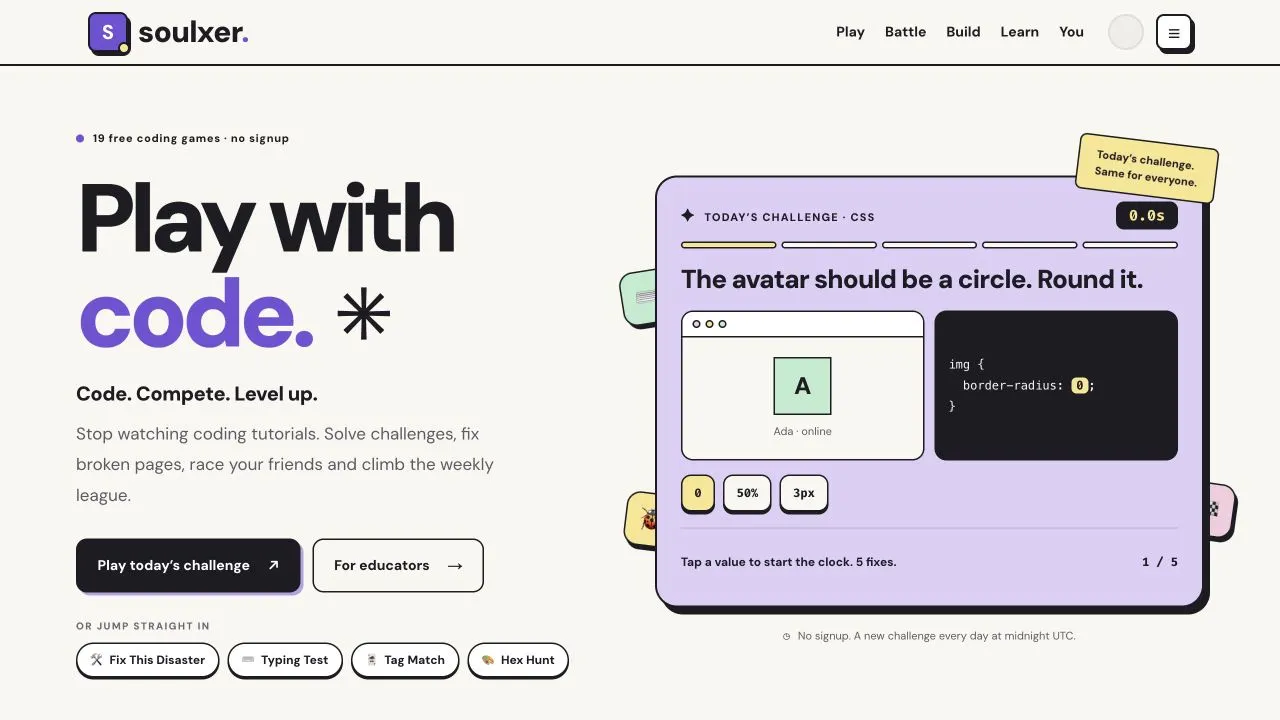
Soulxer
A free browser collection of coding games and courses where children solve challenges, repair broken pages, and practise reading code without an account. It is listed under Coding and Games for ages 8+. Children and families can use it through a website.
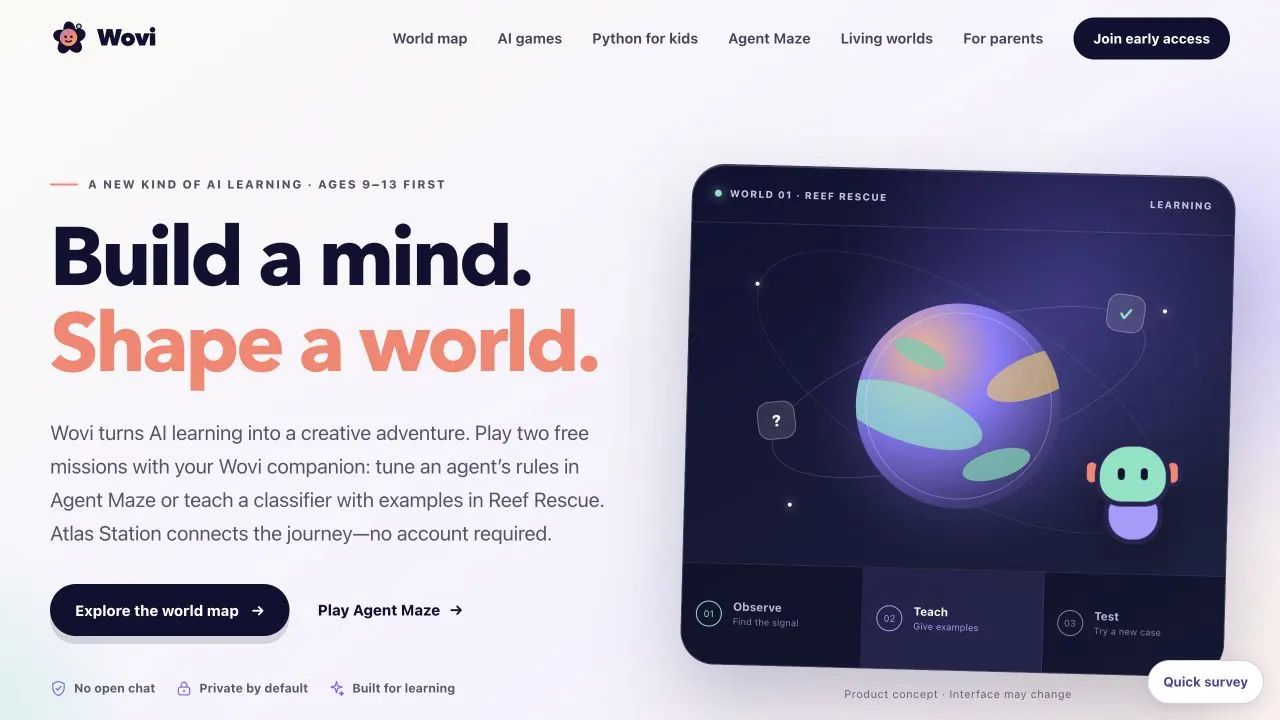
Wovi
A pre-launch AI-learning world for ages 9–13 with browser missions that teach agents, classification, data literacy, testing, and reflection. It is listed under Coding and Science for ages 9–13. Children and families can use it through a website.
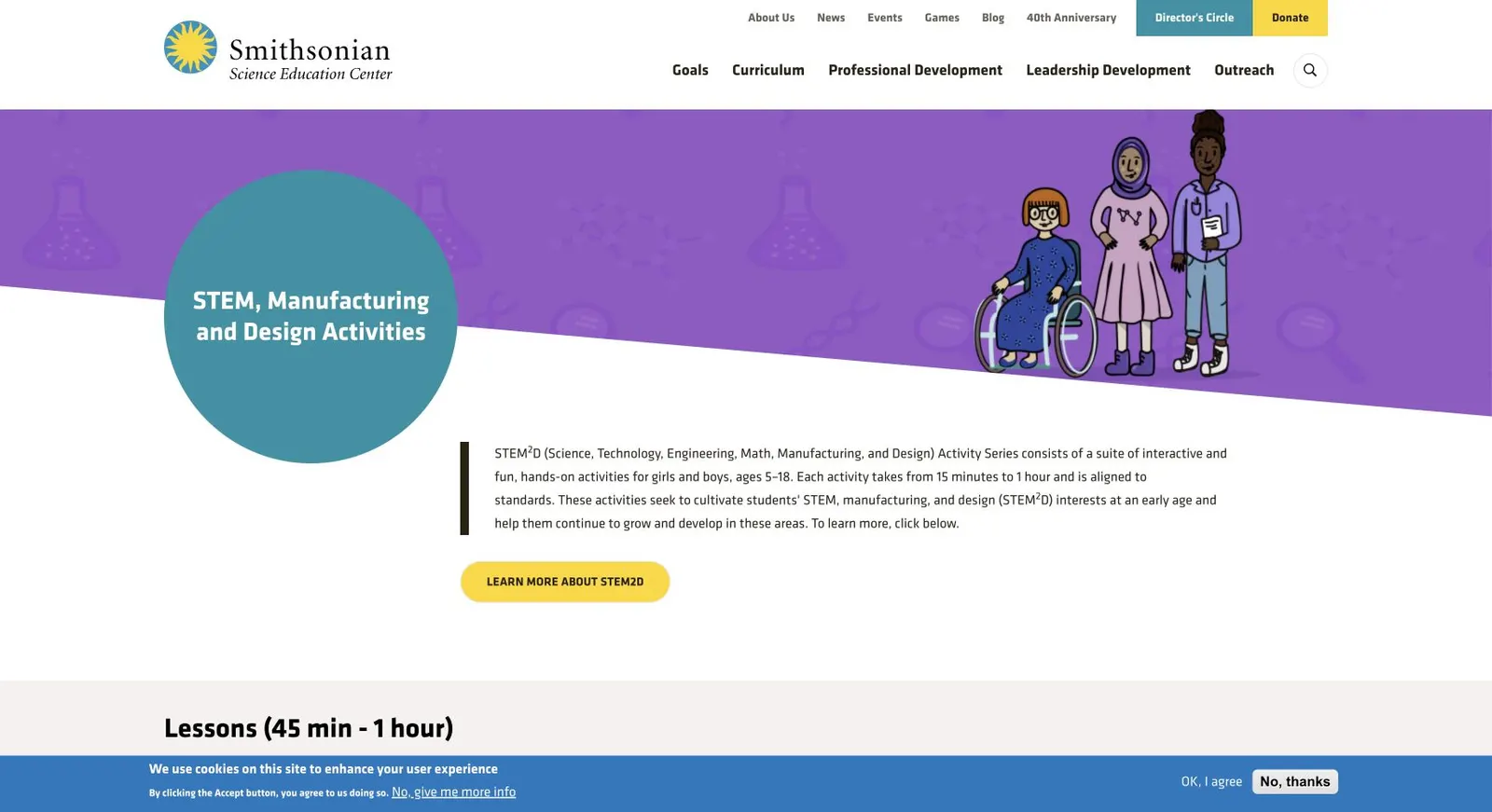
Smithsonian STEM²D Activities
The Smithsonian Science Education Center’s STEM²D collection provides interactive, standards-aligned science, technology, engineering, math, manufacturing, and design activities for ages 5–18. It is listed under Science and Maths & logic for ages 5–18. Children and families can use it through a website and downloadable resources.
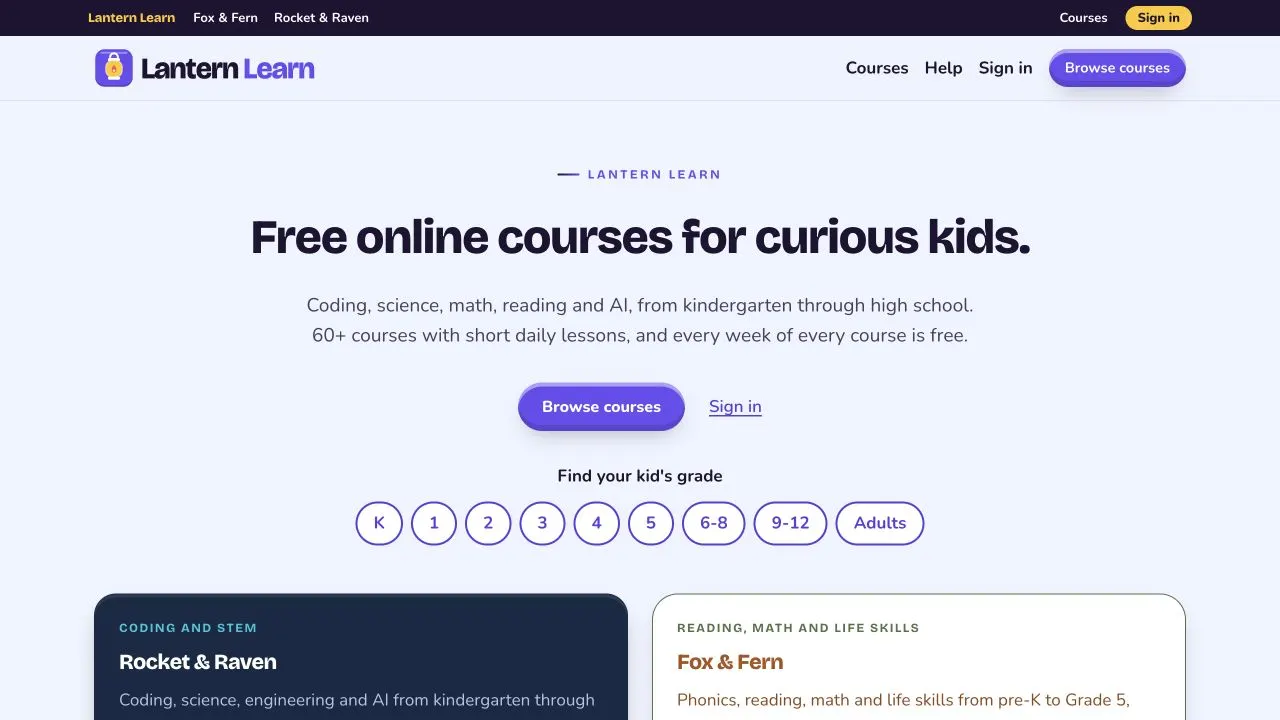
Lantern Learn
Lantern Learn offers free online courses in coding, science, math, reading, engineering, and AI from kindergarten through high school, organized by grade and course series. It is listed under Parent & educator and Coding for ages 5–18.
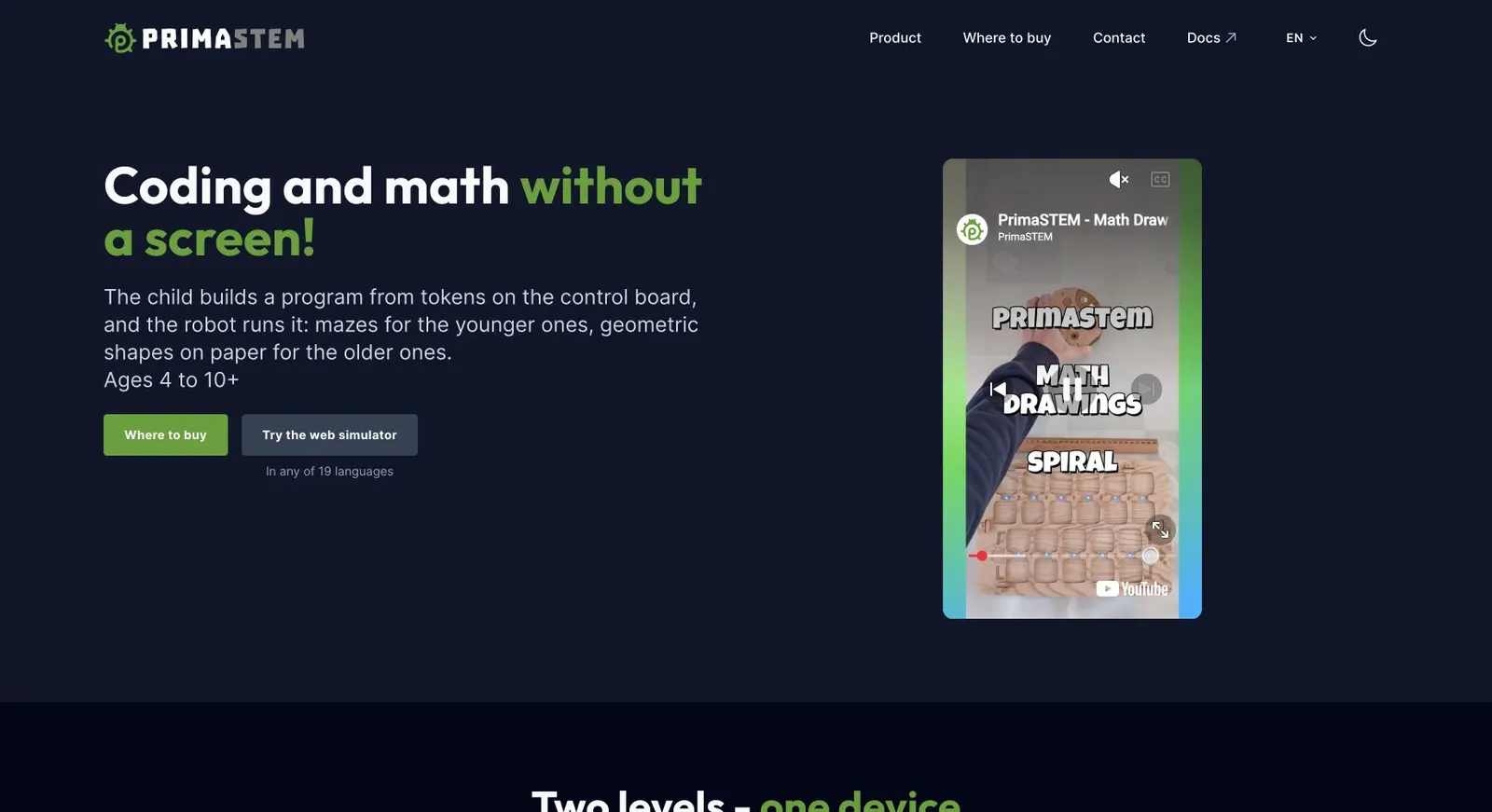
PrimaSTEM
A screen-free coding and mathematics system in which children program a physical robot with tokens to solve mazes, sequences, geometry, and drawing challenges. It is listed under Coding and Maths & logic for ages 4–10+.
Compare with context
Use this collection to find a direction, then open each resource page before sharing it with a child. The individual review shows languages, access formats, tags, age guidance, source links, and notes for grown-ups.
Search the full directory →