Maker & DIY Robotics
for kids
Explore 20 trusted maker & diy robotics resources selected for curious kids, with clear ages, access details, and parent context.
Two useful ways to narrow the directory
This page brings together maker & diy resources that also match robotics. Each listing keeps its own age range, platform details, languages, links, and parent notes, so you can compare options without losing context.
Explore all maker & diy resources →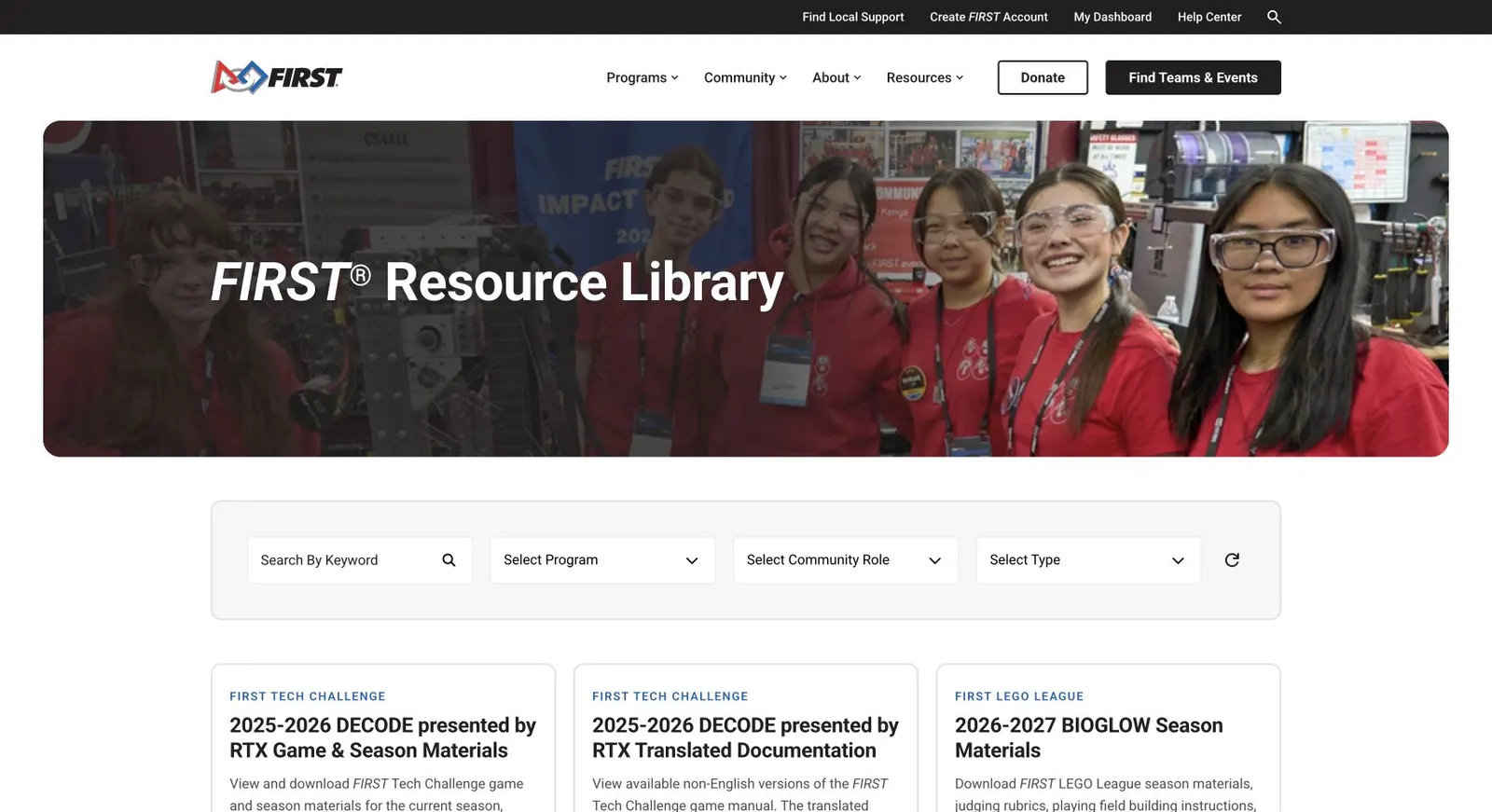
FIRST Resource Library
FIRST’s resource library connects teams, families, educators, and young people with STEM, robotics, teamwork, and challenge resources across FIRST programs. It is listed under Coding and Engineering for ages 5–18; program-specific. Children and families can use it through a website.
Read the full resource review →More maker & diy picks
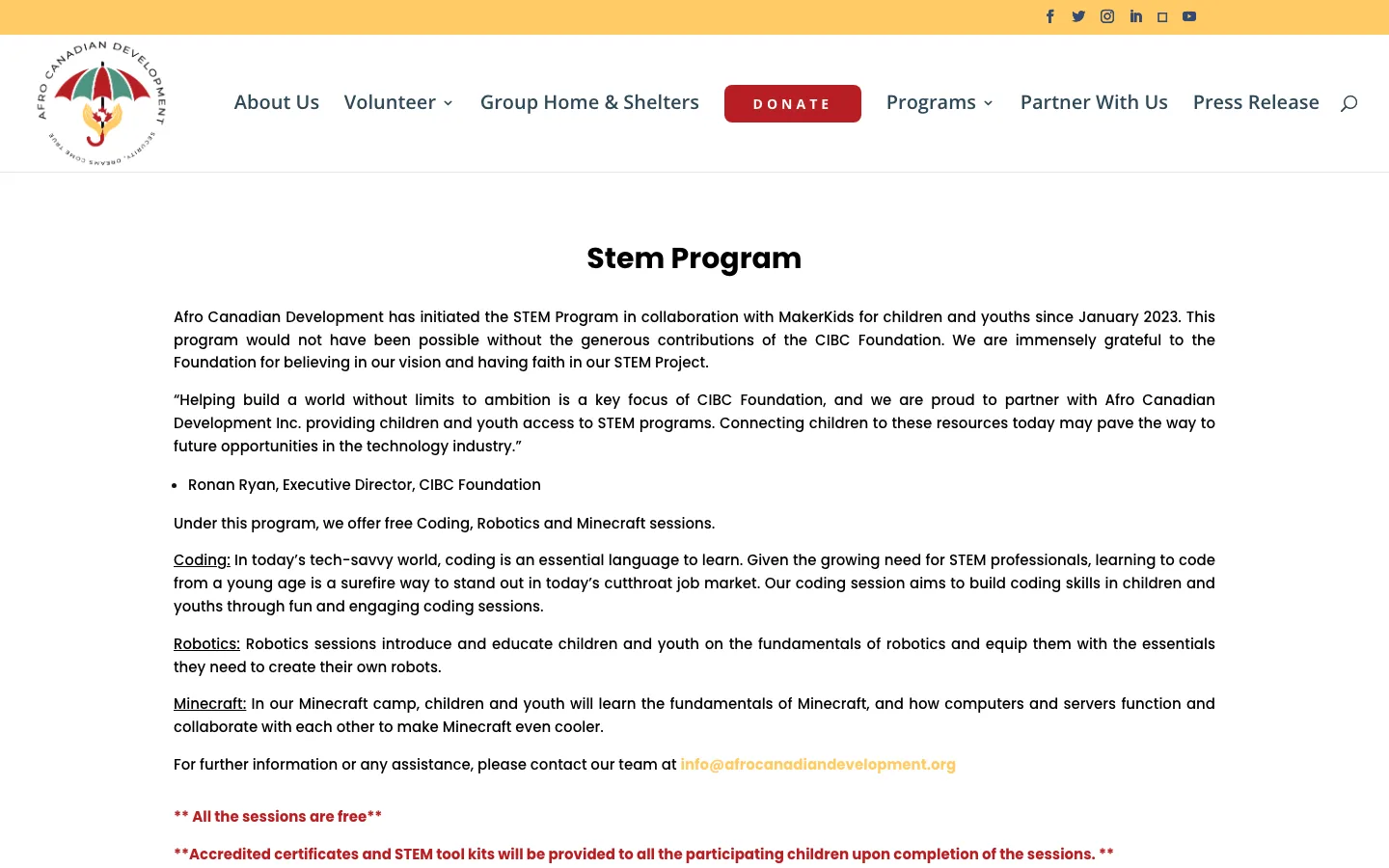
Afro Canadian STEM Program
A community STEM program offering free coding, robotics, and Minecraft sessions for children and youth. It is listed under Coding & technology and Engineering for ages Children and youth; session-specific. Children and families can use it through a website.
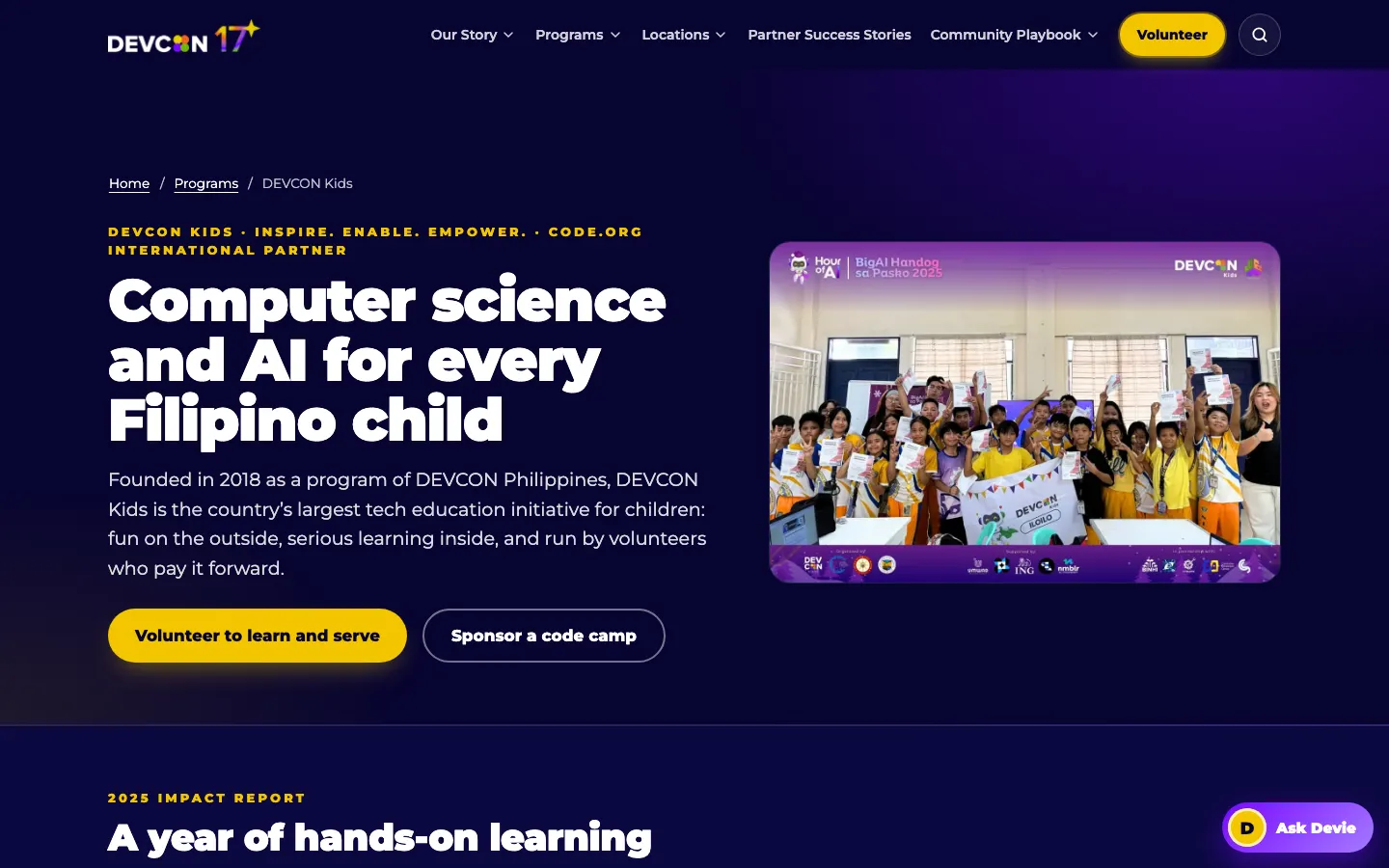
DEVCON Kids
A volunteer-led Philippine program bringing K–12 computer science, AI, coding, animation, and robotics to children through schools and community events. It is listed under Coding and Science for ages 6–18. Children and families can use it through a website.
FIRST LEGO League Technical Resources
FIRST LEGO League technical resources support teams with robot-building, programming, engineering design, and challenge-season guidance. It is listed under Engineering and Coding for ages 4–16; division-specific. Children and families can use it through a website.
LEGO Education
Hands-on STEM, robotics, and coding curriculum built around LEGO Education sets and classroom projects. It is listed under Maker & DIY, Coding, and Science for ages 3–18. Children and families can use it through a website.
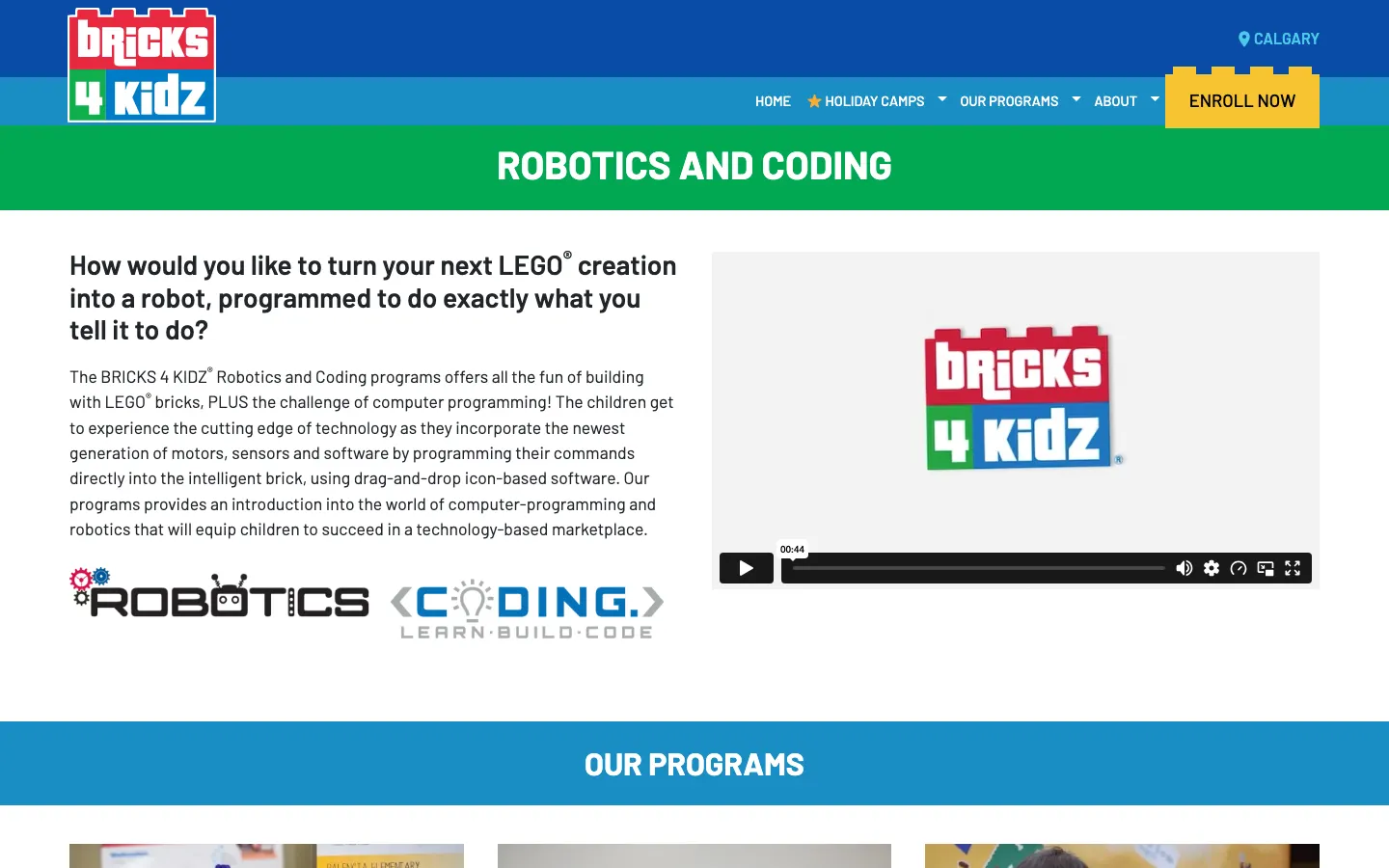
Bricks 4 Kidz Calgary Robotics & Coding
Bricks 4 Kidz Calgary offers LEGO robotics and coding programs using WeDo, micro:bit, Scratch, SPIKE Prime, and Mindstorms challenges. It is listed under Coding and Robotics for ages 5–13. Children and families can use it through a website.
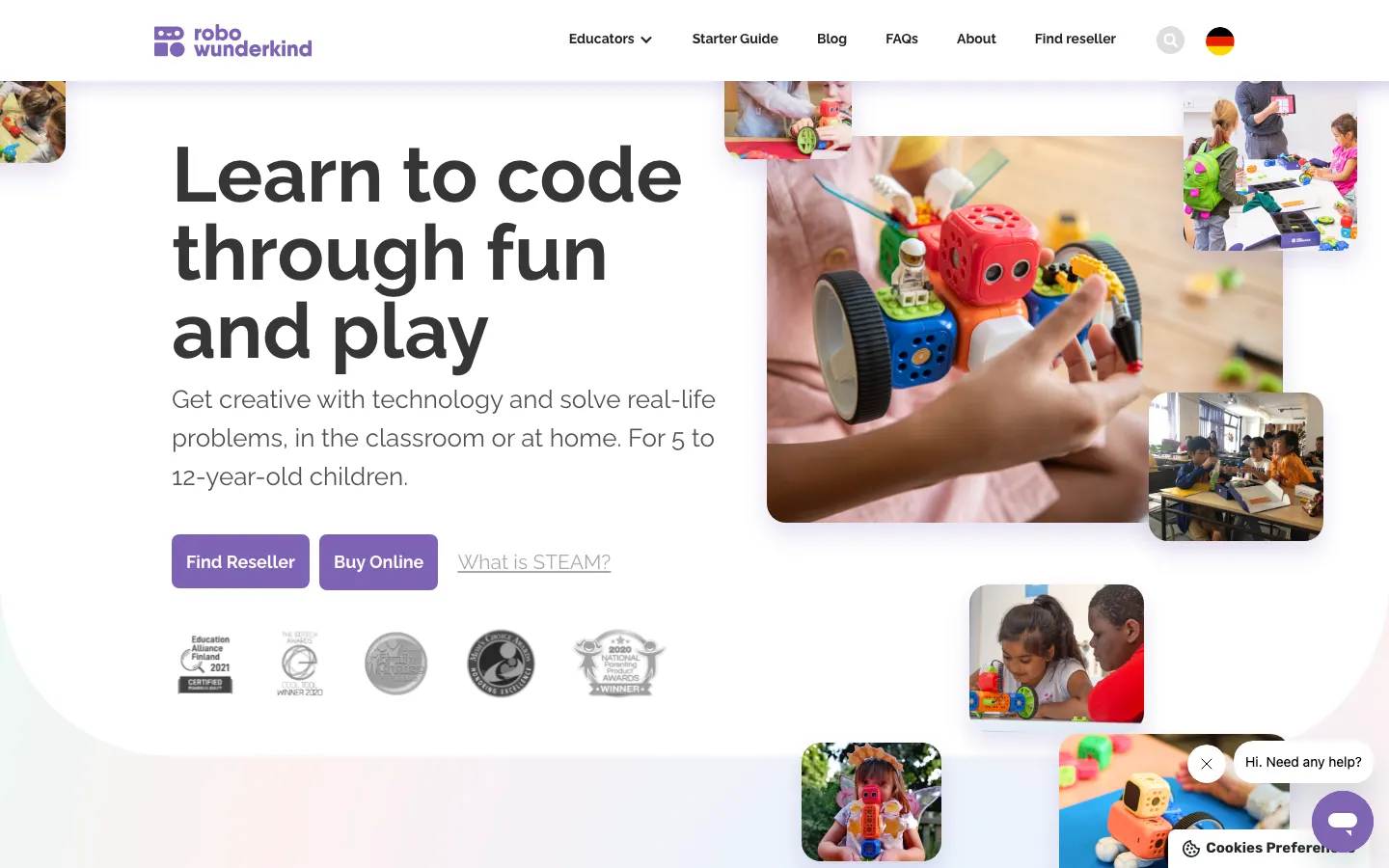
Robo Wunderkind
Robo Wunderkind combines modular robotics kits with a companion app so children can build robots, control them, and progress through visual coding levels at home or school. It is listed under Coding and Maker & DIY for ages 5–12.
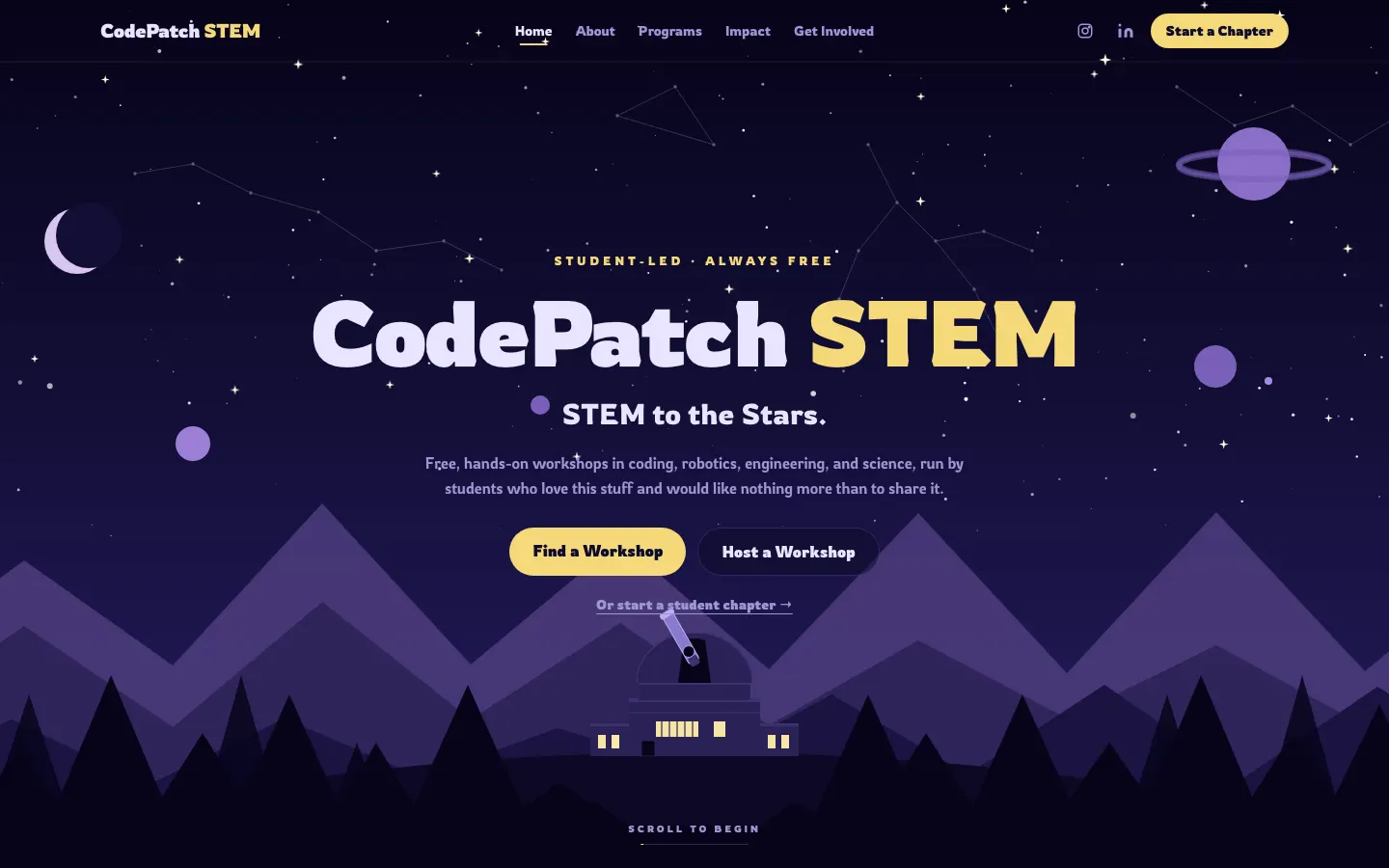
CodePatch STEM
A student-led nonprofit running free beginner-friendly workshops in coding, robotics, engineering, and science. It is listed under Coding & technology and Science for ages 8–18. Children and families can use it through a website.
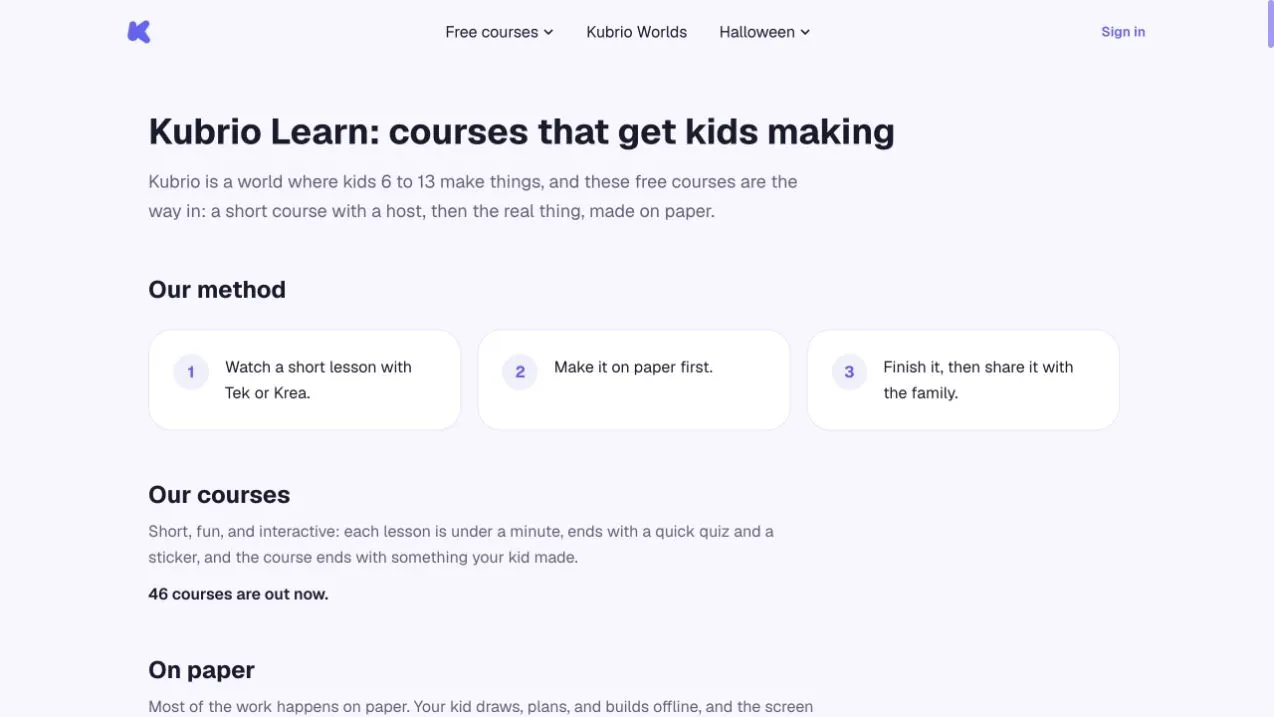
Kubrio Learn
Short free courses for ages 6–13 that turn drawing, animation, comics, games, robots, and coding into paper-first making projects. It is listed under Art & creativity and Coding for ages 6–13. Children and families can use it through a website.
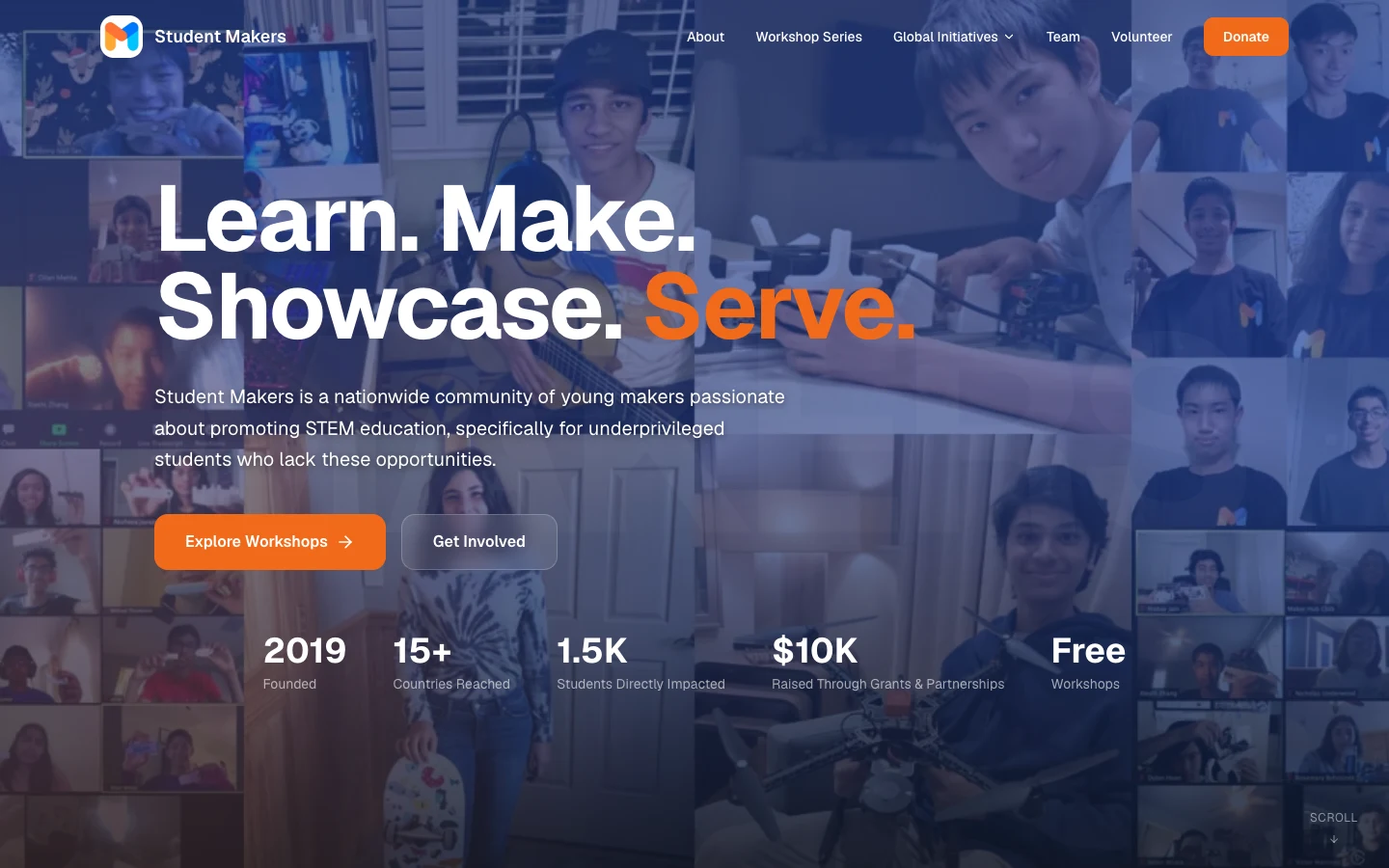
Student Makers
A student-led nonprofit offering free workshops and collaborative maker challenges in engineering, calculus, data science, robotics, and 3D design. It is listed under Engineering and Science for ages Grades 5–12; course-specific. Children and families can use it through a website.
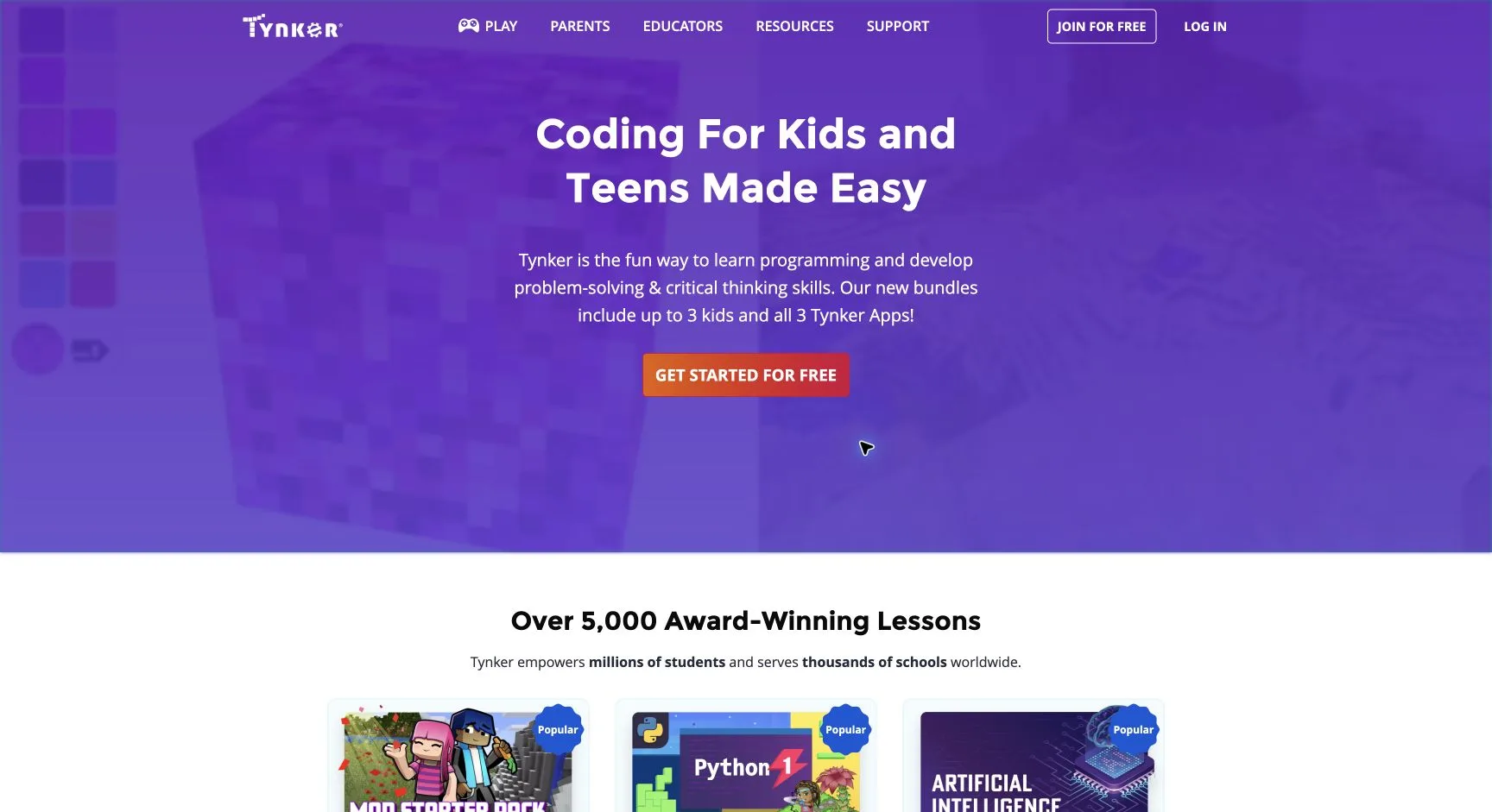
Tynker
Project-based coding courses and creative activities covering games, animation, robotics, and web creation. It is listed under Coding, Games, and Maker & DIY for ages 5–18. Children and families can use it through a website.
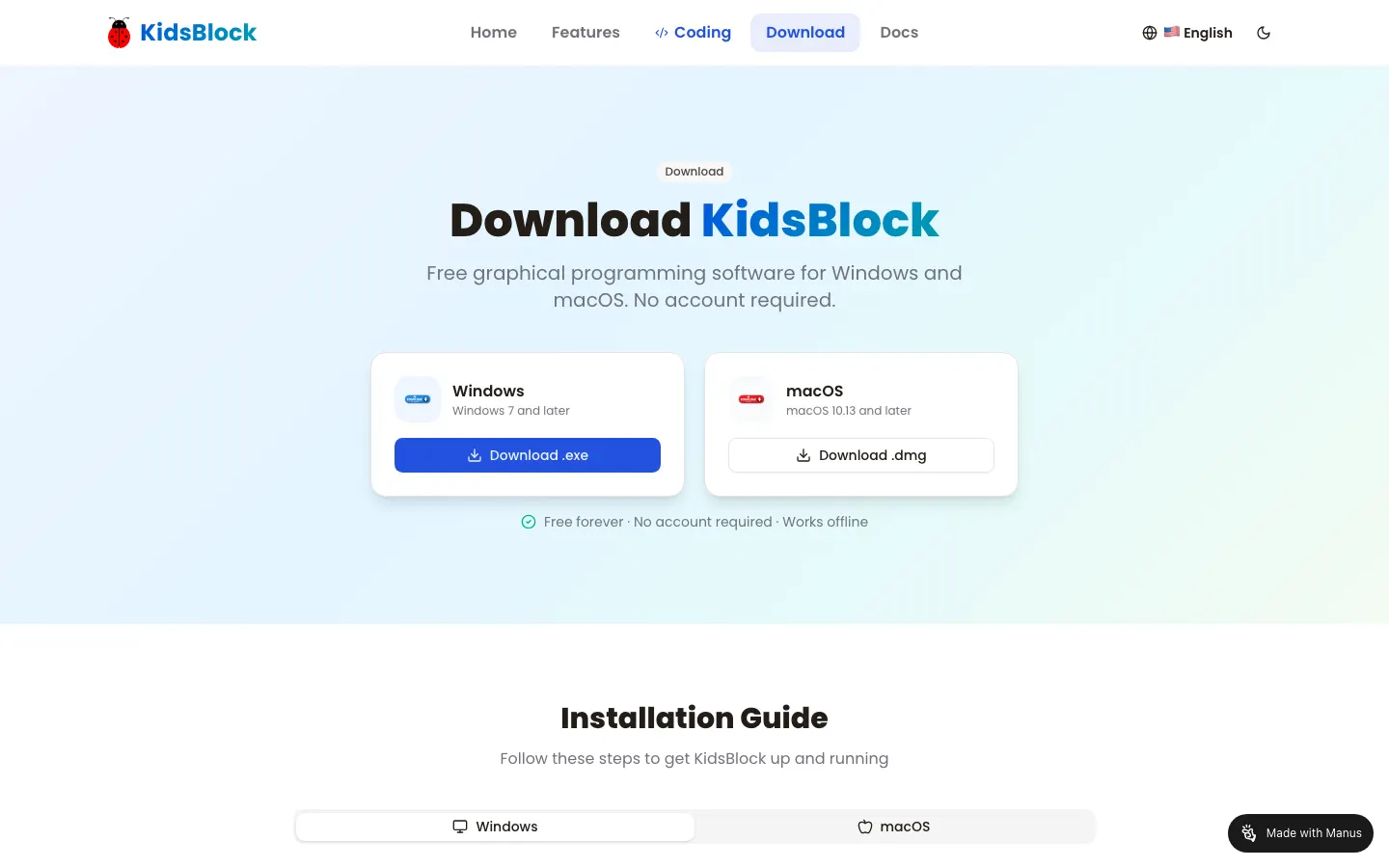
KidsBlock
KidsBlock is free graphical programming software for children, with offline desktop installers and support for Arduino, micro:bit, ESP32, Makey Makey, and other hardware. It is listed under Coding and Maker & DIY for ages Children; parent-guided.
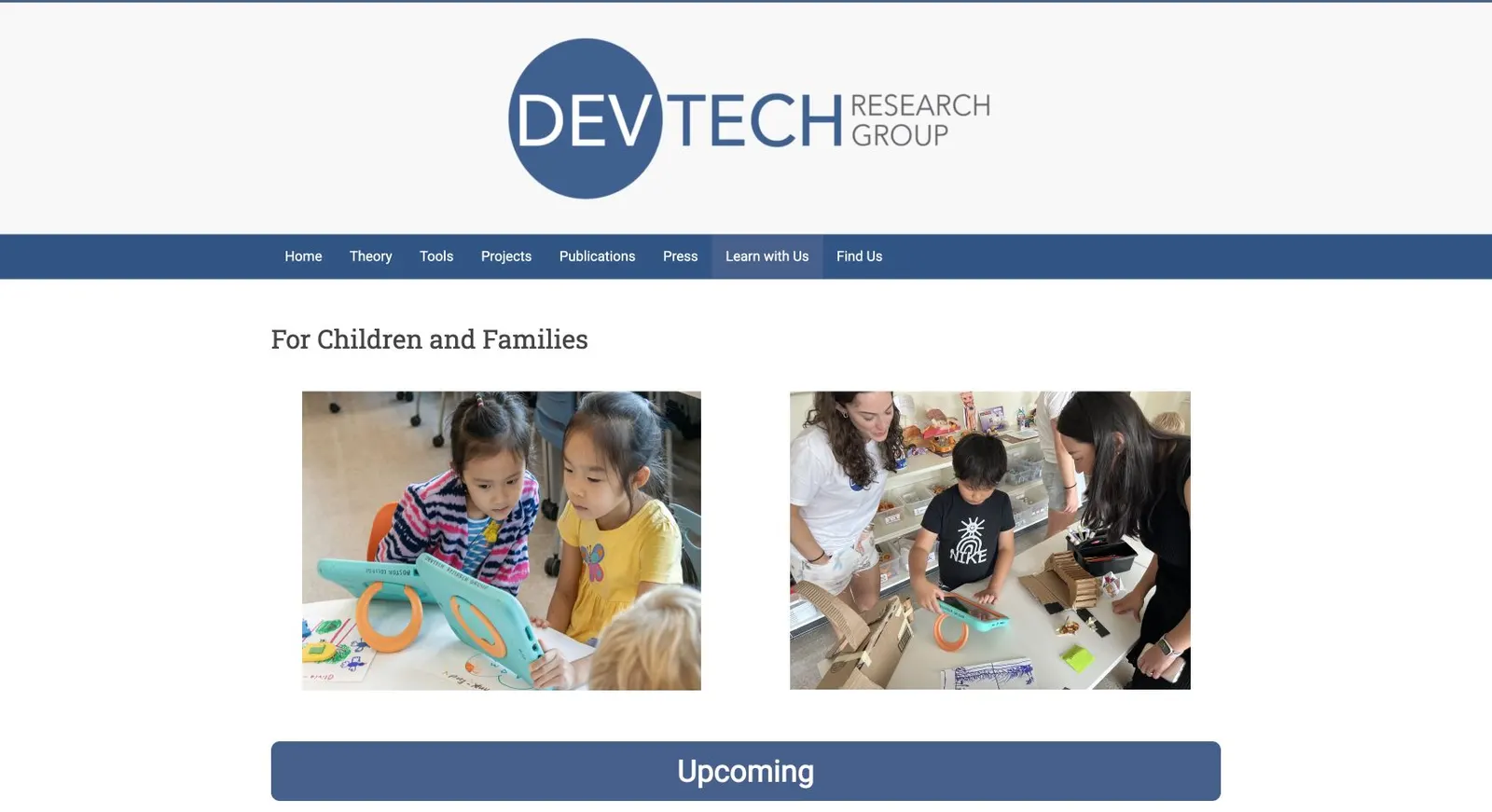
DevTech Children and Families
Boston College’s DevTech Research Group offers family coding activities using ScratchJr and KIBO, including family coding days, beginner workshops, and child-friendly robotics and storytelling projects. It is listed under Coding and Maker & DIY for ages 5–14.
Compare with context
Use this collection to find a direction, then open each resource page before sharing it with a child. The individual review shows languages, access formats, tags, age guidance, source links, and notes for grown-ups.
Search the full directory →