Art & creativity iOS apps
for kids
Explore 20 trusted art & creativity ios apps selected for curious kids, with clear ages, access details, and parent context.
Two useful ways to narrow the directory
This page brings together art & creativity resources that also match ios apps. Each listing keeps its own age range, platform details, languages, links, and parent notes, so you can compare options without losing context.
Explore all art & creativity resources →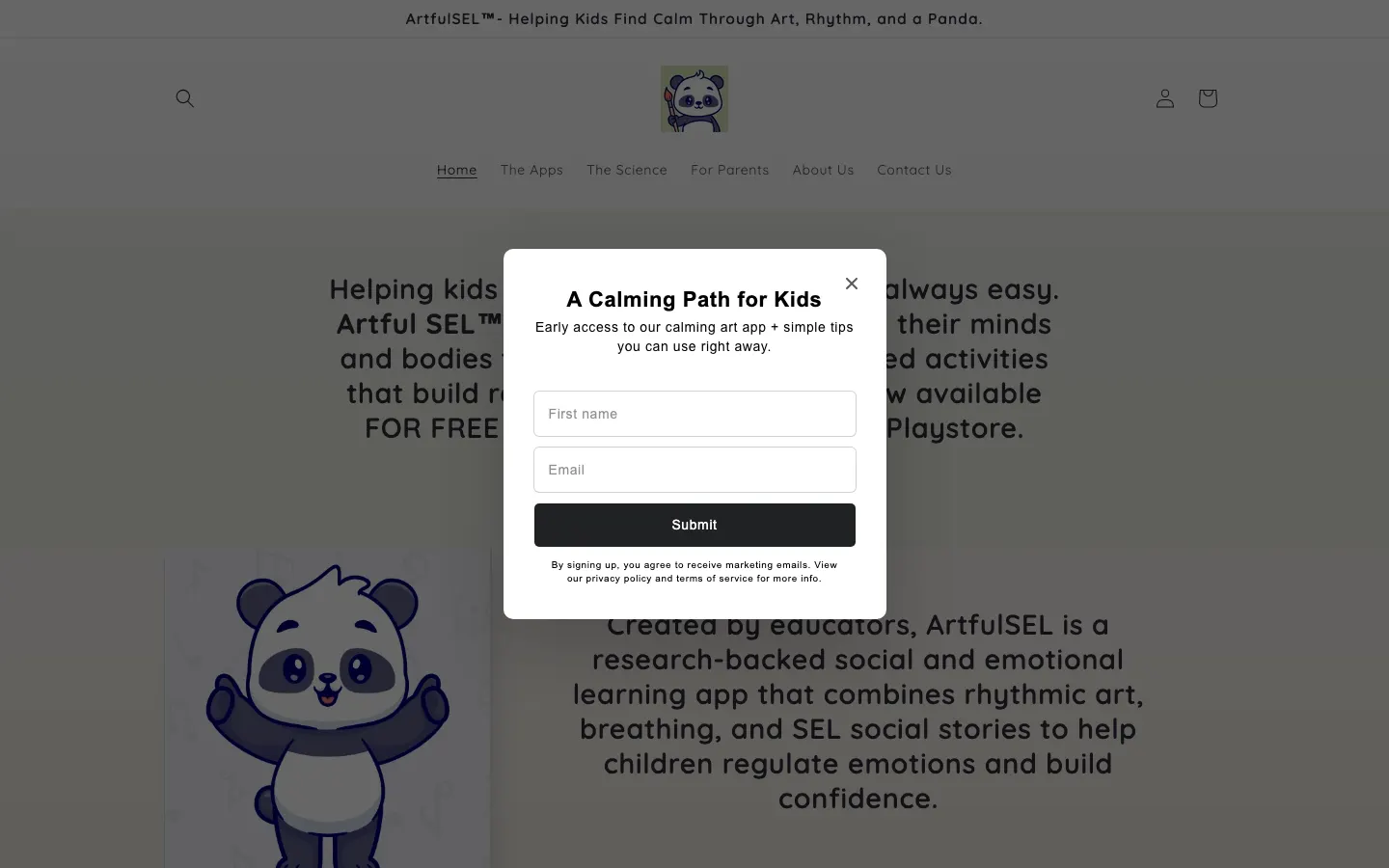
ArtfulSEL
A research-backed social-emotional learning app created by educators that combines rhythmic art, breathing, and social stories to help children regulate emotions and build confidence. It is listed under Social-emotional and Art & creativity for ages School-age children; exact age range is not stated on the official homepage.
Read the full resource review →More art & creativity picks
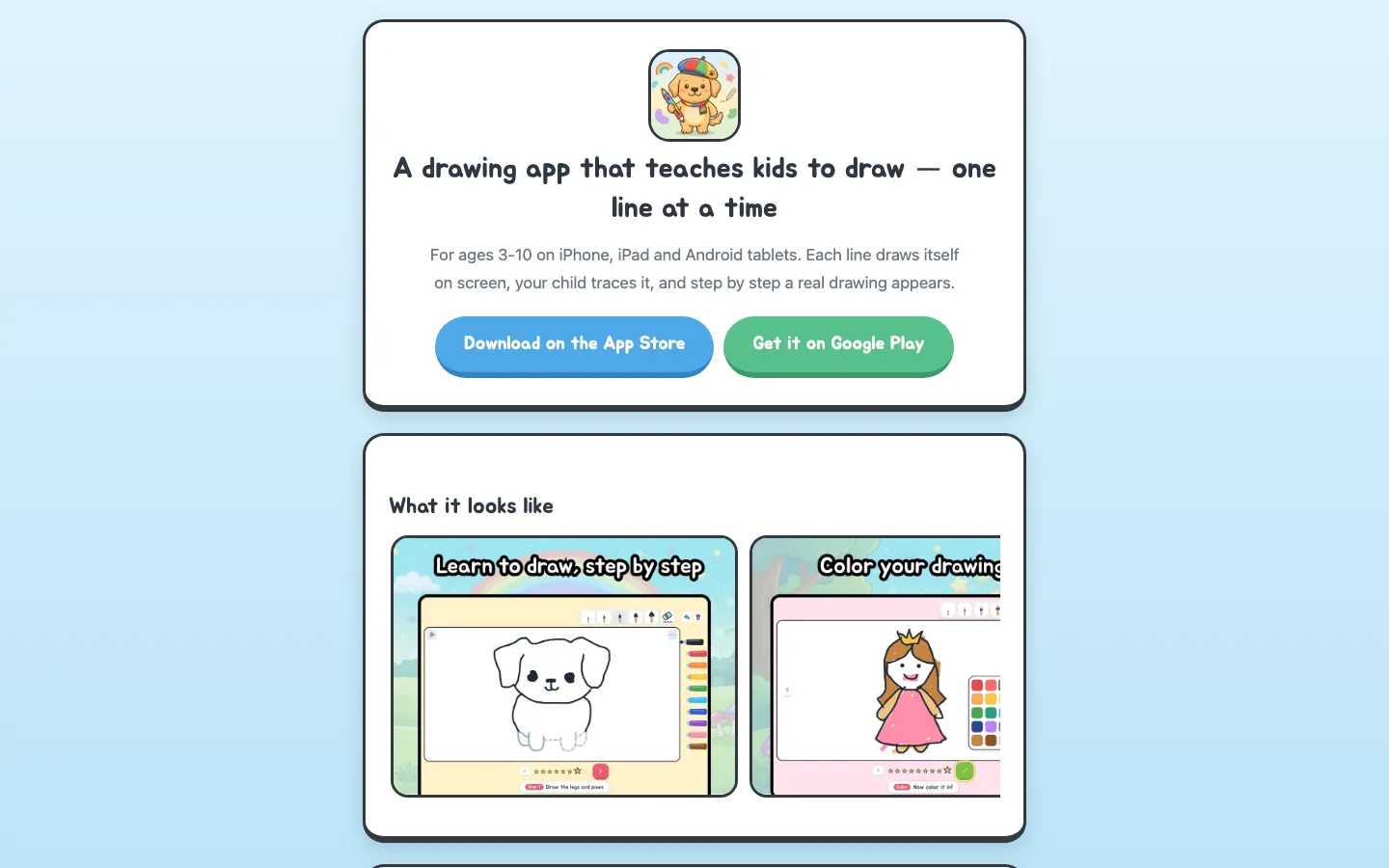
Draw Along
Draw Along is a step-by-step drawing app for ages 3–10 that animates each line, lets children trace and color, and saves finished artwork in a gallery. It is listed under Art & creativity and Apps for ages 3–10.
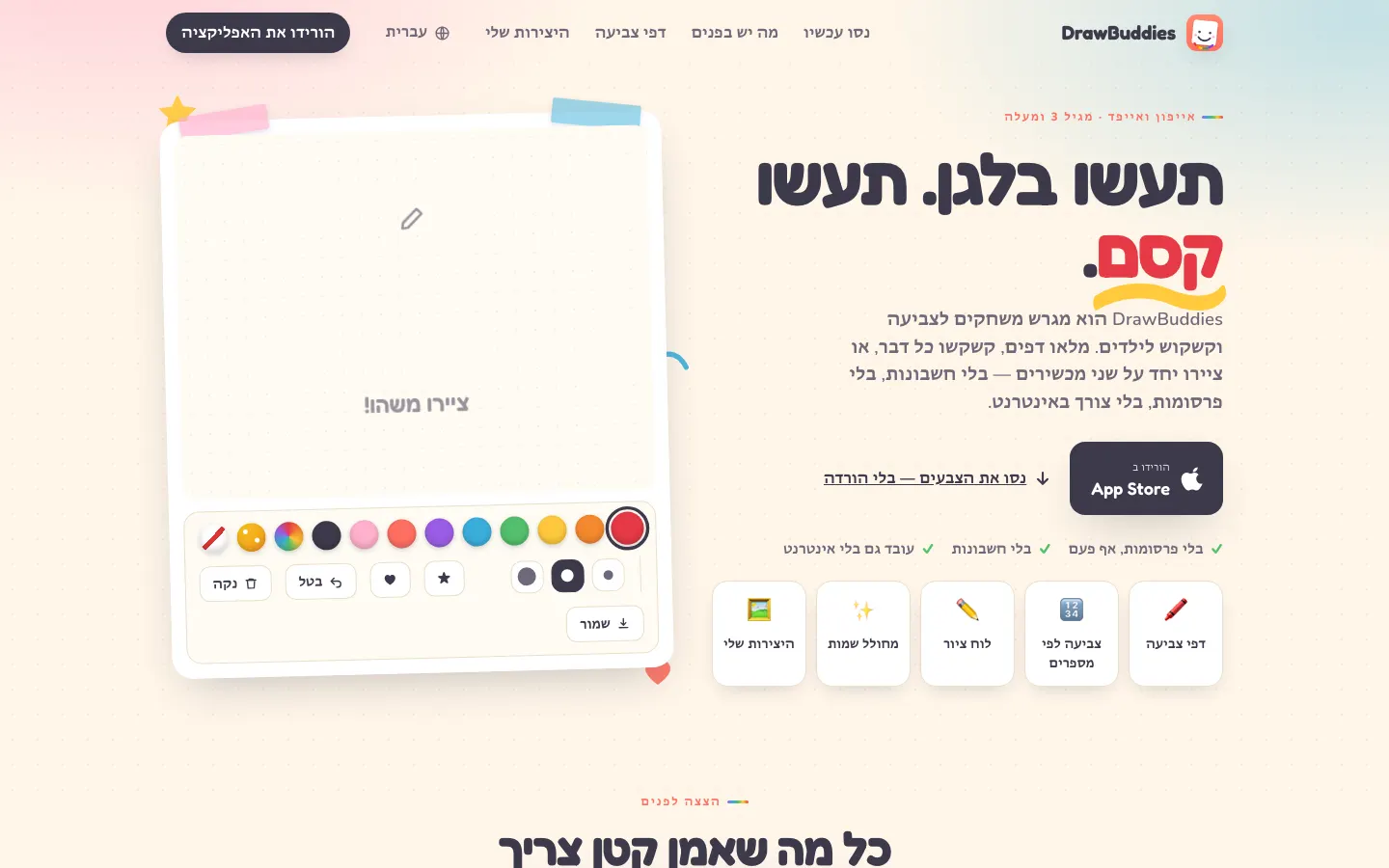
DrawBuddies
DrawBuddies is a coloring and doodling app for ages 3+ with printable pages, a drawing pad, color-by-number activities, and an offline shared canvas mode. It is listed under Art & creativity and Apps for ages 3+.
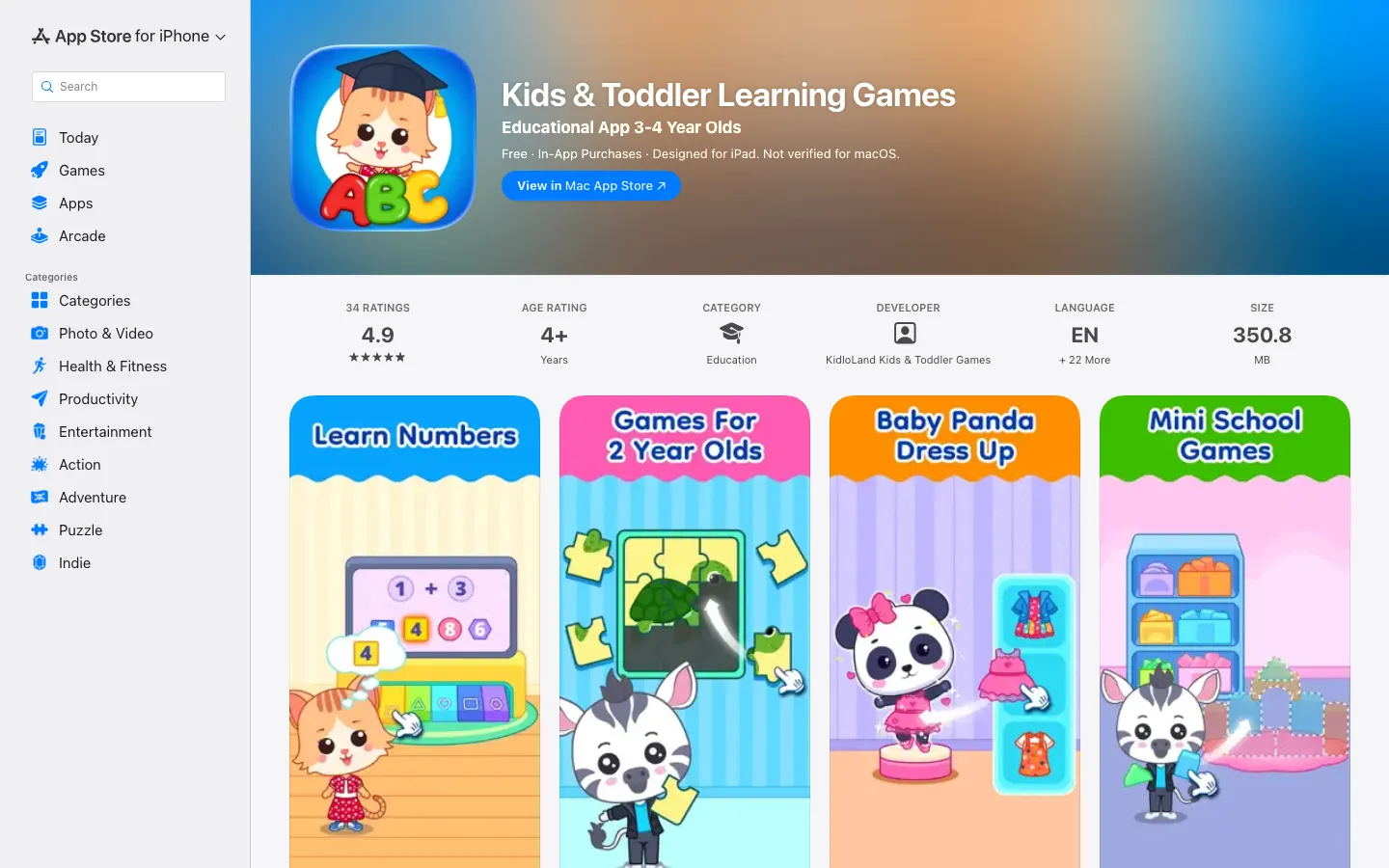
Kids & Toddler Learning Games
Kids & Toddler Learning Games is a preschool app with imaginative play, early motor and creativity activities, and problem-solving games for ages 2–5. It is listed under Early learning and Art & creativity for ages 2–5.
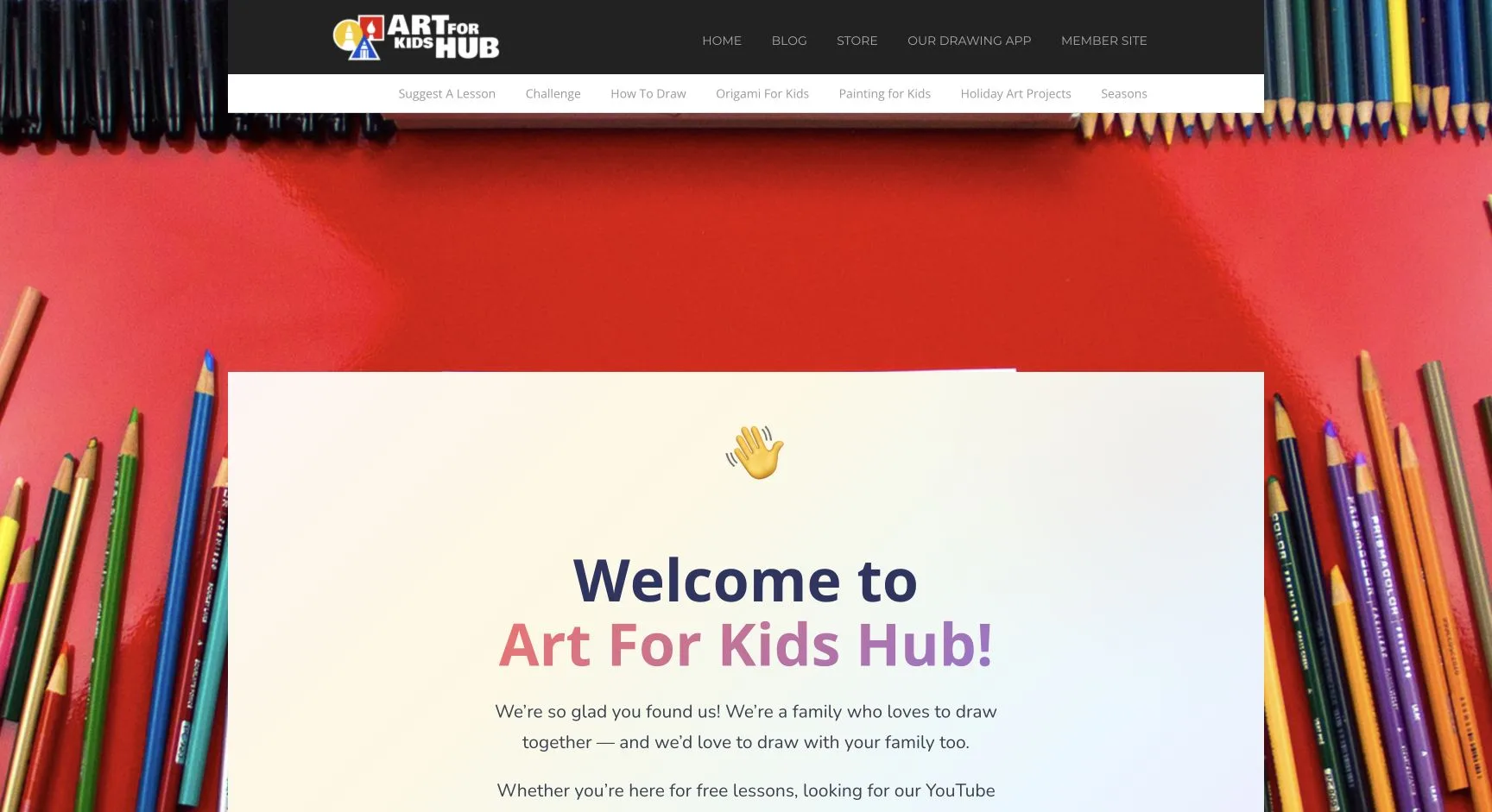
Art For Kids Hub
A family-made library of step-by-step drawing lessons, painting projects, origami, crafts, and art videos for children. It is listed under Art & creativity, Maker & DIY, and Entertainment for ages 4–14. Children and families can use it through a website, a YouTube channel, an Android app, an iOS app, and downloadable resources.
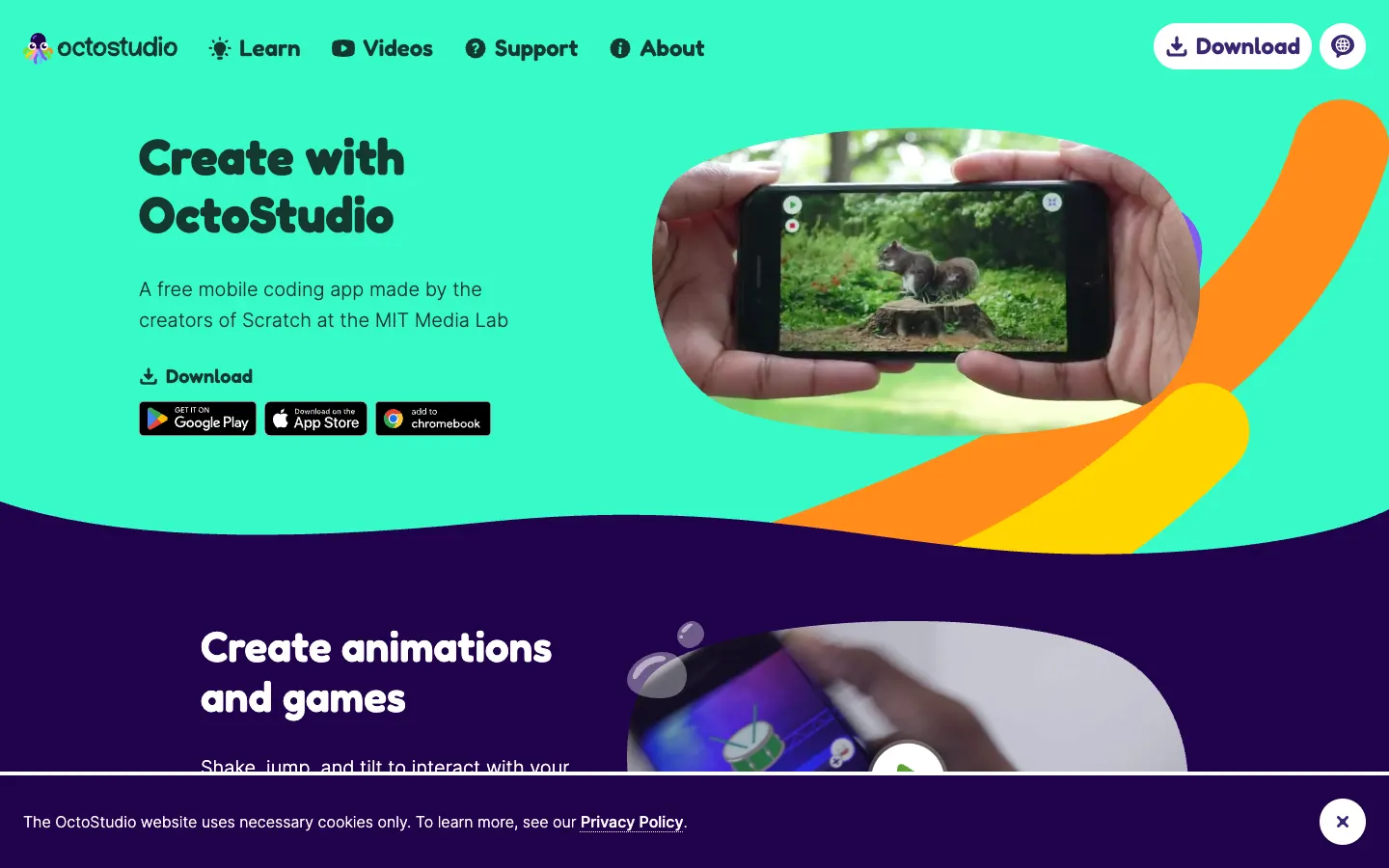
OctoStudio
A free mobile coding app from the creators of Scratch that lets children create animations and games with block-based code. It is listed under Coding, Games, and Art & creativity for ages 7–16. Children and families can use it through a website, an Android app, and an iOS app.
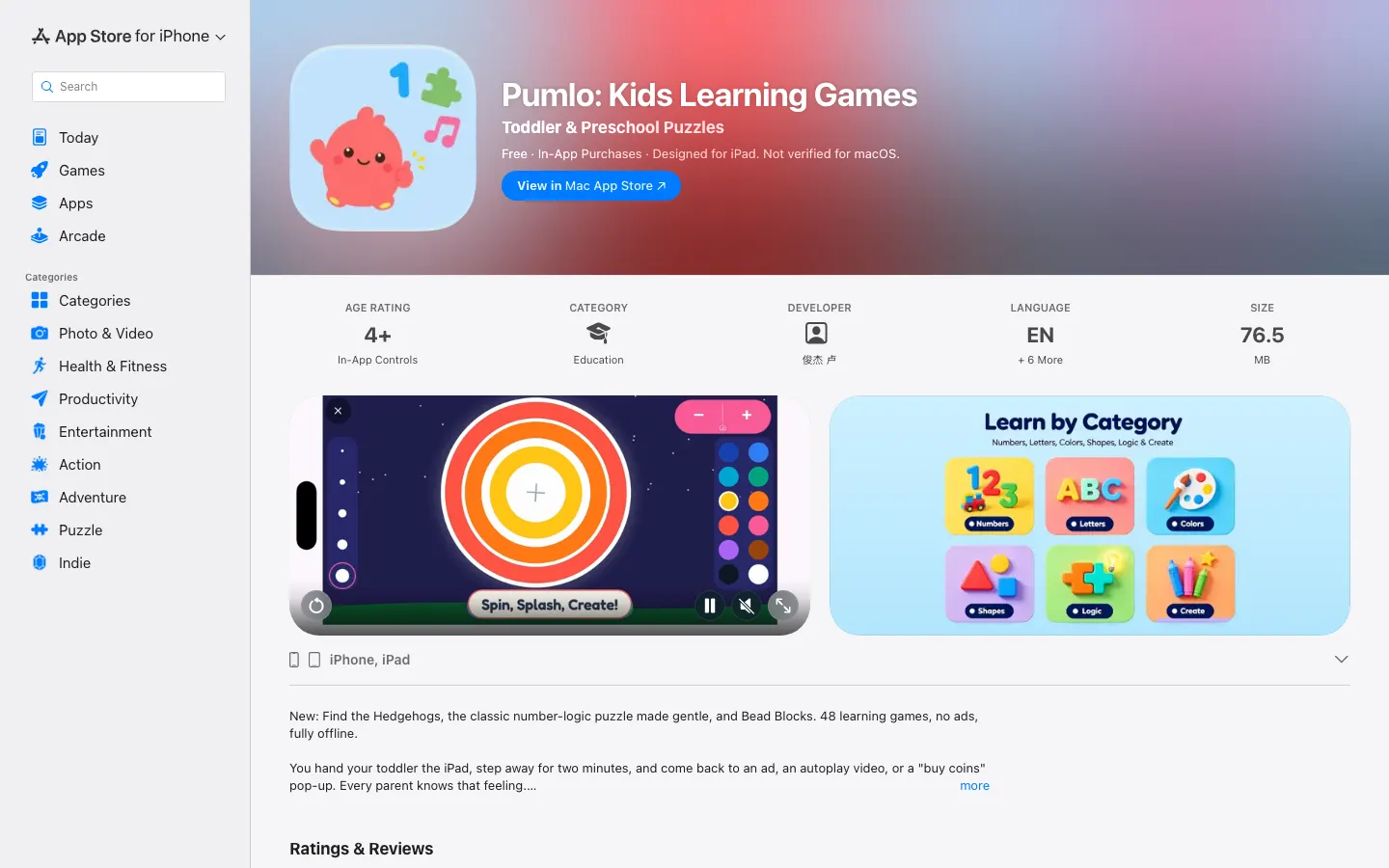
Pumlo
Pumlo is a calm toddler and preschool app with 46 offline learning games covering numbers, letters, Montessori activities, colors, shapes, logic, music, and creative play. It is listed under Early learning and Mathematics for ages 2–6.
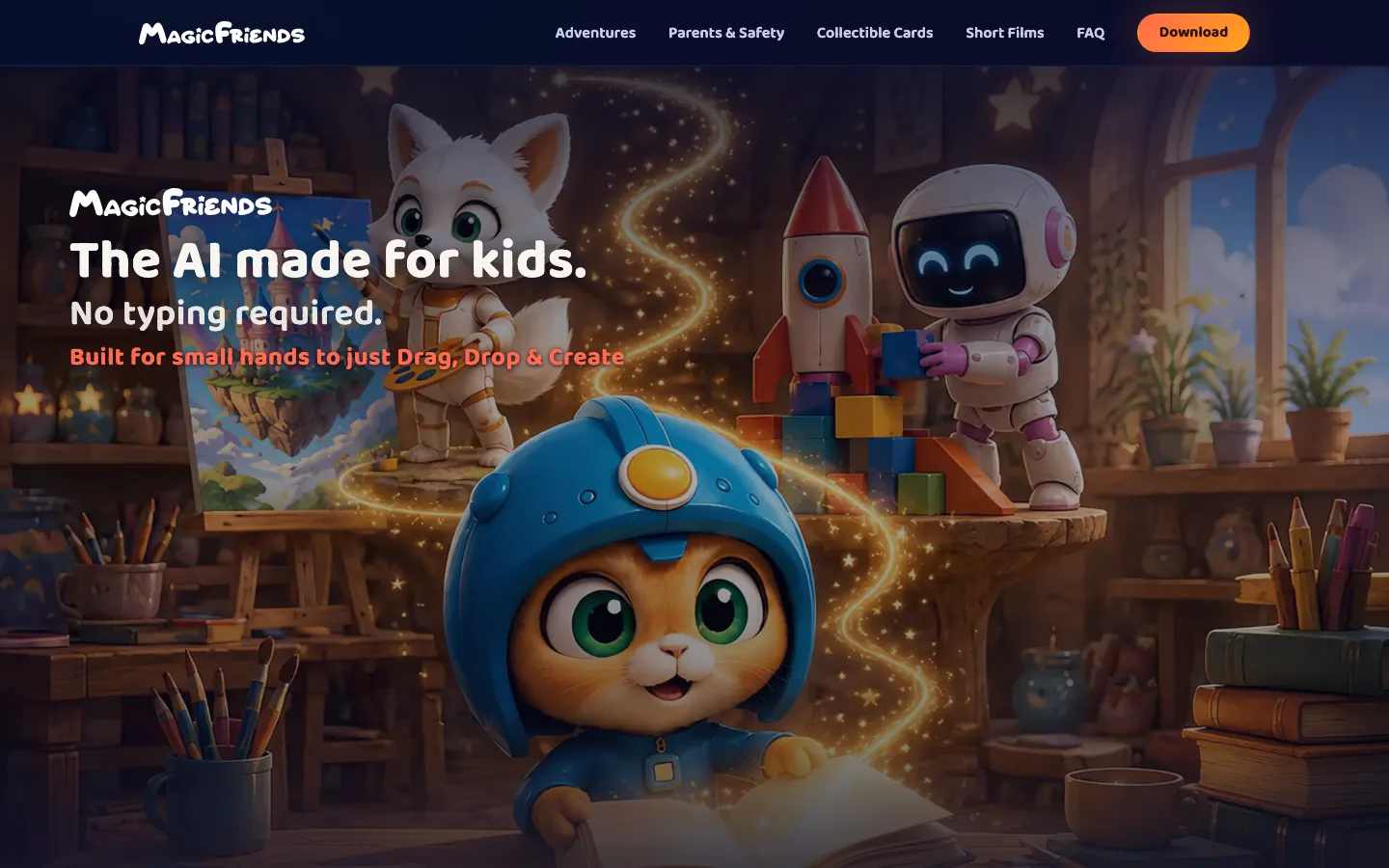
Magic Friends
Magic Friends is a creativity app for children ages 4–10 where kids explore drawing, character building, cooking, space-themed recipes, storytelling, animation, and collectible cards with friendly companions. It is listed under Art & creativity and Games for ages 4–10.
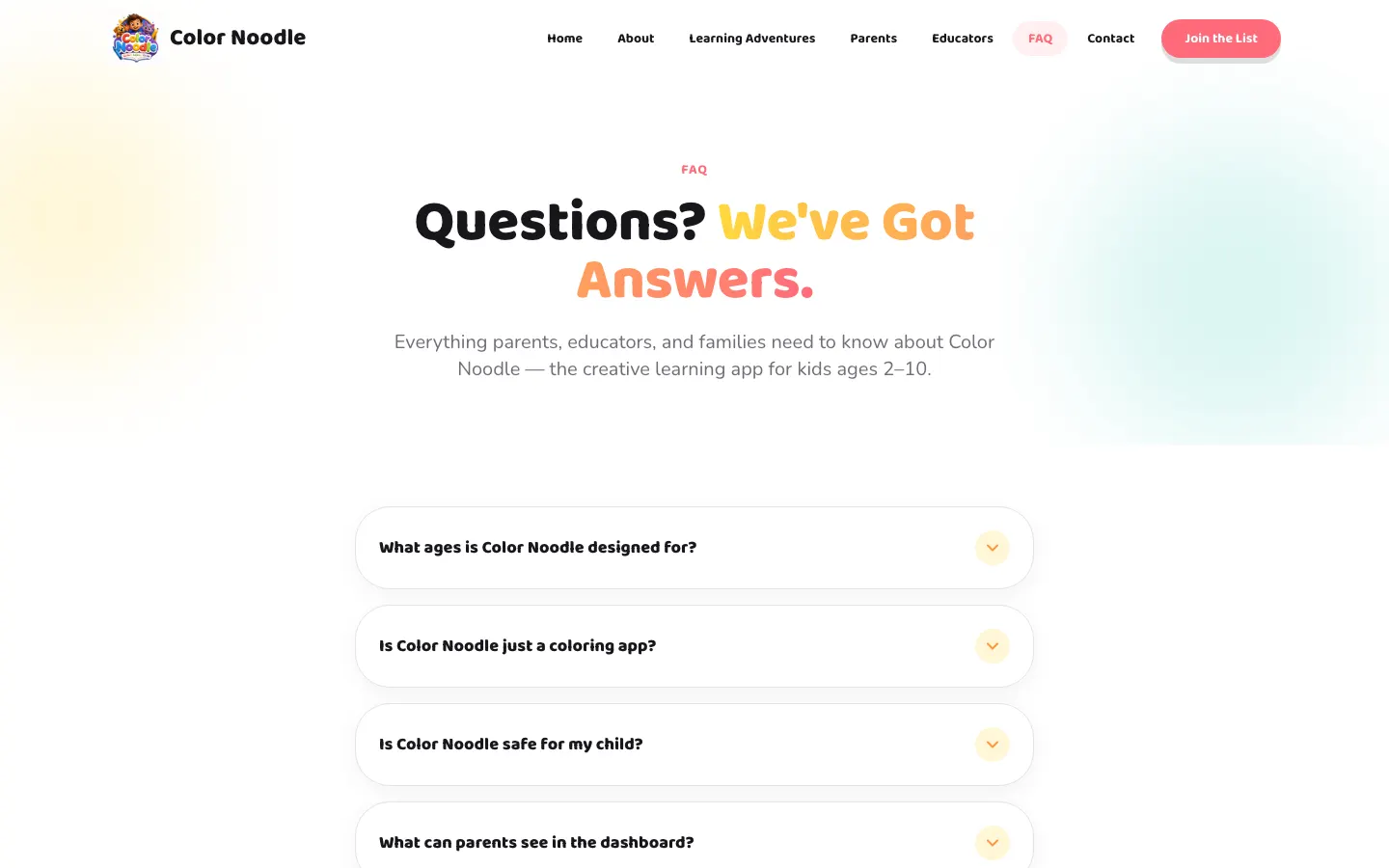
Color Noodle
Color Noodle is a creative learning app for children ages 2–10 with age-banded art, exploration, and learning adventures supported by a parent dashboard. It is listed under Art & creativity and Early learning for ages 2–10.
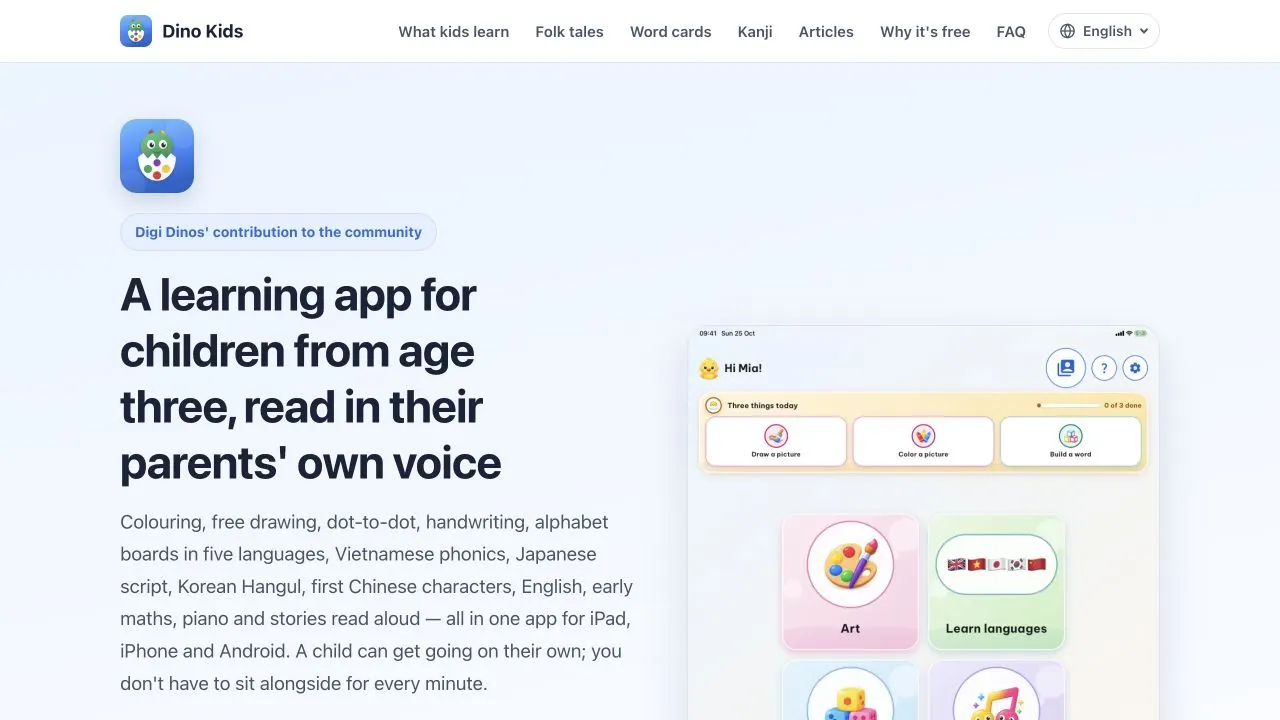
Dino Kids
Dino Kids is a free, offline-friendly learning app with drawing, handwriting, phonics, early math, music, stories, and language activities in five languages. It is listed under Early learning and Reading for ages 3–8. Children and families can use it through a website, an iOS app, and an Android app.
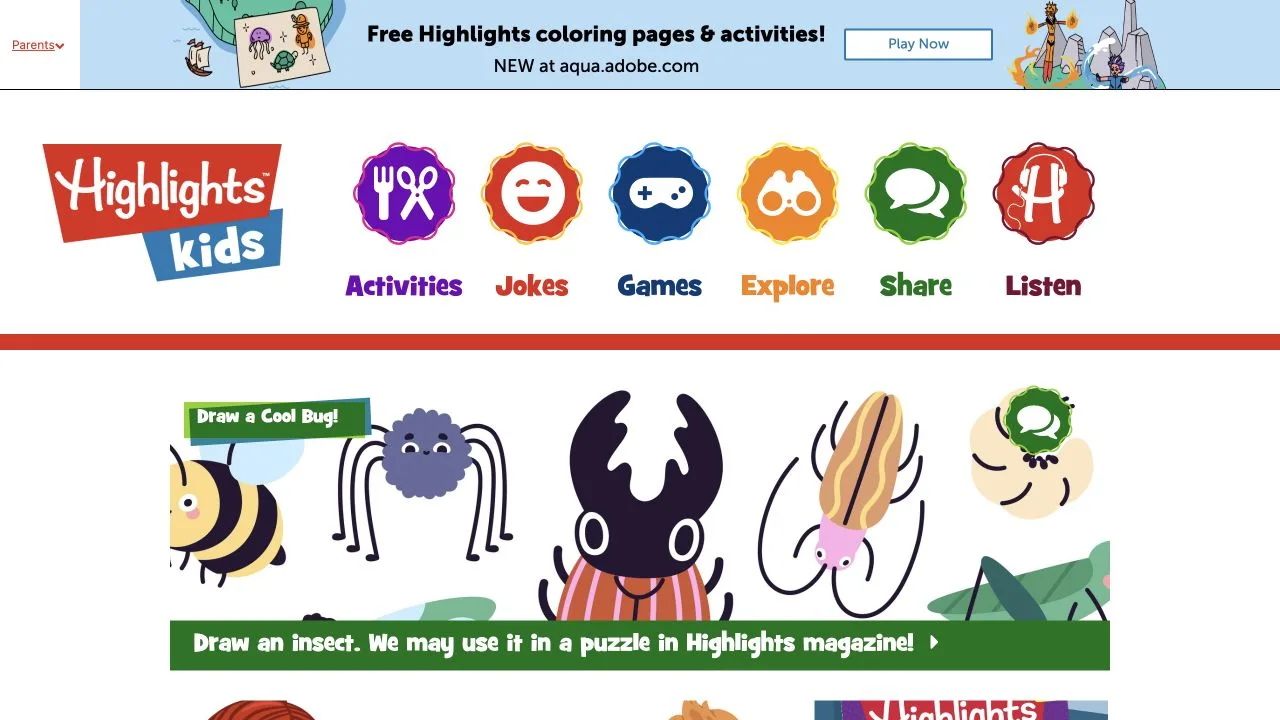
Highlights Kids
Stories, puzzles, crafts, jokes, games, and creative activities from Highlights for children. It is listed under Art & creativity and Reading for ages 6-12. Children and families can use it through a website, an iOS app, and an Android app.
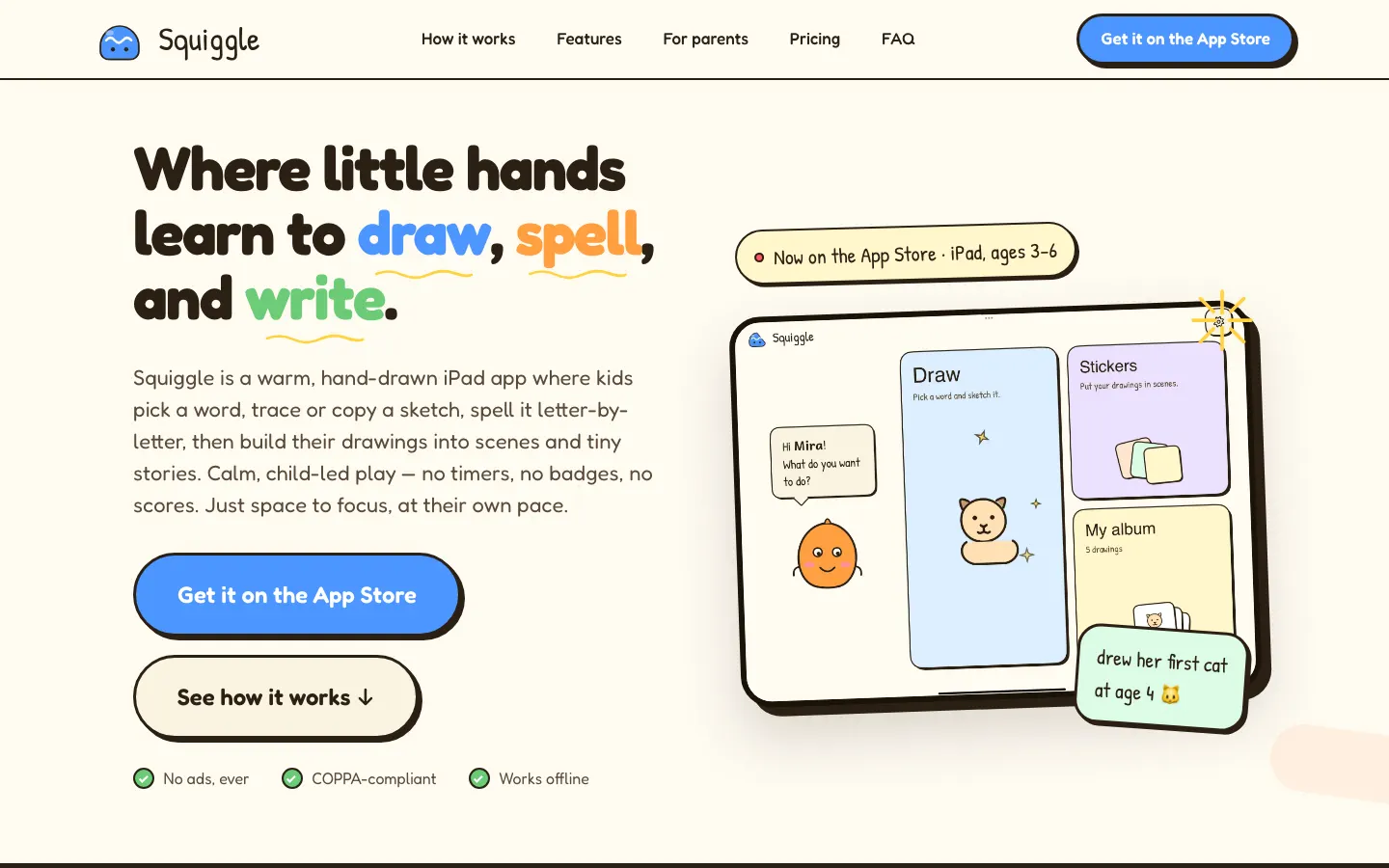
Squiggle
Squiggle is an iPad app for ages 3–6 that combines drawing, spelling, tracing, writing, and simple story-building in a calm, offline creative loop. It is listed under Art & creativity and Reading for ages 3–6.
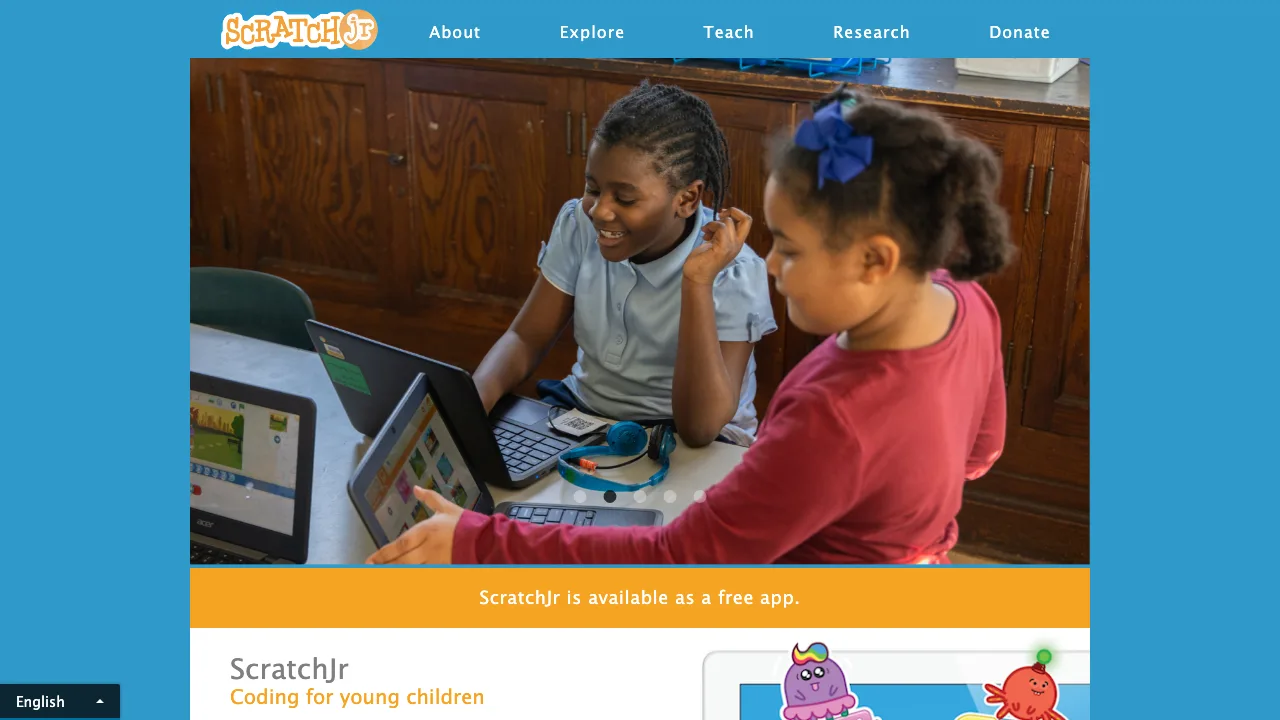
ScratchJr
A playful first coding app where young children create interactive stories and games with picture-based programming blocks. It is listed under Coding, Art & creativity, and Games for ages 5–7. Children and families can use it through a website, an Android app, and an iOS app.
Compare with context
Use this collection to find a direction, then open each resource page before sharing it with a child. The individual review shows languages, access formats, tags, age guidance, source links, and notes for grown-ups.
Search the full directory →